
Introduction
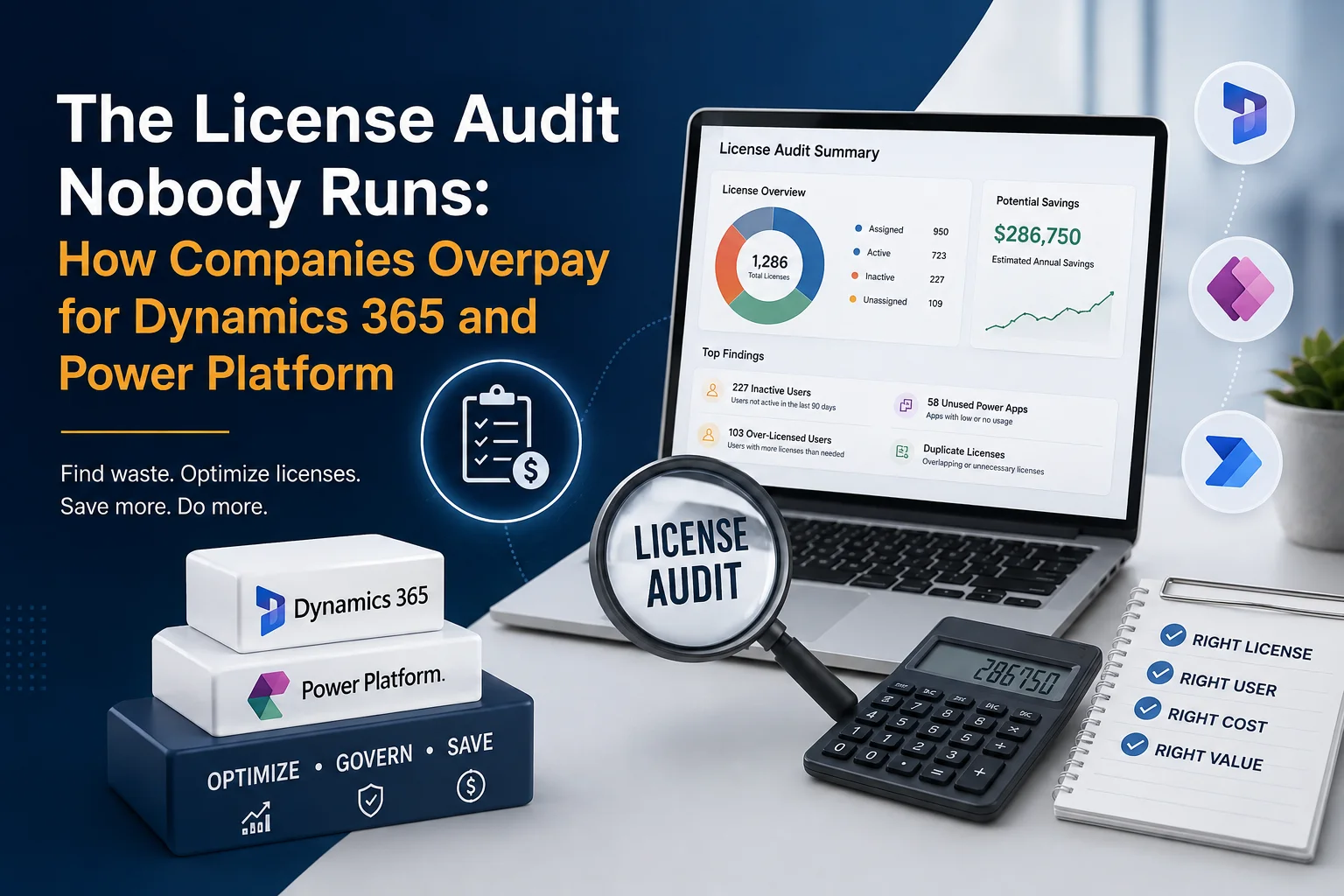
Microsoft Dynamics 365 and Power Platform can transform business operations. However, there is a hidden problem that many organisations overlook: licensing costs can quietly grow long after implementation is complete.
Businesses often purchase licenses based on expected usage. Over time, employees change roles, applications evolve, contractors leave, and new Power Platform solutions are introduced. Yet, the original licensing structure often remains unchanged.
As a result, companies may pay for unused Dynamics 365 licenses, unnecessary Power Platform capacity, duplicate entitlements, or users who no longer need premium functionality.
That is why a Dynamics 365 license audit should be part of ongoing Microsoft environment management—not something companies consider only when renewal arrives.
What Is a Dynamics 365 and Power Platform License Audit?
A Dynamics 365 and Power Platform license audit is a structured review of your Microsoft licensing environment to determine whether users have the right licenses for their actual roles and usage.
The objective is not simply to reduce the number of licenses. Instead, it is to ensure that every license delivers appropriate business value.
A typical audit examines:
- Dynamics 365 licenses assigned to users
- Power Apps and Power Automate licensing
- Microsoft 365 and Dynamics 365 license overlaps
- Inactive or former employees
- Users with excessive permissions or functionality
- Premium connector usage
- Power Platform capacity and environments
- Shared accounts and service accounts
- Duplicate or unnecessary subscriptions
- Upcoming licensing changes and renewal requirements
In other words, the goal is license optimisation rather than license reduction alone.
Why Companies Overpay for Dynamics 365 Licenses
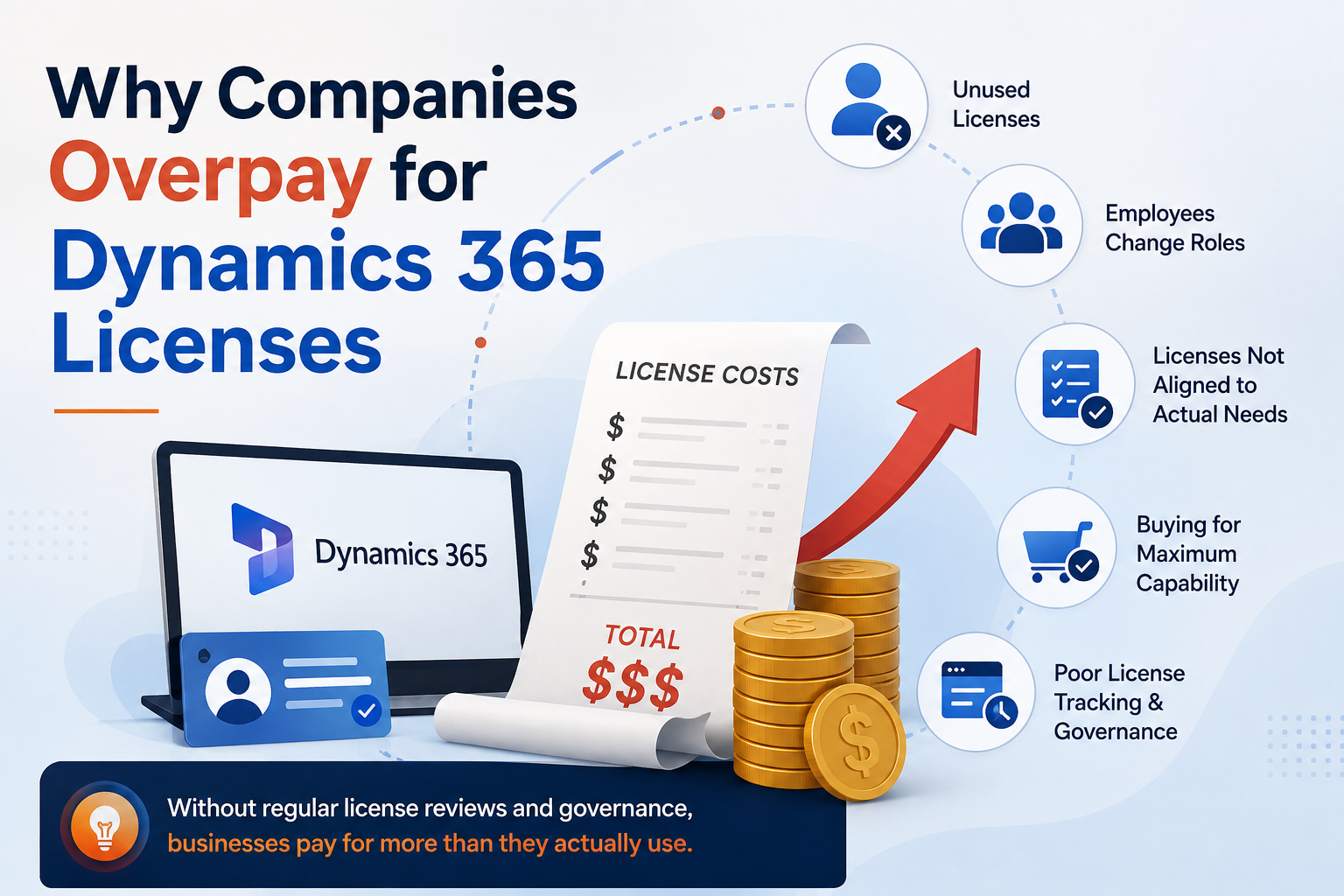
1. Licenses Are Assigned but Not Used
One of the simplest problems is also one of the most expensive.
A user may have a Dynamics 365 license assigned even though they rarely access the application. In larger organisations, these unused assignments can remain unnoticed for months.
For example, an employee may have moved from a sales role into a management position but still retain a license designed for intensive CRM usage.
Regular usage analysis can identify these situations before they become recurring costs.
2. Employee Changes Are Not Reflected in Licensing
Employees join, leave and change departments continuously.
However, licensing processes do not always keep pace.
When someone leaves the organisation, their license may remain assigned. Similarly, when an employee changes responsibilities, their existing license may no longer be appropriate.
Therefore, user lifecycle management should be connected to license management.
3. Companies Buy for Maximum Capability Instead of Actual Need
Another common mistake is selecting a license because it provides the most functionality.
More functionality does not necessarily mean more value.
A user who only needs limited CRM functionality may not require the same licensing level as an advanced Dynamics 365 administrator or power user.
The better approach is to map:
User role → Business requirement → Application usage → Appropriate license
4. Power Platform Licensing Becomes Difficult to Track
Power Platform can introduce additional complexity because organisations may use:
- Power Apps
- Power Automate
- Power Pages
- Dataverse
- Premium connectors
- Custom applications
- Automated workflows
As adoption increases, licensing requirements can become difficult to understand.
Consequently, organisations may purchase additional licenses or capacity without first determining whether their existing environment can be optimised.
The Hidden Cost of Power Platform Licensing
Power Platform is extremely flexible. However, that flexibility can create licensing challenges.
For example, a company might have dozens of Power Apps and hundreds of Power Automate flows. Some may be actively used, while others were created for temporary projects and are no longer important.
Without governance, businesses can end up paying for licensing requirements associated with applications that provide little or no current value.
Common Power Platform License Audit Questions
A useful audit should ask:
- Which users are actively using premium functionality?
- Which Power Apps are business-critical?
- Which applications are rarely accessed?
- Which Power Automate flows use premium connectors?
- Are there duplicate solutions performing similar tasks?
- Which environments are still required?
- Are users assigned more licensing than their roles require?
- Is Power Platform capacity being used efficiently?
These questions help organisations move from licensing based on assumptions to licensing based on evidence.
Dynamics 365 License Audit Checklist
| Audit Area | What to Check | Potential Opportunity |
|---|---|---|
| User licenses | Assigned vs. actual usage | Remove unnecessary licenses |
| Former employees | Inactive accounts | Recover licenses |
| Role changes | Current role vs. license | Reassign appropriate licenses |
| Dynamics 365 apps | Actual application usage | Optimise subscriptions |
| Power Apps | Premium vs. standard requirements | Review licensing needs |
| Power Automate | Premium connectors and flows | Identify unnecessary costs |
| Dataverse | Capacity and environment usage | Improve capacity management |
| Service accounts | Account purpose and access | Review licensing model |
| Renewals | Current requirements vs. historical purchases | Avoid overbuying |
How to Perform a Dynamics 365 License Audit
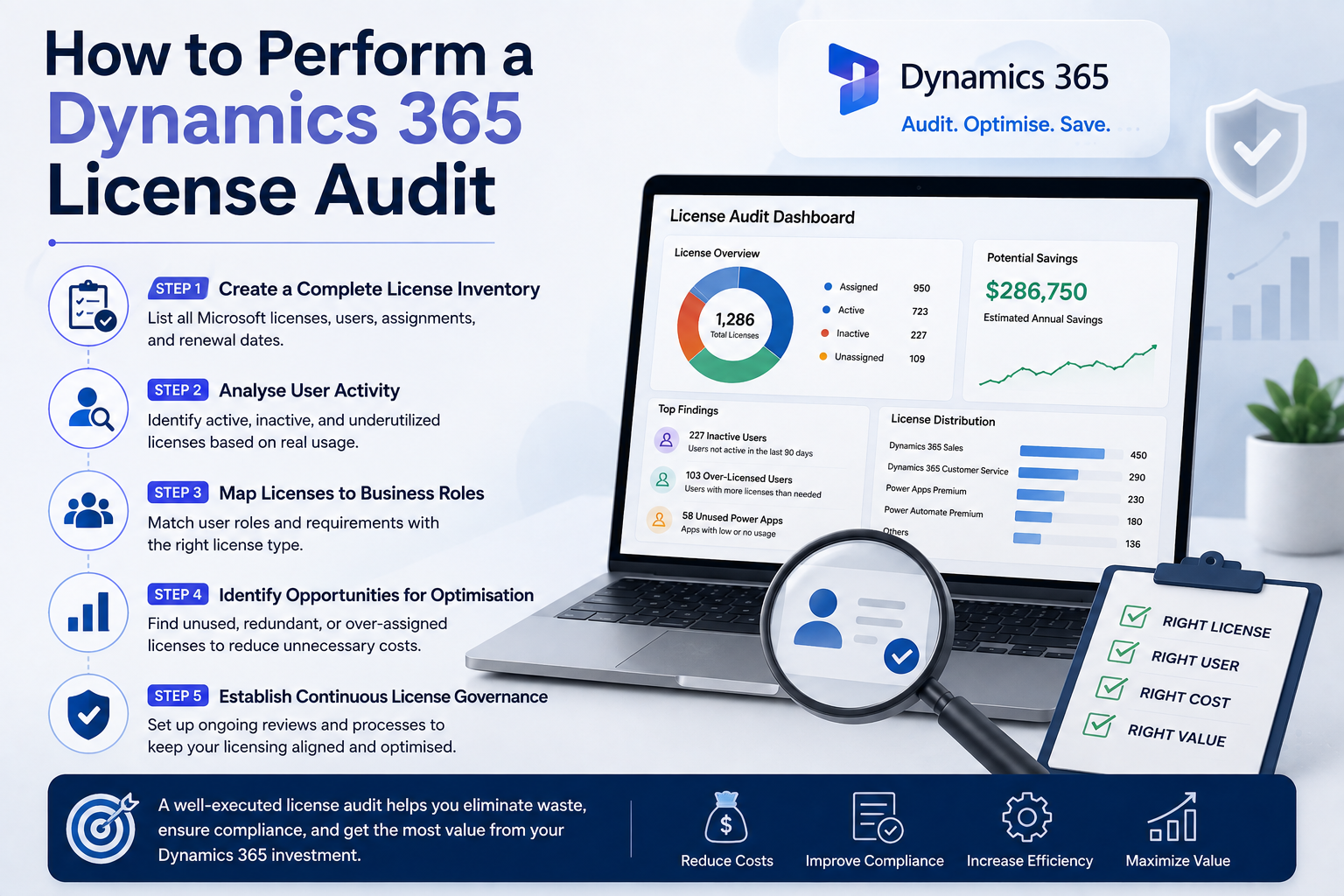
Step 1: Create a Complete License Inventory
Start by documenting all Microsoft licenses associated with Dynamics 365 and Power Platform.
Your inventory should include:
- License type
- Number purchased
- Number assigned
- Number actively used
- User or account assigned
- Application accessed
- Renewal date
This creates a reliable baseline for the audit.
Step 2: Analyse User Activity
Next, compare assigned licenses with actual usage.
Look for users who:
- Have not accessed the application recently
- Only use basic functionality
- Have changed departments
- Have multiple unnecessary licenses
- No longer work for the organisation
Importantly, do not remove licenses based solely on inactivity. Business requirements, temporary usage patterns and compliance requirements should also be considered.
Step 3: Map Licenses to Business Roles
Create standard licensing profiles for common roles.
For example:
| Role | Typical Requirement | Audit Focus |
|---|---|---|
| Sales user | CRM functionality | Actual Dynamics 365 usage |
| Customer service user | Customer service functionality | Application activity |
| Manager | Reporting and oversight | Avoid unnecessary full licenses |
| Power Platform maker | App/automation development | Premium requirements |
| Occasional user | Limited access | Lower-cost options |
The exact licensing requirement should always be validated against Microsoft’s current licensing terms and the organisation’s specific implementation.
Step 4: Identify Opportunities for Optimisation
After analysing users and applications, identify opportunities such as:
- Removing inactive assignments
- Reallocating licenses
- Standardising role-based licensing
- Eliminating duplicate subscriptions
- Reviewing Power Platform premium usage
- Improving joiner/mover/leaver processes
However, cost reduction should never come at the expense of functionality, security or compliance.
Step 5: Establish Continuous License Governance
A one-time audit can uncover savings. Continuous governance helps preserve them.
For example, organisations can establish:
Monthly: Review inactive users and unusual usage
Quarterly: Review licensing against business roles
Before renewal: Perform a complete license optimisation review
After major projects: Reassess application and Power Platform usage
This turns licensing from a reactive purchasing activity into an ongoing optimisation process.
Signs Your Company Needs a License Audit
Your organisation should consider a Dynamics 365 license audit if:
- Microsoft licensing costs keep increasing
- You have recently acquired another company
- Employee numbers have changed significantly
- Dynamics 365 has expanded into new departments
- Power Platform adoption has increased rapidly
- You are approaching a Microsoft renewal
- Nobody can clearly explain why certain licenses are assigned
- Your original licensing model was created several years ago
- Different departments purchase Microsoft licenses independently
If several of these conditions apply, there may be significant opportunities to optimise your licensing environment.
How Sky Soft Connections Can Help
Sky Soft Connections helps businesses get more value from their Microsoft technology investments through Dynamics 365 consulting, implementation, optimisation and ongoing support services.
A licensing review can form part of a broader Dynamics 365 and Power Platform optimisation strategy.
The process can include:
- Reviewing your existing Dynamics 365 environment
- Assessing application and user requirements
- Identifying potential licensing inefficiencies
- Reviewing Power Platform usage
- Supporting Microsoft solution optimisation
- Improving governance and administration processes
- Aligning technology usage with business requirements
- Providing ongoing Dynamics 365 support and consulting
The objective is straightforward: help businesses use the Microsoft platform efficiently while avoiding unnecessary complexity and expenditure.
Frequently Asked Questions
A Dynamics 365 license audit is a structured review of assigned licenses, user activity, business roles and application requirements to determine whether an organisation’s licensing model is appropriate and cost-effective.
A full review is particularly useful before Microsoft licensing renewals. However, organisations should also perform smaller quarterly reviews because users, roles and application requirements change throughout the year.
Yes. An audit can identify unused licenses, incorrect assignments, duplicate subscriptions and opportunities to align licenses with actual business requirements. However, savings depend on the organisation’s existing licensing structure.
Yes. Power Apps, Power Automate, Dataverse and other Power Platform services can introduce different licensing considerations. Therefore, Power Platform usage should be reviewed alongside Dynamics 365 licensing.
No. The goal should be the right license, not simply the cheapest license. Selecting an inadequate license can create functionality limitations, administrative complexity or unexpected costs later.
Final Thoughts
The biggest licensing problem is often not what companies purchase. It is what they continue paying for without reviewing.
Dynamics 365 and Power Platform environments evolve constantly. Employees change roles, applications are retired, new workflows are created and business requirements shift.
Therefore, your licensing strategy should evolve as well.
A structured Dynamics 365 license audit can reveal unused subscriptions, licensing mismatches and Power Platform optimisation opportunities. More importantly, it can create a repeatable governance process that keeps Microsoft licensing aligned with actual business needs.
If your organisation is preparing for a renewal, expanding its Dynamics 365 environment, or simply questioning whether it is paying for more Microsoft licensing than it needs, a professional licensing and environment review can be a valuable starting point.