
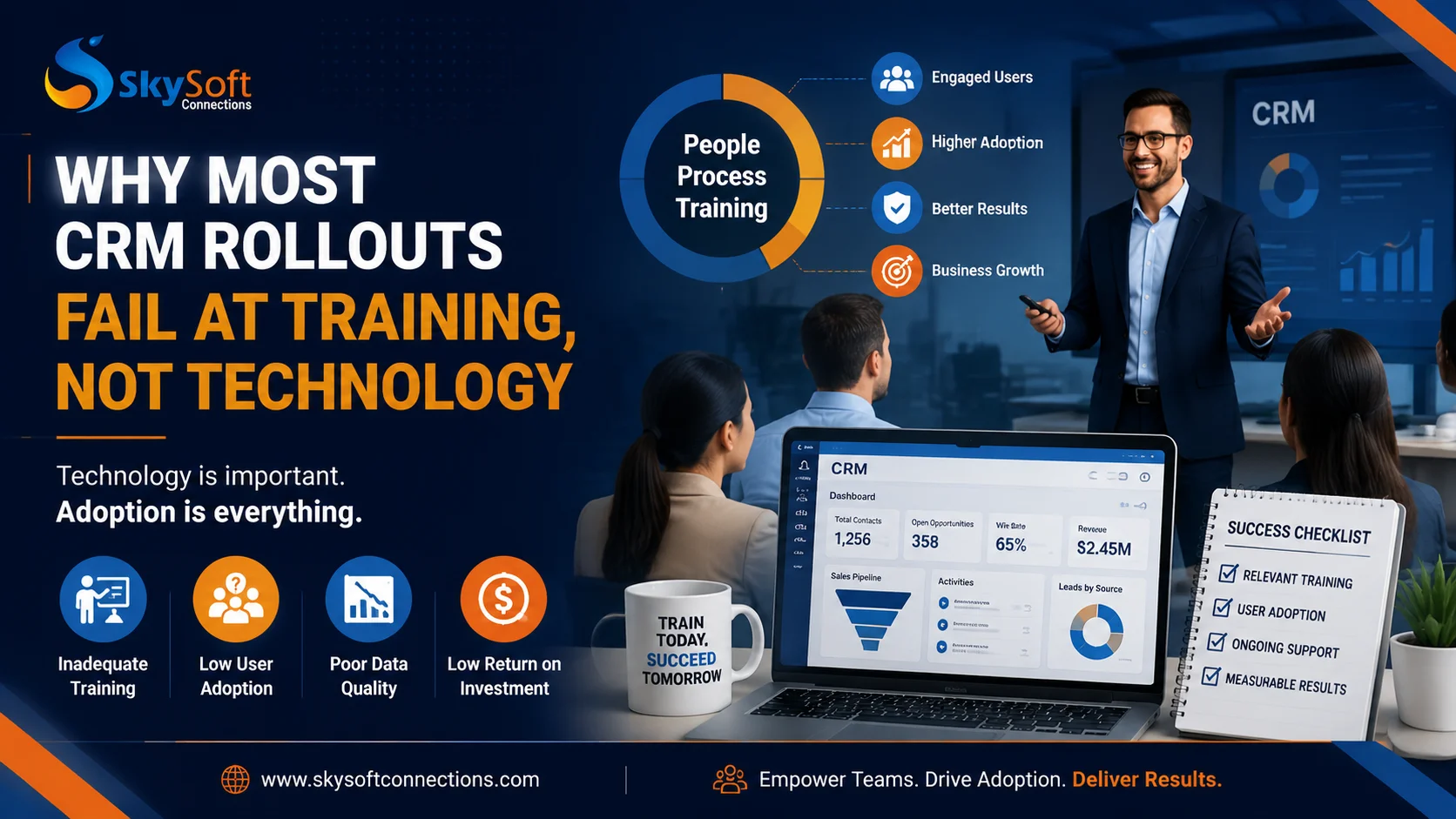
A modern CRM system can transform how businesses manage customers, automate sales processes, and improve decision-making. However, many companies discover an unexpected challenge after investing thousands of dollars into CRM implementation:
The technology works, but employees do not use it effectively.
According to industry experience, most CRM failures are not caused by poor software capabilities. Instead, they happen because organizations underestimate the importance of CRM rollout training, user adoption, and change management.
A powerful CRM platform such as Microsoft Dynamics 365 can provide advanced automation, analytics, and customer insights. However, without proper training and adoption strategies, even the best CRM solution can become an expensive database that employees avoid.
This is why successful CRM implementation requires more than technical deployment. It requires a complete approach focused on people, processes, and continuous learning.
The Real Reason CRM Implementations Fail
Many organizations focus heavily on selecting the right CRM software. They compare features, pricing, integrations, and technical capabilities.
However, they often overlook the most important factor:
Employee Adoption.
A CRM system only creates value when employees consistently use it to manage customer relationships, update opportunities, track activities, and follow business processes.
Without proper training, employees may:
- Avoid entering customer information
- Continue using spreadsheets and personal tools
- Enter incomplete or inaccurate data
- Ignore automated workflows
- Resist new CRM processes
As a result, management loses trust in CRM reports, sales teams lose productivity, and the company fails to achieve its expected return on investment.
Technology Is Only 30% of CRM Success
A common misconception is that buying the right CRM platform guarantees success.
In reality, CRM success depends on multiple factors:
| CRM Success Factor | Impact |
|---|---|
| Technology Selection | Provides the foundation |
| System Configuration | Aligns CRM with business needs |
| Employee Training | Drives daily adoption |
| Change Management | Reduces resistance |
| Continuous Support | Maintains long-term success |
A technically perfect CRM solution can still fail if users do not understand how it improves their daily work.
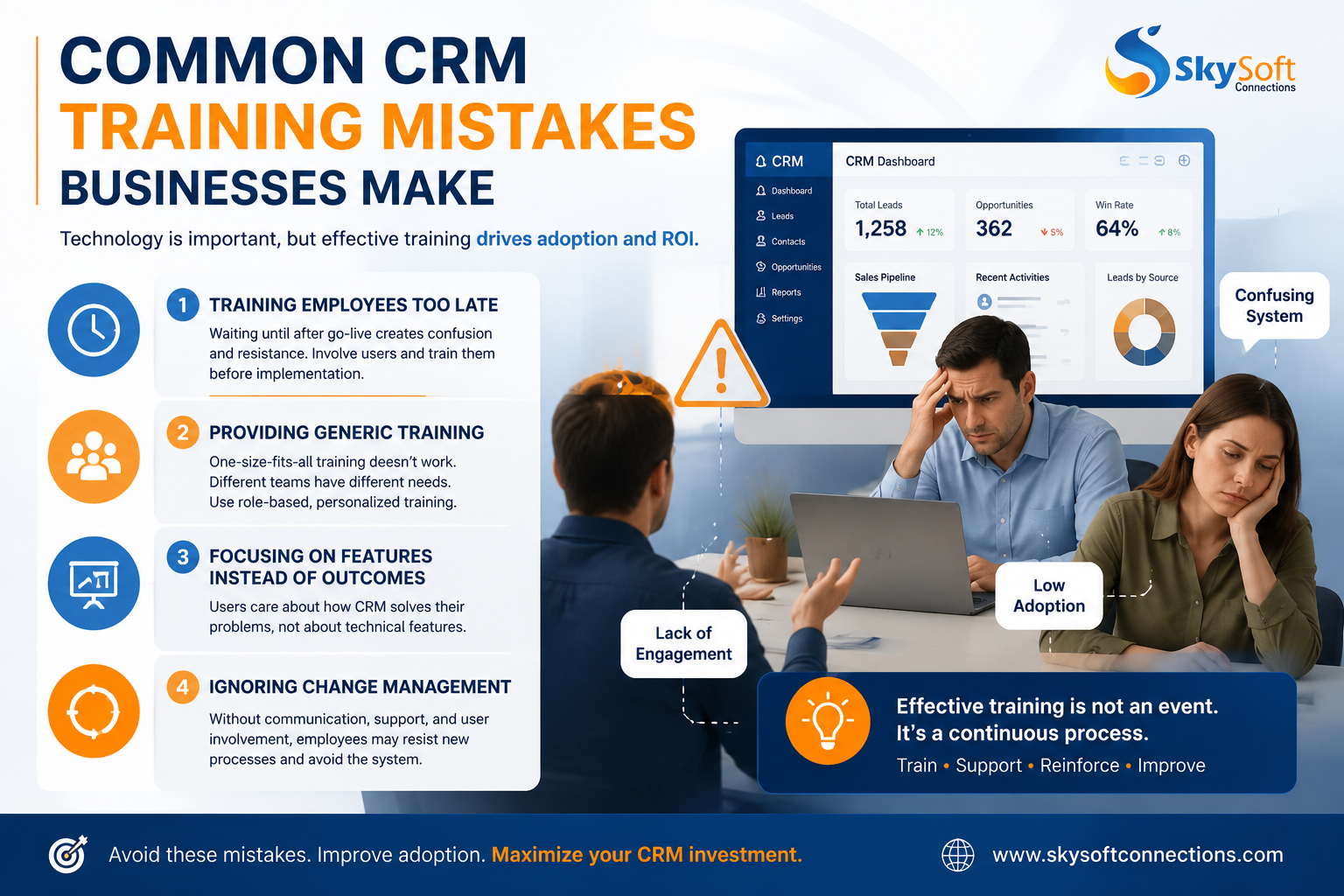
Common CRM Training Mistakes Businesses Make
1. Training Employees Too Late
One of the biggest mistakes companies make is introducing training after the CRM system has already launched.
At this stage, employees are already confused about new processes and may develop negative opinions about the platform.
Better Approach:
Start training before deployment.
Employees should understand:
- Why the company is implementing CRM
- How it will improve their workflow
- What changes they should expect
- How success will be measured
Early involvement creates confidence and reduces resistance.
2. Providing Generic CRM Training
Every business operates differently.
A sales team, customer support department, and management team have completely different CRM requirements.
However, many organizations provide the same generic training session to everyone.
For example:
| User Group | Training Focus |
|---|---|
| Sales Team | Lead management, opportunities, forecasting |
| Customer Support | Case management, customer history |
| Managers | Dashboards, reporting, analytics |
| Administrators | Configuration and security |
Role-based CRM training improves understanding because employees learn features relevant to their responsibilities.
3. Focusing on Features Instead of Business Outcomes
Employees usually do not care about software features.
They care about solving their daily problems.
Instead of saying:
“This CRM has automated workflows.”
Explain:
“This workflow automatically assigns leads, so sales representatives spend less time on manual tasks.”
Effective CRM training connects technology with real business benefits.
4. Ignoring Change Management
A CRM implementation changes how employees work.
For many teams, moving from spreadsheets, emails, or legacy systems to a structured CRM platform feels uncomfortable.
Without proper change management, employees may see CRM as extra work instead of a productivity tool.
Successful CRM adoption requires:
- Clear communication
- Leadership involvement
- User feedback
- Regular training sessions
- Internal CRM champions
Signs Your CRM Training Strategy Is Failing
Businesses should monitor adoption indicators after implementation.
Common warning signs include:
| Warning Sign | What It Means |
|---|---|
| Low CRM login activity | Users are avoiding the system |
| Missing customer data | Employees lack understanding |
| Duplicate records | Processes are unclear |
| Offline spreadsheets continue | CRM trust is low |
| Poor reporting accuracy | Data quality issues exist |
Identifying these problems early allows organizations to improve adoption before the CRM investment loses value.
How to Build a Successful CRM Rollout Training Strategy
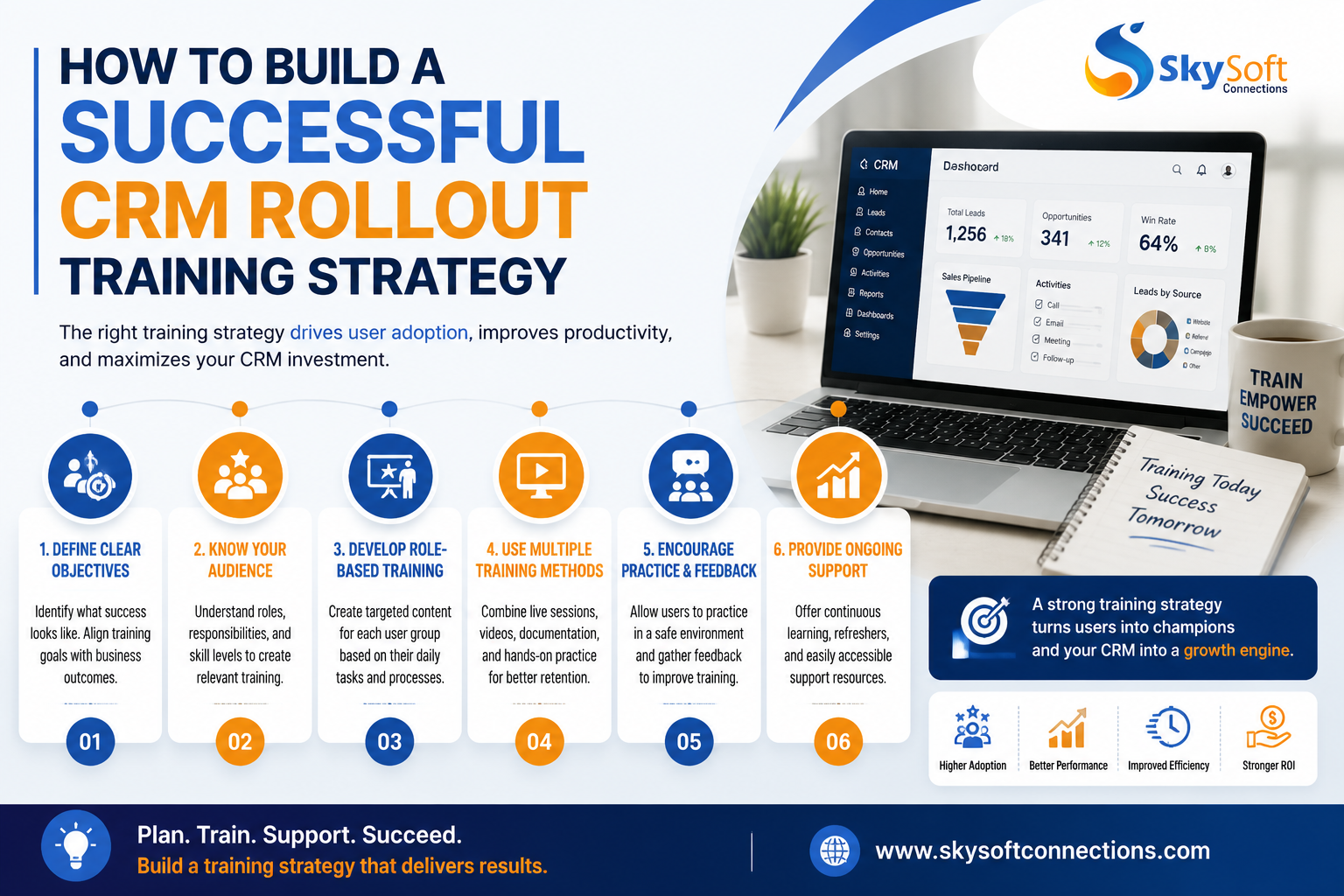
Step 1: Understand User Requirements
Before training begins, identify:
- Different user roles
- Current business challenges
- Existing workflows
- Employee skill levels
This helps create relevant training programs.
Step 2: Create Role-Based Learning Paths
A successful CRM training program should not be one-size-fits-all.
Instead, create different learning paths:
Sales Users
Training should cover:
- Lead qualification
- Opportunity tracking
- Sales pipelines
- Customer communication history
Managers
Training should focus on:
- Sales forecasting
- Performance dashboards
- Business insights
- Reporting
Administrators
Training should include:
- User management
- Security settings
- Workflow configuration
- System optimization
Step 3: Provide Continuous CRM Training
CRM learning should not end after launch.
Successful organizations provide:
- Monthly refresher sessions
- New feature training
- Knowledge documentation
- Video tutorials
- User feedback sessions
Continuous improvement ensures employees stay confident and engaged.
Why Microsoft Dynamics 365 Requires Proper Training
Microsoft Dynamics 365 is one of the most powerful CRM platforms available today. It provides businesses with:
- Sales automation
- Customer insights
- AI-powered recommendations
- Workflow automation
- Advanced reporting
- Integration with Microsoft ecosystem
However, its extensive capabilities also mean users need proper guidance.
Without effective Dynamics 365 CRM training, businesses may only use a small percentage of available features.
How Sky Soft Connections Helps Businesses Improve CRM Adoption
At Sky Soft Connections, we help organizations successfully implement and optimize Microsoft Dynamics 365 CRM solutions.
Our approach goes beyond technical deployment. We focus on helping businesses achieve real user adoption through:
Microsoft Dynamics 365 Consulting
Our experts analyze business processes and design CRM solutions aligned with organizational goals.
Customized CRM Implementation
We configure Dynamics 365 according to your sales, customer service, and operational requirements.
User Training & Adoption Support
We provide practical training designed around real business scenarios, helping teams confidently use the CRM platform.
Power Platform Integration
Using Microsoft Power Apps, Power Automate, and Power BI, we help businesses automate workflows and gain actionable insights.
Continuous CRM Optimization
After deployment, we support organizations with improvements, enhancements, and system optimization.
Learn more about our Microsoft solutions and CRM services at Sky Soft Connections:
CRM Training Checklist Before Go-Live
Use this checklist to prepare your team:
- Define CRM goals and success metrics
- Identify user roles and responsibilities
- Create role-specific training materials
- Train employees before launch
- Provide hands-on practice sessions
- Collect user feedback
- Monitor adoption reports
- Offer ongoing support
Frequently Asked Questions (AEO Section)
CRM implementations usually fail because organizations focus more on technology than employee adoption. Poor training, resistance to change, and unclear processes are common reasons.
Training is one of the most important factors in CRM success because employees must understand how to use the system effectively and integrate it into their daily workflow.
Businesses can improve CRM adoption by providing role-based training, involving employees early, offering continuous support, and aligning CRM features with business goals.
Microsoft Dynamics 365 is a powerful platform with many features. While basic functionality is easy to learn, proper training helps organizations maximize advanced capabilities.
Final Thoughts
A CRM system is not successful because it has advanced technology. It becomes successful when employees trust it, understand it, and use it consistently.
Therefore, businesses should treat CRM training as a strategic investment rather than a final implementation step.
With the right training approach, change management strategy, and expert guidance from partners like Sky Soft Connections, organizations can maximize CRM adoption and achieve long-term business growth.
Read more : Mobile-First CRM: Why Field Teams Abandon Systems That Don’t Work Offline