Table of Content
Switching to a new CRM can improve sales processes, customer management, reporting, and automation. However, one of the biggest concerns businesses face during a CRM migration is simple: what happens to your existing data?
Customer records, sales opportunities, contact details, emails, notes, activities, documents, and historical information may all need to move from the old CRM to the new system.
A well-planned CRM data migration helps businesses protect this information while reducing downtime, duplicate records, missing data, and operational disruption.
In this guide, we explain what happens to your data when you switch CRMs and how businesses can make the transition safer and more efficient.
What Happens to Your Data During a CRM Migration?
When you switch CRMs, your existing information usually goes through several stages:
- Data assessment – Your existing CRM data is reviewed and categorized.
- Data extraction – Relevant information is exported from the old CRM.
- Data cleansing – Duplicate, outdated, incomplete, or incorrect records are identified.
- Data transformation – Data is converted into a format compatible with the new CRM.
- Data mapping – Old CRM fields are matched with corresponding fields in the new system.
- Data import – Cleaned and mapped information is transferred into the new CRM.
- Validation – Records, relationships, permissions, and important fields are checked.
- Final migration – The approved data is moved into the production environment.
Therefore, CRM migration is more than simply exporting a spreadsheet and uploading it somewhere else.
What Types of CRM Data Can Be Migrated?
The exact information you can migrate depends on your existing and new CRM platforms. However, common CRM migration data includes:
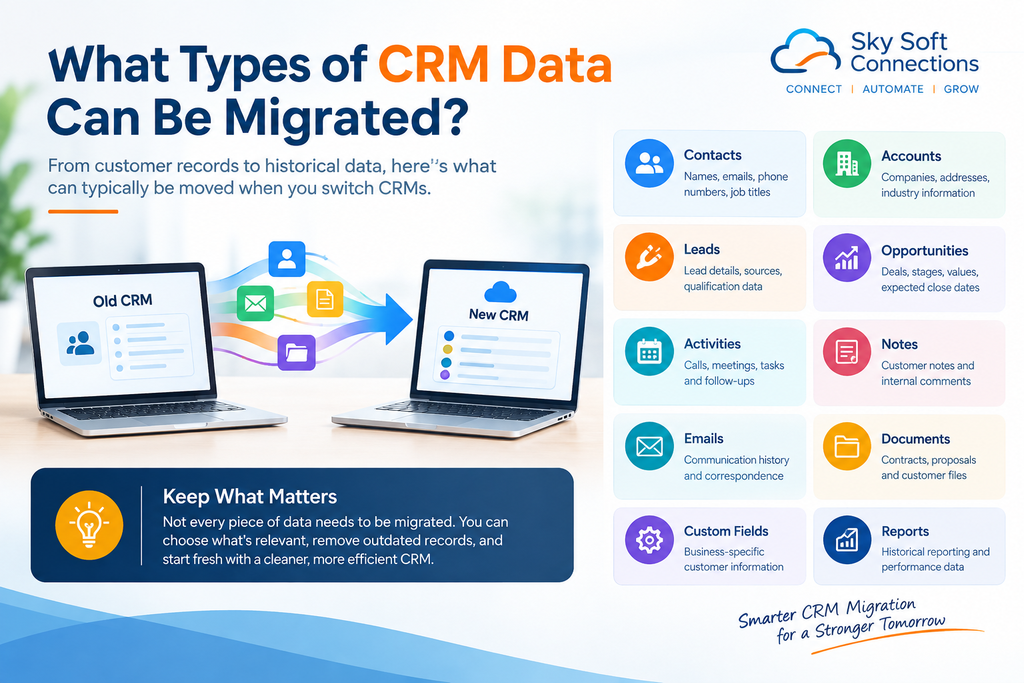
| Data Type | Common Examples |
|---|---|
| Contacts | Names, emails, phone numbers, job titles |
| Accounts | Companies, addresses, industry information |
| Leads | Lead details, sources, qualification data |
| Opportunities | Deals, stages, values, expected close dates |
| Activities | Calls, meetings, tasks and follow-ups |
| Notes | Customer notes and internal comments |
| Emails | Communication history and correspondence |
| Documents | Contracts, proposals and customer files |
| Custom Fields | Business-specific customer information |
| Reports | Historical reporting and performance data |
Not every piece of information should automatically be migrated. Some legacy data may be outdated, duplicated, irrelevant, or incompatible with the new CRM.
Will Your Old CRM Data Be Deleted?
Not necessarily.
In most CRM migration projects, businesses can retain their original CRM data while the new system is being configured and tested.
A safer approach is to:
- Create a complete backup before migration.
- Keep the original CRM accessible during the transition.
- Test the migrated data before switching completely.
- Maintain a rollback or recovery plan.
- Confirm that important historical records are available in the new CRM.
The old CRM should generally not be shut down immediately after importing data. Instead, businesses should verify the new environment first.
What Happens to Duplicate or Outdated Data?
CRM migration provides an opportunity to clean your database.
For example, your old CRM might contain:
- Duplicate customer records
- Former customers
- Invalid email addresses
- Incomplete contact information
- Old leads
- Unused custom fields
- Duplicate companies
- Outdated sales opportunities
Instead of transferring everything exactly as it is, businesses can perform CRM data cleansing before migration.
This can reduce database clutter and make the new CRM easier to manage.
What Happens to Customer History?
Customer history is often one of the most valuable parts of a CRM.
Depending on the platforms involved, migration may include:
- Previous interactions
- Sales activities
- Support records
- Notes
- Deal history
- Customer communication
- Account relationships
- Previous transactions
However, historical data may not always map perfectly between two different CRM platforms.
For this reason, businesses should identify their critical historical data before migration and decide what must remain accessible after the switch.
What Happens to CRM Integrations?
A CRM rarely works alone.
Your existing CRM may be connected to:
- Microsoft 365
- Outlook
- Email platforms
- Websites
- Marketing automation tools
- Accounting systems
- ERP platforms
- Customer portals
- Power Apps
- Business Central
- SharePoint
- Third-party APIs
When you change CRM platforms, these integrations may need to be rebuilt or reconfigured.
For example, an integration that sends website leads directly into your old CRM may stop working after migration unless the connection is updated for the new platform.
Therefore, CRM integration migration should be treated as a separate part of the migration project rather than an afterthought.
Common CRM Migration Risks
CRM migration can create operational problems when businesses move data without proper planning.
Common risks include:
Data Loss
Some records may not transfer correctly because of incompatible fields, unsupported formats, or migration errors.
Duplicate Records
Poor data cleansing can result in duplicate customers, contacts, or companies appearing in the new CRM.
Broken Relationships
Contacts may become disconnected from their companies, opportunities, activities, or other related records.
Missing Historical Data
Important customer history may be left behind if the migration scope is not properly defined.
Integration Failures
Connected applications may stop exchanging information with the new CRM.
Business Disruption
Poorly planned migrations can affect sales, customer service, reporting, and daily operations.
How to Prepare for a CRM Migration
A structured migration plan can significantly reduce these risks.
Before switching CRMs, businesses should:
- Audit the existing CRM database.
- Identify the data that must be migrated.
- Remove unnecessary or obsolete information.
- Clean duplicate records.
- Map old fields to new fields.
- Document existing integrations.
- Back up the original CRM.
- Test migration with a smaller dataset.
- Validate the migrated records.
- Train users before the final switch.
Most importantly, involve the teams that actually use the CRM. Sales, customer service, marketing, and management may each rely on different types of information.
CRM Migration vs. CRM Implementation
These terms are related but not identical.
| CRM Migration | CRM Implementation |
|---|---|
| Moves existing data | Sets up the new CRM |
| Cleans and transforms records | Configures processes and workflows |
| Maps old fields to new fields | Creates new fields and business rules |
| Transfers historical information | Builds automation |
| Protects existing business data | Establishes the new operating environment |
In many projects, both activities happen together.
How Sky Soft Connections Can Help With CRM Migration
A CRM migration is not simply a technical data transfer. It also involves business processes, integrations, automation, security, and user workflows.
Sky Soft Connections helps businesses work with Microsoft business technology, including Dynamics 365, Power Platform, Business Central, Power Apps, Power BI, and AI-powered business solutions.
Our services can support organizations with areas such as:
- Dynamics 365 CRM implementation and customization
- CRM data migration and data mapping
- Microsoft Power Platform solutions
- Business Central integration
- Power Apps development
- SharePoint and CRM integration
- API and custom integration development
- CRM workflow automation
- Data cleansing and validation
- AI-powered CRM automation
The goal is to help businesses move from their existing environment to a more connected and manageable CRM ecosystem while keeping important business data accessible.
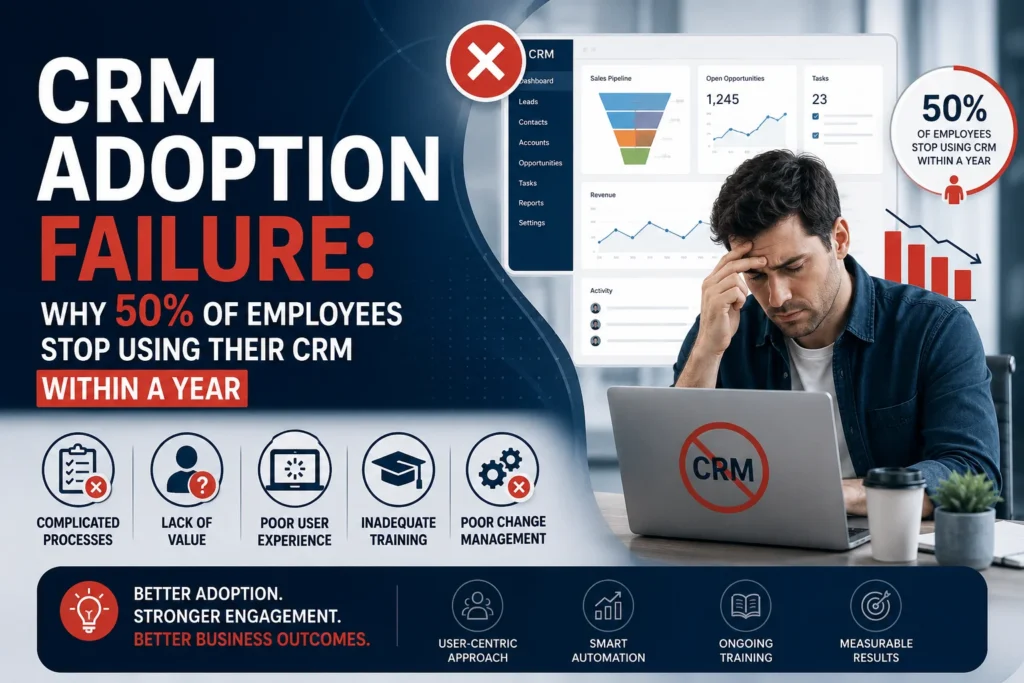
Read more : CRM Adoption Failure: Why 50% of Employees Stop Using Their CRM Within a Year
Frequently Asked Questions
Your existing CRM data can be exported, cleaned, mapped, transformed, and imported into the new CRM. The exact process depends on the platforms and data involved.
Yes. Businesses can usually retain a backup or keep the old CRM accessible during the migration and validation period.
Migration itself does not necessarily delete the original data. However, businesses should create a verified backup before making major changes.
The timeline depends on the amount of data, number of integrations, data quality, customization, and complexity of the new CRM.
In many cases, yes. However, the available options depend on the source CRM, destination CRM, email system, and supported migration methods.
Data quality and compatibility are common challenges. Poorly structured or duplicated data can make migration more difficult and increase the risk of errors.
Final Thoughts
Switching CRMs does not have to mean starting from zero.
With proper CRM data migration planning, businesses can preserve important customer information, clean outdated records, rebuild integrations, and create a stronger foundation for future automation.
The key is to treat migration as a structured business project rather than a simple data export.
Before switching CRM platforms, understand what data you have, what data you need, where it needs to go, and how your existing systems connect to it. With the right migration strategy, your new CRM can become more than a replacement. It can become the foundation for better customer management, automation, reporting, and business growth.
 is a software solution company that was established in 2016. Our quality services begin with experience and end with dedication. Our directors have more than 15 years of IT experience to handle various projects successfully. Our dedicated teams are available to help our clients streamline their business processes, enhance their customer support, automate their day-to-day tasks, and provide software solutions tailored to their specific needs. We are experts in Dynamics 365 and Power Platform services, whether you need Dynamics 365 implementation, customization, integration, data migration, training, or ongoing support.