
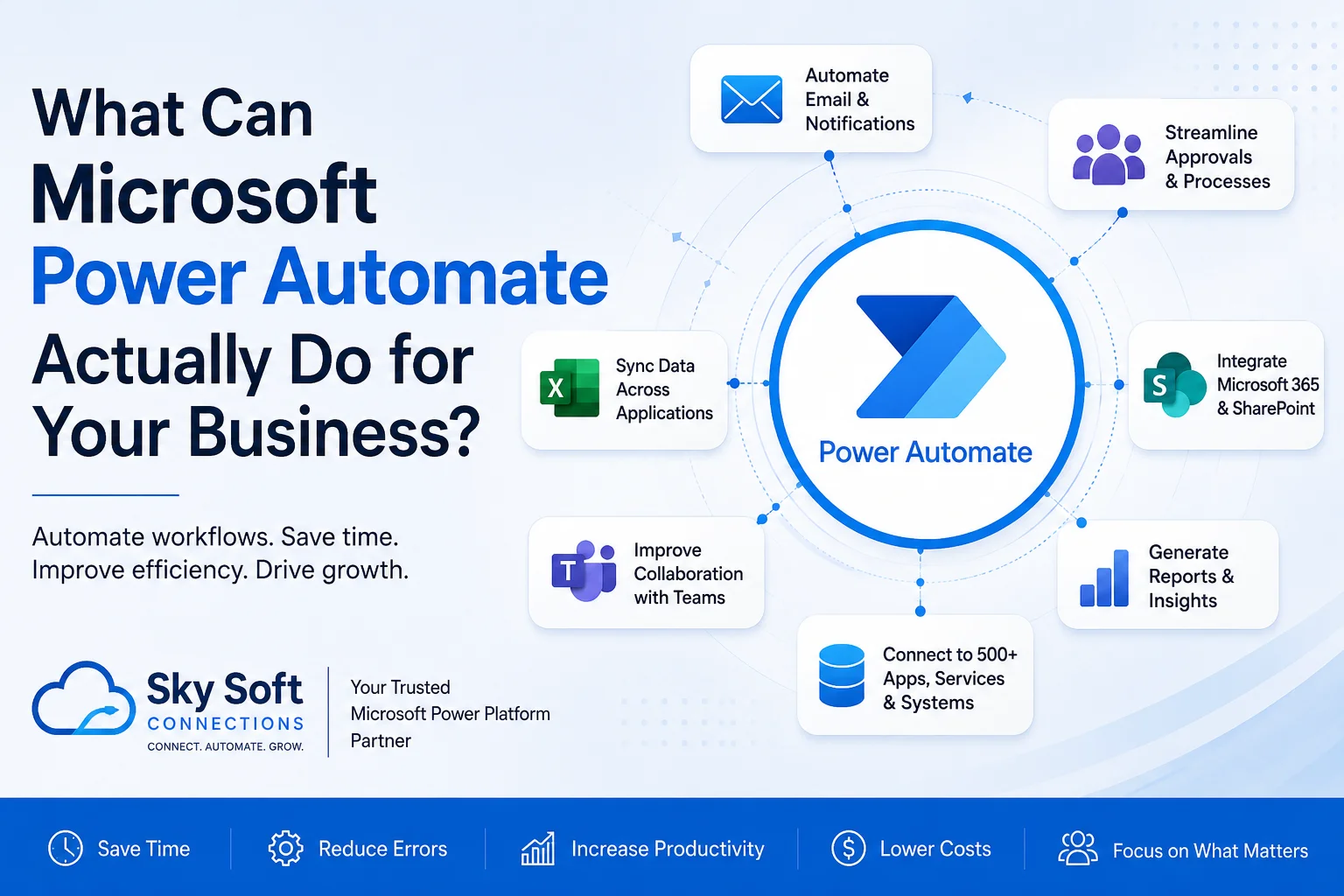
Beyond Simple Automation: Unlocking Real Business Value with Power Automate
Many businesses invest in digital tools expecting improved productivity, only to find employees still spending hours on repetitive administrative tasks. Sales teams manually update CRM records, HR departments chase approvals through endless email chains, finance teams process invoices one by one, and managers struggle to gain visibility into operations.
This is where Microsoft Power Automate transforms the way organisations work.
But one question still remains:
What can Microsoft Power Automate actually do for your business?
The answer is simple: far more than most organisations realise.
From automating approvals and eliminating data entry to integrating business applications and enabling AI-driven workflows, Power Automate has become a critical component of modern digital transformation strategies.
In this guide, we’ll explore practical use cases, business benefits, and how Sky Soft Connections helps organisations successfully implement Microsoft Power Automate solutions.
What Is Microsoft Power Automate?
Microsoft Power Automate is a cloud-based automation platform within the Microsoft Power Platform ecosystem that enables businesses to automate repetitive tasks and streamline processes without extensive coding.
It connects hundreds of applications and services, including:
- Microsoft Dynamics 365
- Microsoft 365
- SharePoint
- Outlook
- Microsoft Teams
- Excel
- SQL Server
- SAP
- Salesforce
- ServiceNow
- Dropbox
- Google services
- Custom APIs
Using these connections, organisations can build automated workflows that move information between systems, trigger actions based on business events, and reduce manual effort.
[fusion_modal title=”Dynamics 365 CRM: Power Automate Process Assessment Checklist” size=”large” show_footer=”yes” name=”power-automate-checklist”]
[fusion_form form_post_id=”7886″ hide_on_mobile=”small-visibility,medium-visibility,large-visibility”][/fusion_form]
[/fusion_modal]
[fusion_button enable_hover_text_icon=”no” target=”_self” aria_role_button=”0″ color=”default” stretch=”default” icon_position=”right” icon_divider=”no” hover_transition=”none” animation_direction=”left” animation_speed=”0.3″ animation_delay=”0″ hide_on_mobile=”small-visibility,medium-visibility,large-visibility” sticky_display=”normal,sticky” modal=”power-automate-checklist” icon=”fa-arrow-alt-circle-down fas”]Download Power Automate Process Assessment Checklist[/fusion_button]
Why Businesses Are Investing in Automation
According to industry trends, employees spend a significant portion of their working hours performing repetitive administrative activities that could be automated.
Common challenges include:
- Duplicate data entry
- Delayed approvals
- Manual reporting
- Missed follow-ups
- Inconsistent processes
- Human errors
- Poor visibility across departments
Power Automate addresses these challenges by enabling organisations to create standardised, efficient, and scalable workflows.
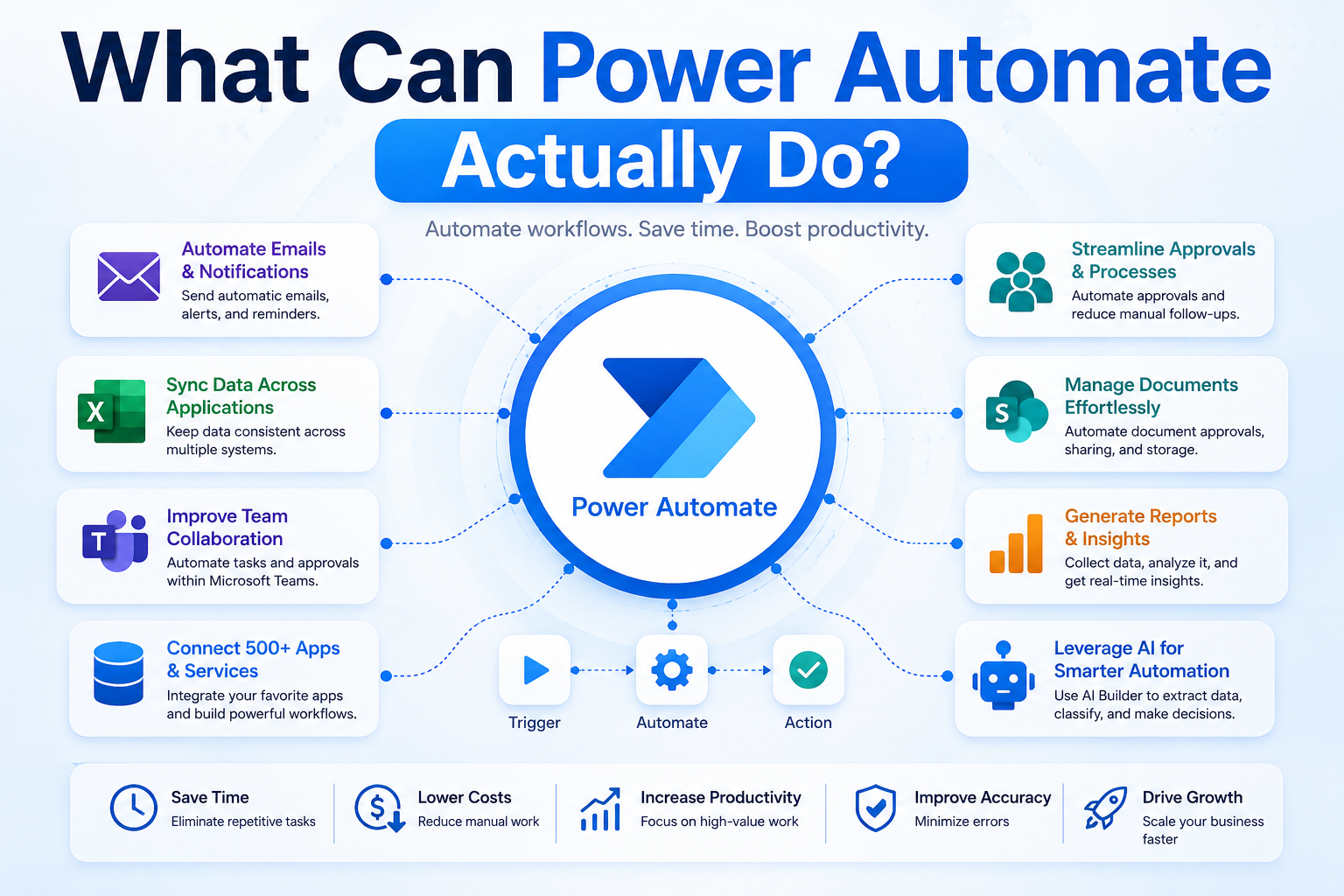
What Can Power Automate Actually Do?
The platform supports a wide range of automation scenarios.
1. Automate Approval Processes
Approval bottlenecks slow down businesses.
Power Automate can automatically route approvals for:
- Purchase requests
- Leave applications
- Expense claims
- Vendor onboarding
- Contract reviews
- Recruitment decisions
Approvers receive notifications directly within Microsoft Teams, Outlook, or mobile devices.
Example Workflow
| Step | Action |
|---|---|
| Employee submits request | Microsoft Forms |
| Manager notified | Teams/Email |
| Approval captured | Power Automate |
| Records updated | SharePoint/Dynamics 365 |
| Employee informed | Automated notification |
2. Eliminate Manual Data Entry
Data duplication increases errors and wastes time.
Power Automate synchronises information between systems automatically.
Examples:
- Transfer website leads into Dynamics 365 CRM.
- Update ERP records after sales orders are approved.
- Create support tickets from incoming emails.
- Synchronise customer information between applications.
Business Benefits
| Manual Process | Automated Outcome |
|---|---|
| Re-entering customer details | Instant synchronisation |
| Copying data between systems | Automated updates |
| Spreadsheet consolidation | Real-time data flow |
| Human data errors | Improved accuracy |
3. Improve CRM Efficiency
Organisations using Microsoft Dynamics 365 CRM often struggle with user adoption because of repetitive tasks.
Power Automate enhances CRM performance by automating:
- Lead assignments
- Opportunity updates
- Follow-up reminders
- Quote approvals
- Customer onboarding processes
- Escalation workflows
This allows sales teams to focus on selling rather than administration.
4. Streamline HR Operations
Human Resources departments frequently manage repetitive processes involving multiple stakeholders.
Power Automate can automate:
Recruitment
- Candidate application notifications
- Interview scheduling
- Hiring approvals
- Offer letter workflows
Employee Onboarding
- Account provisioning requests
- Equipment allocation approvals
- Training assignments
- Welcome communications
Leave Management
- Leave request approvals
- Calendar updates
- Payroll notifications
5. Simplify Finance Processes
Finance teams often depend heavily on manual approvals and document processing.
Power Automate can assist with:
- Invoice approval routing
- Expense claim management
- Payment notifications
- Budget request approvals
- Financial document archiving
Finance Automation Impact
| Traditional Approach | Automated Approach |
|---|---|
| Email chains | Structured workflows |
| Delayed decisions | Faster approvals |
| Paper records | Digital tracking |
| Limited visibility | Real-time monitoring |
6. Enhance Customer Service
Customer expectations continue to evolve.
Businesses can use Power Automate to:
- Automatically acknowledge support requests.
- Escalate unresolved cases.
- Notify managers of SLA breaches.
- Update customers regarding case progress.
- Create service records across systems.
Improved responsiveness leads to higher customer satisfaction.
7. Generate Real-Time Notifications
Critical information should reach the right people immediately.
Power Automate enables notifications through:
- Microsoft Teams
- Email alerts
- Mobile notifications
- Adaptive cards
- SMS integrations
Examples include:
- High-value opportunities created.
- Contracts nearing expiration.
- Inventory shortages.
- Service requests requiring urgent action.
8. Automate Document Management
Many organisations struggle with document control.
Power Automate supports:
- Automatic file naming conventions
- Document approval workflows
- SharePoint document routing
- Version control processes
- Secure document distribution
This reduces administrative burden and improves governance.
9. Integrate Business Applications
One of Power Automate’s greatest strengths is connectivity.
Common Integration Scenarios
| System A | System B | Outcome |
|---|---|---|
| Dynamics 365 | Outlook | Automatic activity tracking |
| Dynamics 365 | SharePoint | Centralised document storage |
| Forms | Teams | Instant notifications |
| SQL Server | Power BI | Automated reporting refresh |
| ERP Systems | CRM | Unified customer information |
Instead of employees manually moving information between applications, workflows handle it automatically.
10. Enable AI-Powered Automation
Microsoft continues expanding AI capabilities across Power Platform.
Businesses can leverage AI for:
- Document processing
- Invoice extraction
- Sentiment analysis
- Intelligent approvals
- Natural language interactions
- Predictive insights
These capabilities allow organisations to automate increasingly sophisticated business scenarios.
Key Benefits of Power Automate
Implementing automation delivers measurable business value.
| Benefit | Business Impact |
|---|---|
| Increased productivity | Employees focus on higher-value work |
| Faster approvals | Reduced operational delays |
| Improved compliance | Standardised processes |
| Reduced costs | Lower administrative overhead |
| Enhanced visibility | Better reporting and tracking |
| Greater accuracy | Fewer manual errors |
| Scalability | Supports organisational growth |
Is Power Automate Suitable for Small Businesses?
Absolutely.
Although large enterprises benefit significantly from automation, small and medium-sized businesses often experience even faster returns because many of their processes remain manual.
Common SMB use cases include:
- Lead management
- Invoice approvals
- Employee onboarding
- Customer notifications
- Task assignments
- Document workflows
Automation enables smaller organisations to operate with enterprise-level efficiency.
Common Signs Your Business Needs Power Automate
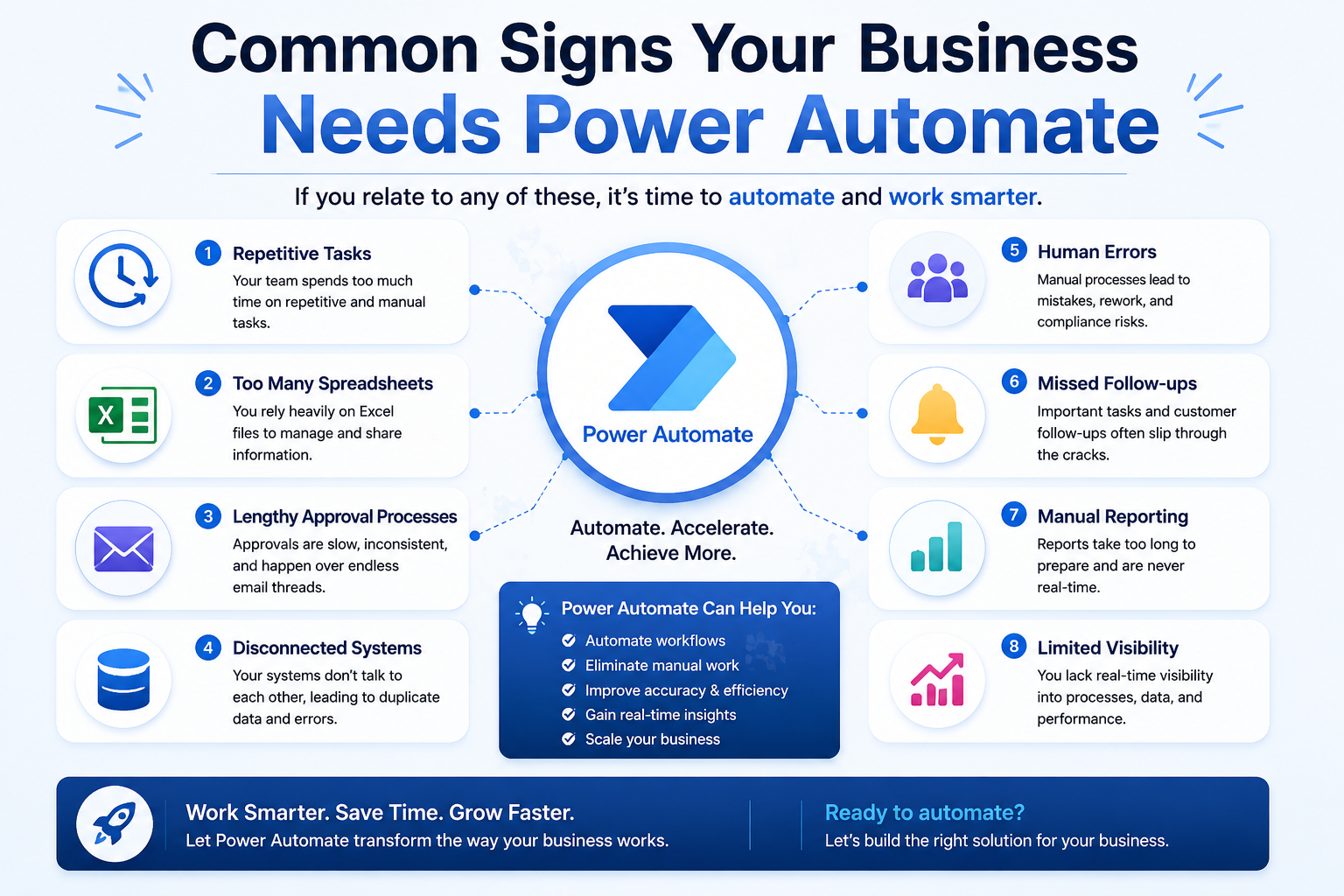
You may benefit from automation if your organisation experiences any of the following:
✓ Employees repeatedly perform the same tasks.
✓ Teams rely heavily on spreadsheets.
✓ Approvals are delayed.
✓ Information exists in disconnected systems.
✓ Customer responses take too long.
✓ Reporting requires manual effort.
✓ Errors frequently occur during data entry.
If several of these challenges sound familiar, Power Automate can provide substantial improvements.
How Sky Soft Connections Helps Businesses Implement Power Automate
Successful automation requires more than technology.
It requires understanding business processes, identifying improvement opportunities, and designing workflows that align with organisational goals.
Sky Soft Connections provides end-to-end Microsoft Power Platform consulting and implementation services, including:
Our Power Automate Services
- Process discovery workshops
- Workflow design and optimisation
- Microsoft Dynamics 365 integrations
- Approval automation solutions
- Power Automate cloud flow development
- Legacy process modernisation
- Custom connector development
- Power Platform governance consulting
- User training and adoption programmes
- Ongoing support and optimisation
Our team focuses on delivering practical automation solutions that generate measurable business outcomes.
Why Choose Sky Soft Connections?
Businesses partner with Sky Soft Connections because we combine technical expertise with real operational understanding.
We help organisations:
- Reduce manual work.
- Improve operational efficiency.
- Accelerate decision-making.
- Enhance customer experiences.
- Increase CRM adoption.
- Build scalable automation frameworks.
Whether you are beginning your automation journey or looking to optimise existing workflows, our consultants can help you maximise the value of Microsoft Power Automate.
Final Thoughts
So, what can Microsoft Power Automate actually do for your business?
The better question may be:
What repetitive tasks are preventing your people from doing their best work?
Power Automate enables organisations to automate those tasks, improve consistency, reduce costs, and create more agile operations.
From simple approval processes to sophisticated AI-powered workflows, the possibilities extend across every department.
Businesses that embrace automation today position themselves to operate more efficiently, respond faster to change, and deliver better experiences to both employees and customers.
If your organisation is ready to streamline operations and unlock the full potential of Microsoft’s automation ecosystem, Sky Soft Connections can help design and implement solutions tailored to your business needs.
Read more : Best Practices for CRM Governance and Data Management
Frequently Asked Questions
Not necessarily. Many workflows can be developed quickly using low-code capabilities, although more advanced scenarios may require specialist expertise.
Yes. Power Automate offers extensive integration capabilities with Microsoft Dynamics 365 CRM and ERP solutions.
Yes. Small businesses often achieve rapid ROI by automating repetitive administrative tasks.
Absolutely. Approval workflows are among the most common and effective Power Automate use cases.
Sky Soft Connections provides consulting, implementation, integration, optimisation, and support services for Microsoft Power Platform solutions, including Power Automate.
Ready to automate your business processes?
Contact Sky Soft Connections to explore how Microsoft Power Automate can transform the way your organisation works.