
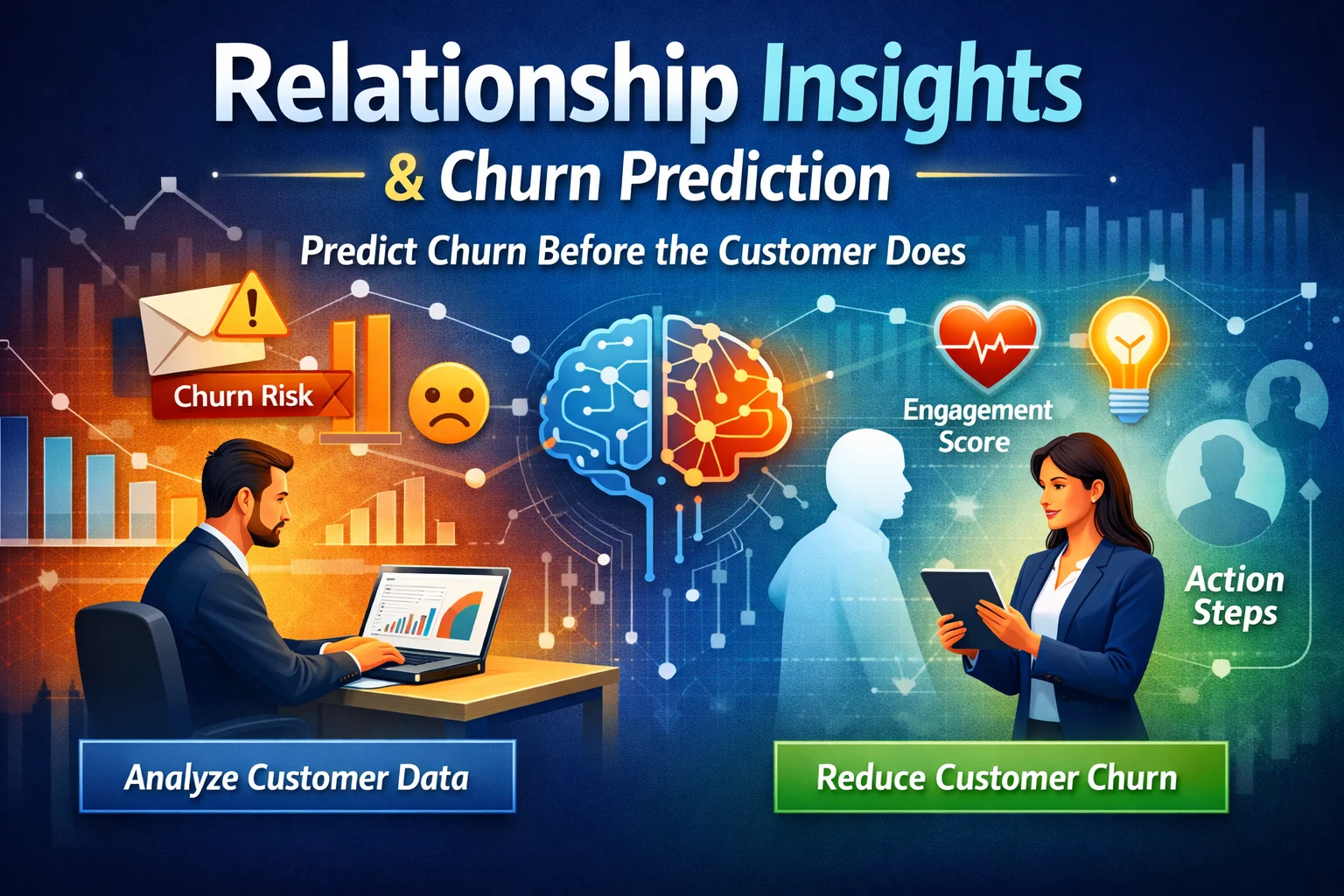
In today’s competitive digital landscape, customer retention is no longer optional it’s essential. While many businesses focus heavily on acquiring new customers, the real growth often lies in keeping the ones you already have. This is exactly where Relationship Insights in Dynamics 365 CRM becomes a game-changer.
Instead of reacting to churn, you can now predict it before it happens. In this blog, we’ll explore how Relationship Insights works, why it matters, and how you can use it effectively—especially with expert implementation from Skysoft Connections.
What Is Relationship Insights in Dynamics 365 CRM?
Relationship Insights is an AI-powered feature within Microsoft Dynamics 365 CRM that helps businesses analyze customer interactions, detect patterns, and predict outcomes.
It automatically tracks:
- Email communications
- Meeting frequency
- Response times
- Engagement levels
- Sales activity history
As a result, it gives you a relationship health score, helping you understand whether a customer is at risk of churn.
Why Predicting Customer Churn Matters
Customer churn can silently impact your revenue. However, when you identify warning signs early, you can take proactive steps.
Key Benefits of Predicting Churn:
- Improved customer retention
- Higher lifetime value (CLV)
- Reduced acquisition costs
- Better customer experience
Moreover, predicting churn allows businesses to shift from reactive to proactive strategies.
How Relationship Insights Helps Predict Churn
Relationship Insights uses AI and data analytics to highlight risks before they escalate.
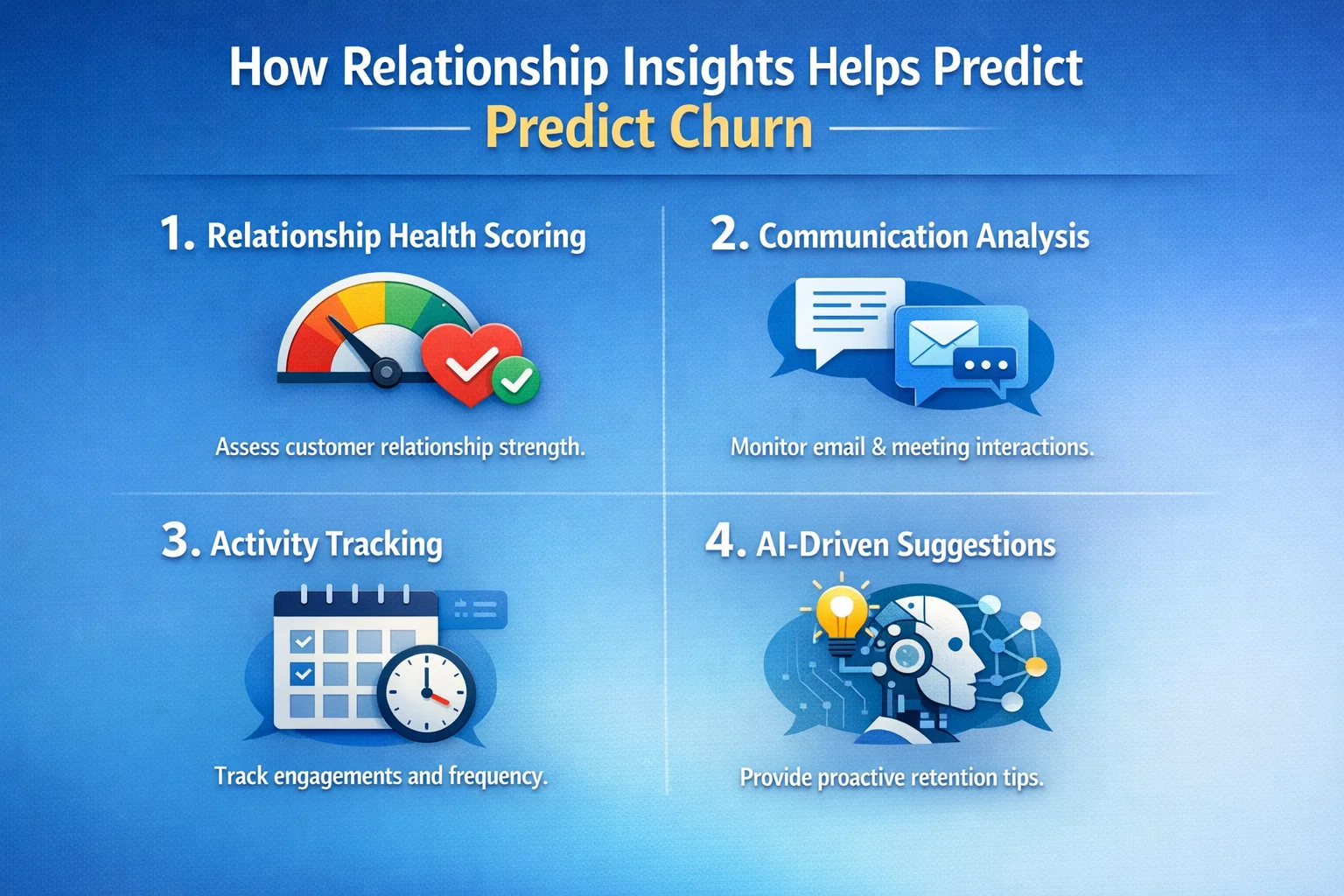
1. Relationship Health Scoring
Each customer is assigned a score based on interaction data.
- High score → Strong engagement
- Low score → Potential churn risk
Therefore, sales teams can prioritize accounts that need attention.
2. Communication Analysis
The system evaluates:
- Email frequency
- Response delays
- Sentiment (positive/negative tone)
For example, if a client suddenly stops responding, it flags a warning.
3. Activity Tracking
It monitors:
- Meetings scheduled vs completed
- Follow-ups missed
- Sales pipeline activity
Consequently, you can quickly identify declining engagement trends.
4. AI-Driven Suggestions
Relationship Insights doesn’t just detect problems it also recommends actions.
- Send follow-up emails
- Schedule meetings
- Re-engage inactive clients
Thus, your team knows exactly what to do next.
Key Churn Indicators You Should Never Ignore
Understanding churn signals is crucial. Below is a quick comparison table:
| Indicator | What It Means | Risk Level |
|---|---|---|
| Decreased email replies | Customer losing interest | Medium |
| Missed meetings | Weakening relationship | High |
| Negative sentiment | Dissatisfaction | High |
| Reduced engagement | Potential churn | High |
| Long response times | Low priority customer engagement | Medium |
As shown above, multiple small signals can combine into a major churn risk.
How to Use Relationship Insights Effectively
To maximize results, you need a structured approach.
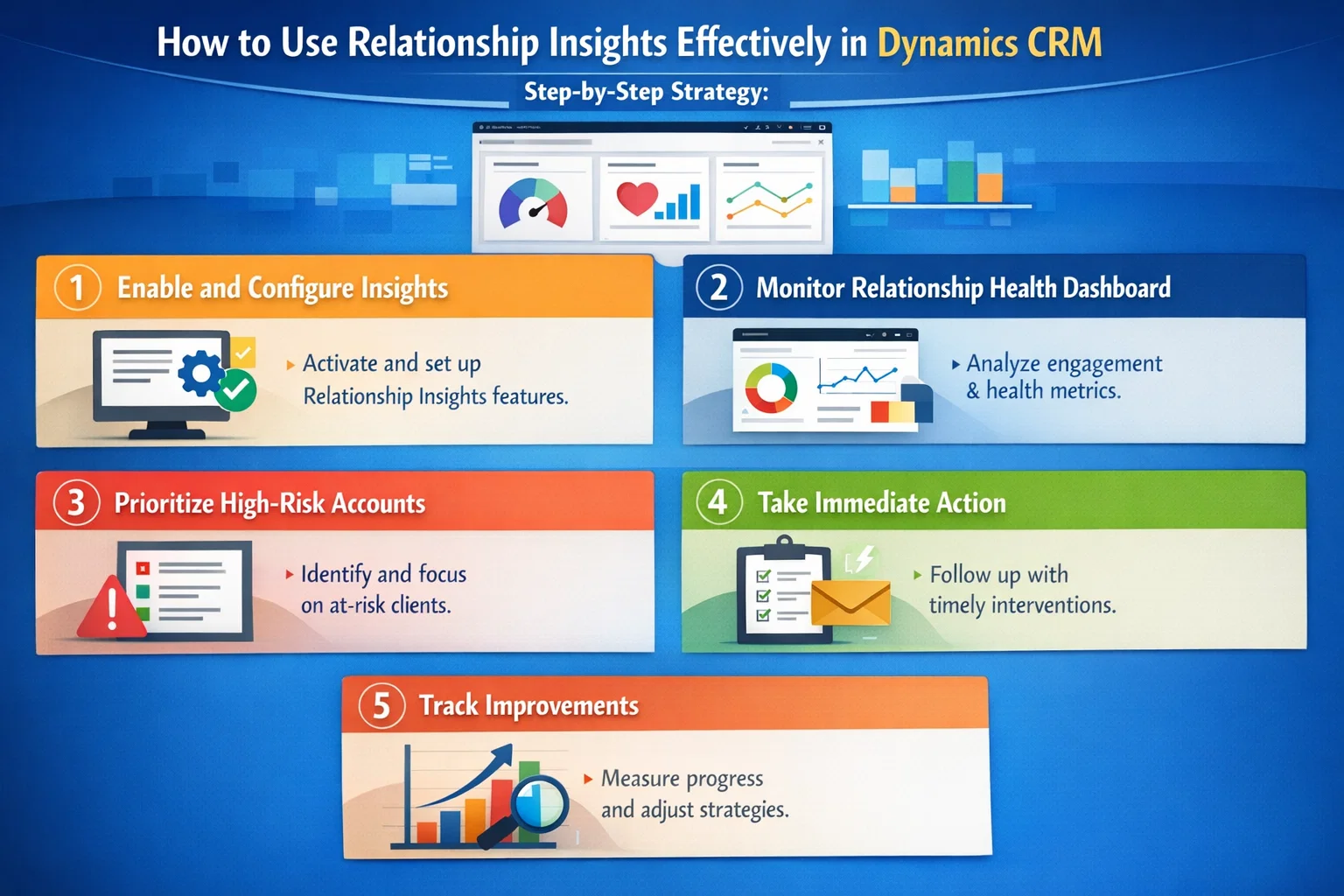
Step-by-Step Strategy:
1. Enable and Configure Insights
First, activate Relationship Insights within Dynamics 365 CRM and customize scoring criteria.
2. Monitor Relationship Health Dashboard
Regularly review dashboards to identify at-risk customers.
3. Prioritize High-Risk Accounts
Focus on customers with declining scores and low engagement.
4. Take Immediate Action
Use AI recommendations to:
- Reconnect with customers
- Offer personalized solutions
- Resolve issues quickly
5. Track Improvements
Finally, monitor whether engagement improves after intervention.
Why Businesses Fail Without Relationship Insights
Many organizations still rely on manual tracking or intuition. However, this approach has limitations:
- Data is often incomplete
- Patterns go unnoticed
- Reactions are delayed
On the other hand, AI-driven insights provide real-time, data-backed decisions.
How Skysoft Connections Can Help
Implementing Relationship Insights effectively requires expertise. That’s where Skysoft Connections comes in.
Our Services Include:
- Dynamics 365 CRM customization
- AI-driven Relationship Insights setup
- Workflow automation
- Power BI dashboards for churn analysis
- Integration with existing systems
Moreover, we ensure your CRM is optimized to deliver actionable insights not just data.
Best Practices for Reducing Customer Churn
To further strengthen your strategy, follow these best practices:
- Maintain consistent communication
- Personalize customer interactions
- Use automation for timely follow-ups
- Analyze engagement trends regularly
- Train your team to act on insights
As a result, you’ll build stronger, longer-lasting customer relationships.
Final Thoughts
Predicting churn is no longer a luxury it’s a necessity. With Relationship Insights in Dynamics 365 CRM, businesses can identify risks early, act quickly, and retain valuable customers.
However, the real success lies in how you use the insights. By combining AI-powered tools with expert implementation from Skysoft Connections, you can transform your CRM into a powerful retention engine.
Read more : dynamics 365 sentiment analysis for email routing
FAQ’s
It’s an AI-powered feature that analyzes customer interactions and provides relationship health scores to predict engagement and churn.
While not 100% perfect, it significantly improves accuracy by analyzing real-time engagement data and behavioral patterns.
Yes, businesses of all sizes can benefit, especially when implemented and customized properly by experts like Skysoft Connections.