

In today’s fast-paced business environment, automating workflows in Microsoft Dynamics 365 CRM can significantly enhance productivity and efficiency. This blog post will guide you through the process of workflow automation in Dynamics 365 CRM and introduce you to SkySoft Connections Dynamics CRM Services, a powerful tool to streamline your business operations.
The Importance of Workflow Automation
Workflow automation in Microsoft Dynamics 365 CRM helps businesses eliminate repetitive tasks, reduce human error, and ensure that processes are executed consistently. By automating workflows, companies can focus on strategic initiatives rather than manual tasks, leading to improved overall performance and customer satisfaction.
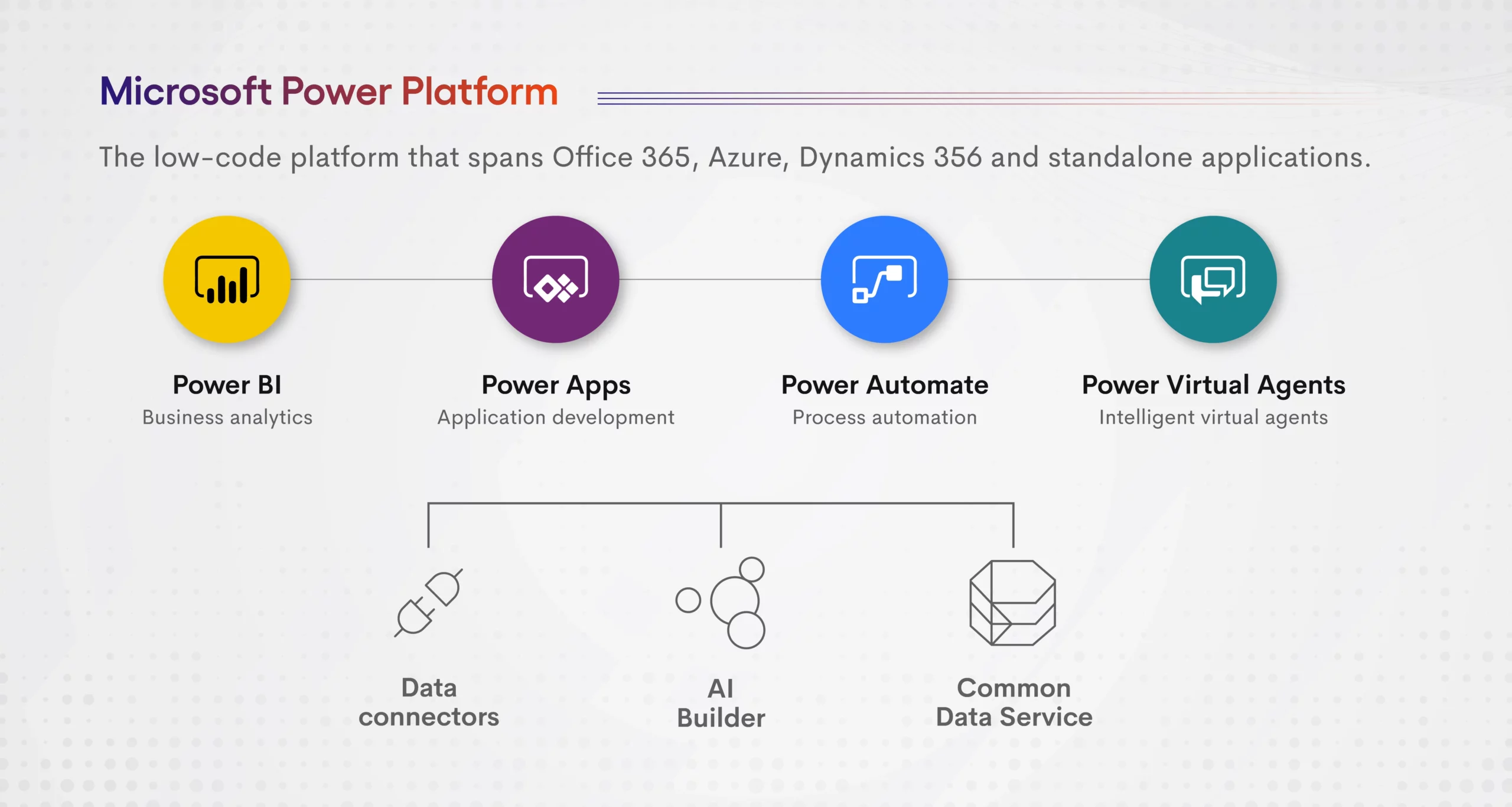
Key Benefits of Automating Workflows
1. Increased Efficiency
Automation accelerates processes, allowing tasks to be completed faster and more accurately. This leads to higher productivity and efficient use of resources.
2. Enhanced Accuracy
Automated workflows reduce the risk of human error, ensuring that data is consistent and reliable across all processes.
3. Improved Compliance
Automated workflows ensure that all steps in a process are followed according to predefined rules and regulations, aiding in compliance.
4. Better Resource Allocation
With routine tasks automated, employees can focus on higher-value activities that drive business growth.
How to Automate Workflows in Microsoft Dynamics 365 CRM
Step 1: Define Your Workflow Requirements
Identify the processes that need automation. Understand the steps involved, the data required, and the desired outcomes.
Step 2: Use Workflow Templates
Microsoft Dynamics 365 CRM offers pre-built workflow templates that you can customize to fit your specific needs. These templates cover common business processes such as lead qualification, customer follow-up, and invoice processing.

Step 3: Customize Workflows
Tailor the workflow templates to match your business requirements. This involves setting conditions, actions, and triggers that automate tasks based on specific criteria.
Step 4: Implement Business Rules
Business rules in Dynamics 365 CRM allow you to apply logic without coding. These rules can automate decision-making processes, such as routing leads based on location or assigning tasks based on workload.
Step 5: Integrate with Other Systems
Integrate Dynamics 365 CRM with other business systems to ensure seamless data flow and comprehensive automation across your organization. This could include ERP systems, email marketing tools, and customer support platforms.
Step 6: Monitor and Optimize
Continuously monitor the performance of your automated workflows. Use analytics and feedback to optimize processes and ensure they remain aligned with business goals.
SkySoft Connections Dynamics CRM Services
SkySoft Connections provides specialized services for automating workflows in Microsoft Dynamics 365 CRM. Their expert team can help you design, implement, and optimize automated workflows tailored to your business needs.
Key Features of SkySoft Connections Dynamics CRM Services
- Expert Consultation: Work with experienced consultants to identify automation opportunities and develop a strategic plan.
- Customized Solutions: Get workflows designed specifically for your business processes, ensuring maximum efficiency and effectiveness.
- Seamless Integration: Integrate Dynamics 365 CRM with other business systems for a unified and automated ecosystem.
- Ongoing Support: Benefit from continuous support and optimization services to keep your workflows running smoothly.
Conclusion
Automating workflows in Microsoft Dynamics 365 CRM can transform how your business operates, providing significant benefits in terms of efficiency, accuracy, and resource management. With the expert support of SkySoft Connections Dynamics CRM Services, you can harness the full potential of workflow automation to drive your business forward.
Readmore : How to Use AI Capabilities in Microsoft Dynamics 365 CRM
FAQ’s
Automating workflows increases efficiency, enhances accuracy, ensures compliance, and allows better resource allocation by eliminating repetitive tasks.
SkySoft Connections provides expert consultation, customized solutions, seamless integration with other systems, and ongoing support to optimize automated workflows in Dynamics 365 CRM.
Key steps include defining workflow requirements, using and customizing templates, implementing business rules, integrating with other systems, and continuously monitoring and optimizing workflows