Table of Content
Modern CRM systems demand flexibility, personalization, and speed. Yet, many businesses still rely on complex JavaScript customizations to control form behavior. Fortunately, with PowerFX Conditional Visibility, you can build role-aware CRM forms in Microsoft Dynamics 365—without writing a single line of code.
In this guide, we’ll walk you through how to leverage PowerFX to create dynamic, secure, and user-friendly CRM forms, while improving maintainability and performance.
Why Role-Aware CRM Forms Matter
Role-based forms ensure that users only see what’s relevant to them. As a result, this improves:
- User experience (cleaner interfaces)
- Data accuracy (less confusion)
- Security compliance (restricted access)
- Productivity (faster workflows)
Traditionally, developers used JavaScript to achieve this. However, PowerFX now offers a low-code alternative that is easier to manage and scale.
What is PowerFX Conditional Visibility?
PowerFX is a low-code formula language used across Microsoft Power Platform. With conditional visibility, you can control whether fields, sections, or controls are visible based on:
- User roles
- Field values
- Business logic
- Environment variables
In other words, it allows you to dynamically adapt CRM forms in real time.
Key Benefits of Using PowerFX Over JavaScript
| Feature | PowerFX | JavaScript |
|---|---|---|
| Ease of Use | Low-code, formula-based | Requires coding expertise |
| Maintenance | Easy to update | Complex debugging |
| Performance | Optimized within platform | Can slow down forms |
| Deployment | Faster and simpler | Requires testing cycles |
| Security | Platform-managed | Custom risk handling |
Therefore, switching to PowerFX significantly reduces development overhead while increasing agility.
Step-by-Step: Implementing Conditional Visibility in CRM Forms
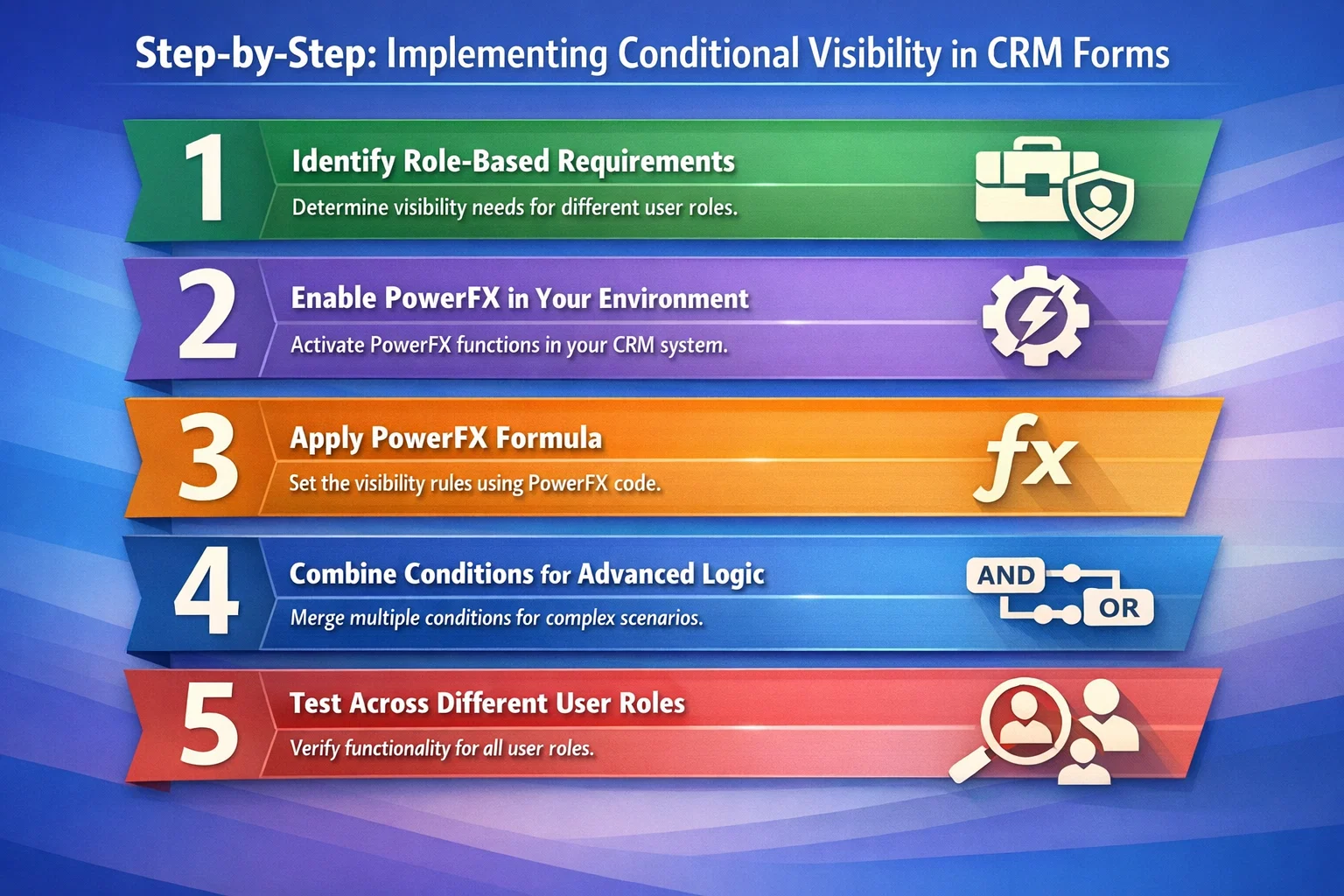
1. Identify Role-Based Requirements
Before implementing logic, define:
- Which roles need access to which fields
- What data should be hidden or visible
- Any dependencies between fields
For example:
- Sales reps see lead details
- Managers see revenue projections
2. Enable PowerFX in Your Environment
Ensure that PowerFX is enabled in your Power Apps / Dynamics 365 environment.
Then:
- Navigate to your form editor
- Select the control (field/section)
- Open Visibility properties
3. Apply PowerFX Formula
Now comes the core step. Use PowerFX formulas to control visibility.
Example: Show a field only for Managers
If(User().Email in ManagerEmails, true, false)
Example: Based on Security Role
If("Sales Manager" in User().Roles, true, false)
As a result, the field will dynamically appear only for authorized users.
4. Combine Conditions for Advanced Logic
You can also create layered logic using AND/OR conditions.
Example: Role + Field Value
If(
   "Sales Manager" in User().Roles && Status = "Approved",
   true,
   false
)
This ensures that visibility depends on both role and record status.
5. Test Across Different User Roles
After applying formulas:
- Test with multiple user accounts
- Validate role-based scenarios
- Ensure no unintended exposure of sensitive data
Consequently, this step is critical for compliance and usability.
Common Use Cases for Conditional Visibility
PowerFX enables a wide range of practical applications:
✔ Sales Forms
- Show discount fields only to managers
- Hide sensitive pricing for junior reps
✔ Service Modules
- Display escalation controls for supervisors
- Restrict resolution notes visibility
✔ Compliance & Auditing
- Show audit logs only to compliance teams
- Hide personally identifiable information (PII)
Best Practices for PowerFX Conditional Visibility
To get the best results, follow these best practices:
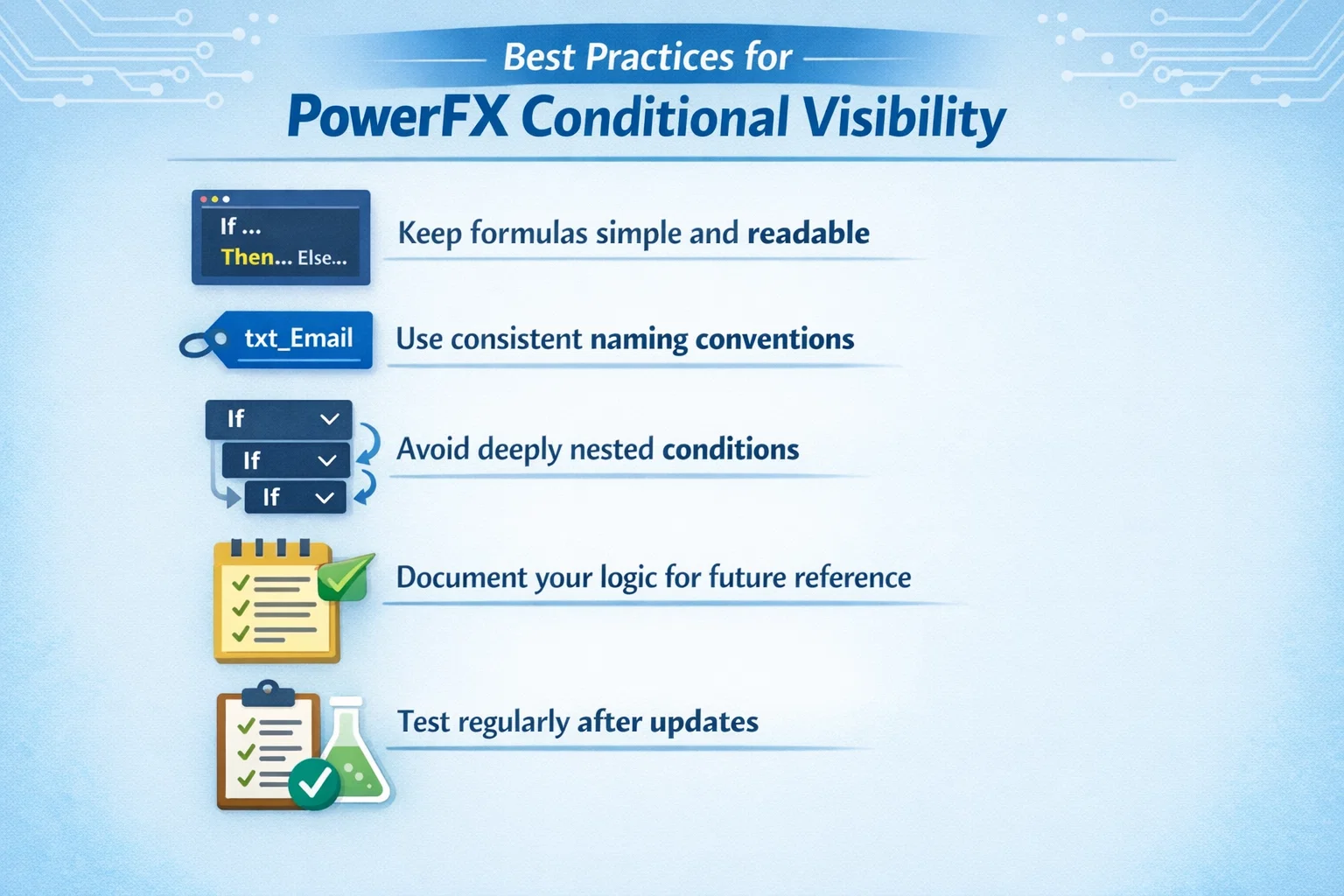
- Keep formulas simple and readable
- Use consistent naming conventions
- Avoid deeply nested conditions
- Document your logic for future reference
- Test regularly after updates
Additionally, always align visibility rules with your organization’s security model.
Common Mistakes to Avoid
While PowerFX is powerful, mistakes can lead to issues:
- Overcomplicating formulas
- Ignoring user role changes
- Not testing edge cases
- Mixing security roles with business logic incorrectly
Therefore, a structured approach is essential.
PowerFX vs Traditional Customization: A Quick Comparison
| Aspect | PowerFX Approach | Traditional JS Approach |
|---|---|---|
| Development Speed | Fast | Slower |
| Skill Requirement | Low-code | Developer-level |
| Flexibility | High | High |
| Maintainability | Easy | Complex |
| Future Scalability | Strong | Limited without refactoring |
Clearly, PowerFX offers a more sustainable path forward
How Skysoft Connections Can Help
At Skysoft Connections, we specialize in Microsoft Dynamics 365 and Power Platform solutions tailored to your business needs.
Our services include:
- ✔ Custom CRM form design using PowerFX
- ✔ Role-based access and security configuration
- ✔ Power Apps and Power Automate integration
- ✔ CRM optimization for performance and usability
- ✔ Compliance-ready CRM implementations
With deep expertise in low-code development, we help businesses eliminate unnecessary complexity and build smarter CRM systems faster.
Final Thoughts
PowerFX Conditional Visibility is transforming how businesses customize CRM forms. Instead of relying on complex JavaScript, you can now create dynamic, role-aware experiences using simple formulas.
Not only does this reduce development time, but it also improves maintainability, scalability, and user satisfaction.
So, if you’re looking to modernize your CRM without heavy coding—PowerFX is the way forward.
Read more : dynamics 365 crm compliance for gdpr pdpa
FAQ’s
In many cases, yes. However, for highly complex scenarios, JavaScript may still be required.
Yes, when combined with proper security roles, it enhances both visibility control and compliance.
No, it is optimized within the Power Platform, often improving performance compared to JavaScript.
 is a software solution company that was established in 2016. Our quality services begin with experience and end with dedication. Our directors have more than 15 years of IT experience to handle various projects successfully. Our dedicated teams are available to help our clients streamline their business processes, enhance their customer support, automate their day-to-day tasks, and provide software solutions tailored to their specific needs. We are experts in Dynamics 365 and Power Platform services, whether you need Dynamics 365 implementation, customization, integration, data migration, training, or ongoing support.