
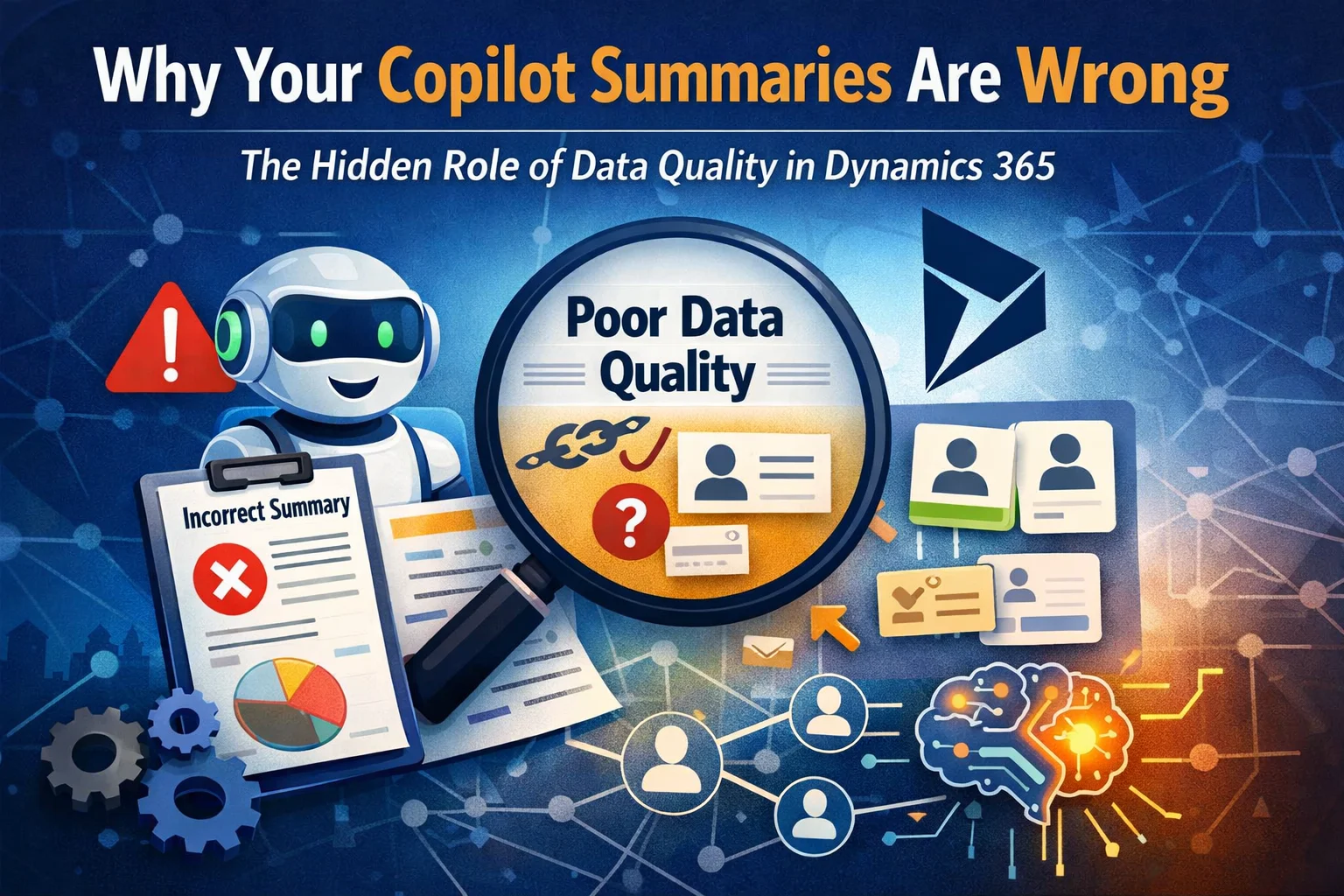
In today’s AI-driven CRM landscape, tools like Microsoft Copilot promise faster insights, smarter summaries, and improved productivity. However, many users find that Copilot summaries in Dynamics 365 are often inaccurate, incomplete, or even misleading.
So, what’s going wrong?
The answer lies in something most businesses overlook: Relationship Intelligence Data Quality.
In this blog, we’ll break down why your Copilot summaries may be failing—and more importantly, how to fix them using better data practices and smarter CRM strategies.
What Are Copilot Summaries in Dynamics 365?
Copilot in Microsoft Dynamics 365 uses AI to generate:
- Meeting summaries
- Customer interaction overviews
- Opportunity insights
- Email and activity highlights
These summaries are powered by your CRM data. Therefore, the output is only as good as the input.
👉 In other words, poor data = poor AI results.
Understanding Relationship Intelligence in Dynamics 365
Relationship Intelligence refers to how Dynamics 365 tracks and analyzes interactions between:
- Contacts
- Leads
- Accounts
- Emails and meetings
It pulls signals from communication data to determine relationship strength, engagement levels, and customer sentiment.
Key Components of Relationship Intelligence
| Component | Description | Impact on Copilot |
|---|---|---|
| Interaction Data | Emails, calls, meetings | Provides context for summaries |
| Contact Linking | Correct association of records | Ensures accurate insights |
| Activity Tracking | Logged CRM activities | Improves timeline accuracy |
| Engagement Signals | Frequency & recency | Helps prioritize insights |
However, if this data is inconsistent or incomplete, Copilot struggles to generate reliable summaries.
Why Your Copilot Summaries Are Wrong
Let’s explore the most common causes.
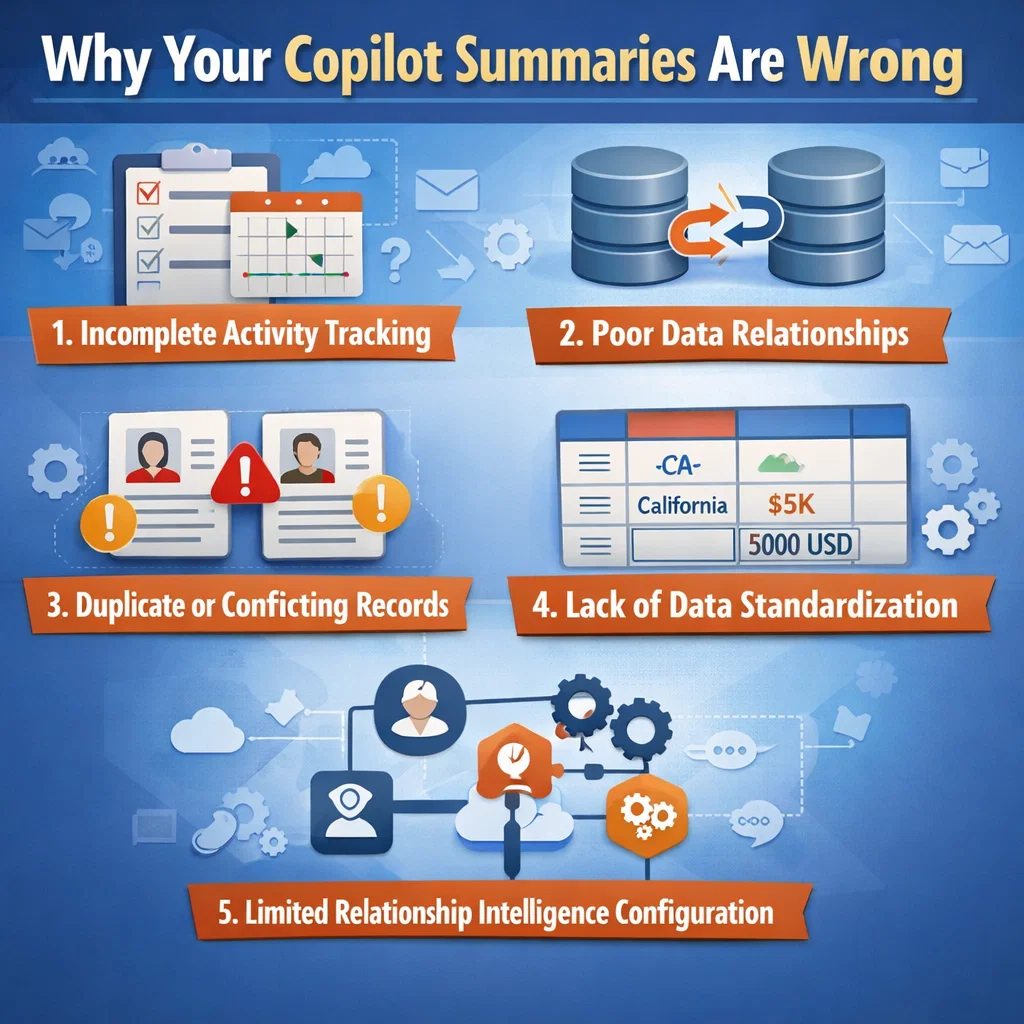
1. Incomplete Activity Tracking
If your team is not logging:
- Emails
- Calls
- Meetings
Copilot lacks context.
As a result, summaries become vague or incorrect.
2. Poor Data Relationships
When contacts are not properly linked to:
- Accounts
- Opportunities
Copilot cannot understand the full relationship network.
Consequently, it produces fragmented insights.
3. Duplicate or Conflicting Records
Duplicate contacts or accounts create confusion.
For example:
- Two records for the same client
- Different emails linked to different profiles
👉 Copilot may pull conflicting data and generate incorrect summaries.
4. Lack of Data Standardization
Inconsistent formats such as:
- Different naming conventions
- Missing fields
- Unstructured notes
Therefore, AI struggles to interpret the data correctly.
5. Limited Relationship Intelligence Configuration
Many businesses don’t fully configure:
- Auto-capture settings
- Email tracking
- Engagement KPIs
As a result, the system lacks depth, and Copilot outputs become shallow.
The Hidden Role of Data Quality in AI Accuracy
High-quality data is the foundation of reliable AI.
Data Quality vs Copilot Performance
| Data Quality Level | Copilot Output |
|---|---|
| High | Accurate, contextual, actionable summaries |
| Medium | Partial insights with gaps |
| Low | Misleading or incorrect summaries |
Clearly, improving data quality directly enhances Copilot performance.
How to Fix Copilot Summary Issues in Dynamics 365
Now that we understand the problem, let’s focus on solutions.
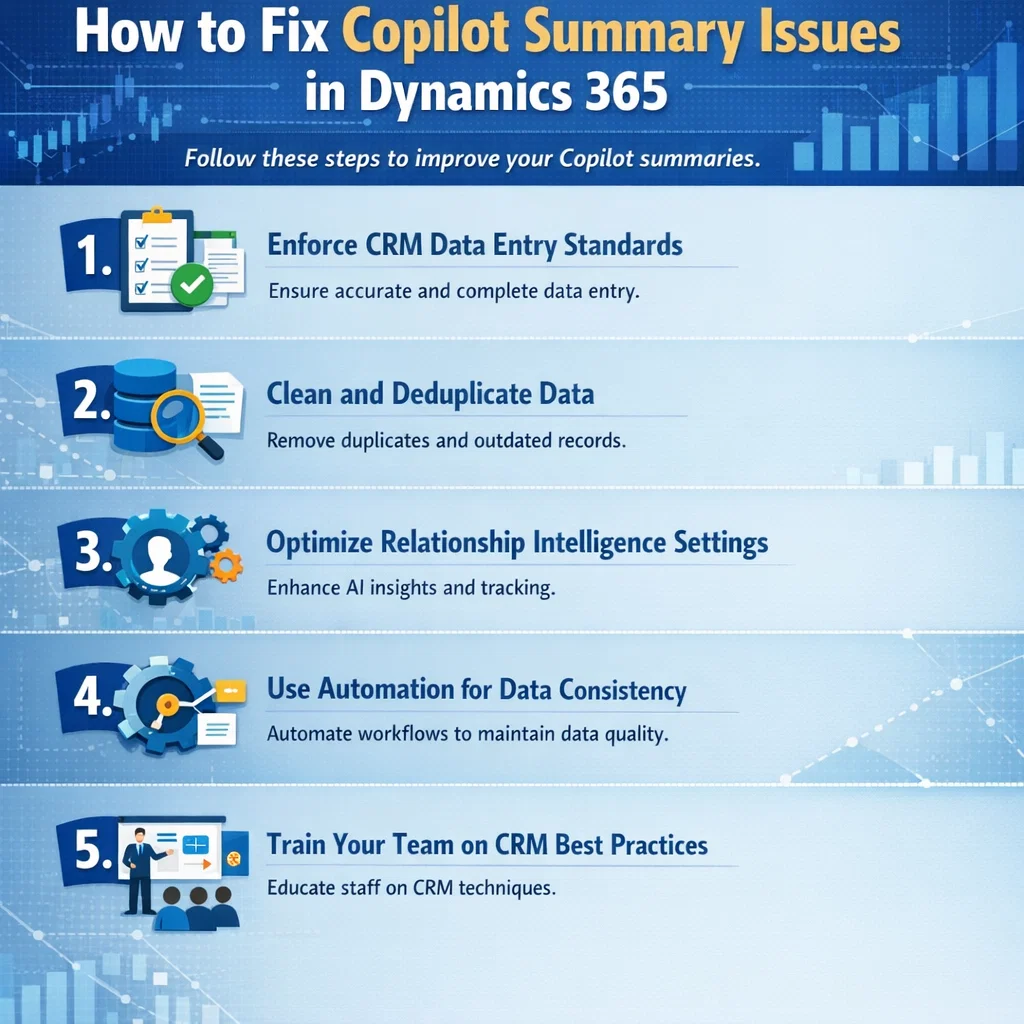
1. Enforce CRM Data Entry Standards
Ensure your team consistently logs:
- All communications
- Notes and updates
- Customer interactions
👉 This creates a complete data ecosystem.
2. Clean and Deduplicate Data
Use tools or workflows to:
- Remove duplicate records
- Merge contacts
- Standardize fields
As a result, Copilot receives clean, unified data.
3. Optimize Relationship Intelligence Settings
Make sure:
- Email auto-capture is enabled
- Contacts are correctly linked
- Engagement metrics are tracked
Therefore, Copilot gains better context.
4. Use Automation for Data Consistency
Automation ensures:
- Consistent data entry
- Reduced manual errors
- Real-time updates
For example, workflows in Dynamics 365 can automatically link activities to the correct records.
5. Train Your Team on CRM Best Practices
Even the best system fails without proper usage.
So, train your team to:
- Log every interaction
- Maintain accurate records
- Follow data standards
How Skysoft Connections Can Help
At Skysoft Connections, we specialize in transforming CRM systems into powerful, AI-ready platforms.
Our Services Include:
- Dynamics 365 Implementation & Optimization
- Data Cleansing & Migration
- Relationship Intelligence Configuration
- Power Platform Automation (Power Apps, Power Automate)
- AI & Copilot Readiness Consulting
We don’t just fix your CRM—we make it smarter.
As a result, your Copilot summaries become accurate, actionable, and reliable.
Best Practices for Maintaining High Data Quality
To ensure long-term success, follow these best practices:
- Regular data audits
- Automated validation rules
- Standardized data entry formats
- Integration with communication tools
- Continuous user training
Final Thoughts
Copilot is not the problem—your data is.
If your Dynamics 365 environment lacks clean, structured, and connected data, AI-generated summaries will always fall short.
However, by improving Relationship Intelligence Data Quality, you unlock the true power of AI in CRM.
Ultimately, better data leads to better insights, smarter decisions, and stronger customer relationships.
Read more : powerfx conditional visibility for role based crm
FAQ’s
Because Copilot relies on CRM data. If your data is incomplete or inconsistent, summaries will be incorrect.
It tracks and analyzes customer interactions to provide insights into engagement and relationships.
By cleaning data, improving activity tracking, and properly configuring Relationship Intelligence.