
Expanding into new countries is an exciting milestone, but it also brings new operational challenges. Your teams may speak different languages, customers expect invoices in their local currency, and finance departments need accurate reporting across multiple regions. Managing all of this with disconnected systems often leads to delays, inconsistent data, and unnecessary manual work.
Microsoft Dynamics 365 is built to solve these challenges. It enables organizations to manage international operations from a single platform while allowing each region to work in a way that feels local. From supporting multiple languages to handling real-time currency conversions, Dynamics 365 provides the flexibility businesses need to grow without adding unnecessary complexity.
If you’re planning to expand internationally, understanding how to approach a multi-language and multi-currency rollout will help you avoid costly mistakes and create a smoother experience for employees and customers alike.
Why Multi-Language and Multi-Currency Support Matters
Global businesses rarely operate in the same way across every market. A sales team in Germany may work differently from one in the UAE, while finance teams in the UK and the United States must comply with different regulations and reporting standards.
Instead of maintaining separate systems for every office, Dynamics 365 allows organizations to centralize data while giving regional teams the tools they need.
Some of the biggest advantages include:
- A consistent customer experience across countries
- Centralized reporting with localized operations
- Better collaboration between international teams
- Reduced manual currency conversions
- Improved financial visibility
- Easier compliance with regional business requirements
As your business grows, these capabilities become increasingly valuable because they eliminate many of the inefficiencies associated with international expansion.
How Dynamics 365 Handles Multiple Languages
One of the strengths of Dynamics 365 is its ability to provide a localized experience without creating separate databases for each country.
Employees can choose their preferred language while continuing to access the same centralized business data. This means sales representatives, customer service agents, finance teams, and managers can all work comfortably without affecting the information stored within the system.
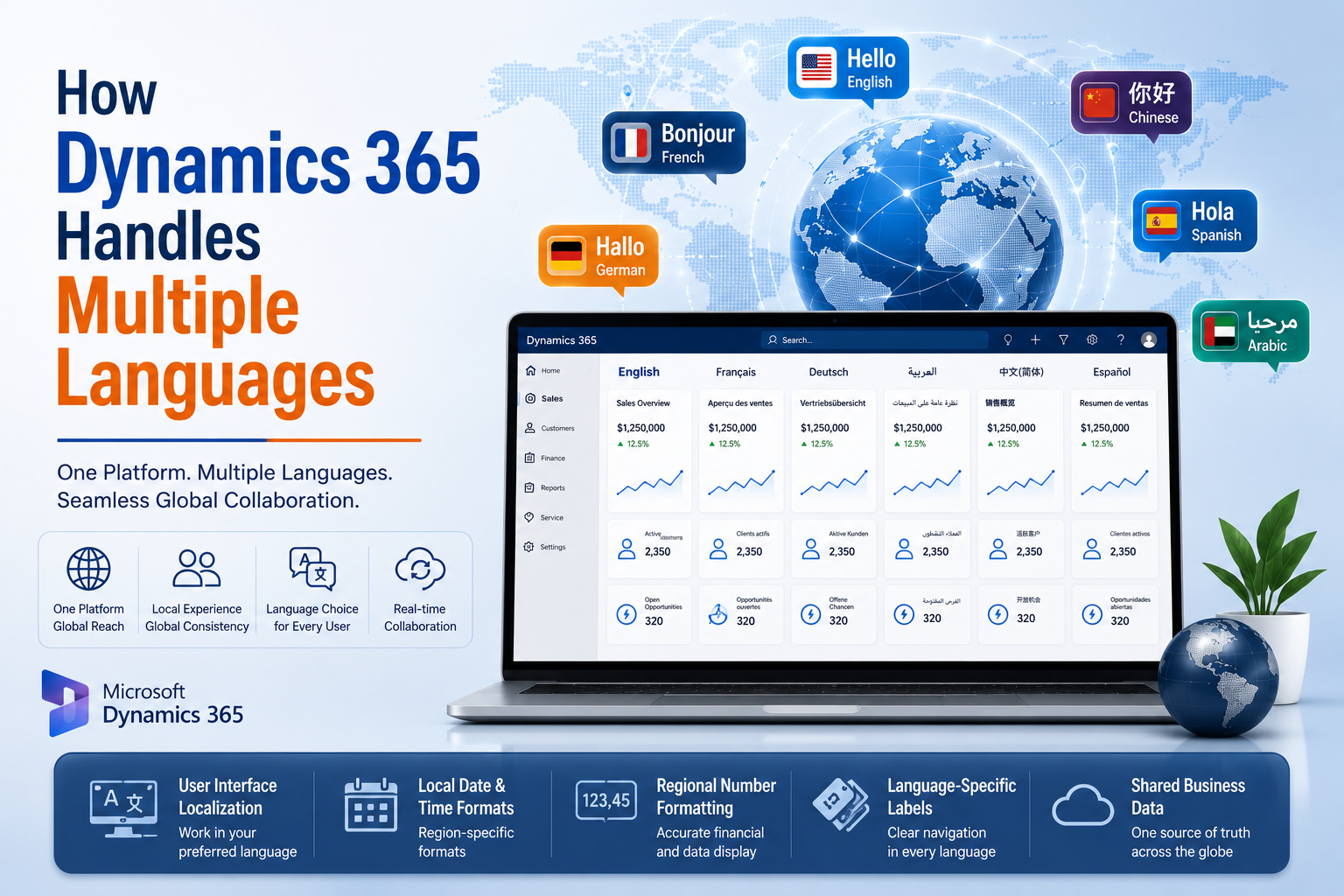
Common language capabilities include:
| Feature | Business Benefit |
|---|---|
| User interface localization | Employees work in their preferred language |
| Local date and time formats | Reduces user confusion |
| Regional number formatting | Improves financial accuracy |
| Language-specific labels | Simplifies navigation |
| Shared business data | Maintains consistency across locations |
Because everyone works from the same platform, communication improves and duplicate data becomes much less common.
Managing Multiple Currencies with Confidence
Currency management is often one of the biggest concerns during international expansion. Exchange rates change regularly, and manual calculations increase the risk of reporting errors.
Dynamics 365 simplifies this process by supporting multiple transaction currencies while maintaining a single accounting currency for financial reporting.
Businesses can:
- Create transactions in different currencies
- Maintain corporate reporting in a base currency
- Update exchange rates automatically
- Perform currency revaluation
- Generate consolidated financial reports
- Improve forecasting across global operations
As a result, finance teams spend less time correcting spreadsheets and more time analyzing business performance.
Planning a Successful Global Rollout
A successful implementation starts long before the software goes live. Careful planning ensures every regional office follows a consistent approach while allowing for local business requirements.
Create a Global Business Template
Before configuring Dynamics 365, define the business processes that every office should follow.
These typically include:
- Customer management
- Sales processes
- Procurement
- Finance
- Inventory management
- Customer service
Standardizing these workflows reduces implementation time and simplifies future expansion.
Clean Your Master Data
Poor-quality data creates problems regardless of how advanced the software is.
Review and standardize:
- Customer records
- Vendor information
- Product catalogs
- Price lists
- Tax groups
- Currency codes
Starting with clean data leads to more reliable reporting and better user confidence.
Configure Currency Rules Early
Finance teams should establish currency policies before transactions begin.
Consider defining:
| Configuration Area | Why It Matters |
|---|---|
| Base currency | Corporate reporting consistency |
| Transaction currencies | Local customer transactions |
| Exchange rate source | Accurate conversions |
| Financial dimensions | Regional performance reporting |
| Revaluation schedule | Month-end financial accuracy |
Making these decisions early helps avoid reporting inconsistencies later.
Enable Only the Languages You Need
Although Dynamics 365 supports many languages, there is no benefit in enabling languages that your organization will never use.
Focus on:
- Employee locations
- Customer support regions
- Sales offices
- Service teams
Keeping the environment simple also makes administration easier.
Common Challenges During International Deployments
Every global implementation comes with unique challenges. However, most problems occur because organizations focus only on the technology instead of the business processes behind it.
One common issue is inconsistent workflows. Different offices often develop their own methods over time, making reporting difficult. Establishing standardized processes before implementation creates consistency while still allowing reasonable regional flexibility.
Another challenge involves exchange rate management. Using outdated rates can produce inaccurate financial statements and affect business decisions. Automating exchange rate updates helps maintain reliable reporting.
Data quality is another area that deserves attention. Duplicate customers, inconsistent product names, and incomplete records often create unnecessary confusion after go-live. Investing time in data cleansing before migration saves countless hours later.
Finally, many organizations underestimate user training. Even the most advanced system cannot deliver value if employees are unsure how to use it effectively. Providing role-based training significantly improves adoption across every region.
Best Practices for Multi-Language and Multi-Currency Dynamics 365 Rollouts
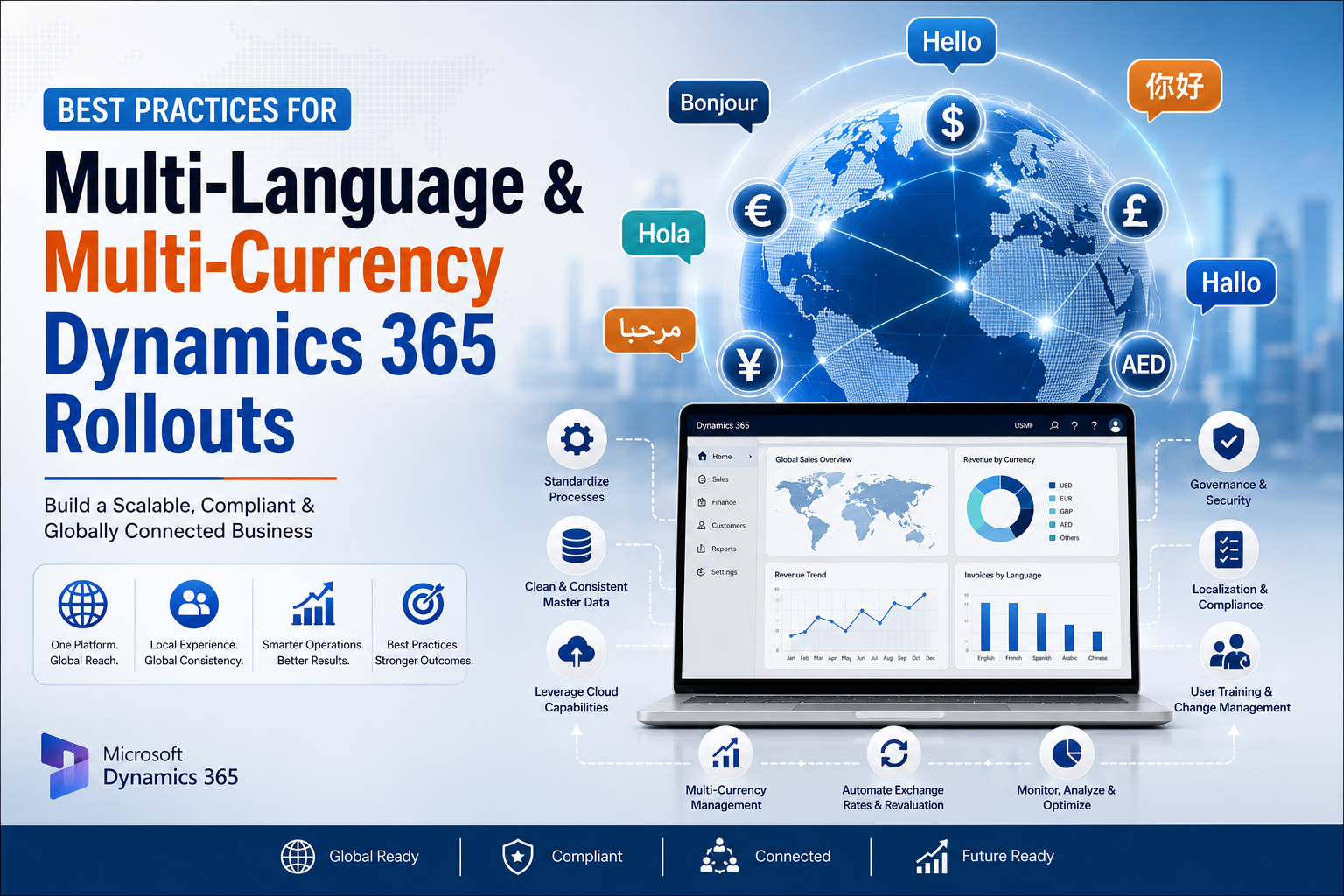
Organizations that achieve successful global deployments usually follow similar principles.
Start with a pilot implementation before expanding to additional countries. This allows you to identify improvements without affecting every office.
Keep customizations to a minimum whenever possible. Standard Dynamics 365 functionality is easier to maintain and upgrade over time.
Establish clear governance for master data, security roles, reporting standards, and currency management. Strong governance ensures consistency as your organization grows.
Regular testing is equally important. Validate language settings, financial reports, workflows, and integrations before launching each regional deployment.
Most importantly, continue monitoring user feedback after go-live. Small improvements made during the first few months often have a significant impact on long-term success.
Why Businesses Choose Dynamics 365 for International Growth
Dynamics 365 brings together CRM and ERP capabilities in a single cloud platform, making it easier to manage global operations without relying on disconnected applications.
Businesses benefit from:
- A unified customer database
- Localized user experiences
- Accurate multi-currency financial reporting
- Better collaboration between international teams
- Improved regulatory compliance
- Real-time business insights
- A scalable cloud infrastructure
These advantages allow organizations to expand confidently while maintaining visibility across every market.
How Sky Soft Connections Supports Global Dynamics 365 Implementations
Rolling out Dynamics 365 across multiple countries requires more than technical expertise. It requires careful planning, industry knowledge, and an understanding of how global businesses operate.
At Sky Soft Connections, we help organizations implement Microsoft Dynamics 365 solutions that support international growth without disrupting daily operations.
Our Dynamics 365 services include:
- Dynamics 365 CRM implementation
- Dynamics 365 ERP implementation
- Multi-language configuration
- Multi-currency setup
- Business process consulting
- Data migration and integration
- Microsoft Power Platform solutions
- Power BI reporting and dashboards
- User training and adoption programs
- Ongoing support and optimization
Whether you’re expanding into one new market or managing operations across several countries, our team helps you build a solution that is scalable, secure, and aligned with your long-term business goals.
Read more : Can Copilot Studio Actually Replace a CRM Admin? What AI Agents Can and Can’t Automate in 2026
Frequently Asked Questions
Yes. Dynamics 365 allows users to select their preferred language while accessing the same centralized business data.
Yes. The platform supports multiple transaction currencies, exchange rate management, currency revaluation, and consolidated financial reporting.
Absolutely. Dynamics 365 is designed to support organizations operating across multiple countries, departments, and business units from a single platform.
Most organizations struggle with inconsistent business processes and poor master data rather than the technology itself. Proper planning and governance significantly reduce these challenges.
Final Thoughts
Expanding into international markets requires technology that can adapt to local business needs without sacrificing global visibility. A well-planned Multi-Language and Multi-Currency Dynamics 365 Rollout gives organizations the flexibility to support regional teams while maintaining centralized control over customers, finance, and operations.
By combining thoughtful planning, standardized processes, clean data, and effective user training, businesses can build a Dynamics 365 environment that supports long-term international growth.
If you’re preparing for a global rollout, Sky Soft Connections can help you design, implement, and optimize a Dynamics 365 solution that works seamlessly across languages, currencies, and regions while keeping your entire business connected.