Table of Content
Introduction
Scaling your CRM system is exciting but it often comes with hidden challenges. As organizations grow, Microsoft Dynamics CRM environments become more complex, leading to performance bottlenecks, data inconsistencies, and slow dashboards.
Therefore, understanding how to troubleshoot data models, plugins, and real-time dashboards is critical for maintaining efficiency and driving business success.
In this guide, we’ll walk you through practical, SEO-driven insights to help you optimize Dynamics CRM at scale—while also showing how Skysoft Connections can support your journey.
Why Dynamics CRM Performance Drops at Scale
As your CRM grows, several factors start affecting performance:
- Increasing data volume (millions of records)
- Complex relationships between entities
- Overloaded plugins and workflows
- Real-time dashboards querying large datasets
Consequently, without proper optimization, your system may slow down, impacting sales and operations.
Troubleshooting Data Models in Dynamics CRM
Common Data Model Issues
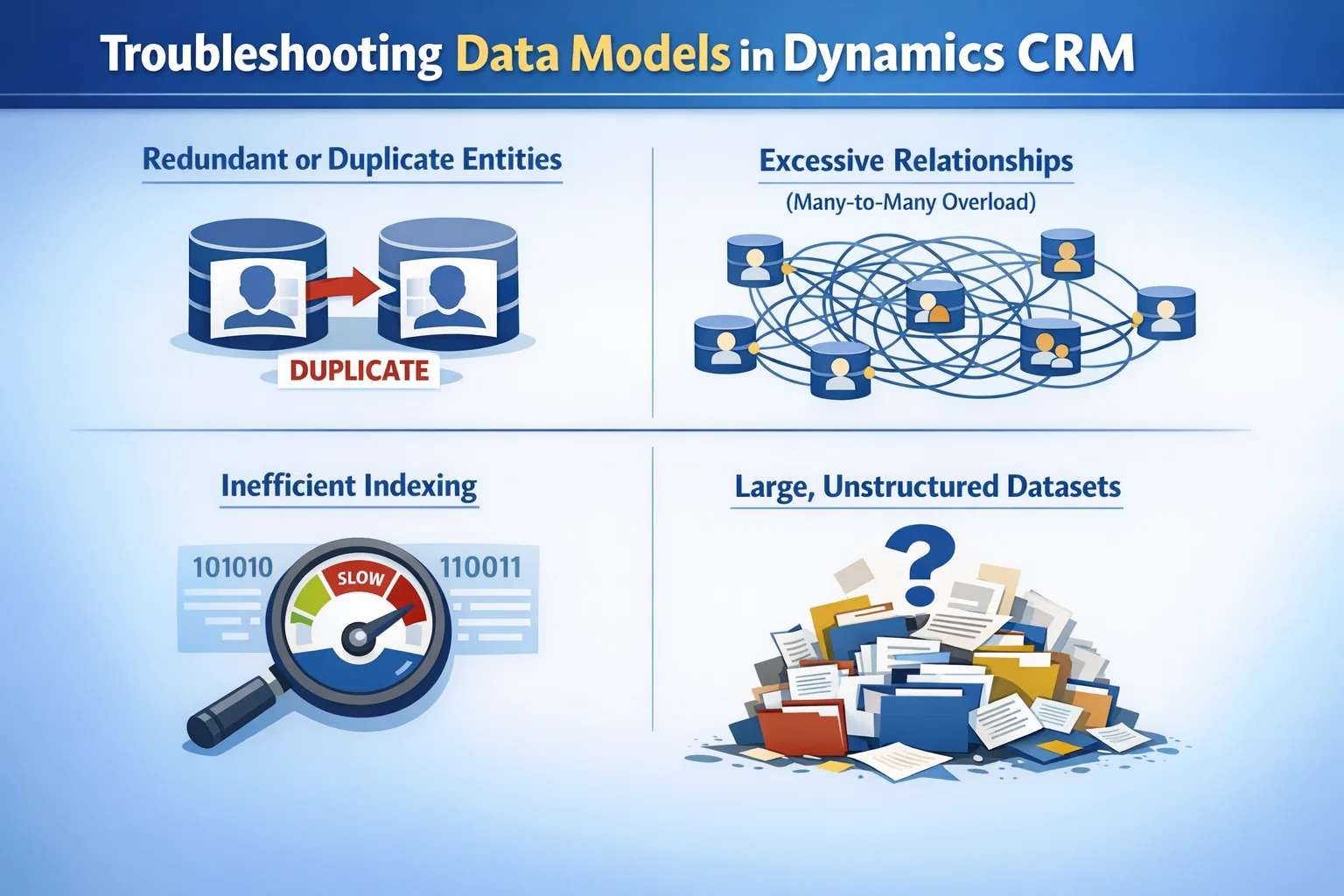
When scaling, poorly designed data models often cause:
- Redundant or duplicate entities
- Excessive relationships (many-to-many overload)
- Inefficient indexing
- Large, unstructured datasets
Best Practices to Optimize Data Models
To improve performance, follow these strategies:
- Normalize your data: Avoid duplication across entities
- Limit relationships: Use only necessary associations
- Use indexing smartly: Especially on frequently queried fields
- Archive old data: Move inactive records to separate storage
Data Model Optimization Checklist
| Issue | Impact | Solution |
|---|---|---|
| Duplicate records | Slower queries | Use duplicate detection rules |
| Too many relationships | Query complexity | Simplify entity relationships |
| Large datasets | Dashboard lag | Implement data archiving |
| Missing indexes | Slow retrieval | Add indexes to key fields |
Troubleshooting Plugins in Dynamics CRM
Common Plugin Problems
Plugins are powerful—but at scale, they can become problematic:
- Long execution times
- Infinite loops
- Synchronous plugin overload
- Poor exception handling
Optimization Techniques
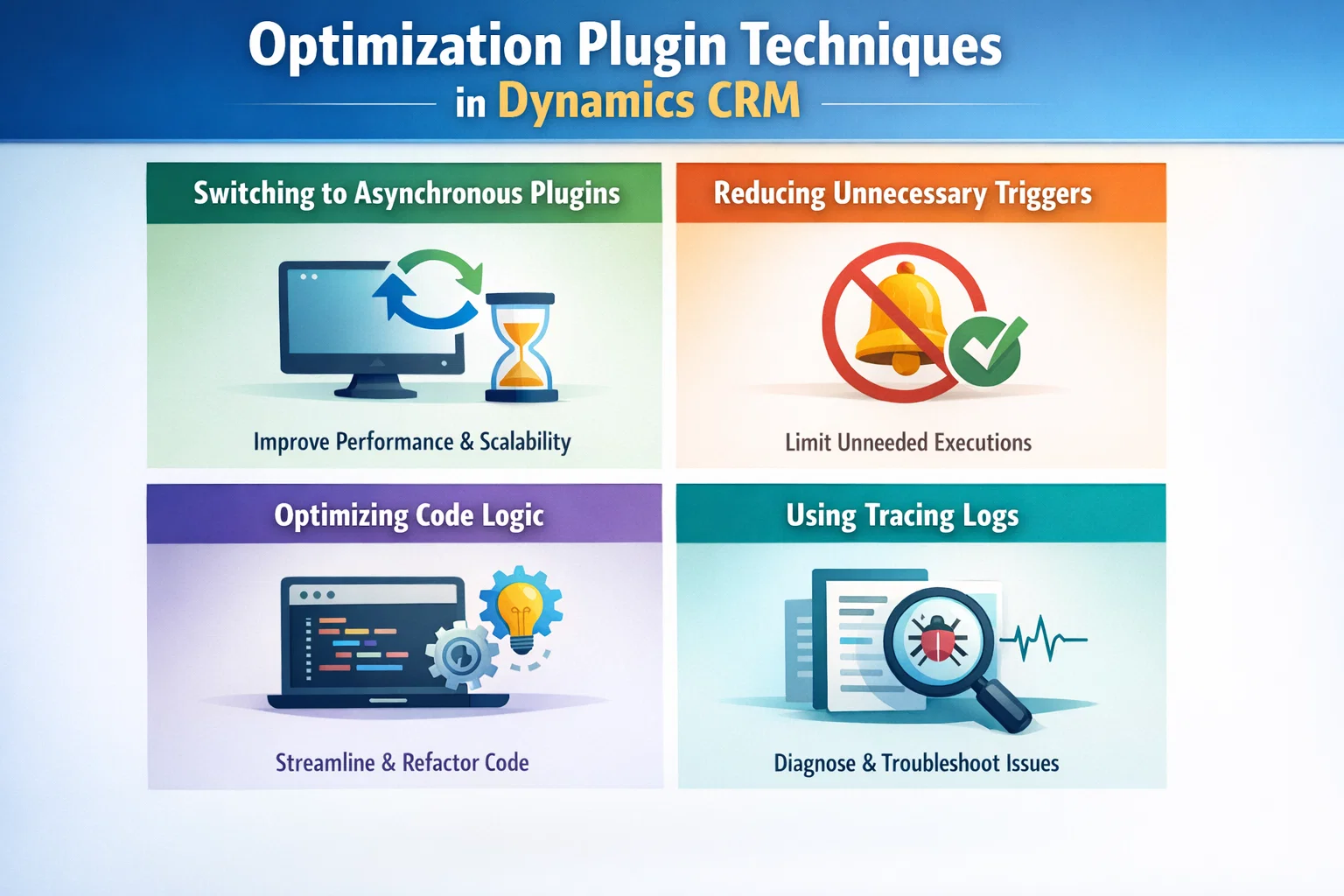
However, you can significantly improve performance by:
- Switching to asynchronous plugins where possible
- Reducing unnecessary triggers (limit execution conditions)
- Optimizing code logic for efficiency
- Using tracing logs to identify bottlenecks
Plugin Performance Comparison
| Plugin Type | Speed | Use Case |
|---|---|---|
| Synchronous | Slower | Real-time validations |
| Asynchronous | Faster | Background processing |
As a result, using asynchronous plugins can reduce system load and improve user experience.
Optimizing Real-Time Dashboards
Why Dashboards Slow Down
Real-time dashboards are essential—but they often:
- Query large datasets
- Use complex filters
- Refresh too frequently
Therefore, they can become a major performance bottleneck.
Dashboard Optimization Tips
To improve dashboard performance:
- Use filtered views instead of raw data queries
- Limit visual components (charts, grids)
- Reduce refresh frequency
- Leverage Power BI integration for heavy analytics
Dashboard Optimization Strategy
- Keep dashboards role-based
- Focus on key KPIs only
- Avoid loading unnecessary data
- Use pre-aggregated datasets
End-to-End Troubleshooting Strategy
To effectively manage Dynamics CRM at scale, follow this structured approach:
Step-by-Step Process
- Audit your system (data, plugins, dashboards)
- Identify bottlenecks using performance tools
- Prioritize fixes based on impact
- Implement optimizations gradually
- Monitor performance continuously
In addition, always test changes in a staging environment before deploying to production.
How Skysoft Connections Can Help
Scaling CRM requires expertise—and that’s where Skysoft Connections comes in.
Our Key Services
- Microsoft Dynamics 365 CRM customization
- Plugin optimization and development
- Data model restructuring
- Power BI dashboard integration
- Performance tuning for large-scale CRM systems
Moreover, with over 40,000+ hours of experience, Skysoft Connections ensures your CRM runs smoothly even at enterprise scale.
Key Takeaways
- Data models must be clean, structured, and optimized
- Plugins should be efficient and asynchronous where possible
- Dashboards need lightweight and focused design
- Continuous monitoring is essential for long-term performance
Conclusion
Scaling Dynamics CRM doesn’t have to mean sacrificing performance. On the contrary, with the right strategies, you can maintain speed, reliability, and efficiency—even with massive datasets.
By optimizing data models, plugins, and dashboards, and partnering with experts like Skysoft Connections, you can unlock the full potential of your CRM system.
Read more : relationship insights churn prediction in dynamics crm
FAQ’s
Because large datasets, complex relationships, and inefficient plugins increase query time and system load.
Use synchronous for critical real-time tasks, but prefer asynchronous for better performance.
Limit data, reduce visuals, and use Power BI for complex reporting.
 is a software solution company that was established in 2016. Our quality services begin with experience and end with dedication. Our directors have more than 15 years of IT experience to handle various projects successfully. Our dedicated teams are available to help our clients streamline their business processes, enhance their customer support, automate their day-to-day tasks, and provide software solutions tailored to their specific needs. We are experts in Dynamics 365 and Power Platform services, whether you need Dynamics 365 implementation, customization, integration, data migration, training, or ongoing support.