
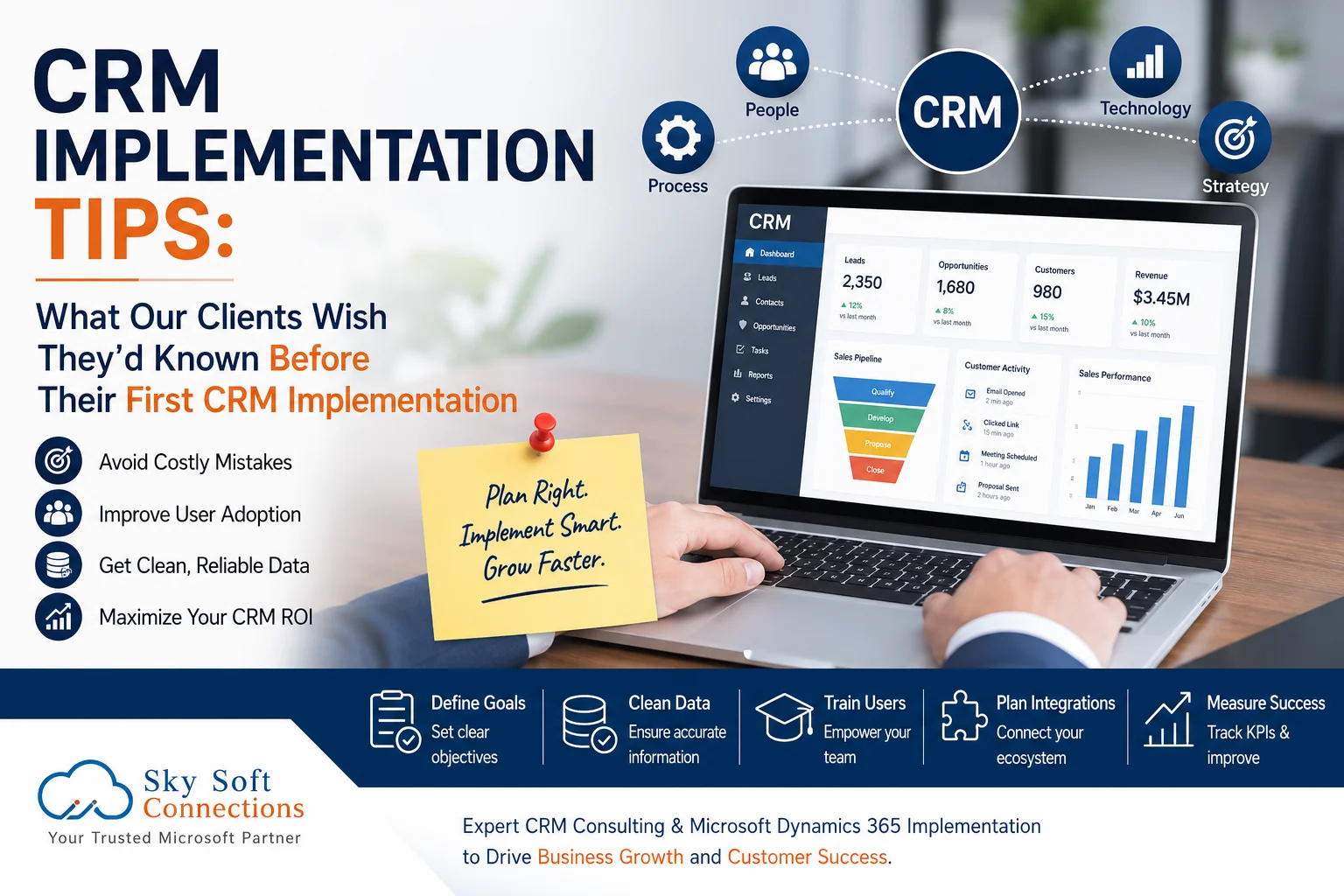
Implementing a Customer Relationship Management (CRM) system is often viewed as a technology project. However, after working with businesses across multiple industries, we’ve learned that successful CRM implementation depends far more on people, processes, and planning than on software alone.
Many organizations invest in powerful CRM platforms such as Microsoft Dynamics 365 but still struggle with low user adoption, poor data quality, delayed implementation, and disappointing ROI. Interestingly, most of these challenges are preventable.
In this guide, we’ll share the biggest lessons our clients wish they had known before launching their first CRM implementation. Whether you’re planning a new CRM project or replacing an outdated system, these insights can help you avoid costly mistakes and achieve faster business results.
Why First-Time CRM Implementations Often Fail
According to industry research, many CRM projects fail to deliver expected value—not because the software lacks capabilities, but because organizations underestimate the implementation process.
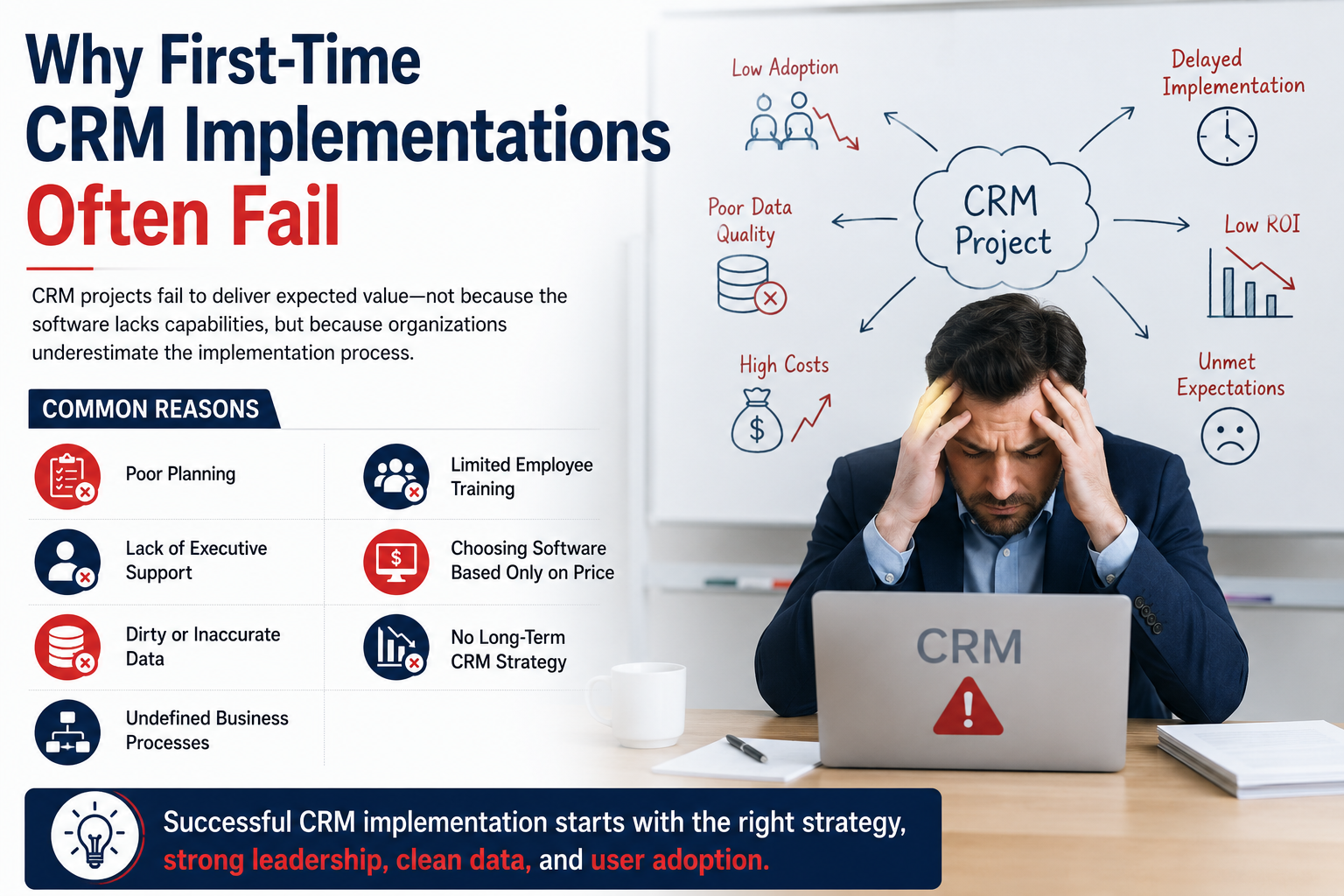
Common reasons include:
- Poor planning
- Lack of executive support
- Dirty customer data
- Undefined business processes
- Limited employee training
- Choosing software based only on price
- No long-term CRM strategy
Therefore, understanding these risks before implementation can save months of frustration.
Lesson 1: CRM Is a Business Transformation Project—Not an IT Project
One of the biggest surprises for many businesses is realizing that CRM affects almost every department.
Instead of simply installing software, companies need to redesign how they:
- Generate leads
- Manage sales
- Handle customer service
- Track opportunities
- Automate workflows
- Measure performance
Why This Matters
If your current processes are inefficient, your CRM will simply automate inefficient processes.
Remember:
A CRM cannot fix broken business processes. It simply makes them more visible.
Lesson 2: Clean Data Is More Valuable Than More Data
Many organizations migrate thousands of contacts into their new CRM without reviewing their quality.
As a result, they discover:
- Duplicate customers
- Missing phone numbers
- Incorrect email addresses
- Outdated companies
- Inconsistent records
Poor data creates poor reports.
Best Practices Before Migration
- Remove duplicates
- Standardize naming conventions
- Archive inactive records
- Verify customer information
- Define mandatory fields
Lesson 3: User Adoption Determines CRM Success
Many companies assume employees will naturally start using the CRM.
Unfortunately, that rarely happens.
Instead, users often continue using:
- Excel spreadsheets
- Personal notebooks
- Email folders
- Sticky notes
- WhatsApp messages
Without proper adoption, your CRM becomes an expensive contact database.
How to Increase Adoption
Provide Role-Based Training
Different teams require different training.
For example:
| Department | CRM Usage |
|---|---|
| Sales | Opportunities, Leads, Pipeline |
| Customer Service | Cases, Tickets, Customer History |
| Marketing | Campaigns, Email Automation |
| Management | Dashboards, KPIs, Reports |
Involve Users Early
Allow employees to participate during:
- Requirement gathering
- Testing
- Feedback sessions
- Pilot deployments
People support what they help build.
Lesson 4: Don’t Customize Everything Immediately
Many first-time buyers believe every workflow should be customized.
However, excessive customization often leads to:
- Higher implementation costs
- Longer project timelines
- Upgrade challenges
- More maintenance
Instead, start with standard CRM features whenever possible.
Later, customize only where genuine business value exists.
Lesson 5: Executive Sponsorship Is Essential
CRM projects need leadership support.
When executives actively use dashboards and reports, employees recognize the CRM’s importance.
Successful organizations typically have:
- Executive sponsor
- Project manager
- Department champions
- CRM administrator
Without leadership, adoption usually declines after launch.
Lesson 6: Define Success Before Implementation
Many businesses cannot answer one simple question:
“How will we know if the CRM implementation was successful?”
Instead of vague objectives, define measurable KPIs.
Examples
| Goal | KPI |
|---|---|
| Improve sales | Increase conversion rate by 20% |
| Faster response | Reduce response time to under 2 hours |
| Better visibility | 100% opportunity tracking |
| Customer retention | Increase renewal rate by 15% |
| Productivity | Reduce manual work by 40% |
Clear metrics create accountability.
Lesson 7: CRM Is Never “Finished”
Many organizations believe implementation ends after go-live.
Actually, CRM should continuously evolve.
You should regularly:
- Review dashboards
- Gather employee feedback
- Optimize workflows
- Add automation
- Improve reports
- Update integrations
Continuous improvement delivers long-term ROI.
Lesson 8: Integration Planning Should Start Early
CRM rarely works alone.
Instead, it often connects with:
- ERP systems
- Accounting software
- Outlook
- Microsoft Teams
- SharePoint
- Power BI
- Marketing platforms
- Customer portals
Planning integrations early prevents duplicate work later.
Lesson 9: Automation Saves More Than Time
Automation isn’t just about convenience.
It also improves:
- Data consistency
- Customer experience
- Compliance
- Follow-up accuracy
- Employee productivity
Examples include:
- Automatic lead assignment
- Follow-up reminders
- Approval workflows
- Email notifications
- Opportunity tracking
- Customer onboarding
Lesson 10: Choose an Implementation Partner Not Just a Vendor
Technology is only one piece of CRM success.
The right implementation partner helps with:
- Business analysis
- CRM strategy
- Process optimization
- Data migration
- Custom development
- User training
- Post-launch support
This partnership often determines whether your project succeeds.
Common CRM Implementation Mistakes
| Mistake | Impact | Better Approach |
|---|---|---|
| No CRM strategy | Confusion | Define objectives first |
| Poor data quality | Inaccurate reporting | Clean data before migration |
| No executive support | Low adoption | Assign executive sponsor |
| Over-customization | Higher costs | Start with standard features |
| Limited training | Low productivity | Continuous user training |
| Ignoring integrations | Duplicate work | Plan integrations early |
| No KPIs | Difficult ROI measurement | Set measurable goals |
CRM Implementation Checklist
Before launching your CRM, ask yourself:
- Have we defined business goals?
- Are our business processes documented?
- Is customer data cleaned?
- Have we identified CRM champions?
- Is executive leadership involved?
- Have we planned employee training?
- Do we know our KPIs?
- Have we planned integrations?
- Is post-launch support available?
If you answered “No” to any of these, address them before implementation.
How Sky Soft Connections Helps Businesses Implement CRM Successfully
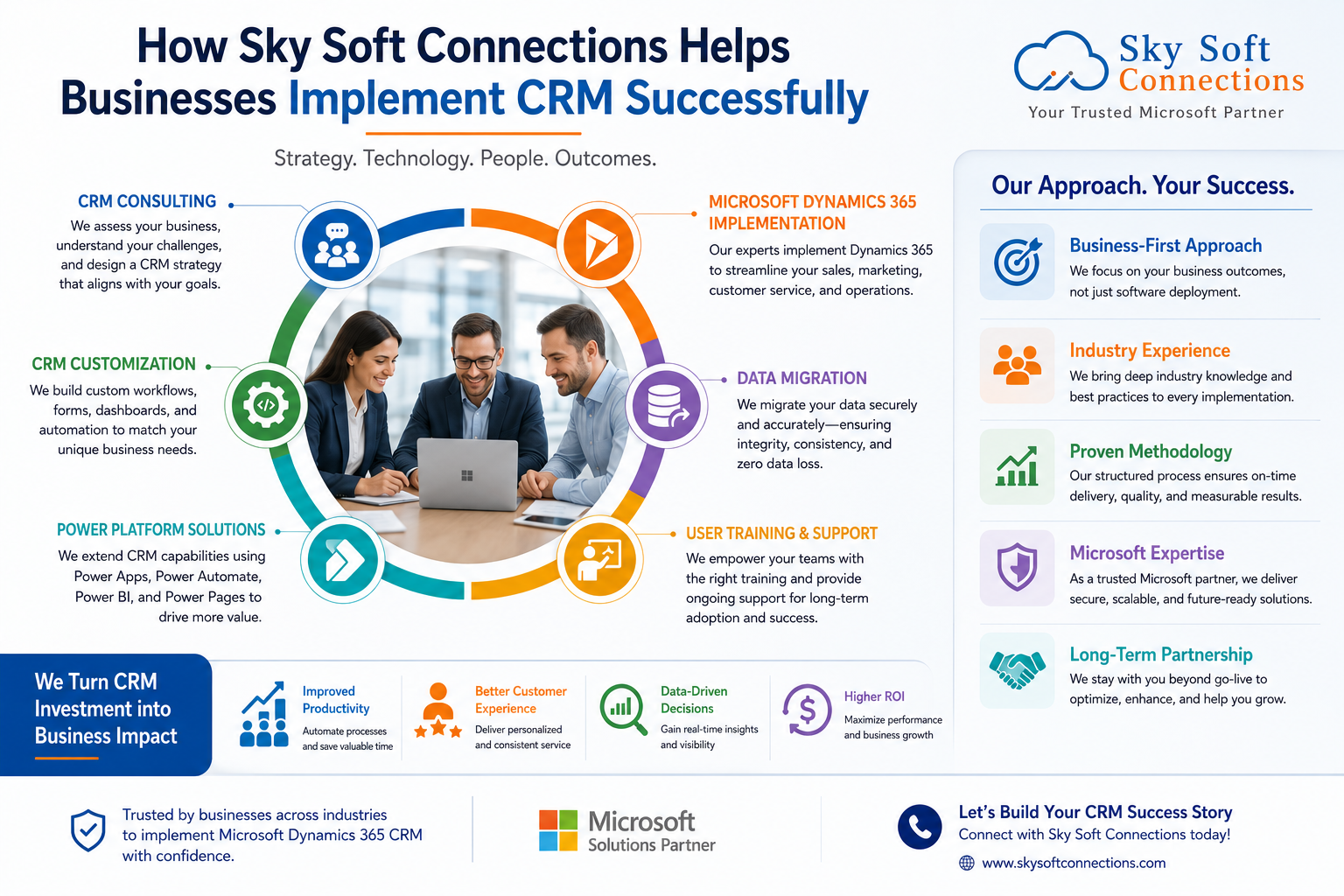
At Sky Soft Connections, we understand that every organization has unique processes and goals. That’s why our CRM implementation approach focuses on business outcomes not just software deployment.
Our Microsoft Dynamics 365 CRM services include:
CRM Consulting
We assess your current workflows, identify challenges, and recommend the right CRM strategy.
Microsoft Dynamics 365 Implementation
Our experts configure Dynamics 365 to align with your sales, marketing, customer service, and operations.
CRM Customization
We develop custom workflows, dashboards, forms, automation, and business rules tailored to your requirements.
Data Migration
We securely migrate customer data while maintaining accuracy and consistency.
[fusion_modal title=”Dynamics 365 CRM: Data Migration Planning Checklist” size=”large” show_footer=”yes” name=”migration-checklist”]
[fusion_form form_post_id=”7880″ hide_on_mobile=”small-visibility,medium-visibility,large-visibility”][/fusion_form]
[/fusion_modal]
[fusion_button enable_hover_text_icon=”no” target=”_self” aria_role_button=”0″ color=”default” stretch=”default” icon_position=”right” icon_divider=”no” hover_transition=”none” animation_direction=”left” animation_speed=”0.3″ animation_delay=”0″ hide_on_mobile=”small-visibility,medium-visibility,large-visibility” sticky_display=”normal,sticky” modal=”migration-checklist” icon=”fa-arrow-alt-circle-down fas”]Dynamics 365 CRM: Data Migration Planning Checklist[/fusion_button]
Power Platform Solutions
We extend CRM capabilities using:
- Microsoft Power Apps
- Power Automate
- Power BI
- Power Pages
User Training & Support
Our team provides comprehensive training and ongoing support to maximize user adoption and long-term success.
Read more : The Pre-Migration Data Audit Checklist Nobody Talks About
Frequently Asked Questions (FAQ)
Most CRM implementations take anywhere from 6 to 20 weeks, depending on business complexity, customizations, integrations, and data migration requirements.
The biggest mistake is treating CRM as an IT project instead of a business transformation initiative. Successful implementations require executive sponsorship, process optimization, and employee engagement.
Not necessarily. It’s often better to start with standard features and introduce customizations only where they deliver clear business value. This approach reduces costs, speeds up deployment, and simplifies future upgrades.
Without proper training, employees may continue using spreadsheets, emails, or manual processes, leading to poor adoption and lower return on investment.
Microsoft Dynamics 365 provides a scalable, secure, and highly integrated CRM platform that connects seamlessly with Microsoft 365, Teams, Outlook, Power BI, and the Power Platform.
Final Thoughts
Every successful CRM implementation starts with realistic expectations, strategic planning, and strong leadership. While the technology is important, the real difference comes from preparing your people, improving your processes, and maintaining clean, reliable data.
By learning from the experiences of organizations that have already gone through their first CRM implementation, you can avoid common pitfalls, accelerate user adoption, and maximize your return on investment.
If you’re planning your first CRM project—or looking to replace an outdated system—partnering with experienced CRM specialists can make all the difference. Sky Soft Connections helps businesses implement Microsoft Dynamics 365 CRM with a focus on measurable outcomes, seamless adoption, and long-term success, ensuring your CRM becomes a strategic asset rather than just another software investment.