
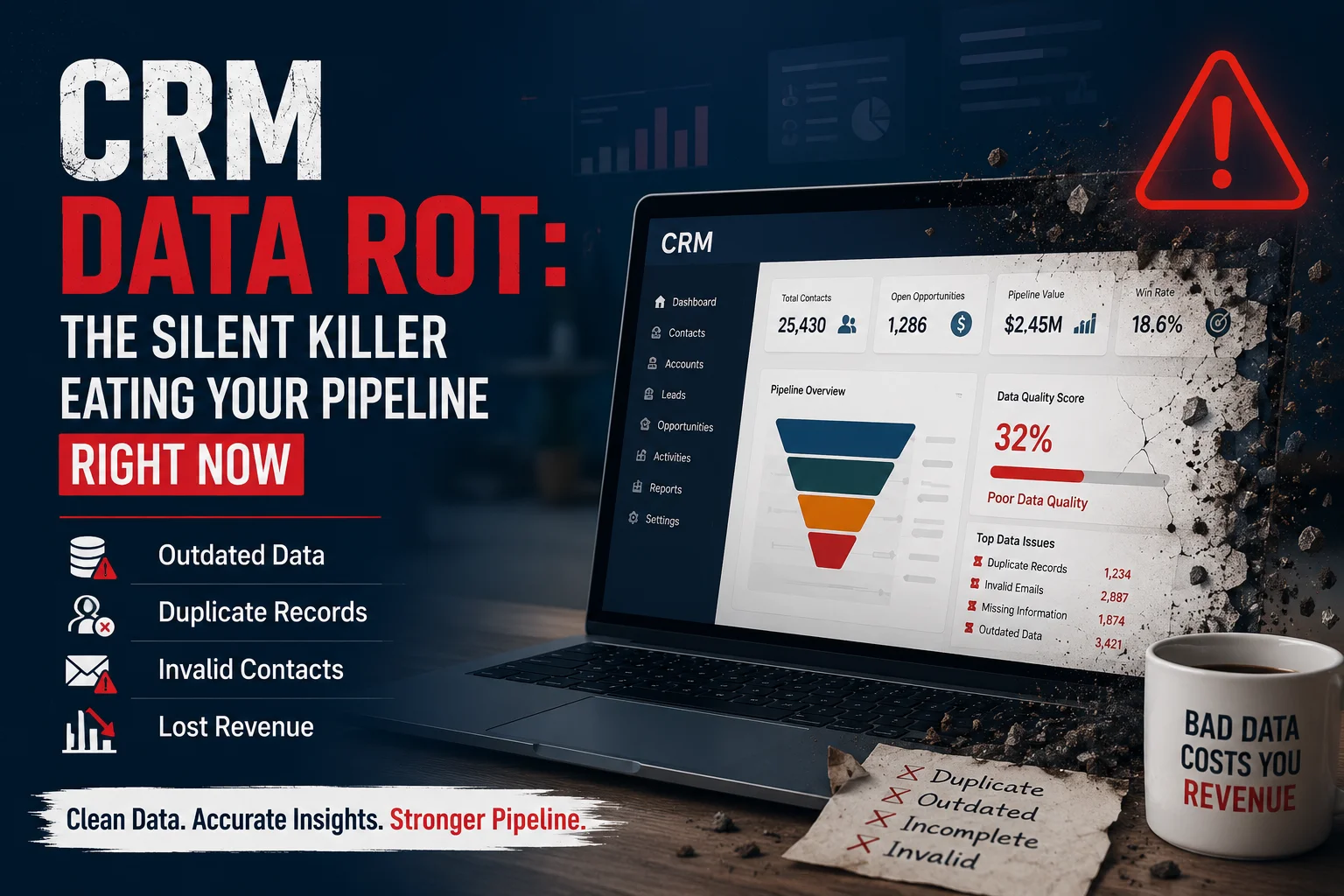
Introduction: Your CRM Might Be Losing Revenue Without You Knowing
Your CRM system is designed to help your business manage customer relationships, track opportunities, and improve sales performance. However, over time, even the most advanced CRM platforms can develop a hidden problem: CRM data rot.
CRM data rot occurs when customer records become outdated, incomplete, duplicated, or inaccurate. As a result, sales teams waste valuable time chasing incorrect leads, marketing campaigns target the wrong audience, and decision-makers rely on unreliable reports.
In fact, a CRM filled with poor-quality data can become a liability instead of a growth engine.
Whether you use Microsoft Dynamics 365, Salesforce, HubSpot, or another CRM platform, maintaining clean and accurate data is essential for protecting your sales pipeline.
What Is CRM Data Rot?
CRM data rot is the gradual decline in the accuracy, completeness, and reliability of information stored inside your customer relationship management system.
Every day, customer data changes:
- People change jobs
- Companies merge or close
- Phone numbers become outdated
- Email addresses stop working
- Customer preferences evolve
- Sales opportunities become inactive
Without proper CRM data management processes, your database slowly loses value.
Simply put:
CRM data rot is when your CRM database no longer represents reality.
Why CRM Data Rot Is a Serious Business Problem
Many companies assume that once customer data enters their CRM, it remains useful forever. However, data requires continuous maintenance.
Poor CRM data quality affects almost every department:
| Business Area | Impact of Poor CRM Data |
|---|---|
| Sales Team | Wasted time contacting invalid leads |
| Marketing | Lower campaign engagement and poor targeting |
| Management | Incorrect forecasting and reporting |
| Customer Support | Incomplete customer history |
| Finance | Incorrect customer segmentation |
| Operations | Inefficient workflows |
Therefore, CRM data quality should be treated as an ongoing business process, not a one-time cleanup task.
The Hidden Signs Your CRM Database Is Rotting
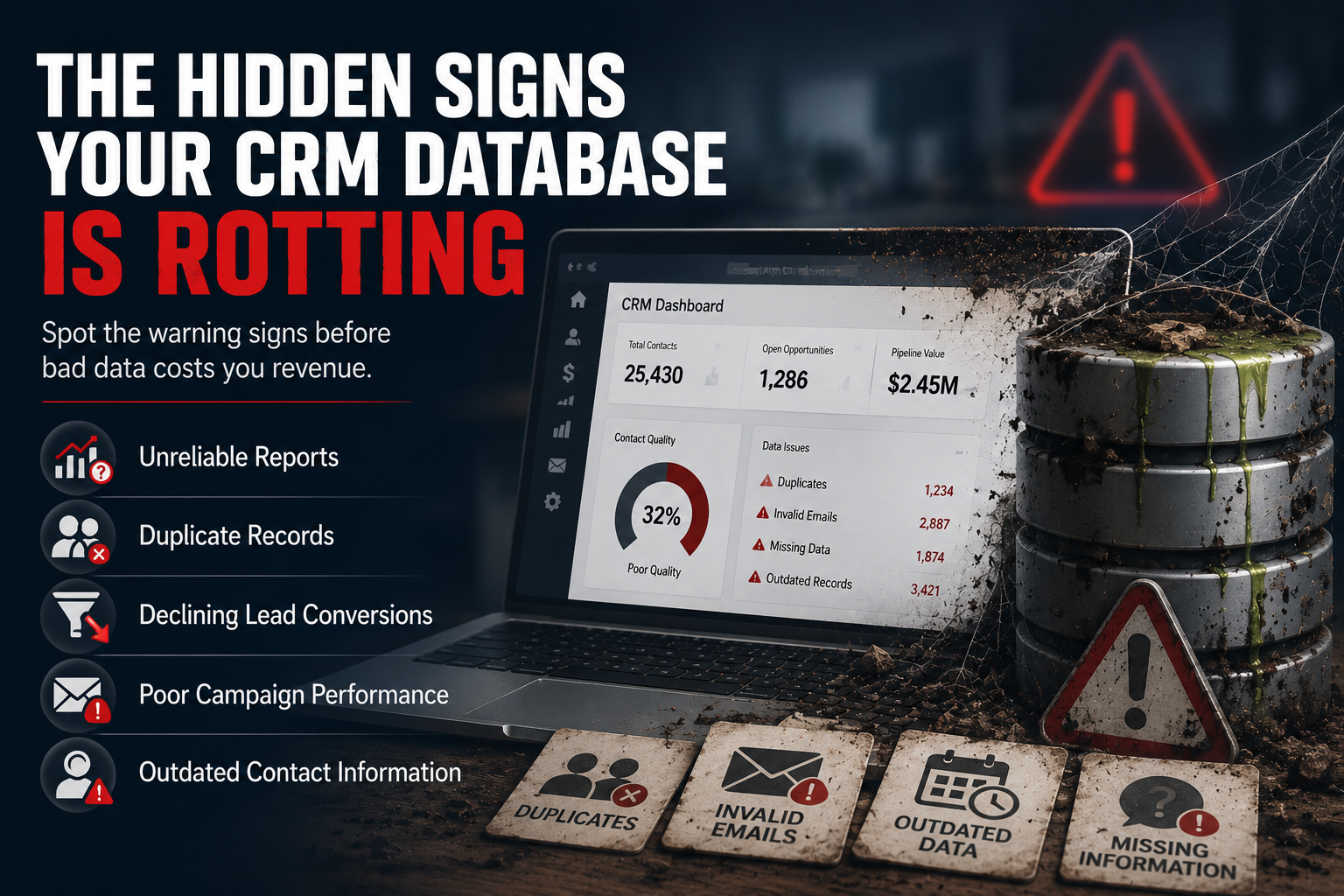
Many businesses do not notice CRM data problems until revenue starts declining.
However, these warning signs indicate your CRM may already be suffering from data rot.
1. Sales Teams Cannot Trust CRM Reports
Your CRM should provide accurate visibility into:
- Sales pipeline value
- Conversion rates
- Customer activity
- Forecast accuracy
However, when sales representatives question CRM reports, it usually indicates underlying data problems.
For example:
A sales manager sees 500 active opportunities in the pipeline. However, after review, 150 opportunities are outdated or duplicated.
The CRM dashboard looks healthy, but the actual revenue opportunity is much smaller.
2. Duplicate Customer Records Are Increasing
Duplicate records are one of the most common CRM data quality issues.
They create problems such as:
- Multiple customer profiles
- Conflicting information
- Incorrect sales ownership
- Duplicate marketing emails
For example:
A company may appear three times in the CRM:
- ABC Industries Ltd.
- ABC Industry
- ABC Industrial Solutions
Although these records represent the same customer, your teams see fragmented information.
3. Lead Conversion Rates Are Declining
Poor-quality CRM data directly impacts lead conversion.
When sales teams receive:
- Incorrect contact details
- Missing customer information
- Old leads
- Unqualified opportunities
they spend more time cleaning data instead of closing deals.
Consequently, revenue opportunities are lost.
4. Marketing Campaign Performance Drops
Marketing automation depends on accurate CRM data.
When customer information becomes outdated:
- Emails bounce
- Personalization fails
- Wrong audiences receive campaigns
- Engagement rates decrease
Therefore, CRM data quality plays a major role in marketing success.
Common Causes of CRM Data Rot
Understanding the causes helps businesses prevent future problems.
Manual Data Entry Errors
When employees manually enter customer information, mistakes are unavoidable.
Common examples include:
- Incorrect email addresses
- Missing company details
- Wrong phone numbers
- Inconsistent formatting
Lack of Data Governance
Many organizations do not have clear CRM data management rules.
Without governance, employees may:
- Create duplicate records
- Skip important fields
- Enter inconsistent information
Poor CRM Adoption
A CRM system only works when teams use it correctly.
However, if employees avoid updating records, your database quickly becomes outdated.
No Automated Data Validation
Without automation, companies rely heavily on employees to maintain accuracy.
Modern CRM platforms should automatically:
- Validate information
- Detect duplicates
- Standardize records
- Trigger cleanup workflows
How CRM Data Rot Damages Your Sales Pipeline
Your sales pipeline depends on accurate customer information.
The relationship is simple:
Bad Data → Poor Decisions → Lost Opportunities → Reduced Revenue
Here is how CRM data rot impacts your pipeline:
| CRM Problem | Sales Impact |
|---|---|
| Duplicate leads | Confusing customer interactions |
| Missing information | Longer sales cycles |
| Outdated contacts | Lost communication opportunities |
| Incorrect forecasting data | Poor business decisions |
| Invalid opportunities | Inflated pipeline reports |
Therefore, fixing CRM data quality issues should be a priority for every growing organization.
How to Prevent CRM Data Rot
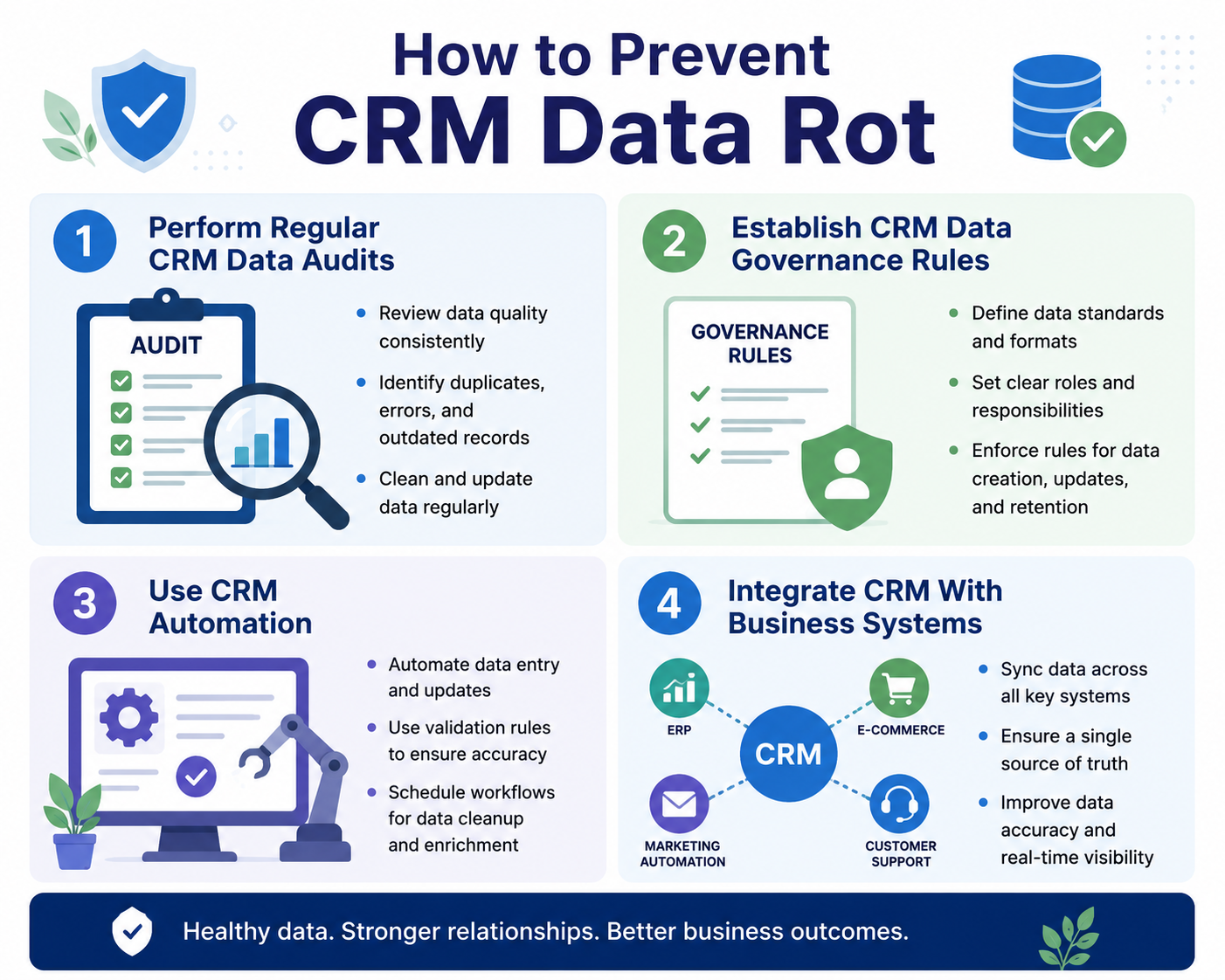
1. Perform Regular CRM Data Audits
A CRM audit identifies:
- Duplicate records
- Missing fields
- Inactive accounts
- Incorrect customer information
Businesses should schedule regular database health checks.
2. Establish CRM Data Governance Rules
Create clear standards for:
- Data entry
- Record ownership
- Required fields
- Update frequency
- Customer segmentation
This ensures everyone follows the same process.
3. Use CRM Automation
Automation reduces human errors and improves consistency.
Examples include:
- Automatic duplicate detection
- Data validation rules
- Workflow reminders
- Automated record updates
4. Integrate CRM With Business Systems
Disconnected systems often create inconsistent information.
CRM integrations with:
- ERP systems
- Marketing platforms
- Customer portals
- Reporting tools
help maintain a single source of truth.
CRM Data Cleanup Checklist
Use this checklist to evaluate your CRM database:
- Remove duplicate customer records
- Verify outdated contact information
- Standardize company names
- Review inactive opportunities
- Complete missing customer fields
- Archive unnecessary records
- Validate email addresses
- Improve CRM workflows
How Sky Soft Connections Helps Businesses Eliminate CRM Data Rot
At Sky Soft Connections, we help organizations improve CRM performance through Microsoft Dynamics 365 and Power Platform solutions.
Our CRM services help businesses:
- Improve CRM data quality
- Clean and migrate existing CRM databases
- Automate repetitive sales processes
- Build custom CRM workflows
- Connect CRM with business applications
- Create powerful dashboards using Power BI
- Improve customer visibility and reporting
Through our Dynamics 365 CRM services, businesses can transform outdated CRM systems into reliable platforms that support sales growth.
We also provide:
Microsoft Dynamics 365 Consulting
Our experts help businesses optimize CRM architecture, workflows, and user adoption.
CRM Data Migration & Cleanup
We help organizations remove duplicate records, improve data accuracy, and migrate information safely.
Power Platform Automation
Using Power Apps, Power Automate, and Power BI, we help businesses automate processes and gain better insights.
Why CRM Data Quality Matters More Than Ever in 2026
With AI-powered sales tools becoming more common, CRM data quality has become even more important.
Artificial intelligence depends on accurate information.
Poor CRM data leads to:
- Incorrect AI recommendations
- Weak sales predictions
- Poor customer insights
- Ineffective automation
Therefore, clean CRM data is the foundation for successful AI-driven business operations.
Frequently Asked Questions About CRM Data Rot
CRM data rot is the gradual deterioration of customer information caused by outdated, inaccurate, incomplete, or duplicate records.
Most businesses should review CRM data regularly, ideally through monthly monitoring and quarterly database audits.
Yes. CRM automation can reduce errors by validating information, detecting duplicates, and maintaining consistent workflows.
Yes. Poor CRM data quality can reduce conversion rates, increase sales cycles, and create inaccurate revenue forecasts.
Final Thoughts: Protect Your CRM Before It Damages Your Growth
Your CRM system is only as valuable as the data inside it.
Although CRM data rot happens gradually, its impact on sales performance, customer relationships, and revenue growth can be significant.
By implementing regular audits, automation, governance policies, and professional CRM optimization services, businesses can maintain accurate data and build stronger pipelines.
A clean CRM is not just a technology advantage it is a competitive advantage.
Read more : Is Your Dynamics 365 Instance Secretly Bleeding Money? A Cost-Audit Framework