
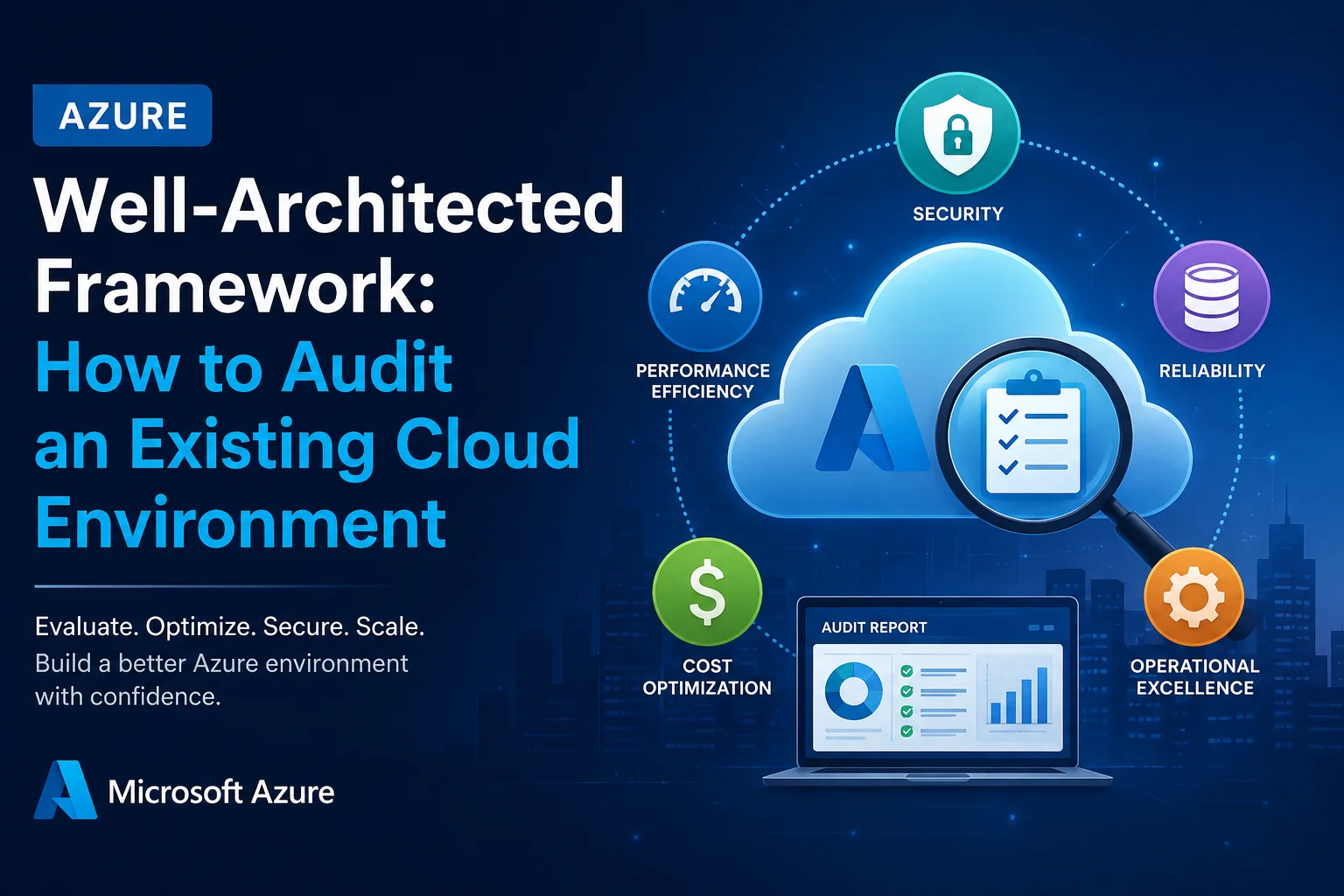
Moving workloads to Microsoft Azure is only the beginning. Over time, cloud environments become more complex. New applications are deployed, resources are added, security policies change, and infrastructure decisions that once made sense may no longer be the best fit.
That is why an Azure Well-Architected Framework assessment can be valuable even for an environment that has been running successfully for years.
An Azure architecture audit helps organizations identify security gaps, unnecessary costs, reliability risks, performance bottlenecks, operational weaknesses, and sustainability opportunities.
This guide explains how to audit an existing Azure environment using the Azure Well-Architected Framework and turn the findings into practical improvements.
What Is an Azure Well-Architected Framework Audit?
An Azure Well-Architected Framework audit is a structured review of your existing cloud environment against Microsoft’s five core architectural pillars:
- Reliability
- Security
- Cost Optimization
- Operational Excellence
- Performance Efficiency
Rather than simply checking whether Azure resources are configured correctly, an audit looks at how the entire environment supports business, technical, security, and operational requirements.
Why Audit an Existing Azure Environment?
Cloud environments rarely remain static. Therefore, an architecture that was appropriate two years ago may now create unnecessary risk or expense.
An Azure audit can help you:
- Identify security and configuration weaknesses
- Reduce unnecessary Azure spending
- Improve application reliability
- Find performance bottlenecks
- Strengthen monitoring and incident response
- Review backup and disaster recovery readiness
- Improve governance and resource management
- Identify opportunities for modernization
- Align cloud architecture with current business requirements
The Five Pillars of an Azure Architecture Audit
The Well-Architected Framework provides a useful structure for evaluating an existing environment.
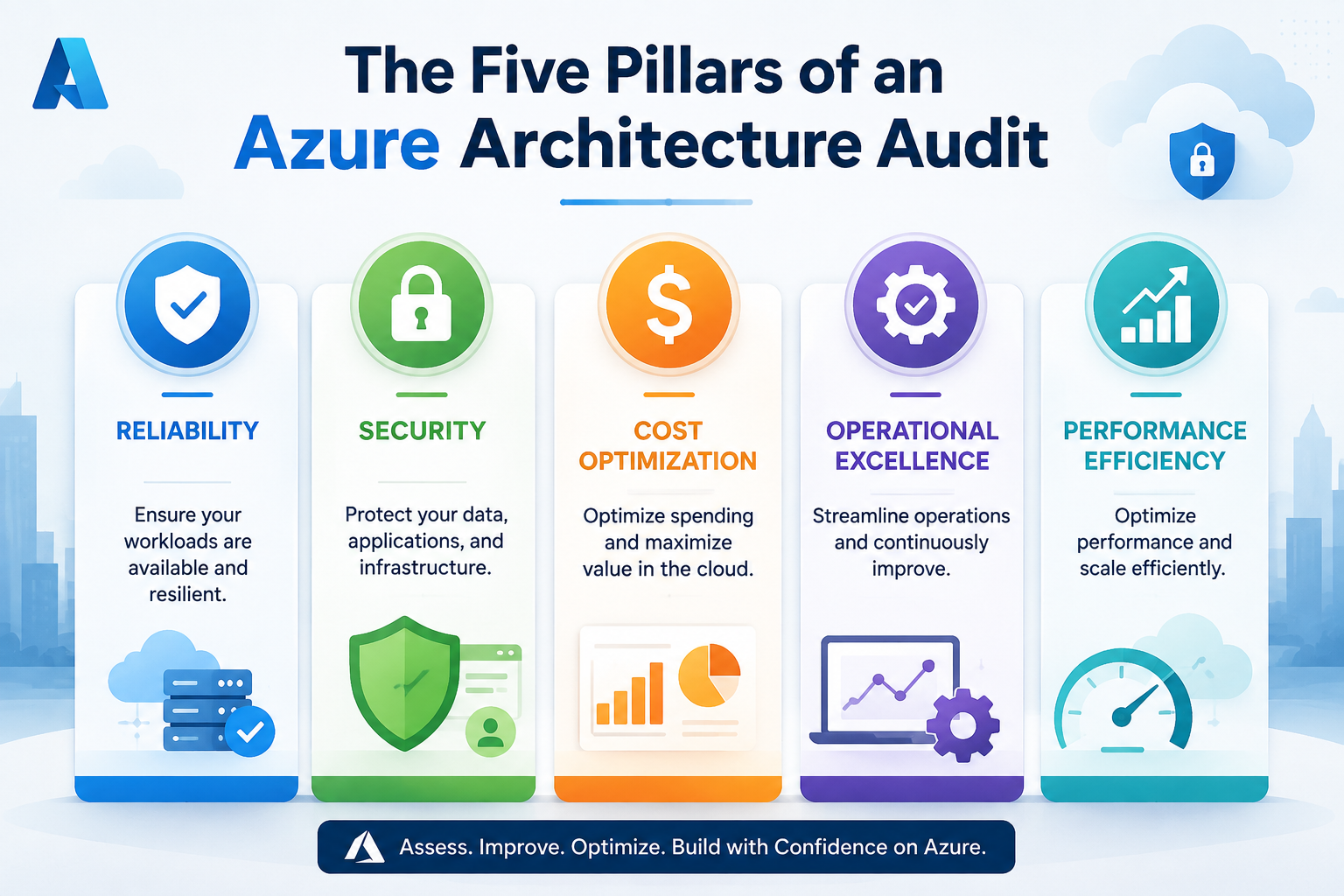
| Pillar | What to Audit | Typical Questions |
|---|---|---|
| Reliability | Availability, backups, recovery | Can the workload recover from failure? |
| Security | Identity, access, data and network security | Who can access critical resources? |
| Cost Optimization | Usage, sizing and resource spending | Are you paying for resources you do not need? |
| Operational Excellence | Monitoring, deployment and processes | Can the team operate the environment efficiently? |
| Performance Efficiency | Architecture, scaling and resource utilization | Can the system handle changing workloads efficiently? |
The key is to assess these pillars together. For example, reducing infrastructure costs should not introduce unacceptable reliability or performance risks.
1. Audit Azure Reliability
The first step is understanding how the environment behaves when something goes wrong.
Review your:
- Azure regions and availability zones
- Backup configuration
- Disaster recovery strategy
- Recovery Time Objective (RTO)
- Recovery Point Objective (RPO)
- Application dependencies
- High-availability configuration
- Database resilience
- Failure recovery procedures
Questions to Ask
What happens if an Azure resource fails?
What happens if an entire region becomes unavailable?
Has the disaster recovery plan actually been tested?
A backup that has never been restored is not a complete recovery strategy. Therefore, testing should be part of the audit rather than simply verifying that backup jobs exist.
2. Review Azure Security Architecture
Security should be one of the highest-priority areas in an Azure cloud assessment.
Review identity, network, applications, data and infrastructure controls.
Key Areas to Check
- Microsoft Entra ID configuration
- Role-Based Access Control (RBAC)
- Privileged accounts
- Multi-factor authentication
- Managed identities
- Network security groups
- Azure Firewall
- Private endpoints
- Key Vault usage
- Encryption
- Secrets and certificate management
- Security monitoring
- Defender for Cloud recommendations
Also, check whether users and applications have more permissions than they actually need.
The principle of least privilege should guide access decisions. Consequently, an audit should identify excessive permissions and opportunities to replace permanent privileged access with more controlled approaches.
3. Perform an Azure Cost Optimization Review
Azure cost optimization is not simply about finding the cheapest resources. The goal is to ensure that cloud spending produces the required business and technical value.
During the audit, review:
- Underutilized virtual machines
- Oversized resources
- Unattached disks
- Unused public IP addresses
- Storage consumption
- Database utilization
- Reserved capacity opportunities
- Autoscaling configuration
- Development and test environments
- Resource tagging
- Azure budgets and cost alerts
Example
Suppose a virtual machine is consistently using only 15–20% of its available capacity. Keeping the same size indefinitely may result in unnecessary expenditure.
However, downsizing it without checking application requirements could create a performance problem.
Therefore, Azure cost optimization should always consider performance, reliability and workload requirements together.
4. Assess Operational Excellence
A well-designed Azure environment still requires effective operational processes.
Ask whether your team can:
- Detect problems quickly
- Understand application health
- Respond to incidents
- Deploy changes consistently
- Roll back unsuccessful deployments
- Track configuration changes
- Monitor important business metrics
- Automate repetitive processes
Azure Monitoring Checklist
Review the configuration of services such as:
- Azure Monitor
- Application Insights
- Log Analytics
- Alerts
- Dashboards
- Activity Logs
- Diagnostic settings
However, simply collecting logs is not enough. Your team should know which signals matter, who receives alerts and what action should follow an alert.
5. Evaluate Performance Efficiency
The final pillar focuses on whether your Azure environment delivers the required performance without unnecessary resource consumption.
Analyze:
- CPU and memory utilization
- Database performance
- Application response times
- Network latency
- Storage performance
- Autoscaling
- Caching
- Application architecture
- Traffic patterns
- Peak workload behavior
For example, an application might perform well during normal business hours but slow down dramatically during peak demand. In that case, the audit should investigate scaling, architecture and resource bottlenecks rather than simply recommending larger virtual machines.
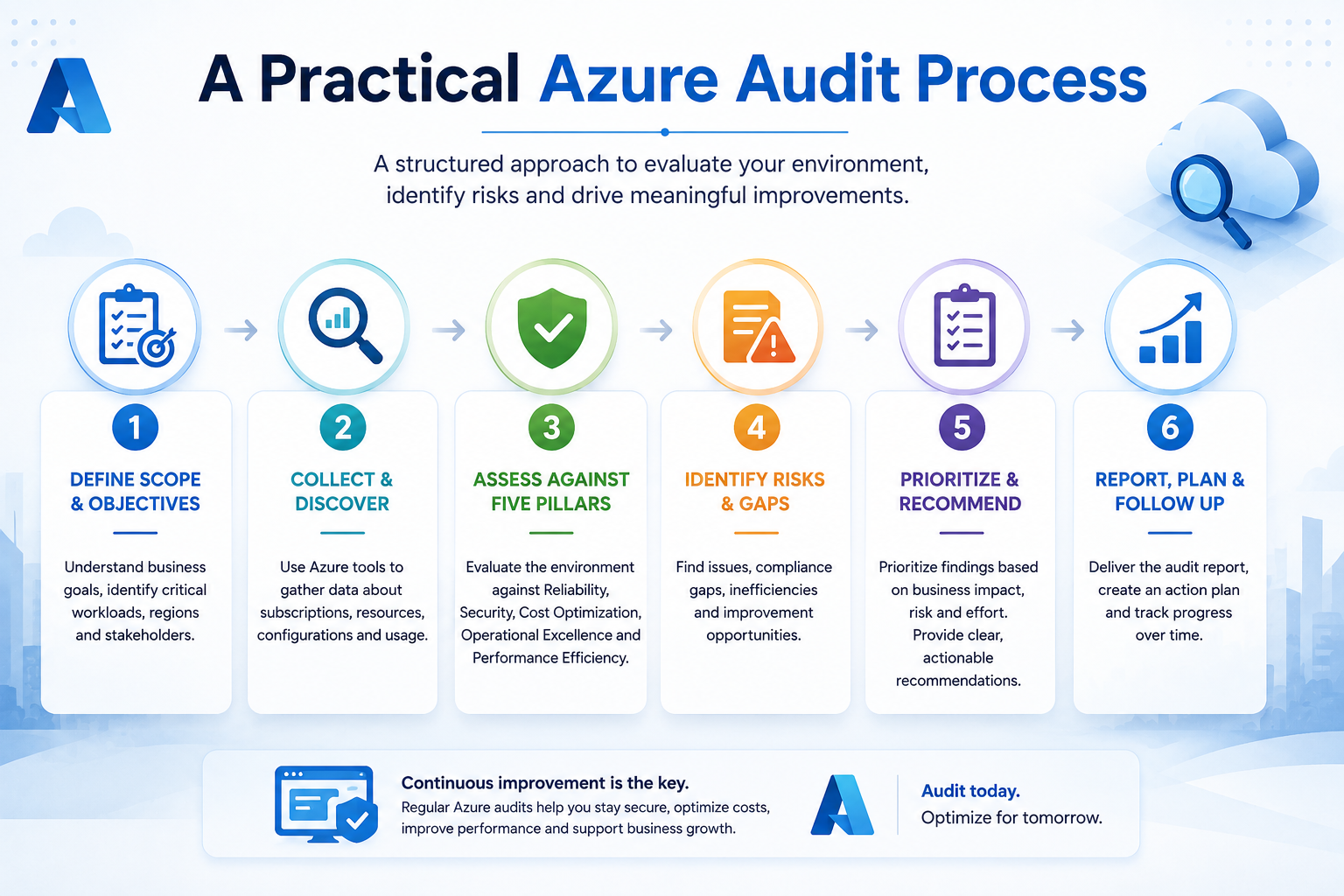
A Practical Azure Audit Process
A successful Azure Well-Architected assessment should follow a structured process.
Step 1: Build an Azure Environment Inventory
Start by creating an inventory of your cloud environment.
Document:
- Subscriptions
- Resource groups
- Virtual machines
- Databases
- Storage accounts
- Networking components
- App Services
- Containers
- Azure Functions
- Security services
- Monitoring resources
This gives you a clear baseline before deeper analysis begins.
Step 2: Understand Business-Critical Workloads
Not every Azure workload has the same requirements.
Classify applications according to:
- Business criticality
- Data sensitivity
- Availability requirements
- Performance requirements
- Compliance requirements
- Recovery requirements
This prevents teams from applying the same architecture standards to every workload.
Step 3: Assess Each Well-Architected Pillar
Evaluate reliability, security, cost, operations and performance separately.
Then look for dependencies between them.
For example:
A cost-saving recommendation may affect application performance, while a security improvement may affect operational complexity.
Therefore, recommendations should be prioritized based on overall business impact.
Step 4: Identify and Prioritize Risks
Not every finding needs immediate action.
A useful prioritization model is:
| Priority | Example Finding | Recommended Action |
|---|---|---|
| Critical | Major security exposure | Immediate remediation |
| High | No tested disaster recovery | Create and test recovery strategy |
| Medium | Oversized resources | Optimize during planned changes |
| Low | Missing resource tags | Include in governance improvements |
This makes the audit much more actionable than a long list of technical observations.
Step 5: Create an Azure Remediation Roadmap
Finally, convert audit findings into an improvement roadmap.
A practical roadmap can include:
0–30 Days: Critical security and reliability issues
30–90 Days: Cost, monitoring and operational improvements
90+ Days: Architecture modernization and performance optimization
This approach helps organizations improve their Azure environment without trying to change everything at once.
Common Azure Architecture Audit Mistakes
Even well-planned assessments can miss important issues.
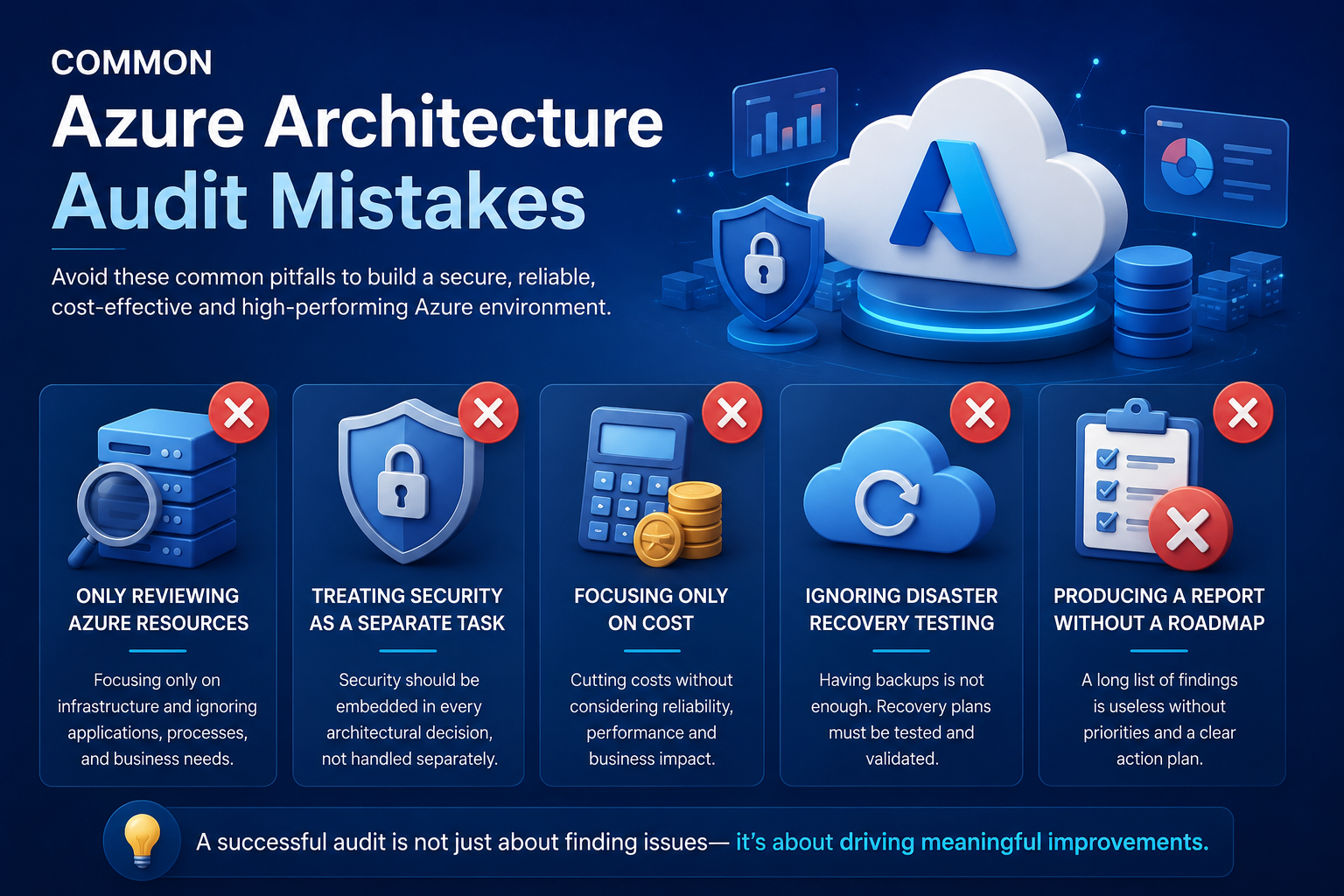
Only Reviewing Azure Resources
An audit should not focus exclusively on infrastructure. Application architecture, processes, identity, governance and business requirements matter too.
Treating Security as a Separate Exercise
Security affects every architectural decision. It should therefore be considered throughout the assessment.
Focusing Only on Azure Cost
Reducing monthly spending is useful, but aggressive cost cutting can create reliability or performance problems.
Ignoring Disaster Recovery Testing
Having backups does not automatically mean that the business can recover successfully.
Producing a Report Without a Roadmap
A report full of findings has limited value if nobody knows what to fix first.
How Sky Soft Connections Can Help
Sky Soft Connections helps organizations design, modernize and optimize Microsoft cloud environments.
Our Microsoft-focused services include:
- Microsoft Azure Services
- Dynamics 365 CRM
- Microsoft Power Platform
- Power Apps
- Power Automate
- Power BI
- Power Pages
- Custom .NET Portals
- Data Migration
- Azure Cloud Solutions
For organizations with an existing Azure environment, our approach can combine cloud assessment, architecture improvement, application modernization, data and integration requirements, security considerations and ongoing optimization.
The goal is not simply to make an Azure environment technically compliant. Instead, the focus is on building a cloud environment that is secure, reliable, scalable, cost-conscious and aligned with business objectives.
Azure Well-Architected Audit: Final Takeaway
An Azure Well-Architected Framework audit is more than a technical configuration review. It provides a structured way to understand whether your existing cloud environment is still fit for purpose.
By reviewing reliability, security, cost optimization, operational excellence and performance efficiency, organizations can uncover risks and identify practical opportunities for improvement.
Most importantly, the audit should end with action.
Find the risks. Prioritize the opportunities. Build the roadmap. Then continuously improve your Azure environment.
Read more: The Real Difference Between a CRM Consultant and a Systems Integrator
Frequently Asked Questions
It is a structured evaluation of an Azure workload against five pillars: reliability, security, cost optimization, operational excellence and performance efficiency.
There is no universal schedule. However, organizations should reassess their architecture after major application changes, migrations, acquisitions, security changes or significant increases in cloud usage.
Organizations can use Azure-native monitoring, security and cost-management capabilities alongside the Azure Well-Architected Framework assessment approach to identify architectural risks and improvement opportunities.
No. Smaller organizations can benefit as well. In fact, identifying unnecessary resources, excessive permissions and operational gaps early can prevent larger technical and financial problems later.
A useful report should include the current environment, identified risks, business impact, recommended improvements, priority levels and a practical remediation roadmap.