Introduction
Deploying Dataverse solutions can be challenging, especially when they involve complex Power Automate dependencies. Traditional deployment methods often cause downtime, disrupting business operations and affecting productivity. At Skysoft Connections, we specialize in designing deployment strategies that ensure seamless updates, even in environments with multiple interdependent flows.
In this blog, we’ll explore zero downtime deployment strategies, best practices, and tools to update Dataverse solutions while keeping your system fully operational.
Why Zero Downtime Deployment Matters
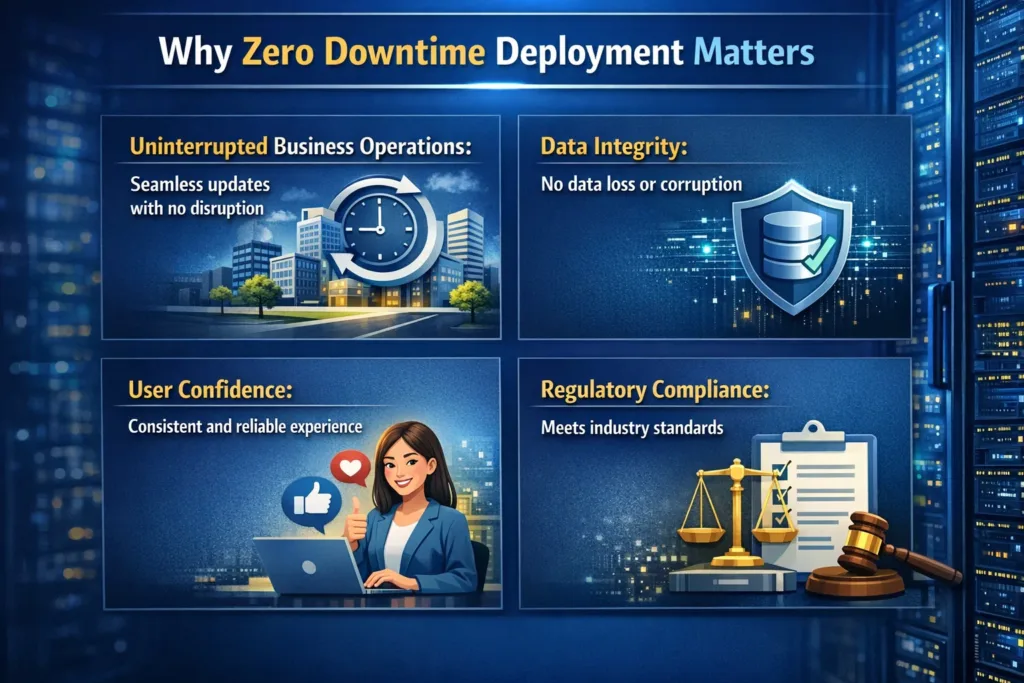
Zero downtime deployment ensures that your business applications remain available during updates. Here’s why it’s essential:
- Uninterrupted business operations: Avoid workflow disruptions that affect customer and employee experience.
- Data integrity: Safeguard against incomplete transactions or failed Power Automate flows.
- User confidence: Continuous access builds trust in your systems.
- Regulatory compliance: Maintain audit trails and operational continuity.
Key Challenges in Updating Dataverse Solutions
Updating Dataverse solutions with Power Automate dependencies comes with several challenges:
- Interdependent Flows – A single flow may rely on multiple tables or other flows.
- Data Migration Risks – Schema changes can break existing flows if not managed carefully.
- Version Conflicts – Multiple developers updating the same environment can lead to conflicts.
- Limited Rollback Options – Rolling back a failed update can be complicated if multiple flows are affected.
Strategies for Zero Downtime Deployment
Implementing a zero downtime deployment strategy involves careful planning and execution. Below are proven strategies:
1. Use a Staging Environment
Deploy changes first in a staging environment that mirrors production. Benefits include:
- Testing all Power Automate flows for functionality.
- Identifying potential dependencies and conflicts.
- Safe rollback without impacting production.
2. Implement Solution Patching
Instead of full solution imports, use solution patches to update only the changed components. This approach:
- Reduces the risk of breaking flows.
- Minimizes deployment time.
- Keeps the production environment operational.
3. Enable Feature Flags
Feature flags allow you to:
- Activate new features gradually.
- Test updates selectively with minimal risk.
- Quickly disable problematic features without downtime.
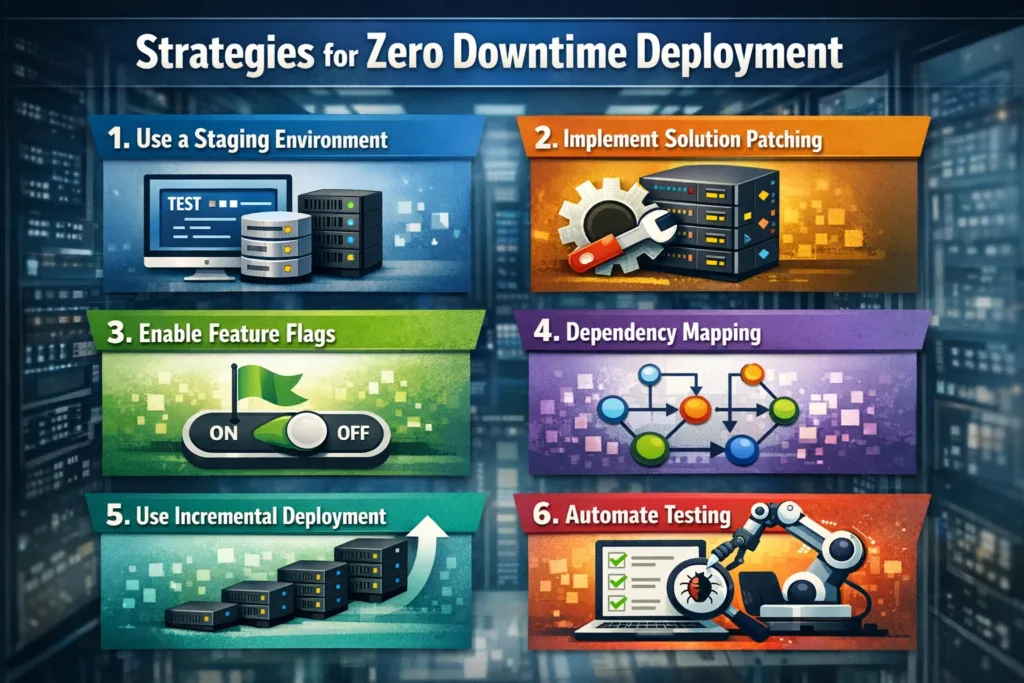
4. Dependency Mapping
Create a dependency map of all Power Automate flows and Dataverse tables. This helps in:
- Identifying critical interdependencies.
- Planning update sequences to prevent errors.
- Ensuring smooth rollbacks if needed.
| Dependency Type | Example | Deployment Strategy |
|---|---|---|
| Flow-to-Flow | Approval flows triggered by a main flow | Deploy dependent flows first |
| Table-to-Flow | Updates in Customer table triggers multiple flows | Patch table changes carefully |
| Solution-to-Solution | Custom modules interacting | Stagger updates with feature flags |
5. Use Incremental Deployment
Break down updates into smaller increments. Advantages include:
- Easier to monitor system behavior.
- Quick identification of issues.
- Reduced impact radius in case of failure.
- 6. Automate Testing
Automate testing for all flows using Power Automate test environments or third-party tools. This ensures:
- Every flow executes correctly.
- Errors are detected before production deployment.
- Continuous integration practices are maintained.
Best Practices for Smooth Deployment
- Backup regularly – Always have a snapshot of your environment.
- Communicate with stakeholders – Keep teams informed about deployment schedules.
- Monitor logs – Identify issues in real-time during deployment.
- Document changes – Maintain clear documentation for auditing and rollback purposes.
How Skysoft Connections Can Help
At Skysoft Connections, we specialize in Dataverse solution management and Power Automate integration. Our services include:
- Zero downtime deployment planning and execution
- Power Automate dependency analysis
- Solution patch management
- Automated testing and monitoring
With our expertise, organizations can update critical solutions without interrupting business operations.
Conclusion
Zero downtime deployment is not just a technical requirement—it’s a business necessity. By carefully planning, mapping dependencies, and using incremental updates, organizations can safely update Dataverse solutions with complex Power Automate flows. Partnering with experts like Skysoft Connections ensures a smooth, risk-free deployment every time.
Read more : copilot in dynamics 365 sales for faster deal closure
FAQ’s
Zero downtime deployment ensures your Dataverse environment remains fully operational while updates are being implemented.
Flows relying on multiple tables or other flows can break if updates are not carefully planned, making dependency mapping essential.
Yes, Skysoft Connections provides end-to-end deployment services, including dependency analysis, patching, and automated testing.
 is a software solution company that was established in 2016. Our quality services begin with experience and end with dedication. Our directors have more than 15 years of IT experience to handle various projects successfully. Our dedicated teams are available to help our clients streamline their business processes, enhance their customer support, automate their day-to-day tasks, and provide software solutions tailored to their specific needs. We are experts in Dynamics 365 and Power Platform services, whether you need Dynamics 365 implementation, customization, integration, data migration, training, or ongoing support.