
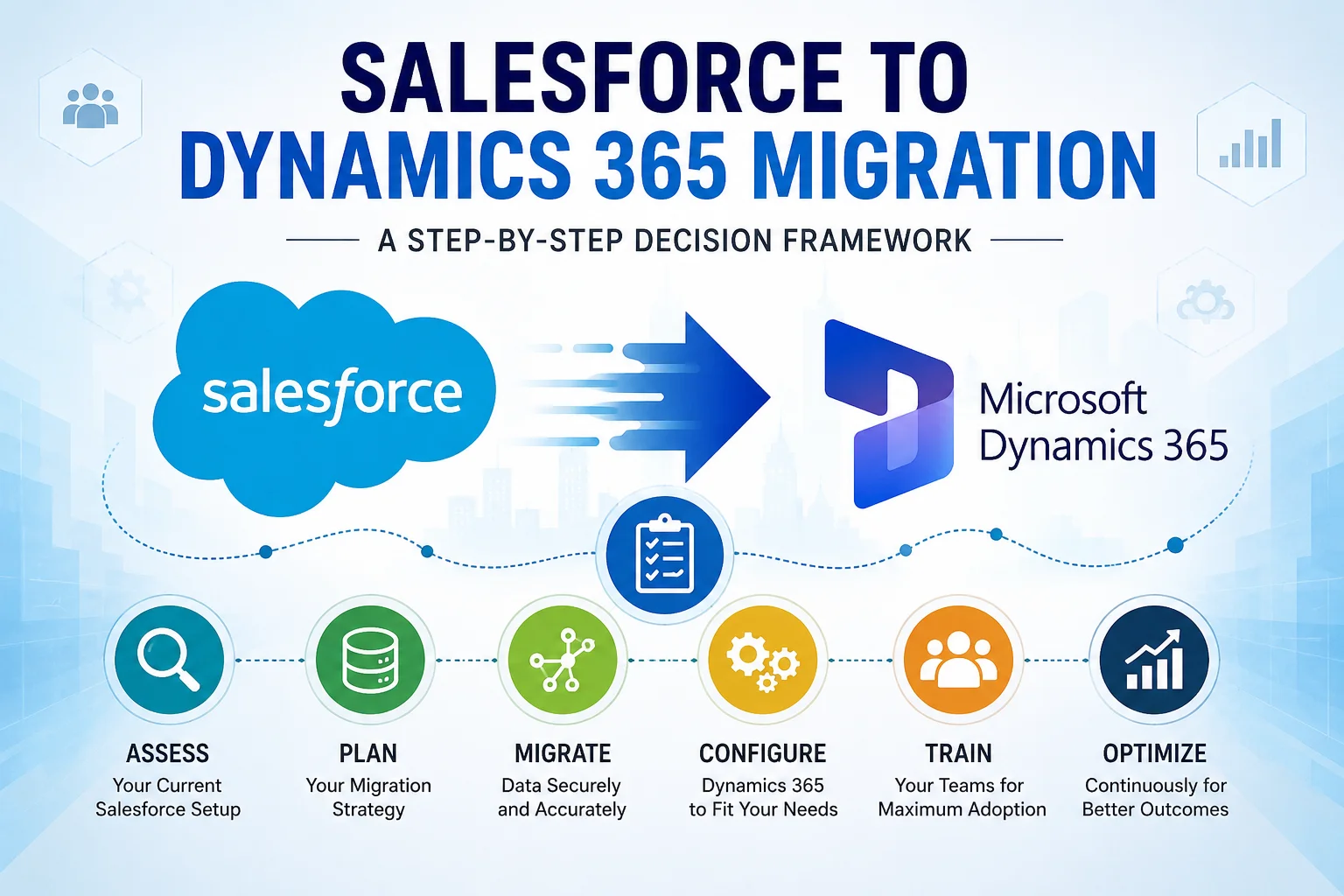
Businesses today demand more than just a customer relationship management (CRM) platform. They need a system that connects sales, customer service, marketing, finance, and operations into one intelligent ecosystem.
As a result, many organizations are choosing to migrate from Salesforce to Microsoft Dynamics 365.
However, CRM migration is a major business decision. It affects your processes, data, users, and long-term growth strategy. Therefore, before making the switch, you need a structured framework that helps you evaluate whether Dynamics 365 is the right fit.
This guide walks you through the entire decision-making and migration process step by step.
Why Are Companies Moving From Salesforce to Dynamics 365?
Although Salesforce remains a powerful CRM platform, many businesses are finding greater value in Microsoft’s ecosystem.
The most common reasons include:
- Lower total cost of ownership
- Better integration with Microsoft products
- Unified business applications
- Flexible licensing options
- Advanced AI and automation capabilities
- Stronger reporting and analytics with Power BI
- Easier collaboration through Microsoft Teams
In addition, organizations already using Microsoft technologies often discover that Dynamics 365 creates a much more connected digital environment.
Salesforce vs Dynamics 365: Quick Comparison
| Feature | Salesforce | Microsoft Dynamics 365 |
|---|---|---|
| Microsoft Integration | Limited | Excellent |
| Office 365 Integration | Third-party connectors | Native |
| Power BI Analytics | External | Built-in |
| Licensing Flexibility | Moderate | High |
| Custom Development | Strong | Strong |
| AI Capabilities | Einstein AI | Copilot AI |
| ERP Integration | Additional products | Native ecosystem |
| Cost Efficiency | Higher for scaling | More cost-effective |
Key Takeaway: Companies looking for an integrated business platform often find Dynamics 365 to be a more strategic long-term investment.
Signs It’s Time to Move From Salesforce to Dynamics 365
You should consider migration if you are experiencing:
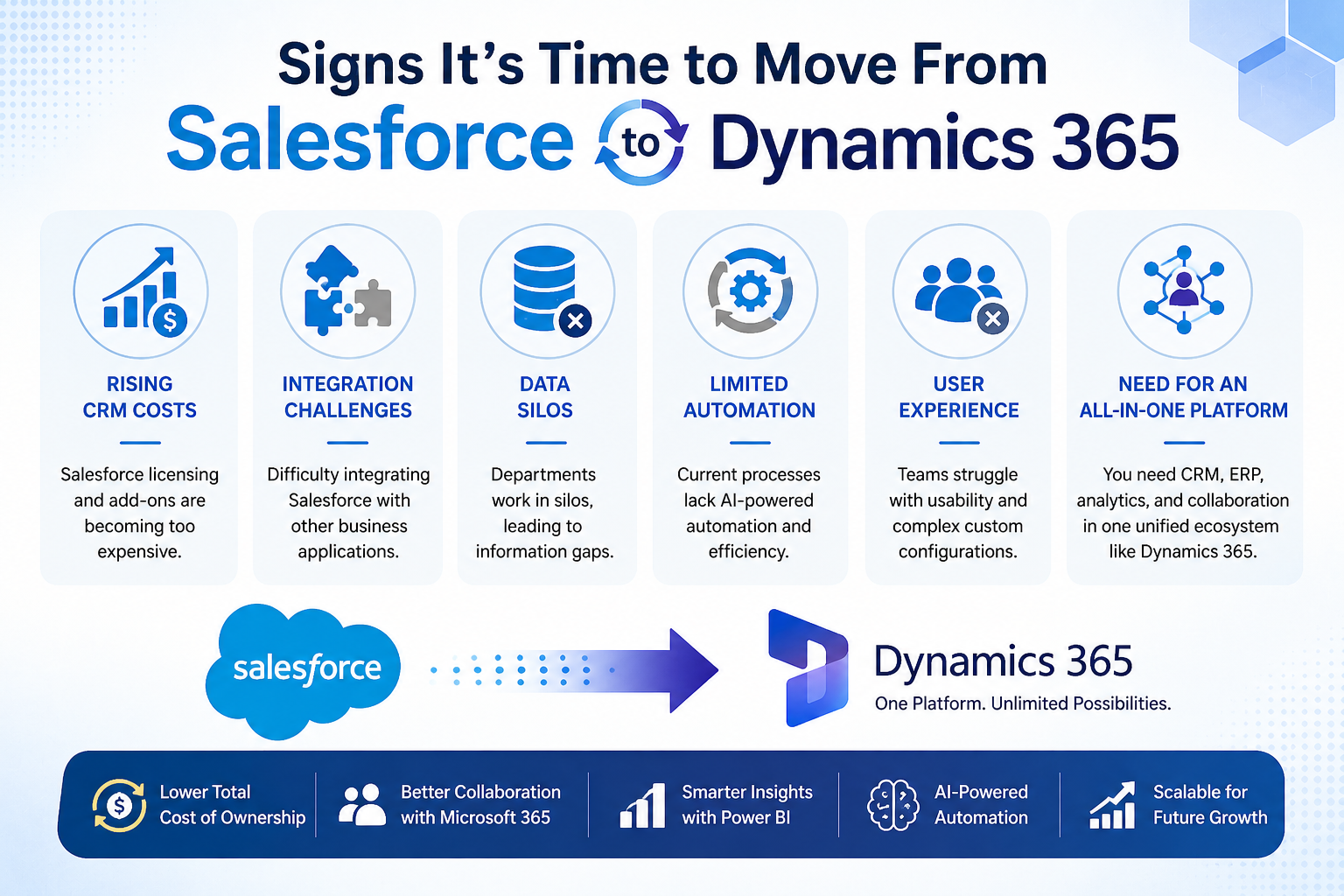
Rising CRM Costs
As your business grows, Salesforce licensing and add-ons can become expensive.
Integration Challenges
Your teams may struggle to connect Salesforce with other business applications.
Data Silos
Departments often work independently, causing information gaps.
Limited Process Automation
Businesses increasingly require AI-driven workflows and automation.
Need for an All-in-One Platform
Organizations want CRM, ERP, reporting, and collaboration tools in one ecosystem.
Step 1: Define Your Business Objectives
Before starting migration, ask the following questions:
- What problems are we trying to solve?
- What processes need improvement?
- Which teams will use Dynamics 365?
- What are our growth goals?
Your migration strategy should align with your business objectives rather than simply replacing one CRM with another.
Step 2: Audit Your Existing Salesforce Environment
A complete CRM assessment is essential.
Review:
- Custom objects
- Workflows
- Reports
- Dashboards
- Integrations
- User permissions
- Third-party applications
- Data quality
Many organizations discover that a significant amount of data is outdated or duplicated.
Therefore, this stage often becomes an opportunity to clean and optimize data.
Step 3: Create a CRM Migration Roadmap
A successful migration requires a clear roadmap.
Recommended Migration Timeline
| Phase | Activities |
|---|---|
| Discovery | Requirements gathering |
| Assessment | System audit |
| Planning | Migration strategy |
| Development | Configuration and customization |
| Data Migration | Data transfer and validation |
| Testing | User acceptance testing |
| Training | End-user training |
| Go-Live | Production deployment |
| Support | Post-launch optimization |
Step 4: Prepare Your Data for Migration
Data migration is often the most challenging part of any CRM implementation.
Data to Migrate
- Accounts
- Contacts
- Opportunities
- Leads
- Activities
- Cases
- Attachments
- Historical records
Data Cleansing Checklist
✔ Remove duplicates
✔ Correct incomplete records
✔ Standardize naming conventions
✔ Eliminate obsolete data
✔ Validate customer information
Clean data significantly improves CRM adoption and reporting accuracy.
[fusion_button enable_hover_text_icon=”no” target=”_self” aria_role_button=”0″ color=”default” stretch=”default” icon_position=”left” icon_divider=”no” hover_transition=”none” animation_direction=”left” animation_speed=”0.3″ animation_delay=”0″ hide_on_mobile=”small-visibility,medium-visibility,large-visibility” sticky_display=”normal,sticky” padding_top=”10″ padding_right=”10″ padding_bottom=”10″ padding_left=”10″ margin_left=”20″ margin_top=”20″ modal=”dynamics-checklist”]Get Your Free Dynamics 365 CRM Health Check Checklist[/fusion_button]
[fusion_modal title=”Get Your Free Dynamics 365 CRM Health Check Checklist” size=”large” show_footer=”yes” name=”dynamics-checklist”]
[fusion_form form_post_id=”7835″ hide_on_mobile=”small-visibility,medium-visibility,large-visibility”][/fusion_form]
[/fusion_modal]
Step 5: Map Salesforce Data to Dynamics 365
Salesforce and Dynamics 365 use different data structures.
Therefore, businesses need proper field mapping.
Example Mapping
| Salesforce | Dynamics 365 |
|---|---|
| Account | Account |
| Contact | Contact |
| Lead | Lead |
| Opportunity | Opportunity |
| Case | Incident |
| Campaign | Campaign |
Proper mapping reduces migration risks and prevents data loss.
Step 6: Rebuild Automations and Workflows
Most organizations rely heavily on automation.
Examples include:
- Lead assignments
- Approval workflows
- Email automation
- Customer notifications
- Service requests
Dynamics 365 offers:
- Power Automate
- Business Process Flows
- AI-powered automation
- Copilot capabilities
As a result, businesses often gain more advanced automation possibilities after migration.
Step 7: Integrate Business Applications
One of the biggest advantages of Dynamics 365 is its seamless integration with Microsoft’s ecosystem.
Native Integrations Include:
- Microsoft Teams
- Outlook
- SharePoint
- Power BI
- Power Apps
- Excel
- Azure Services
These integrations create a unified digital workplace that improves productivity.
Step 8: Conduct Comprehensive Testing
Testing should never be rushed.
Recommended testing areas:
- Functional Testing
- Data Validation Testing
- Security Testing
- Integration Testing
- User Acceptance Testing
Testing ensures that the new system works exactly as expected before going live.
Step 9: Train Your Teams
Even the best CRM implementation can fail without proper user adoption.
Training should cover:
- Navigation
- Data entry
- Reporting
- Dashboards
- Workflows
- Automation processes
Organizations that invest in training experience significantly higher adoption rates.
Step 10: Go Live and Optimize
Migration does not end at deployment.
Continuous optimization is essential.
Track:
- User adoption
- Performance
- Data quality
- Business processes
- Reporting accuracy
- Automation effectiveness
CRM should evolve alongside your business requirements.
Common Challenges During Salesforce to Dynamics 365 Migration
| Challenge | Solution |
|---|---|
| Poor data quality | Data cleansing |
| Complex customizations | Business process review |
| User resistance | Training and change management |
| Integration issues | Technical assessment |
| Downtime concerns | Phased migration approach |
Benefits of Migrating to Dynamics 365
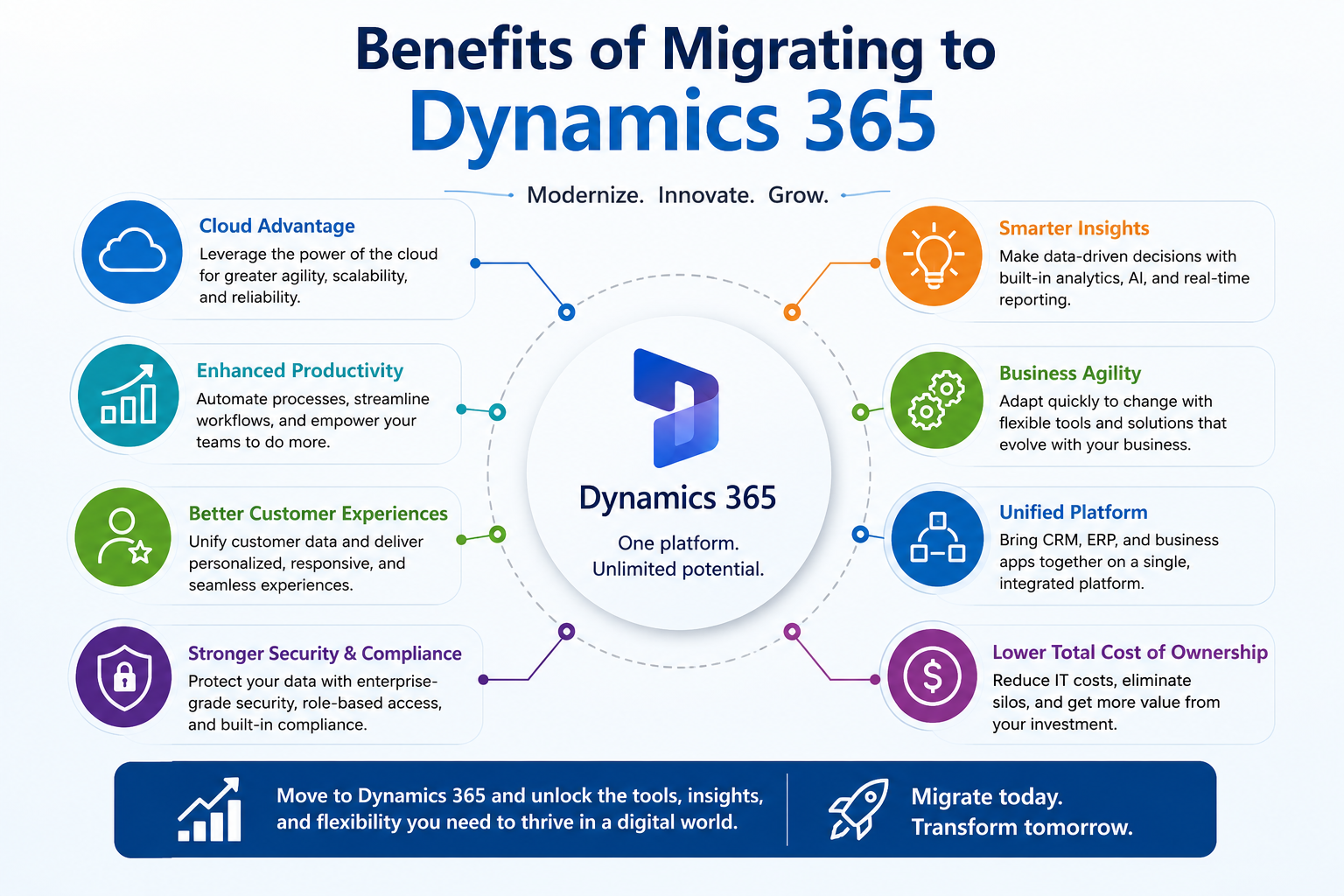
Lower Operational Costs
Dynamics 365 can reduce licensing and maintenance expenses.
Better Collaboration
Native Microsoft integrations improve teamwork.
Advanced AI Features
Copilot enables intelligent automation and insights.
Unified Business Platform
CRM, ERP, analytics, and collaboration tools work together.
Greater Scalability
Dynamics 365 easily adapts to changing business requirements.
Why Choose Sky Soft Connections for Salesforce to Dynamics 365 Migration?
At Sky Soft Connections, we help businesses modernize their CRM environments through strategic planning and seamless migrations.
Our Services Include
- CRM Assessment and Consultation
- Salesforce Data Migration
- Dynamics 365 Implementation
- Custom Development
- Power Platform Solutions
- System Integration
- Data Migration and Validation
User Training and Support
Post-Go-Live Optimization
Our team has successfully delivered over 40,000+ hours of CRM and Microsoft technology projects with a proven track record of helping businesses maximize their digital transformation initiatives.
Our Salesforce to Dynamics 365 Migration Process
- Discovery Workshop
- Business Process Assessment
- Migration Planning
- Data Cleansing
- System Configuration
- Integration Development
- Testing and Validation
- User Training
- Go-Live Support
- Continuous Improvement
Frequently Asked Questions (FAQs)
Not when properly planned. A structured migration framework significantly reduces risks.
Most projects take between 4 to 16 weeks, depending on complexity and customization requirements.
No. Proper data mapping and validation processes ensure secure migration.
Yes. Dynamics 365 provides comprehensive CRM capabilities and additional ERP, analytics, and AI features.
In many cases, yes. Businesses already using Microsoft products often experience a lower total cost of ownership.
Final Thoughts
Migrating from Salesforce to Dynamics 365 is more than a technology upgrade. It is a strategic business decision that can improve collaboration, reduce costs, and create a more connected organization.
However, successful migration requires careful planning, clean data, proper training, and expert guidance.
By following this step-by-step decision framework, organizations can transition confidently and unlock the full potential of Microsoft Dynamics 365.
If your business is considering a CRM transformation, Sky Soft Connections can help you plan, migrate, and optimize your Dynamics 365 environment for long-term success.
Read more : Build vs Buy: Should You Customize Dynamics 365 or Build a Custom .NET Portal?