
Document processing is often slow, repetitive, and prone to human error. However, with Power Automate and AI Builder, companies can move toward fully automated document workflows that seamlessly populate Dynamics 365 (D365) records. This guide explains how document automation works, why businesses need it, and how SkySoft Connections helps organizations implement intelligent automation with accuracy and scale.
Why Document Automation Matters More Than Ever
Manual document entry consumes time, causes delays, and affects productivity. Moreover, as businesses grow, handling large volumes of invoices, contracts, forms, and inspection documents becomes overwhelming.
That’s why automation is essential. It does not just speed things up; instead, it reduces errors, improves consistency, and creates standardized processes across every department.
Common Challenges with Manual Document Processing
- Frequent data-entry errors
- Slow approval cycles
- Lost or inconsistent documents
- Operational delays
- Higher administrative workload
Power Automate + AI Builder: A Powerful Combination
Microsoft’s Power Automate works as the workflow engine, while AI Builder extracts critical data from documents using AI models. Together, they streamline the journey from document ingestion to data entry in D365.
Here’s a simple flow:
- Upload or receive a document (PDF, image, email attachment).
- AI Builder reads, recognizes, and extracts key fields.
- Power Automate maps extracted values into corresponding D365 fields.
- A new record is created automatically — without manual input.
How Document Automation Works in Dynamics 365
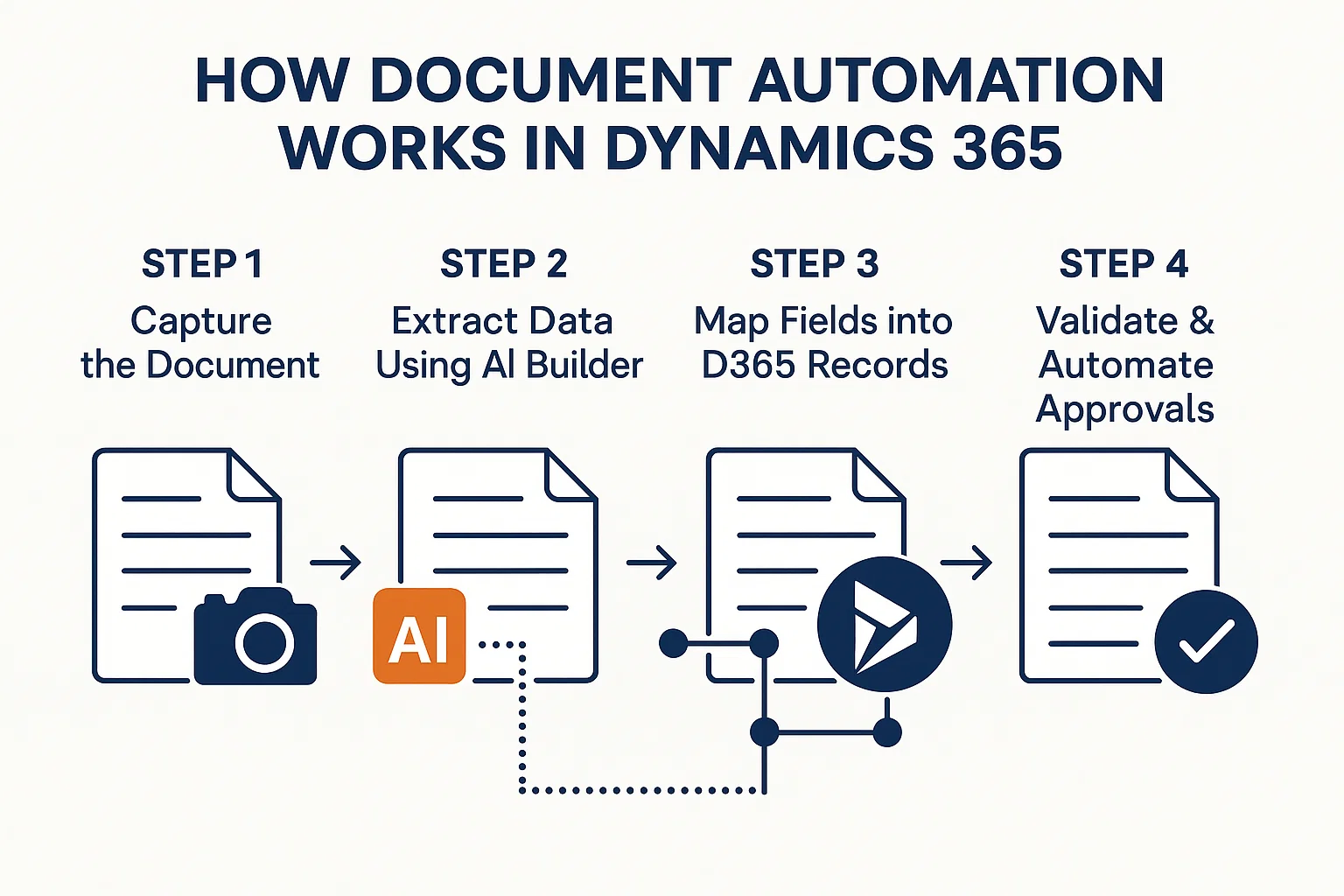
Step 1: Capture the Document
Documents can enter the system through:
- Email inbox
- SharePoint libraries
- Manual upload
- Mobile Power Apps
Step 2: Extract Data Using AI Builder
AI Builder supports:
- Invoice processing
- Receipt scanning
- Identity document extraction
- Custom document models
It identifies fields like:
- Names
- Dates
- Amounts
- Invoice numbers
- Signatures
- Reference IDs
Step 3: Map Fields into D365 Records
Once AI Builder extracts data, Power Automate maps it into D365 modules such as:
- Sales
- Customer Service
- Field Service
- Finance
- HR
Step 4: Validate & Automate Approvals
Conditional logic allows:
- Manager approvals
- Auto-notifications
- Error handling
- Exception routing
A Quick Workflow Example
Below is a sample of how an invoice automation flow looks:
| Step | Action | Tool |
|---|---|---|
| 1 | Supplier sends invoice | |
| 2 | Flow triggers on arrival | Power Automate |
| 3 | AI Builder extracts fields | AI Builder |
| 4 | System creates a D365 Finance invoice | Dynamics 365 |
| 5 | Manager receives approval notification | Power Automate |
| 6 | Status auto-updated in D365 | Dynamics 365 |
Key Benefits of Automating D365 Record Creation
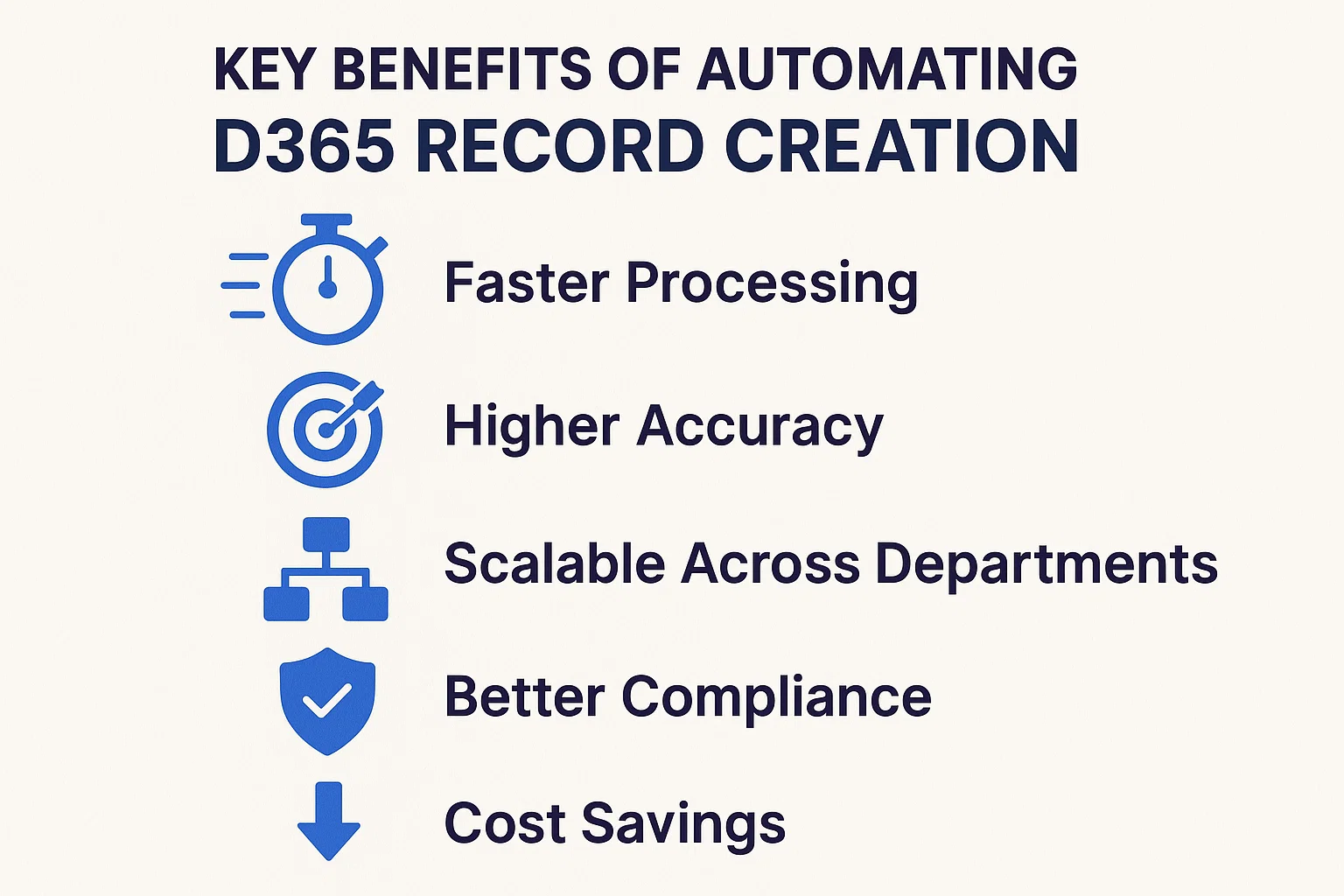
1. Faster Processing
Because documents move instantly through automation, teams spend less time on repetitive work.
2. Higher Accuracy
AI Builder recognizes fields with strong precision, which reduces costly errors.
3. Scalable Across Departments
Whether it’s HR, finance, operations, or sales — automated workflows support every business unit.
4. Better Compliance
Since data is automatically stored and tracked, audits become simpler and more transparent.
5. Cost Savings
Automation significantly cuts administrative overhead and accelerates processing speed.
Real Use Cases for Document Automation
Here are some examples of how companies use Power Automate + AI Builder:
- Invoice data entry into D365 Finance
- Customer onboarding forms mapped to D365 Customer Service
- Inspection reports automatically stored in the right D365 records
- Contract agreements auto-populating vendor profiles
- Work order documents mapped to D365 Field Service
Best Practices for Successful D365 Document Automation
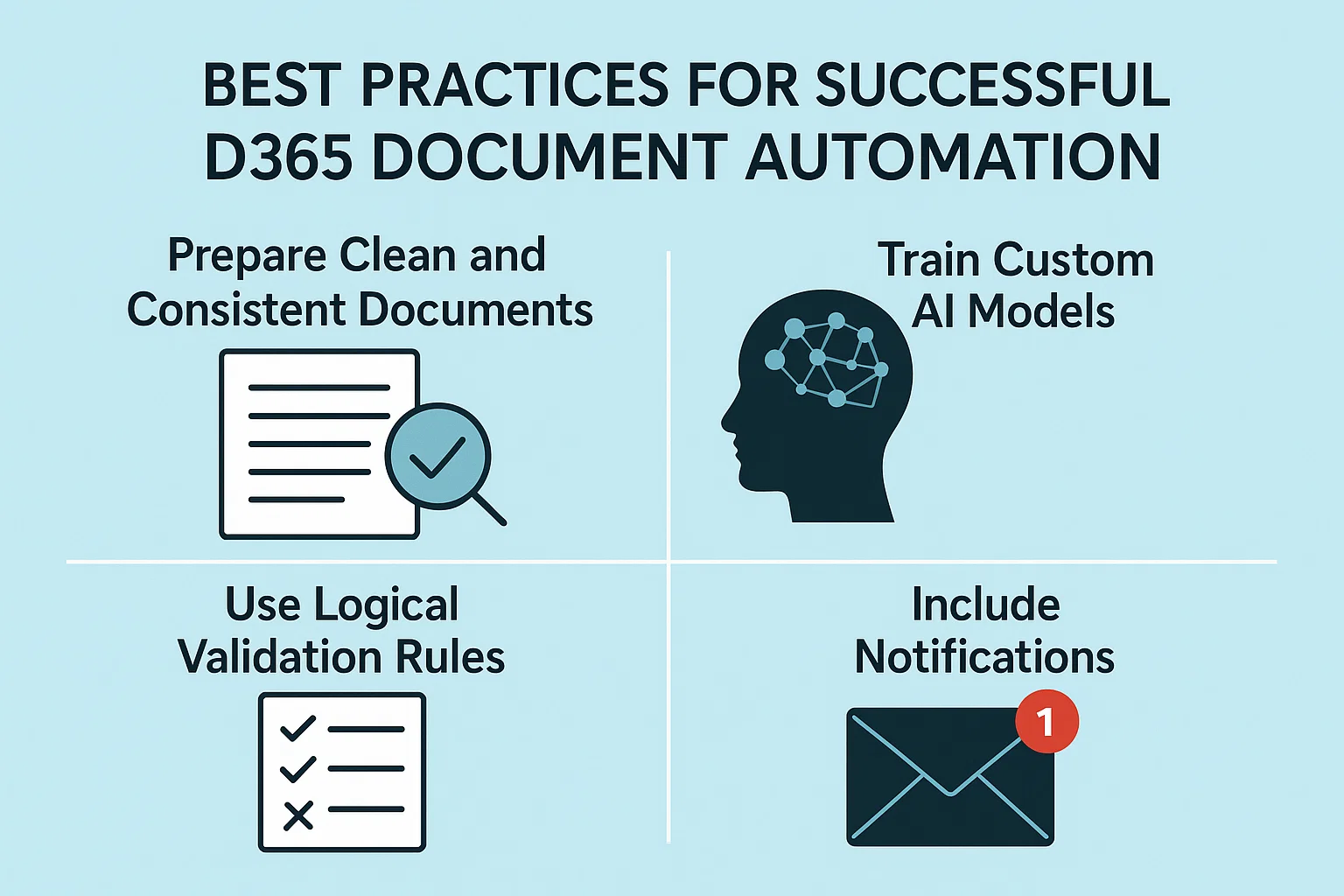
Prepare Clean and Consistent Documents
Standard formatting ensures higher extraction accuracy.
Train Custom AI Models
For complex layouts, custom AI Builder models improve field detection.
Use Logical Validation Rules
Always add conditions such as:
- Amount > 0
- Required fields must not be empty
Include Notifications
Instant alerts keep your team updated and improve workflow visibility.
How SkySoft Connections Helps You Automate Smarter
SkySoft Connections specializes in building intelligent automation solutions using Microsoft technologies. With deep experience in:
- Power Automate workflows
- AI Builder custom models
- Dynamics 365 customization
- Integration & data migrations
- Power Platform solutions
…we help businesses automate document-heavy processes with precision and scalability.
What SkySoft Connections Offers
- End-to-end workflow design
- AI model configuration
- Integration with Dynamics 365 modules
- Error-handling and exception routing
- Optimization for speed and reliability
- Continuous support and improvements
Conclusion: Document Automation Is No Longer Optional
By combining Power Automate with AI Builder, organizations can replace manual tasks with automated, intelligent workflows that populate D365 records accurately and instantly. As a result, businesses become faster, more efficient, and more competitive.
And with SkySoft Connections by your side, implementation becomes seamless — backed by expertise, precision, and innovation.
read more : When to Use Power Apps Component Framework vs. Standard Controls
FAQ’s
Yes, you can train custom AI models for unique layouts and industry-specific documents.
AI Builder includes OCR, which can extract text from scans, images, and older PDFs effectively.
Absolutely. Power Automate supports 900+ connectors, allowing seamless cross-platform integration.