Table of Content
No-code development has transformed how businesses build applications. With tools like Microsoft Power Apps, organizations can create solutions faster, reduce dependency on developers, and empower non-technical users. However, while no-code sounds simple and safe, it is not always risk-free.
In fact, many businesses eventually discover that abstraction can hide complexity rather than eliminate it. So, is no-code in Power Apps always safe? Let’s explore the risks, limitations, and best practices to ensure long-term success.
What is No-Code in Power Apps?
No-code in Power Apps allows users to build applications using visual interfaces instead of traditional programming. Users can drag and drop components, automate workflows, and connect data sources without writing code.
Key Benefits of No-Code:
- Faster development cycles
- Lower development costs
- Reduced reliance on IT teams
- Increased business user involvement
However, despite these advantages, there are hidden challenges that businesses must understand.
Why No-Code Feels Safe (But Isn’t Always)
At first glance, no-code platforms appear to simplify everything. However, this simplicity often creates a false sense of security.
Here’s why:
- Complex logic is hidden behind visual layers
- Performance issues are harder to diagnose
- Governance and control are often overlooked
- Scalability limitations emerge later
Therefore, while no-code accelerates development, it can introduce risks if not managed properly.
Key Risks of No-Code in Power Apps
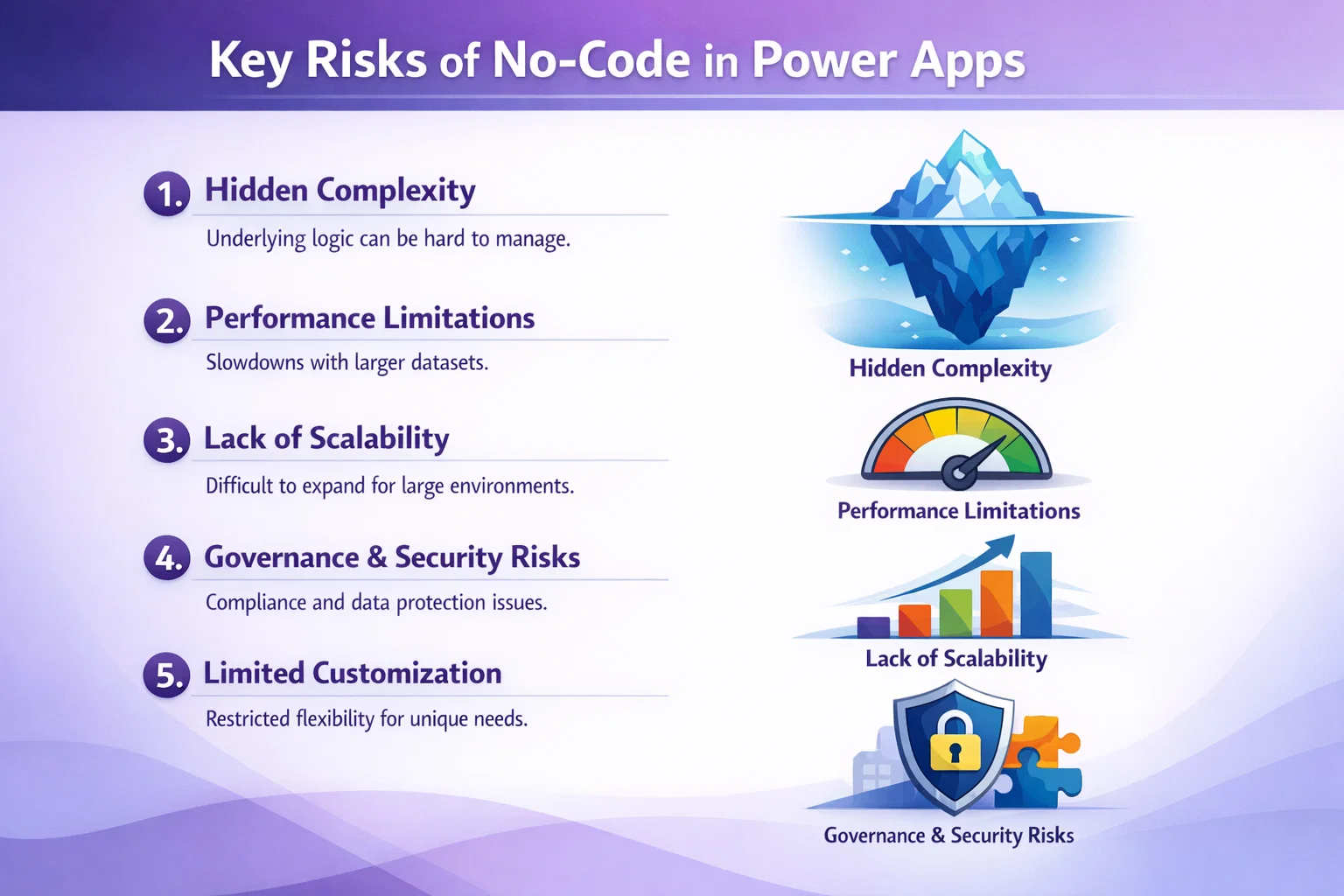
1. Hidden Complexity
Although Power Apps removes traditional coding, it does not remove complexity. Instead, it shifts complexity into:
- Data models
- Integrations
- Business logic
As a result, apps can become difficult to maintain over time.
2. Performance Limitations
No-code apps may struggle when handling:
- Large datasets
- Complex workflows
- Multiple integrations
Consequently, performance degradation becomes a serious issue as usage grows.
3. Lack of Scalability
Initially, no-code apps work well for small solutions. However, as businesses expand, these apps often:
- Become slow
- Require redesign
- Need custom development
Thus, scalability becomes a major concern.
4. Governance and Security Risks
Without proper governance, organizations may face:
- Data leaks
- Unauthorized access
- Poor compliance practices
For example, unmanaged environments can lead to inconsistent data handling.
5. Limited Customization
While no-code simplifies development, it also limits flexibility. Advanced requirements often require:
- Custom code
- API integrations
- Hybrid solutions
Therefore, relying solely on no-code can restrict innovation.
No-Code vs Custom Development: A Quick Comparison
| Feature | No-Code (Power Apps) | Custom Development |
|---|---|---|
| Speed | Very Fast | Moderate |
| Flexibility | Limited | High |
| Scalability | Moderate | High |
| Maintenance | Can become complex | Structured |
| Performance | Limited for large systems | Optimized |
| Cost (Initial) | Lower | Higher |
When Should You Avoid Pure No-Code?
While no-code is powerful, it is not suitable for every scenario.
Avoid pure no-code when:
- You need enterprise-level scalability
- Your app requires complex integrations
- High performance is critical
- Strict compliance and governance are required
In such cases, a low-code or hybrid approach works better.
Best Practices to Reduce No-Code Risks
Fortunately, you can minimize risks by following proven strategies.
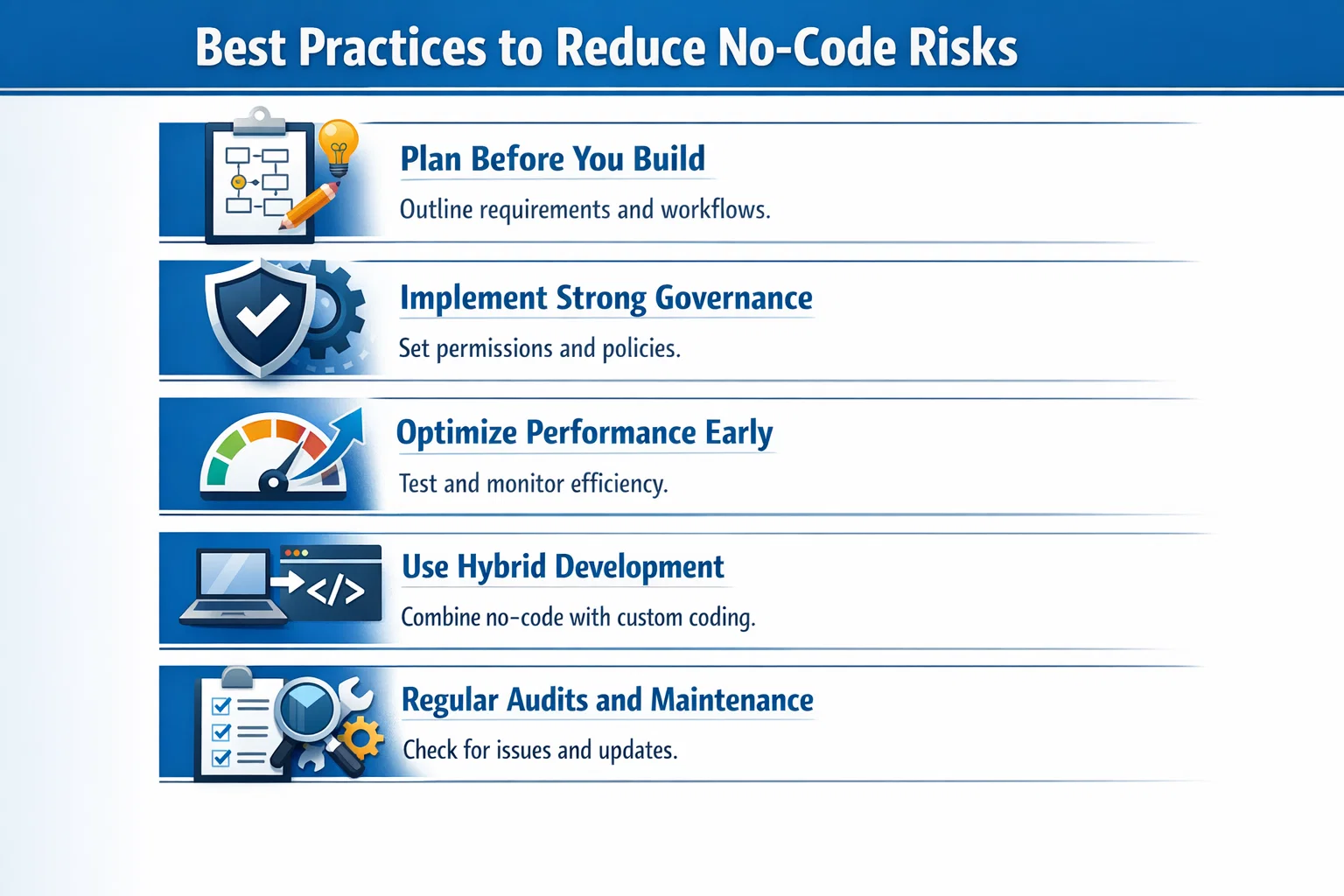
Plan Before You Build
Define:
- Data structure
- User roles
- Business logic
This prevents rework later.
Implement Strong Governance
Ensure:
- Role-based access control
- Environment management
- Data security policies
Optimize Performance Early
- Use efficient data sources
- Limit unnecessary API calls
- Monitor app performance regularly
Use Hybrid Development
Combine:
- No-code for speed
- Custom code for complexity
This approach delivers the best of both worlds.
Regular Audits and Maintenance
Continuously:
- Review app performance
- Update workflows
- Refactor logic
How Sky Soft Connections Helps You Get It Right
At Sky Soft Connections, we understand that no-code is powerful but only when used strategically.
Our Expertise Includes:
- Microsoft Power Apps development
- Dynamics 365 customization
- AI-driven CRM automation
- Power Platform governance and optimization
What Sets Us Apart:
- We design scalable architectures from day one
- We balance no-code and custom development effectively
- We ensure security, compliance, and performance
Whether you are starting fresh or fixing an existing Power Apps solution, our team helps you build applications that are fast, scalable, and future-proof.
The Smarter Approach: No-Code with Strategy
Clearly, no-code is not inherently unsafe. However, it becomes risky when used without planning, governance, or scalability considerations.
The Reality:
- No-code is great for rapid development
- But it is not a one-size-fits-all solution
- Strategic implementation is essential
Conclusion
So, is no-code in Power Apps always safe?
Not always. While it offers speed and accessibility, it also introduces hidden risks related to performance, scalability, and governance. Therefore, businesses must approach no-code with a clear strategy.
By combining no-code with expert guidance and best practices, you can unlock its full potential without compromising long-term success.
Read more : dynamics crm extensibility boundaries customization limits
FAQ’s
It can be used, but for complex enterprise solutions, a hybrid approach is recommended.
Hidden complexity and scalability limitations are the most common risks.
Implement governance policies, role-based access, and regular audits.
 is a software solution company that was established in 2016. Our quality services begin with experience and end with dedication. Our directors have more than 15 years of IT experience to handle various projects successfully. Our dedicated teams are available to help our clients streamline their business processes, enhance their customer support, automate their day-to-day tasks, and provide software solutions tailored to their specific needs. We are experts in Dynamics 365 and Power Platform services, whether you need Dynamics 365 implementation, customization, integration, data migration, training, or ongoing support.