Table of Content
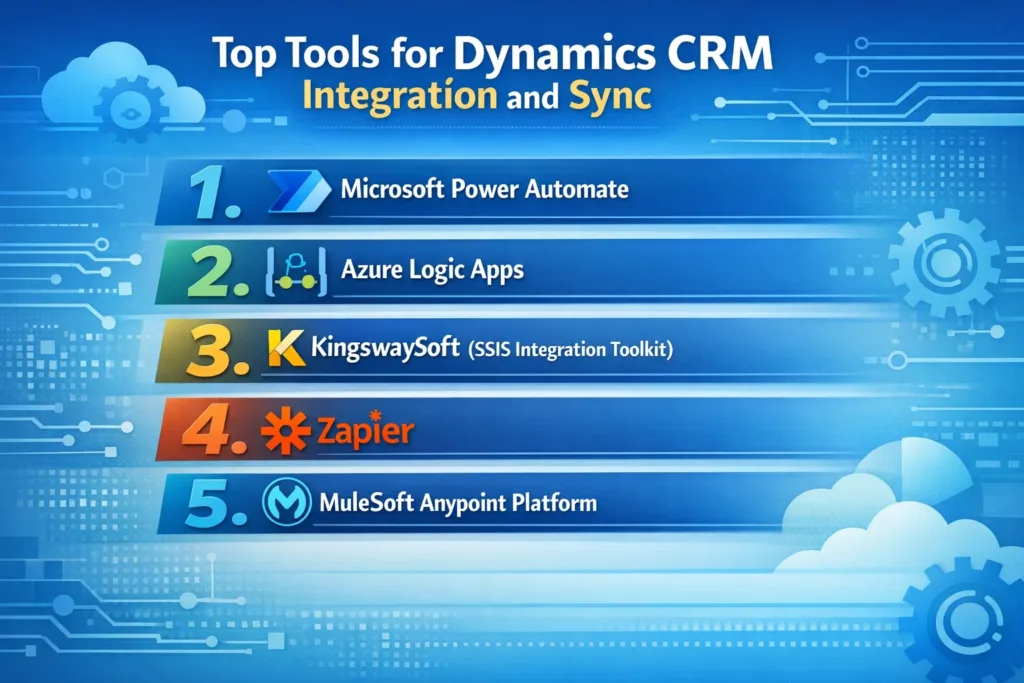
1. Microsoft Power Automate
Microsoft Power Automate is one of the most commonly used integration tools for Dynamics CRM. Since it is part of the Microsoft ecosystem, it integrates seamlessly with Dynamics 365 and hundreds of other applications.
Key Features
- No-code workflow automation
- 900+ prebuilt connectors
- Automated data synchronization
- Cloud-based workflow orchestration
- Real-time event triggers
Best Use Cases
- Syncing CRM leads with marketing platforms
- Automating approval workflows
- Sending notifications when CRM records change
- Updating external apps based on CRM events
Because of its ease of use and strong Microsoft integration, Power Automate is often the first choice for small to medium business automation.
2. Azure Logic Apps
For enterprise-grade integrations, many organizations rely on Azure Logic Apps.
Unlike workflow tools designed mainly for business users, Logic Apps are built for developers and system architects who need advanced integration capabilities.
Key Features
- Scalable cloud workflows
- Advanced API orchestration
- Enterprise connectors
- Event-driven automation
- Hybrid integrations (cloud + on-prem)
Best Use Cases
- Integrating Dynamics CRM with ERP systems
- Processing large-scale enterprise workflows
- Building complex automation pipelines
- Connecting legacy systems
Therefore, Logic Apps work best when companies require high scalability and advanced integrations.
3. KingswaySoft (SSIS Integration Toolkit)
Another powerful integration tool is KingswaySoft SSIS Integration Toolkit for Microsoft Dynamics 365.
It is widely used for large-scale data migration and synchronization projects.
Key Features
- High-performance data transfers
- Advanced data transformation capabilities
- Bulk CRM data import/export
- ETL (Extract, Transform, Load) processes
- Integration with SQL Server
Best Use Cases
- CRM data migration
- Synchronizing millions of records
- ERP and database integrations
- Scheduled data transfers
Because of its ETL power, KingswaySoft is particularly useful for data-heavy CRM environments.
4. Zapier
Zapier is a popular automation platform used to connect CRM systems with thousands of cloud applications.
Although it is simpler than enterprise tools, it remains extremely useful for quick integrations without coding.
Key Features
- 6000+ app integrations
- Simple automation workflows
- Drag-and-drop automation builder
- Fast setup for small teams
Best Use Cases
- Syncing leads from forms or ads
- Connecting CRM with email marketing tools
- Automating notifications and alerts
- Small business workflow automation
However, Zapier is better suited for lightweight integrations rather than complex enterprise workflows.
5. MuleSoft Anypoint Platform
For large enterprises, MuleSoft Anypoint Platform is a powerful integration platform.
It enables organizations to build API-led connectivity across multiple systems.
Key Features
- API management and governance
- Real-time integrations
- Enterprise security
- High-performance data pipelines
Best Use Cases
- Large enterprise integrations
- Multi-cloud environments
- API-driven CRM architecture
As a result, MuleSoft is often used by enterprises running complex digital transformation projects.
Comparison of Top Dynamics CRM Integration Tools
| Tool | Best For | Technical Level | Integration Type |
|---|---|---|---|
| Power Automate | Workflow automation | Beginner–Intermediate | Cloud automation |
| Azure Logic Apps | Enterprise integrations | Advanced | API & event workflows |
| KingswaySoft | Data migration & ETL | Advanced | Database integrations |
| Zapier | Simple app connections | Beginner | Cloud automation |
| MuleSoft | Enterprise integration architecture | Advanced | API-led connectivity |
Best Practices for Dynamics CRM Integration
Choosing the right tool is only part of the process. To achieve successful CRM integration, organizations should also follow best practices.
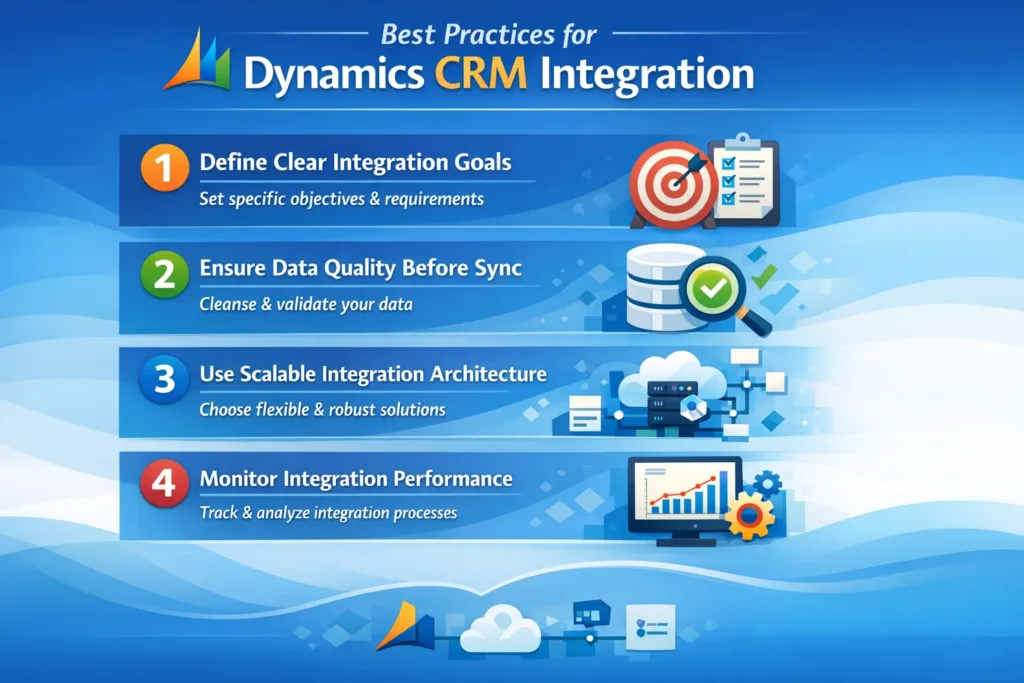
1. Define Clear Integration Goals
First, identify what needs to be integrated:
- CRM and ERP
- Marketing platforms
- Customer support systems
- Data warehouses
A clear goal ensures the correct tool selection.
2. Ensure Data Quality Before Sync
Poor data quality often leads to integration failures. Therefore, businesses should:
- Remove duplicates
- Standardize data fields
- Validate key records
This step significantly improves synchronization accuracy.
3. Use Scalable Integration Architecture
As businesses grow, integrations become more complex. Consequently, choosing scalable tools such as Logic Apps or MuleSoft helps future-proof CRM systems.
4. Monitor Integration Performance
Finally, businesses should monitor integrations to ensure reliability.
This includes:
- Error tracking
- Performance monitoring
- Workflow logging
- Automated alerts
Monitoring prevents disruptions and ensures continuous data consistency.
How Skysoft Connections Helps with Dynamics CRM Integrations
Implementing CRM integrations requires technical expertise, architectural planning, and ongoing optimization. That is where Skysoft Connections provides significant value.
Skysoft Connections specializes in Microsoft ecosystem solutions, including:
- Dynamics 365 CRM customization
- CRM integration with external systems
- Power Platform development
- API and automation architecture
- Data migration and synchronization
Moreover, the team has delivered over 40,000 hours of successful projects while maintaining a strong reputation for reliable Microsoft solutions.
Whether your organization needs simple workflow automation or enterprise-level CRM integration, Skysoft Connections can design scalable solutions tailored to your business requirements.
Conclusion
Integrating Microsoft Dynamics 365 with other business systems is essential for creating a connected, efficient, and data-driven organization.
While tools like Power Automate and Zapier enable quick automation, platforms such as Azure Logic Apps, KingswaySoft, and MuleSoft support advanced enterprise integrations.
Ultimately, the right tool depends on your integration complexity, data volume, and scalability needs.
By combining the right technology with expert implementation from Skysoft Connections, businesses can unlock the full potential of Dynamics CRM and build a truly integrated digital ecosystem.
Read more : plugins vs power automate vs azure logic apps in dynamics 365
FAQ’s
Tools like Power Automate, Azure Logic Apps, and KingswaySoft are widely used depending on automation, enterprise integration, or large data migration needs.
Yes. Dynamics 365 supports integration through APIs, middleware platforms, and automation tools such as Power Automate, Zapier, and MuleSoft.
Businesses typically use integration platforms, ETL tools, or automation workflows to synchronize CRM data with ERP systems, marketing tools, and databases.
 is a software solution company that was established in 2016. Our quality services begin with experience and end with dedication. Our directors have more than 15 years of IT experience to handle various projects successfully. Our dedicated teams are available to help our clients streamline their business processes, enhance their customer support, automate their day-to-day tasks, and provide software solutions tailored to their specific needs. We are experts in Dynamics 365 and Power Platform services, whether you need Dynamics 365 implementation, customization, integration, data migration, training, or ongoing support.