
Table of Content
In today’s fast-moving digital landscape, businesses rely heavily on Microsoft Dynamics CRM to streamline operations, enhance customer engagement, and drive revenue. However, while customization offers flexibility, over-customization can quietly damage performance, scalability, and user adoption.
So, where do you draw the line?
This guide explores Dynamics CRM extensibility boundaries, helping you understand when to customize—and when to stop. More importantly, it shows how to strike the right balance for long-term success.
What Are Extensibility Boundaries in Dynamics CRM?
Extensibility boundaries refer to the practical limits of how far you should customize your CRM system without negatively impacting its performance, maintainability, or upgrade path.
In Dynamics CRM, extensibility includes:
- Custom entities and fields
- Plugins and workflows
- Power Automate integrations
- JavaScript and web resources
- Third-party integrations
While these features are powerful, exceeding safe limits creates technical debt.
Why Over-Customization is a Problem
At first, customization feels like the perfect solution. However, over time, it introduces hidden risks.
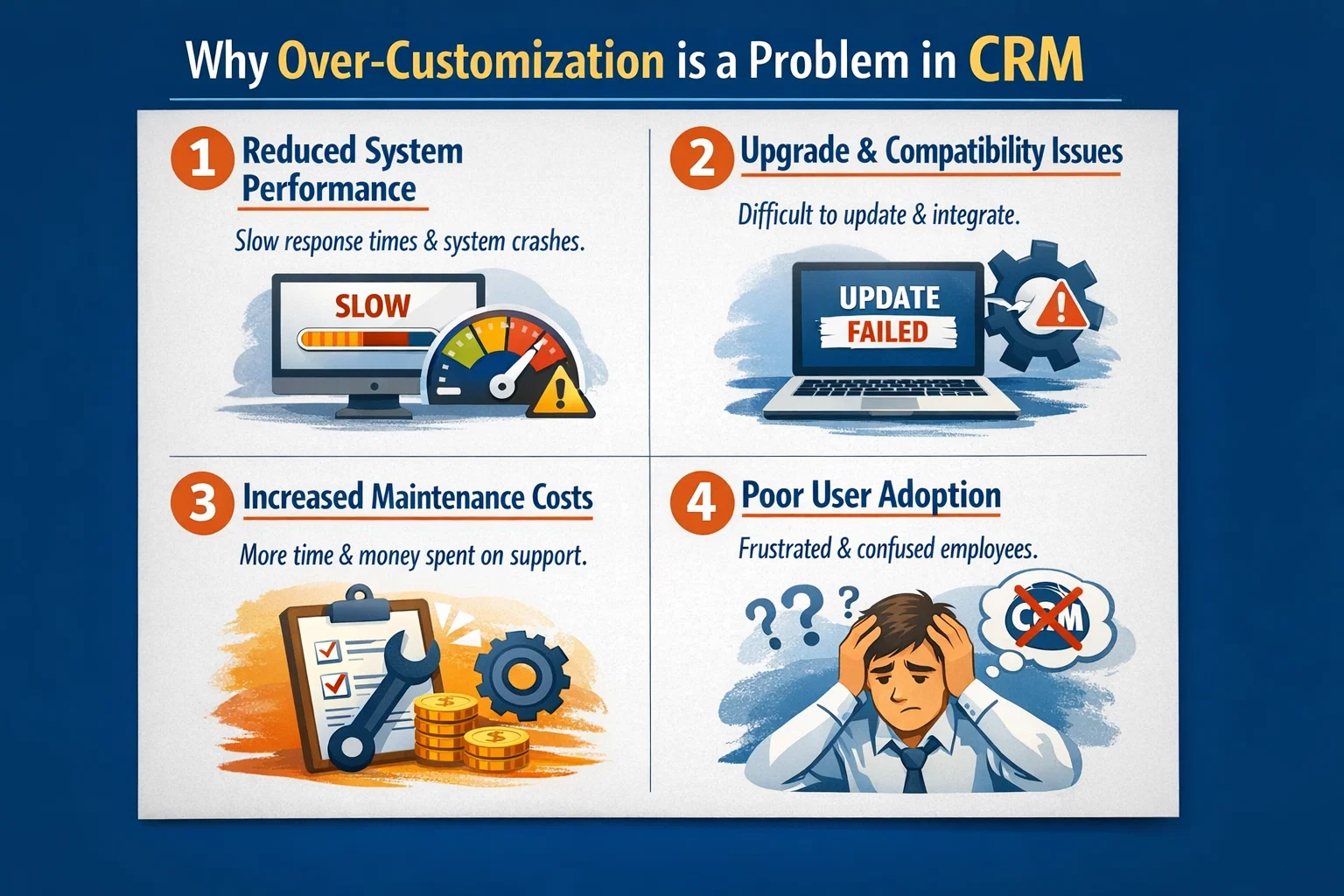
1. Reduced System Performance
Heavy plugins, complex workflows, and excessive scripts can slow down your CRM.
2. Upgrade & Compatibility Issues
Custom code may break during updates, especially in Dynamics 365 cloud environments.
3. Increased Maintenance Costs
The more you customize, the harder it becomes to maintain and troubleshoot.
4. Poor User Adoption
Overcomplicated interfaces discourage users and reduce productivity.
Signs You’ve Crossed Extensibility Boundaries
If you notice any of the following, your CRM might be over-customized:
- Slow form load times
- Frequent system errors
- Difficult onboarding for new users
- Heavy reliance on developers for small changes
- Broken features after updates
In short, if your CRM feels harder to use than helpful, it’s time to reassess.
Customization vs Configuration: What’s the Difference?
Understanding this distinction is key to staying within safe extensibility limits.
| Aspect | Configuration (Recommended) | Customization (Use Carefully) |
|---|---|---|
| Approach | Built-in tools | Custom code/scripts |
| Upgrade Safety | High | Medium to Low |
| Maintenance | Easy | Complex |
| Performance Impact | Minimal | Can be significant |
| Examples | Workflows, forms, views | Plugins, JS, integrations |
Best Practice: Always prefer configuration over customization whenever possible.
Best Practices to Stay Within Extensibility Boundaries
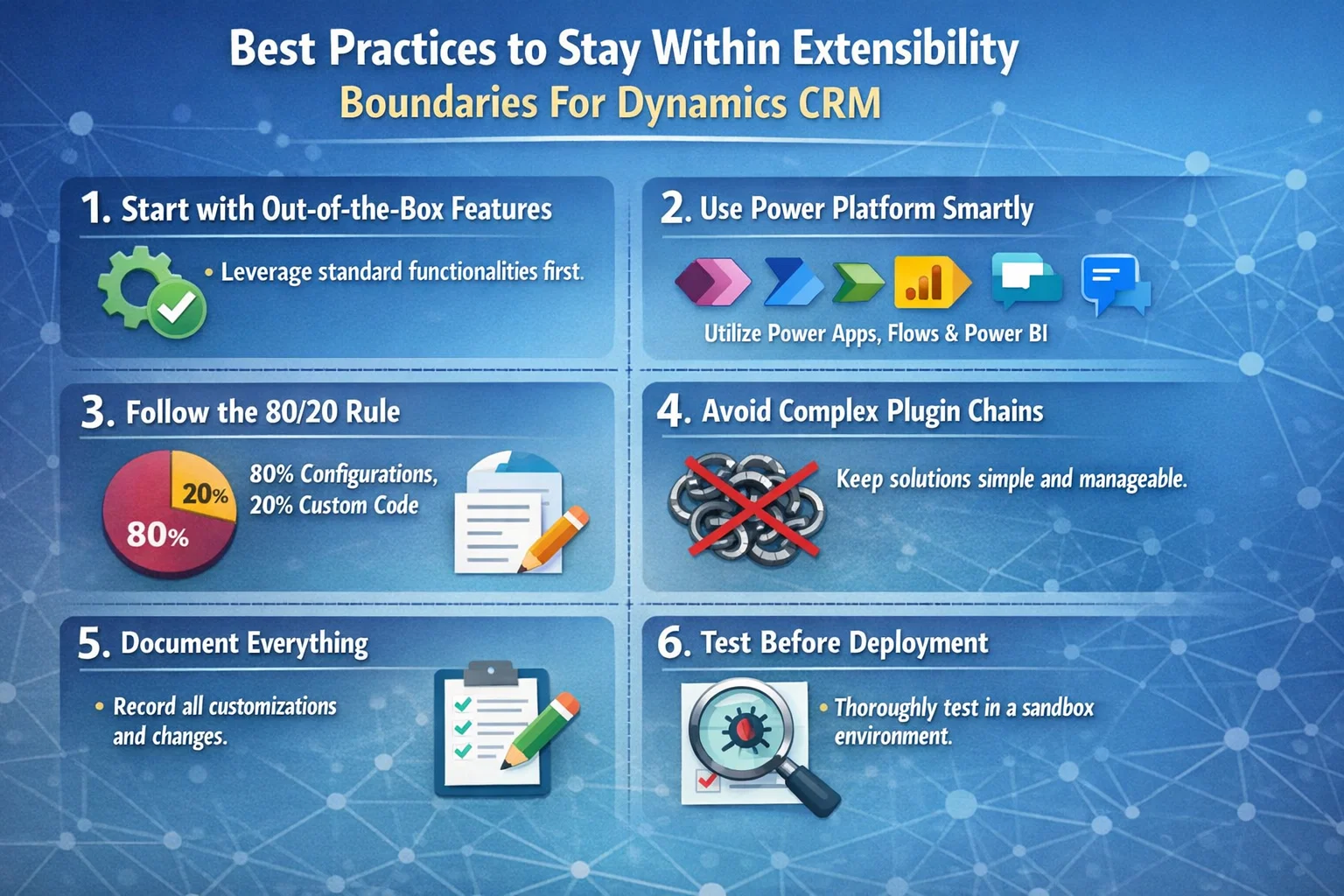
1. Start with Out-of-the-Box Features
Before building anything custom, explore what Dynamics CRM already offers.
2. Use Power Platform Smartly
Instead of heavy coding:
- Use Power Automate for workflows
- Use Power Apps for custom interfaces
- Use Power BI for reporting
This approach keeps your system scalable and future-proof.
3. Follow the 80/20 Rule
Customize only when it delivers clear business value.
- 80% → Use standard features
- 20% → Apply targeted customization
4. Avoid Complex Plugin Chains
Too many plugins running simultaneously can slow down operations.
Instead, simplify logic and consolidate processes.
5. Document Everything
Always maintain documentation for:
- Custom entities
- Integrations
- Business logic
This ensures smoother updates and easier troubleshooting.
6. Test Before Deployment
Every customization should be tested in:
- Sandbox environment
- Real-world scenarios
This reduces the risk of system failure.
How Sky Soft Connections Helps You Stay Balanced
At Sky Soft Connections, we understand that every business needs flexibility—but not at the cost of stability.
Our approach focuses on smart customization within safe extensibility boundaries.
Our Dynamics CRM Services Include:
- CRM implementation & customization
- Power Platform integration (Power Apps, Power Automate, Power BI)
- AI-driven CRM enhancements
- Data migration & system integration
- Performance optimization & audits
Why Choose Us?
- 40,000+ hours of successful project delivery
- 100% client satisfaction on Upwork
- Expertise in scalable CRM solutions
- Focus on long-term performance, not short-term fixes
We don’t just customize—we optimize for growth.
When Should You Customize Dynamics CRM?
Customization is still essential—but only in the right scenarios:
- Unique business processes not supported out-of-the-box
- Industry-specific compliance requirements
- Advanced integrations with external systems
- Automation beyond standard workflows
The key is purpose-driven customization, not customization for convenience.
A Simple Decision Framework
Before customizing, ask:
- Does this solve a real business problem?
- Can it be achieved using configuration?
- Will it impact system performance?
- Is it upgrade-safe?
If the answer raises concerns, reconsider your approach.
Future-Proofing Your CRM Strategy
To ensure long-term success:
- Keep your CRM lean and scalable
- Regularly audit customizations
- Align CRM with evolving business goals
- Stay updated with Microsoft Dynamics 365 features
Conclusion
Dynamics CRM extensibility boundaries are not limitations—they are guidelines for sustainable growth.
While customization empowers businesses, too much of it creates complexity, risk, and inefficiency. Therefore, the smartest approach is to balance flexibility with simplicity.
By following best practices—and partnering with experts like Sky Soft Connections—you can build a CRM system that is:
- Scalable
- Efficient
- User-friendly
- Future-ready
Read more : dynamics crm mandatory fields vs user adoption
FAQ’s
Extensibility refers to the ability to customize and extend CRM functionalities using tools like plugins, workflows, and integrations.
When it starts affecting performance, upgrades, or usability, it’s too much.
No, but excessive or unnecessary customization can lead to long-term issues.
 is a software solution company that was established in 2016. Our quality services begin with experience and end with dedication. Our directors have more than 15 years of IT experience to handle various projects successfully. Our dedicated teams are available to help our clients streamline their business processes, enhance their customer support, automate their day-to-day tasks, and provide software solutions tailored to their specific needs. We are experts in Dynamics 365 and Power Platform services, whether you need Dynamics 365 implementation, customization, integration, data migration, training, or ongoing support.
Share This Story, Choose Your Platform!
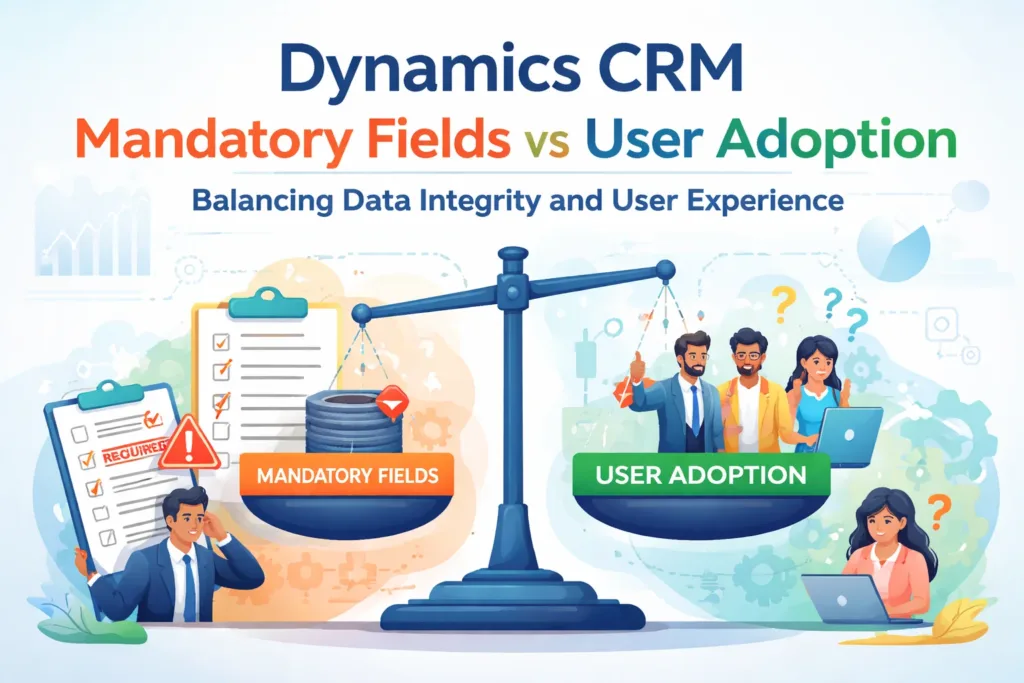 Dynamics CRM Data Integrity vs User Adoption: The Problem with Mandatory Fields