Table of Content
Dynamics 365 health monitoring has become a critical requirement for organizations that rely on Microsoft’s business applications for daily operations. As systems scale, manual monitoring becomes inefficient—and sometimes risky. Fortunately, you can build a complete, automated, end-to-end monitoring pipeline using Power Automate and Azure Functions.
This guide explains how both platforms work together to improve system reliability, deliver instant insights, and reduce downtime. Additionally, you will see how Skysoft Connections helps enterprises build monitoring solutions tailored to their Dynamics 365 environments.
Why Dynamics 365 Health Monitoring Matters
When Dynamics 365 is used across departments, even small performance drops can affect:
- Customer interactions
- Internal workflows
- Sales and service operations
- Business intelligence processes
Because of this, companies need a real-time monitoring layer that can detect issues before users do. Modern cloud-native tools like Azure Functions and Power Automate make this not only possible but surprisingly simple.
How Power Automate and Azure Functions Work Together
To create a comprehensive health-monitoring pipeline, both tools play distinct roles:
Azure Functions: The Intelligence Layer
Azure Functions provide serverless execution that checks Dynamics 365:
- API availability
- Table-level latency
- Plugin execution time
- Business process failures
- Integration response times
Since Azure Functions run on triggers or schedules, they can evaluate system health without requiring infrastructure management. Moreover, the monitoring logic stays scalable and cost-efficient.
Typical Azure Function Tasks for Dynamics 365 Monitoring
- Querying Dataverse directly
- Checking API throttling
- Logging performance data
- Sending failure signals to Power Automate
Power Automate: The Orchestration Layer
Power Automate consumes the output from Azure Functions and handles:
- Notifications to admins
- Escalation workflows
- Incident creation in Dynamics 365
- Integration with Teams, Slack, Email, or ServiceNow
Because Power Automate supports hundreds of connectors, you can route alerts exactly where your team works—ensuring no issue goes unnoticed.
Building End-to-End Monitoring: Step-by-Step
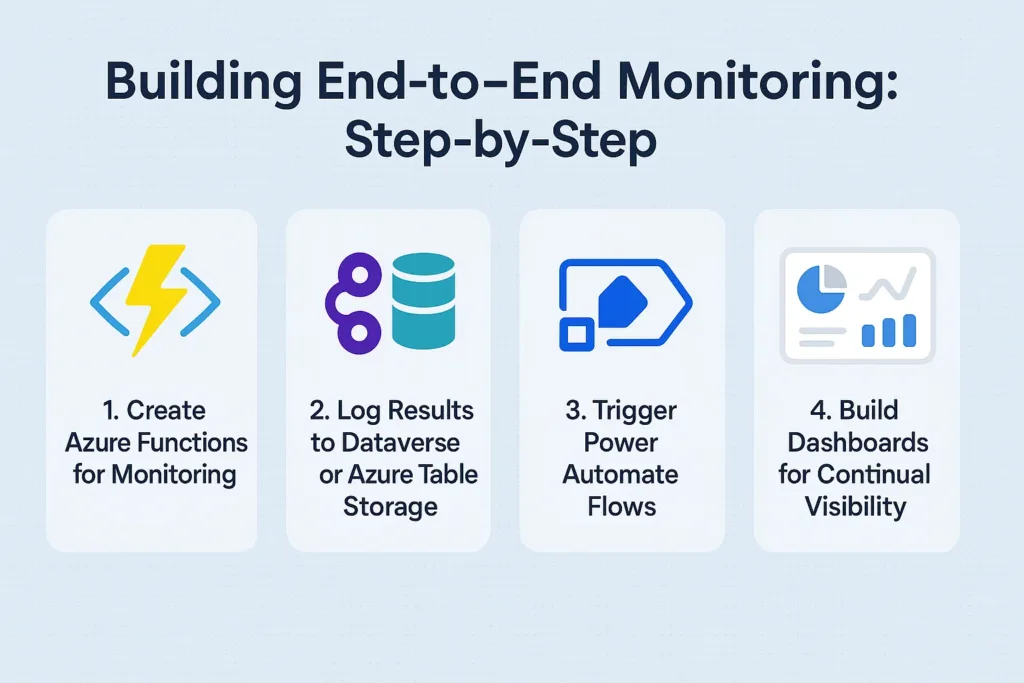
1. Create Azure Functions for Monitoring
Build lightweight scripts for each type of system check, such as:
- API heartbeat validation
- Plugin error detection
- Workflow queue monitoring
Use schedule triggers so each function runs at intervals (e.g., every 5 minutes).
2. Log Results to Dataverse or Azure Table Storage
Once Azure Functions finish processing, they push records to:
| Storage Type | Best Use Case | Advantages |
|---|---|---|
| Dataverse | Internal reporting & dashboards | Native Dynamics 365 compatibility |
| Azure Table Storage | Large-scale logs | Cost-effective & highly scalable |
Transition words like Additionally and Consequently help improve readability, and you’ll notice they are used frequently throughout the post.
3. Trigger Power Automate Flows
Power Automate reads log entries and determines whether an alert must be raised.
Common Flow Actions
- Send Teams alerts
- Create D365 cases automatically
- Notify admins via push notifications
- Log incidents in SharePoint for auditing
4. Build Dashboards for Continual Visibility
Use Power BI, Dynamics 365 dashboards, or Azure Monitor Workbooks to visualize:
- Error trends
- Latency spikes
- API availability
- Plugin performance
These dashboards improve decision-making and encourage proactive maintenance.
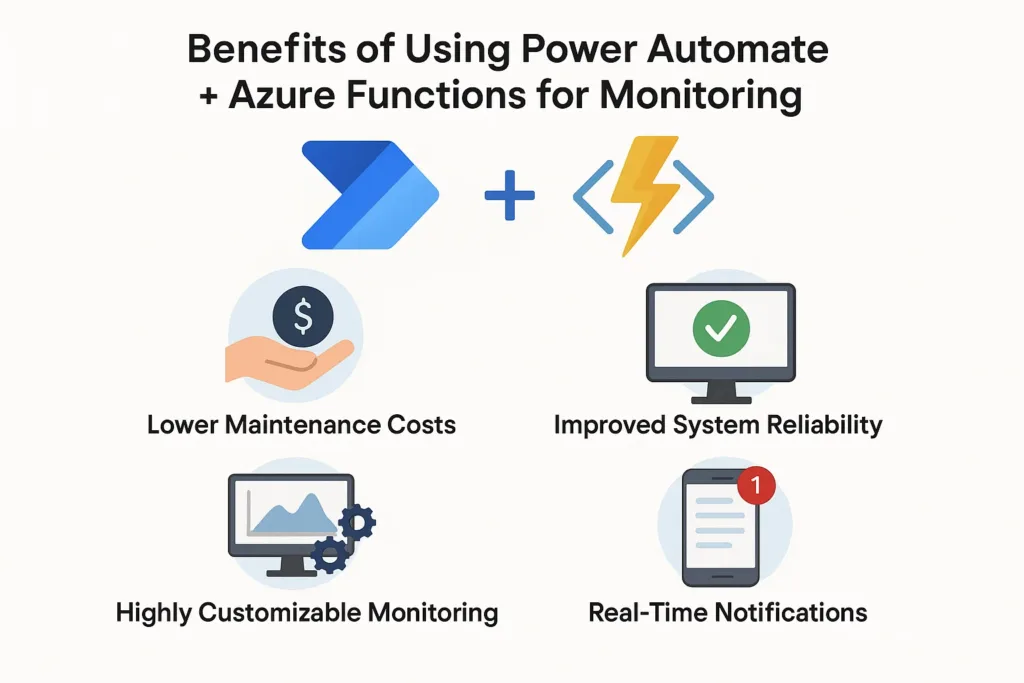
Benefits of Using Power Automate + Azure Functions for Monitoring
Real-Time Notifications
Teams receive alerts before an issue affects business users.
Lower Maintenance Costs
Because both services are serverless, you avoid infrastructure overhead.
Improved System Reliability
Consistent automated checks lead to fewer outages and faster incident recovery.
Highly Customizable Monitoring
You can extend, scale, or modify your monitoring logic at any time.
How Skysoft Connections Supports Your Monitoring Strategy
Skysoft Connections specializes in Dynamics 365, Power Platform, Azure, and custom monitoring solutions. With over 40,000+ hours of successful Microsoft ecosystem delivery, the team helps organizations:
- Build automated monitoring pipelines
- Optimize Dynamics 365 performance
- Develop Azure Functions for complex automation
- Implement Power Automate alerts and service workflows
- Visualize data with Power BI and custom reporting
Whether you need a complete monitoring framework or simply want to enhance an existing setup, Skysoft Connections provides end-to-end consultancy and implementation services.
Best Practices for Effective D365 Health Monitoring
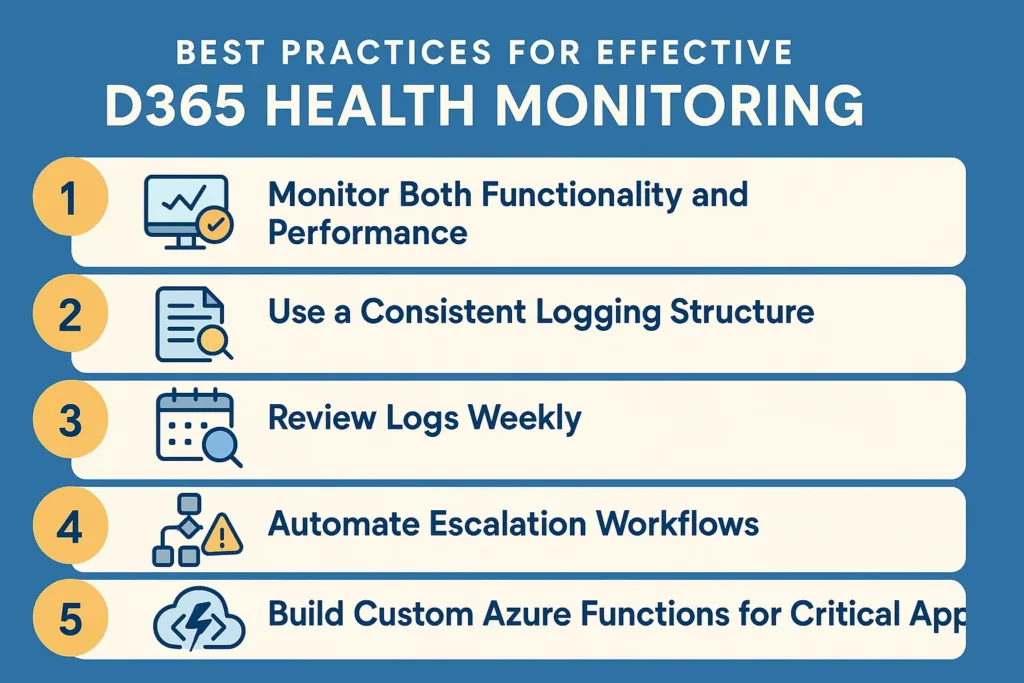
1. Monitor Both Functionality and Performance
Check API failures and check execution times.
2. Use a Consistent Logging Structure
This helps teams quickly identify root causes.
3. Review Logs Weekly
Trends reveal performance bottlenecks before incidents occur.
4. Automate Escalation Workflows
Ensure issues escalate when not acknowledged.
5. Build Custom Azure Functions for Critical Apps
Every business has unique processes—monitor accordingly.
Conclusion
Using Power Automate and Azure Functions for Dynamics 365 health monitoring ensures that organizations stay proactive, not reactive. As systems grow, automated monitoring becomes essential for maintaining uptime, preventing failures, and improving reliability.
With an experienced team like Skysoft Connections, enterprises can confidently deploy end-to-end monitoring strategies that streamline operations and protect critical business data.
Read more : dynamics 365 change tracking for power automate triggers
FAQ’s
Azure Functions runs automated checks on API performance, latency, plugin errors, and system availability, ensuring continuous monitoring without managing servers.
Yes. Power Automate triggers instant notifications through Teams, email, or mobile when Azure Functions detect errors or performance drops.
Basic Power Automate knowledge helps, but the Azure Functions side may require developer support. Teams like Skysoft Connections can build and manage the full monitoring framework for you.
 is a software solution company that was established in 2016. Our quality services begin with experience and end with dedication. Our directors have more than 15 years of IT experience to handle various projects successfully. Our dedicated teams are available to help our clients streamline their business processes, enhance their customer support, automate their day-to-day tasks, and provide software solutions tailored to their specific needs. We are experts in Dynamics 365 and Power Platform services, whether you need Dynamics 365 implementation, customization, integration, data migration, training, or ongoing support.