Table of Content
In the world of Microsoft Power Apps, one of the most overlooked yet critical challenges developers face is the declarative vs. imperative logic struggle. While both approaches are powerful, choosing the wrong one can lead to performance issues, complex debugging, and inefficient apps.
Therefore, understanding when—and how—to use each paradigm is essential for building scalable, maintainable, and high-performing applications.
What is Declarative Programming in Power Apps?
Declarative programming focuses on what you want to achieve, rather than how to achieve it. In Power Apps, this is commonly seen in formulas that automatically recalculate when data changes.
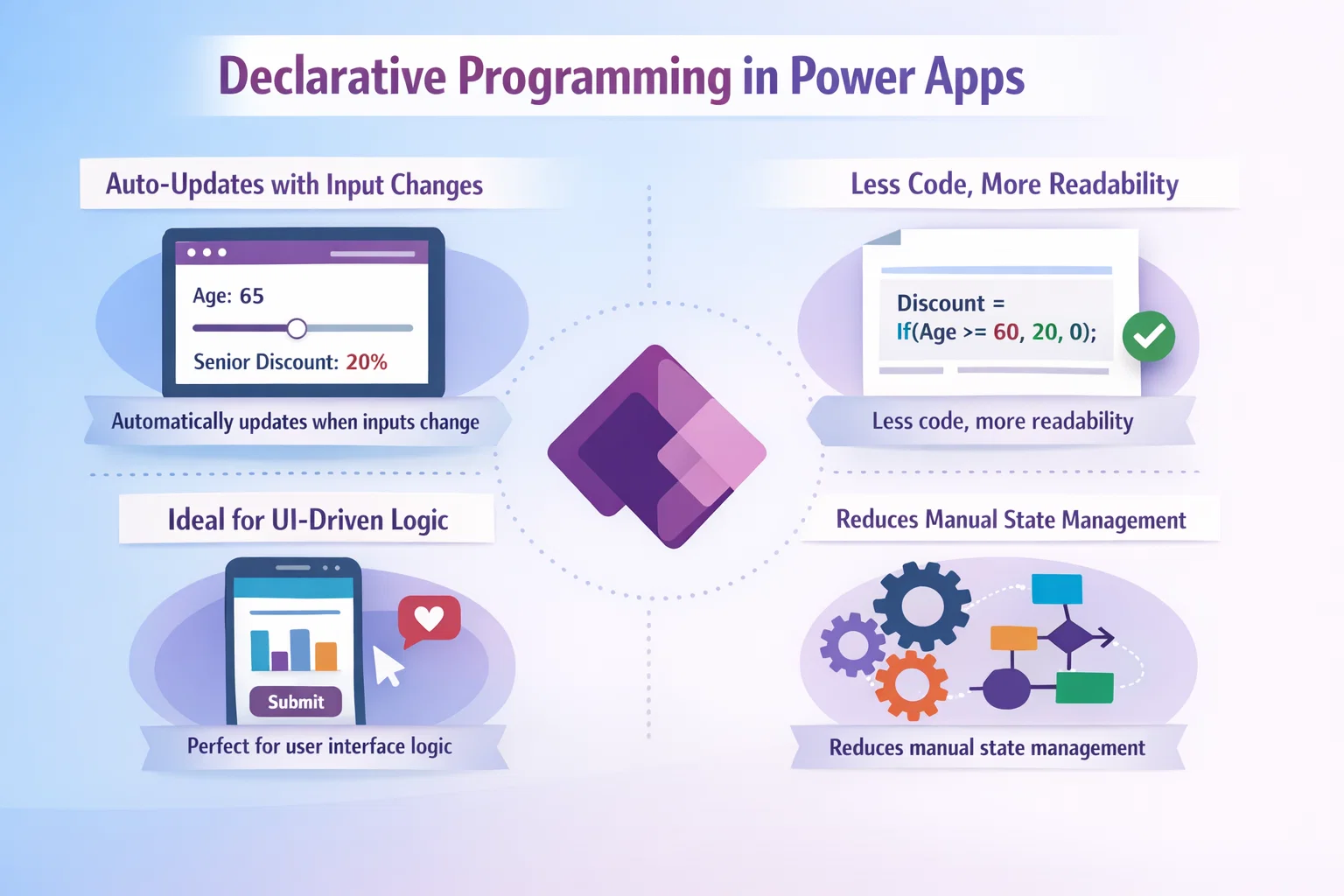
Key Characteristics:
- Automatically updates when inputs change
- Less code, more readability
- Ideal for UI-driven logic
- Reduces manual state management
Example:
Label.Text = Sum(Gallery1.AllItems, Price)
Here, the system handles recalculation automatically whenever the data changes.
What is Imperative Programming in Power Apps?
On the other hand, imperative programming focuses on how to perform tasks step-by-step. It involves explicitly defining actions and sequences.
Key Characteristics:
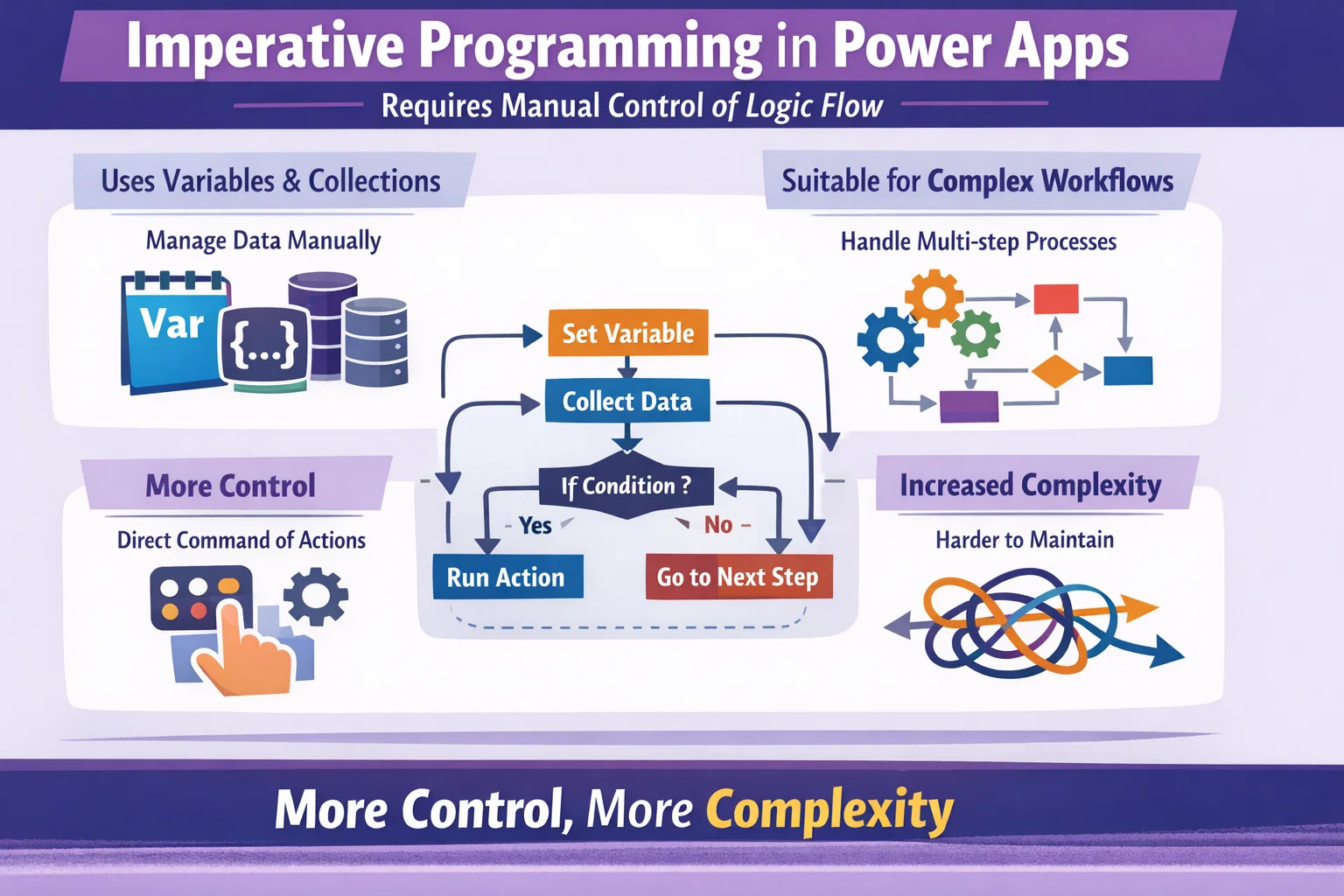
- Requires manual control of logic flow
- Uses variables and collections
- Suitable for complex workflows
- Gives more control, but increases complexity
Example:
Set(totalPrice, 0);
ForAll(Gallery1.AllItems,
    Set(totalPrice, totalPrice + Price)
)
In this case, you explicitly define how the calculation should happen.
Declarative vs. Imperative: Key Differences
| Feature | Declarative Approach | Imperative Approach |
|---|---|---|
| Focus | What to achieve | How to achieve |
| Code Complexity | Low | High |
| Performance | Optimized automatically | Depends on implementation |
| Maintenance | Easier | Harder |
| Debugging | Simpler | More complex |
| Use Case | UI updates, calculations | Loops, workflows, data manipulation |
Why This Hidden Struggle Matters
Although both approaches are valid, developers often mix them incorrectly. As a result, apps become harder to maintain and slower to perform.
Common Issues:
- Overuse of variables instead of formulas
- Unnecessary loops impacting performance
- Confusing logic flow across screens
- Difficult debugging and testing
Therefore, striking the right balance is not just a best practice—it’s a necessity.
When to Use Declarative Logic
You should prefer declarative logic when:
- Displaying calculated values
- Binding UI elements to data
- Handling simple conditions
- Creating responsive user interfaces
Benefits:
- Faster development
- Automatic updates
- Cleaner codebase
When to Use Imperative Logic
However, imperative logic is essential when:
- Performing batch operations
- Working with collections
- Managing complex workflows
- Triggering actions (e.g., button clicks)
Benefits:
- Greater flexibility
- Precise control
- Handles complex scenarios effectively
Best Practices to Balance Both Approaches
To build efficient Power Apps, you should combine both paradigms strategically.
Recommended Strategies:
- ✔ Prefer declarative formulas for UI logic
- ✔ Use imperative logic only when necessary
- ✔ Avoid excessive use of
Set()andCollect() - ✔ Break complex logic into smaller components
- ✔ Optimize formulas for performance
Real-World Example: Hybrid Approach
In many cases, the best solution is a hybrid approach.
Scenario:
You want to calculate totals and also store results for reporting.
Solution:
- Use declarative formulas for display
- Use imperative logic to store values when needed
This way, you get both performance and flexibility.
How Skysoft Connections Helps You Overcome This Challenge
At Skysoft Connections, we specialize in building scalable Power Apps solutions that balance declarative and imperative logic effectively.
Our Services Include:
- Microsoft Power Apps development
- Power Automate workflow optimization
- Performance tuning and debugging
- Custom business application design
- Integration with Dynamics 365 and Power BI
Why Choose Skysoft Connections?
- Proven expertise in complex Power Platform solutions
- Focus on performance optimization
- Clean, maintainable code practices
- Tailored solutions for your business needs
As a result, your applications become faster, smarter, and easier to manage.
Final Thoughts
In conclusion, the declarative vs. imperative debate in Power Apps is not about choosing one over the other. Instead, it’s about understanding their strengths and applying them wisely.
- Declarative logic simplifies UI and enhances performance
- Imperative logic handles complexity and control
- A balanced approach delivers the best results
Therefore, if you want to build powerful, scalable Power Apps, mastering this balance is essential.
read more : use fetchxml in dynamics 365 without coding
FAQ’s
Not necessarily. Declarative is better for UI and simple logic, while imperative is required for complex workflows.
Yes, and in fact, a hybrid approach is often the most effective strategy.
Use declarative formulas wherever possible, minimize loops, and avoid unnecessary variables.
 is a software solution company that was established in 2016. Our quality services begin with experience and end with dedication. Our directors have more than 15 years of IT experience to handle various projects successfully. Our dedicated teams are available to help our clients streamline their business processes, enhance their customer support, automate their day-to-day tasks, and provide software solutions tailored to their specific needs. We are experts in Dynamics 365 and Power Platform services, whether you need Dynamics 365 implementation, customization, integration, data migration, training, or ongoing support.