
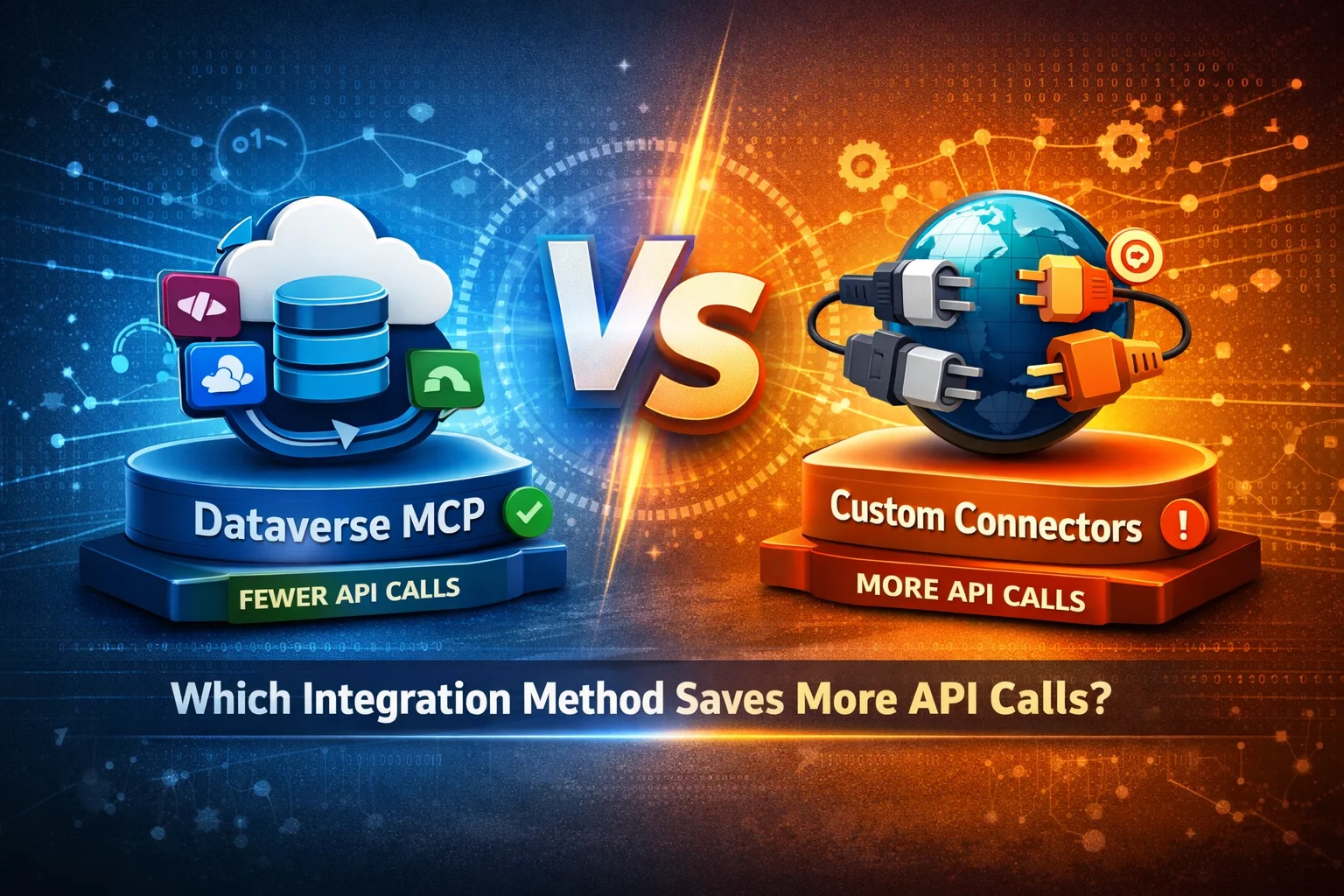
Modern Power Platform solutions depend heavily on efficient integrations. However, as apps scale, API call consumption becomes a serious cost, performance, and governance concern. This is exactly where the comparison between Dataverse MCP (Microsoft Cloud Platform integrations) and Custom Connectors becomes critical.
In this guide, you’ll learn which integration method saves more API calls, why it matters, and how to choose the right approach step by step.
What Is the Real Problem with API Calls in Power Platform?
Before choosing an integration method, it’s important to understand why API calls matter so much.
API calls directly impact:
- Power Platform request limits
- App performance and latency
- Licensing and operational costs
- System throttling and failures
Therefore, selecting the wrong integration strategy can silently increase API usage and degrade performance over time.
Understanding Dataverse MCP (Native Integration)
Dataverse MCP refers to native Microsoft-managed integrations between Dataverse and other Microsoft services like:
- Dynamics 365
- Power Automate
- Power Apps
- Power BI
- Azure services
How Dataverse MCP Works
Dataverse MCP operates inside the Microsoft cloud boundary. As a result, it avoids unnecessary external API round-trips.
Because of this, it:
- Uses optimized internal calls
- Applies smart batching automatically
- Reduces redundant data transfers
Key Characteristics of Dataverse MCP
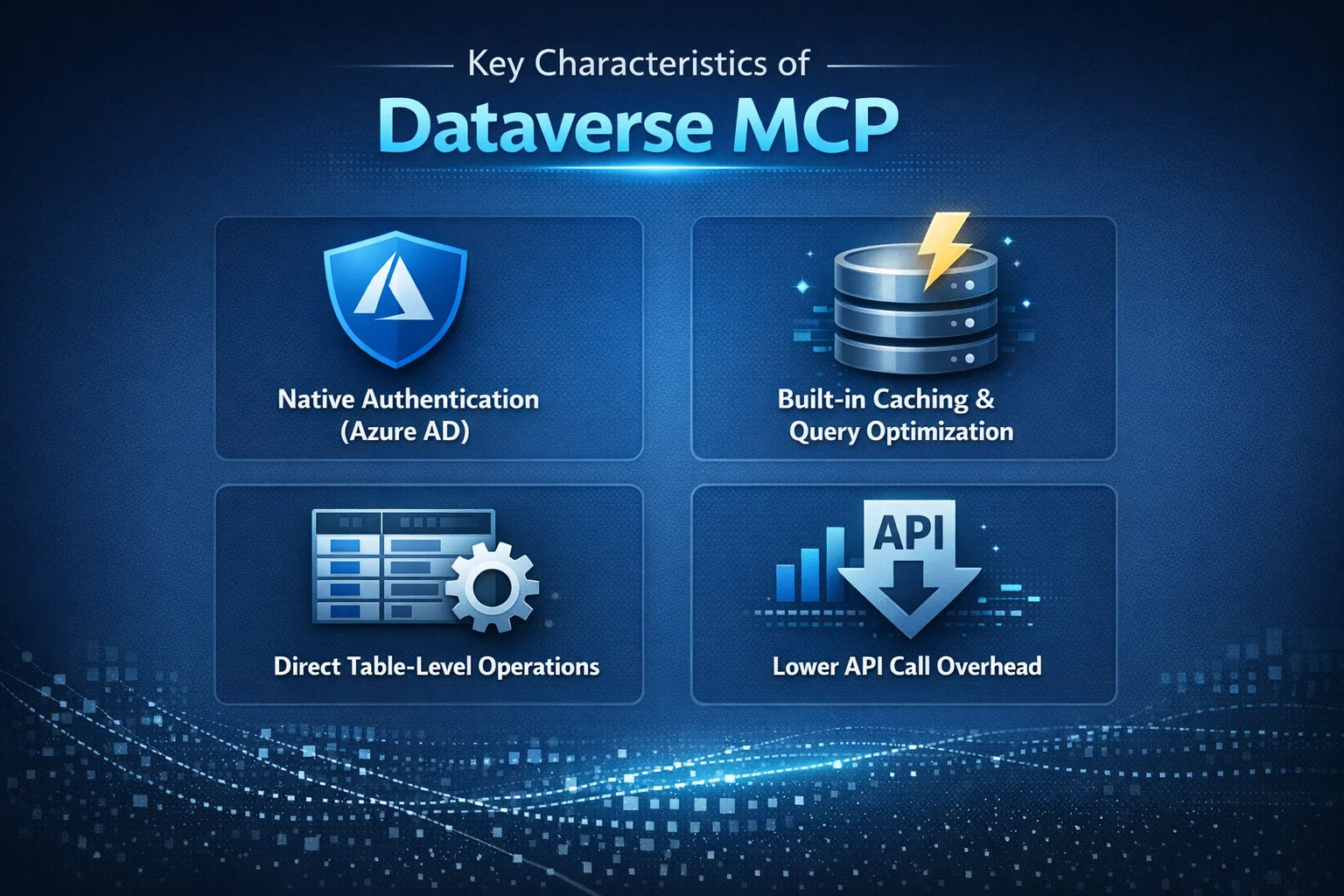
- Native authentication (Azure AD)
- Built-in caching and query optimization
- Direct table-level operations
- Lower API call overhead
Understanding Custom Connectors
Custom Connectors are used when integrating external or non-native systems, such as:
- Third-party ERPs
- Legacy systems
- External REST APIs
- Industry-specific platforms
How Custom Connectors Work
Custom Connectors wrap external APIs and expose them to Power Platform. However, each operation typically results in one or more API calls.
In contrast to MCP, these calls:
- Leave the Microsoft cloud boundary
- Require authentication handshakes
- Often return larger payloads than needed
Dataverse MCP vs Custom Connectors: API Call Comparison
The table below highlights how both approaches differ when it comes to API usage:
| Feature | Dataverse MCP | Custom Connectors |
|---|---|---|
| API Call Consumption | Very Low | Medium to High |
| Internal Optimization | Yes | No |
| Data Caching | Automatic | Manual |
| Batch Operations | Native | Limited |
| External Network Calls | No | Yes |
| Throttling Risk | Minimal | Higher |
| Best For | Microsoft ecosystem | External systems |
Clearly, Dataverse MCP saves more API calls in most internal integration scenarios.
Step-by-Step: Which One Saves More API Calls?
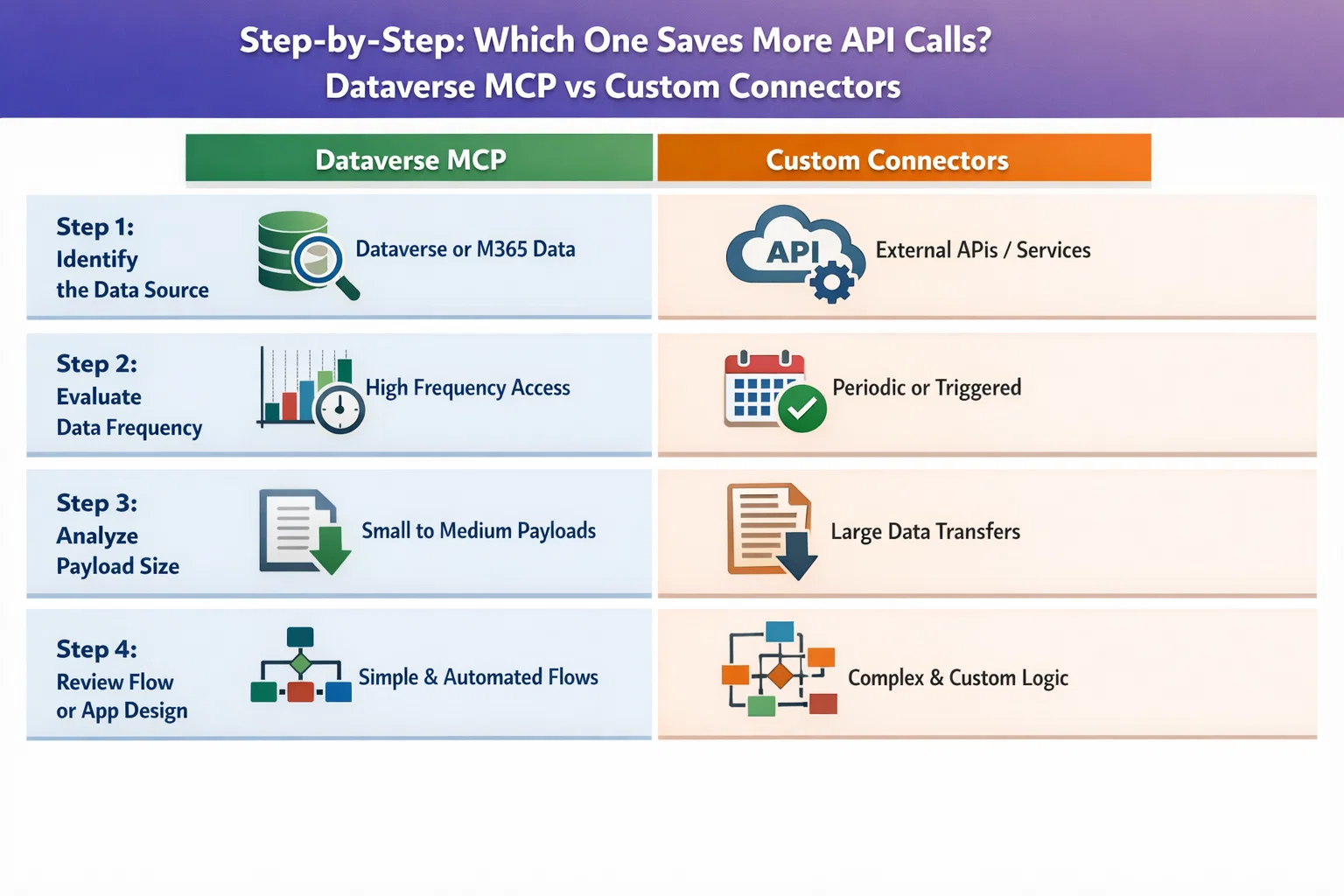
Step 1: Identify the Data Source
- If your data lives in Dataverse, Dynamics, or Azure, MCP is almost always better.
- If the data lives outside Microsoft, a Custom Connector may be unavoidable.
Step 2: Evaluate Data Frequency
- High-frequency reads and writes benefit from MCP’s optimized calls.
- In contrast, frequent Custom Connector calls can quickly exhaust limits.
Step 3: Analyze Payload Size
- MCP retrieves only required columns efficiently.
- Custom Connectors often return full payloads unless carefully designed.
Step 4: Review Flow or App Design
- MCP supports delegation and server-side filtering.
- Custom Connectors often rely on client-side processing, increasing calls.
Practical Example: API Call Savings
Let’s compare a real-world scenario.
Scenario
A Power App displays inspection records with related assets and users.
Using Dataverse MCP
- 1 optimized query
- Server-side joins
- Cached relationships
Total API calls: 1–2
Using Custom Connectors
- Fetch inspections
- Fetch assets per record
- Fetch users separately
Total API calls: 10–50+
Dataverse MCP can reduce API calls by over 80% in such scenarios.
When Custom Connectors Are Still the Right Choice
Although MCP is more efficient, Custom Connectors still make sense when:
- Integrating with non-Microsoft platforms
- Accessing proprietary or legacy APIs
- Implementing specialized industry workflows
However, even then, optimization is critical.
Tips to Reduce API Calls with Custom Connectors
- Use pagination wisely
- Implement response filtering
- Cache results in Dataverse
- Avoid repeated calls in loops
- Use batch endpoints when available
Best Practices to Minimize API Calls (Regardless of Method)
To ensure long-term scalability, always follow these best practices:
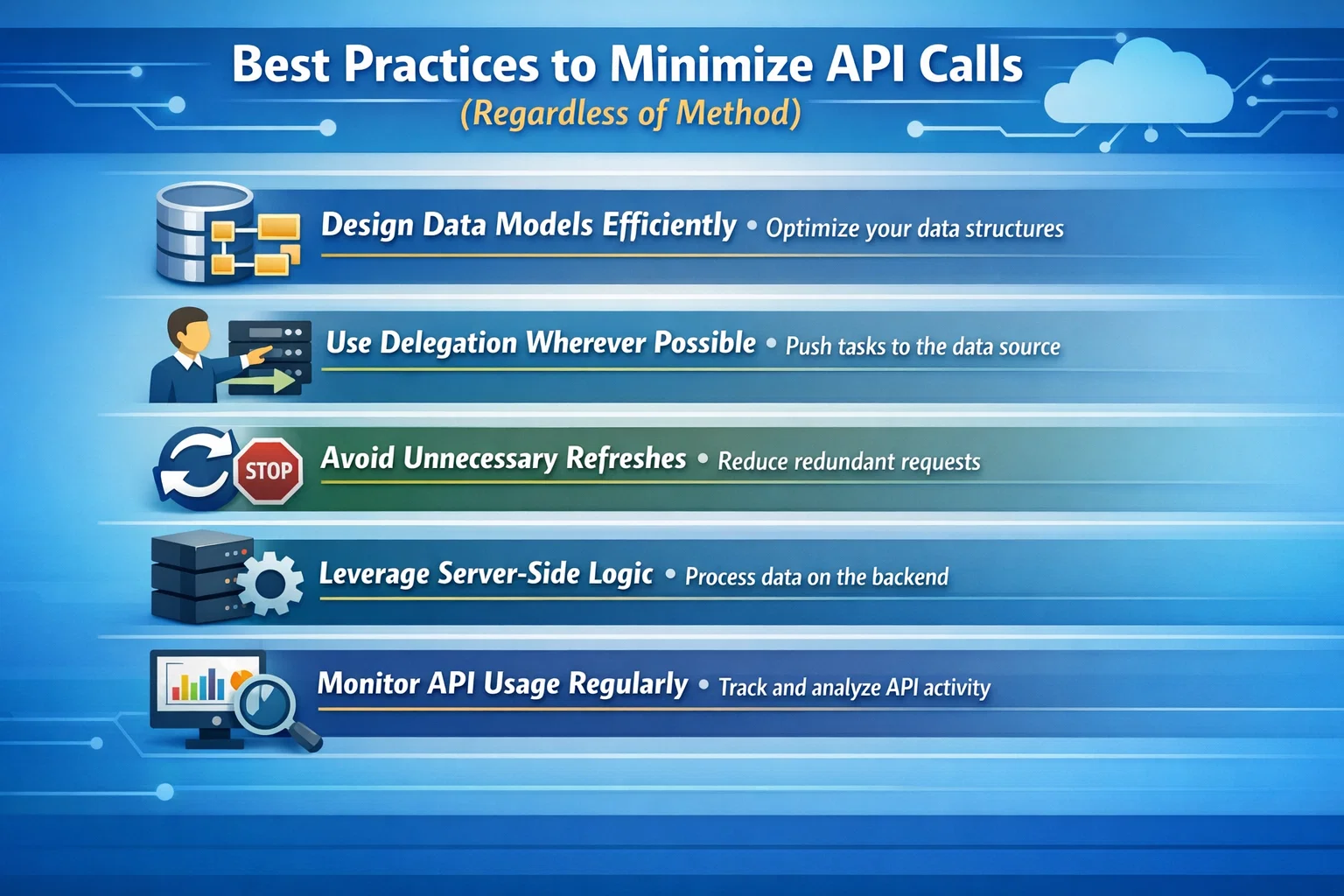
- Design data models efficiently
- Use delegation wherever possible
- Avoid unnecessary refreshes
- Leverage server-side logic
- Monitor API usage regularly
As a result, your apps remain fast, compliant, and cost-effective.
Final Verdict: Which One Saves More API Calls?
Dataverse MCP clearly saves more API calls due to:
- Native cloud optimization
- Internal data processing
- Smart batching and caching
- Reduced network overhead
Meanwhile, Custom Connectors should be used strategically, only when native integrations are not available.
How Skysoft Connections Can Help
At Skysoft Connections, we specialize in:
- Power Platform architecture design
- Dataverse optimization strategies
- Custom Connector performance tuning
- API usage reduction and governance
- Enterprise-grade integrations for scalable solutions
Whether you’re struggling with API limits or planning a large-scale integration, our experts ensure your solution is efficient, compliant, and future-ready. Get in touch with Skysoft Connections to build smarter Power Platform integrations that scale without unnecessary API costs.
Read more : power apps ui patterns that scale beyond screens
FAQ’s
Yes, Dataverse MCP uses native cloud optimization, resulting in significantly fewer API calls.
Use Custom Connectors when integrating with non-Microsoft or external third-party systems.
Yes, through batching, filtering, caching, and avoiding repetitive calls in flows or apps.