

Your CRM system is the heartbeat of your business. But just like any engine, it needs regular maintenance to run smoothly. Whether you’re using Microsoft Dynamics 365 or a custom CRM, performing periodic checks can prevent data issues, performance lags, and user frustration.
In this blog, we’ll guide CRM administrators through a practical maintenance checklist that ensures the system stays optimized, secure, and user-friendly. Plus, we’ll show how SkySoft Connection can help automate and simplify these tasks.
Why CRM Maintenance Matters
A well-maintained CRM:
- Boosts team productivity
- Keeps data accurate and actionable
- Reduces the risk of downtime or security breaches
- Enhances customer relationships
On the flip side, neglecting your CRM can result in duplicate records, corrupted workflows, outdated data, and inefficient processes — all of which affect your bottom line.
CRM Maintenance Checklist for Admins
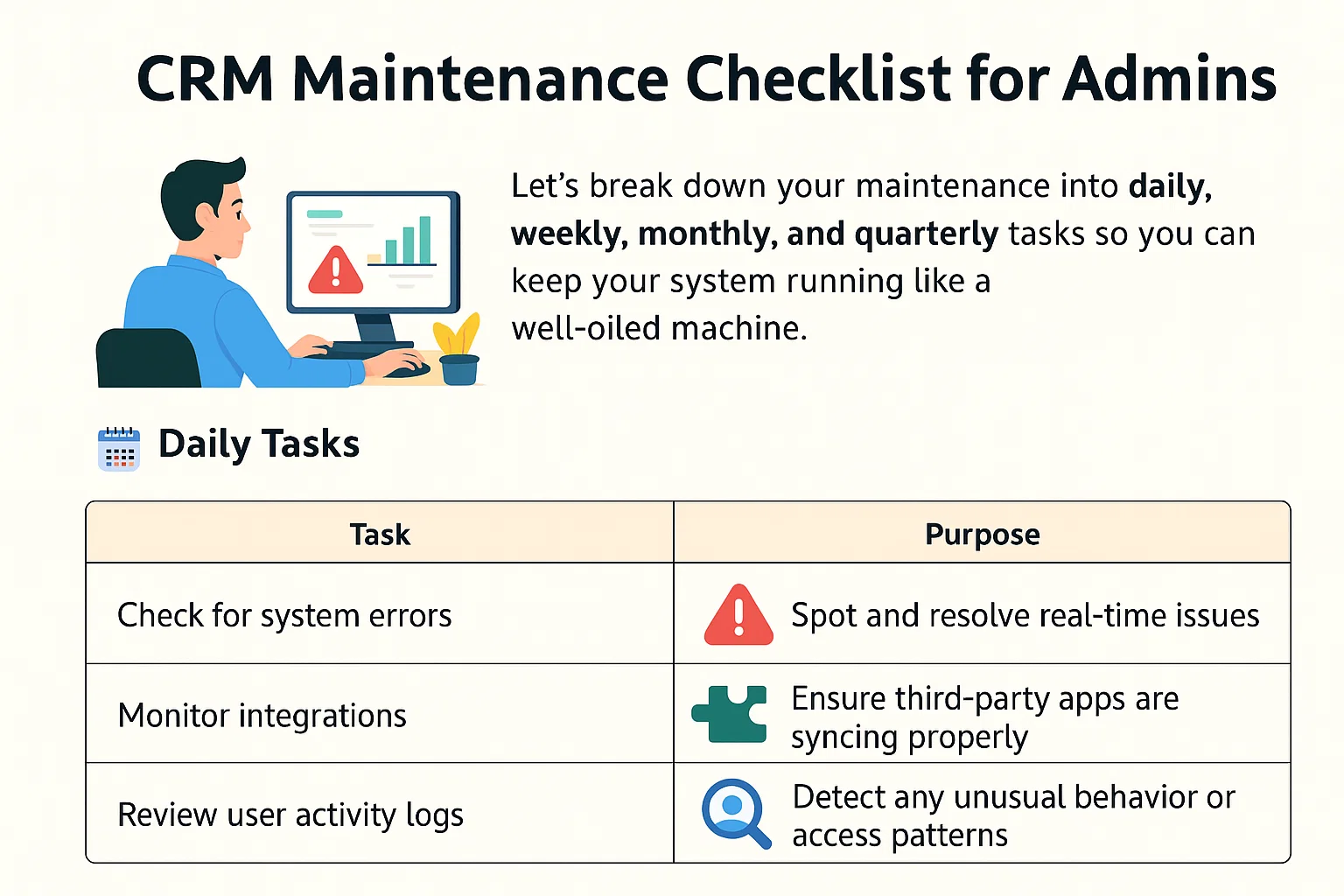
Let’s break down your maintenance into daily, weekly, monthly, and quarterly tasks so you can keep your system running like a well-oiled machine.
🗓️ Daily Tasks
| Task | Purpose |
|---|---|
| Check for system errors | Spot and resolve real-time issues |
| Monitor integrations | Ensure third-party apps are syncing properly |
| Review user activity logs | Detect any unusual behavior or access patterns |
📅 Weekly Tasks
| Task | Purpose |
|---|---|
| Remove duplicate records | Improve data quality |
| Review open leads & cases | Keep the pipeline moving |
| Test key workflows | Ensure automation is functioning as expected |
📆 Monthly Tasks
| Task | Purpose |
|---|---|
| Run security audits | Confirm user roles, access rights, and permissions |
| Clean inactive records | Remove outdated or unused entries |
| Backup your data | Create restore points in case of failure |
Quarterly Tasks
| Task | Purpose |
|---|---|
| Review CRM usage reports | Understand adoption and efficiency |
| Gather user feedback | Improve CRM usability and training |
| Update training resources | Keep team members informed of changes |
Bonus: CRM Optimization Tips from SkySoft
At SkySoft Connection, we specialize in custom CRM solutions, CRM health audits, and process optimization. Here’s how we help businesses keep their CRM in top shape:
Services We Offer:
- CRM Performance Audits: Identify slow points and bottlenecks
- Custom Automation Workflows: Reduce repetitive manual tasks
- Security & Compliance Checks: Ensure GDPR and industry standard alignment
- Data Cleanup & Migration Support: Migrate legacy systems or clean your existing database
- User Training & Documentation: Empower your team to make the most of the CRM
💡 If you’re overwhelmed with CRM maintenance, our team can step in and take over the heavy lifting.
Final Thoughts
Your CRM system won’t take care of itself — but with a solid maintenance routine, it will work harder, faster, and smarter for your business. Whether you’re a solo admin or managing a large team, sticking to a consistent CRM maintenance checklist is essential.
And if you need expert help?
👉 SkySoft Connection is here to assist with everything from performance tuning to workflow automation.
Ready to give your CRM the care it deserves?
Book a free CRM health check with SkySoft today!
Read more : clean and consistent data in dynamics 365 crm expert tips
Common CRM Admin Questions Answered
Ideally, you should remove duplicates weekly and archive outdated records monthly to keep your data relevant and manageable.
Check for bloated workflows, heavy customizations, or outdated integrations. SkySoft can run a performance audit to help you pinpoint the issue.
Yes! Many tasks like backups, alerts, and record deduplication can be automated using tools like Power Automate or custom scripts – SkySoft can help set these up.