Table of Content
- Understanding the Basics
- Key Differences: Webhook vs Azure Service Bus
- When to Use Webhooks in Dynamics 365
- When to Use Azure Service Bus in Dynamics 365
- Architecture Comparison
- Pros and Cons Breakdown
- Decision Guide: Which One Should You Choose?
- How Skysoft Connections Can Help
- Final Thoughts
- FAQ’s
- Need Help Choosing the Right Integration?
In modern Dynamics 365 integrations, choosing the right communication mechanism is critical for performance, scalability, and reliability. Two of the most commonly used integration approaches are Webhooks and Azure Service Bus. While both enable external communication from Dynamics 365, they serve very different purposes.
So, which one should you use—and when?
In this comprehensive guide, we will compare Webhook vs Azure Service Bus in Dynamics 365, explore real-world scenarios, and help you choose the right approach for your integration architecture.
Understanding the Basics
Before comparing both technologies, let’s quickly define what each one does.
What is a Webhook in Dynamics 365?
A Webhook is a lightweight HTTP-based callback that sends real-time data from Dynamics 365 to an external endpoint whenever a specific event occurs.
👉 In simple terms, it is a direct, synchronous notification.
Common use cases:
- Sending data to third-party apps instantly
- Triggering real-time workflows
- Notifying external APIs
What is Azure Service Bus in Dynamics 365?
Azure Service Bus is a cloud messaging service that enables asynchronous communication between systems using queues and topics.
In contrast to webhooks, it is message-based and decoupled.
Common use cases:
- High-volume integrations
- Complex workflows
- Enterprise system integration
- Reliable event-driven architectures
Key Differences: Webhook vs Azure Service Bus
To understand which one fits your use case, let’s compare them side by side.
| Feature | Webhook | Azure Service Bus |
|---|---|---|
| Communication Type | Synchronous | Asynchronous |
| Delivery | Immediate HTTP POST | Queue or Topic-based |
| Reliability | Limited retry support | Advanced retry & dead-lettering |
| Scalability | Low to Medium | High (Enterprise-grade) |
| Complexity | Simple | Moderate to Advanced |
| Performance | Fast for small loads | Better for high throughput |
| Message Persistence | No | Yes |
| Decoupling | Tight | Loose |
In short:
- Use Webhooks for simple, real-time notifications
- Use Azure Service Bus for scalable, reliable integrations
When to Use Webhooks in Dynamics 365
Webhooks are ideal when you need instant and lightweight communication.
Best Scenarios for Webhooks
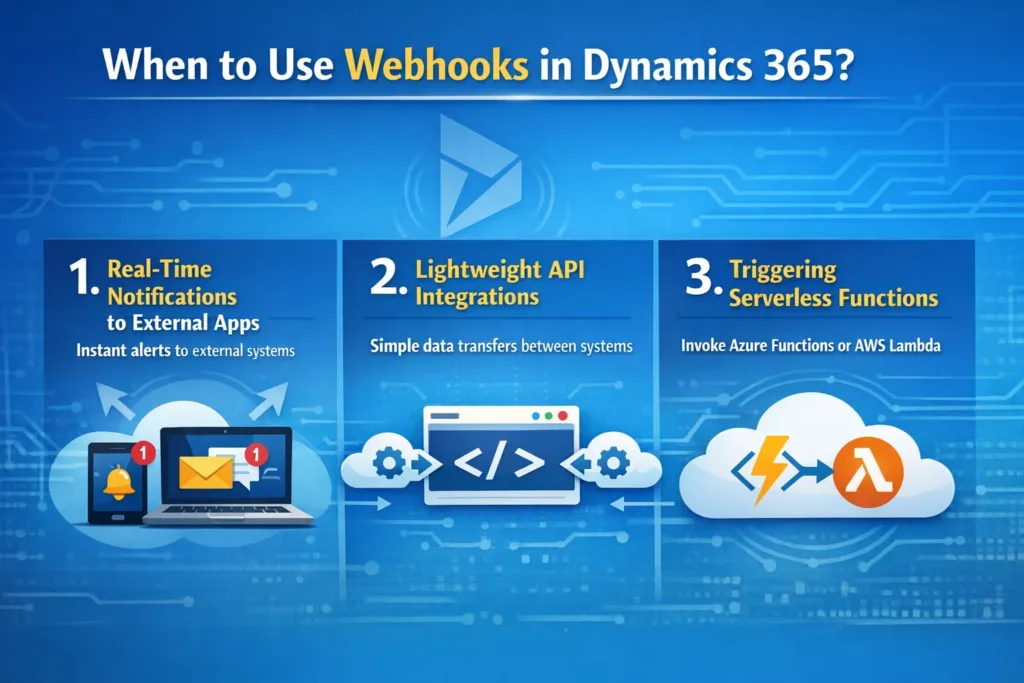
1. Real-Time Notifications to External Apps
For example, when a new lead is created, you may want to send data instantly to a marketing automation platform.
2. Lightweight API Integrations
If your external system exposes a REST API and can handle real-time requests, webhooks are perfect.
3. Triggering Serverless Functions
You can easily trigger Azure Functions or any HTTP-based service instantly.
Real Scenario: Webhook Use Case
Scenario:
A sales team wants to notify Slack whenever a high-value opportunity is created.
Solution:
A webhook sends opportunity data directly to a Slack API endpoint in real time.
✔ Instant
✔ Simple
✔ No infrastructure needed
When to Use Azure Service Bus in Dynamics 365
On the other hand, Azure Service Bus is the better choice for robust, scalable, and enterprise-level integrations.
Best Scenarios for Azure Service Bus
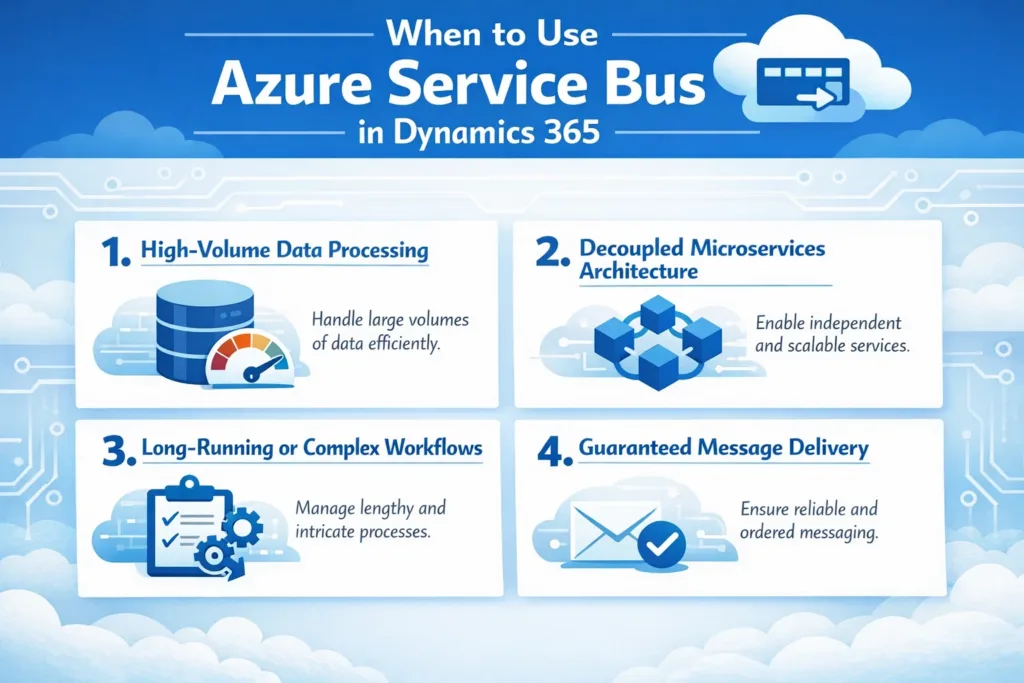
1. High-Volume Data Processing
If thousands of records are created daily, webhooks may fail or overload the system.
2. Decoupled Microservices Architecture
Service Bus allows multiple consumers to process the same message independently.
3. Long-Running or Complex Workflows
For example, processing an order across multiple systems (ERP, logistics, billing).
4. Guaranteed Message Delivery
With built-in retries, queues, and dead-lettering, no data is lost.
Real Scenario: Azure Service Bus Use Case
Scenario:
An oil & gas company processes inspection reports from Dynamics 365 and needs to send them to multiple systems (ERP, compliance, analytics).
Solution:
Dynamics 365 pushes messages to Azure Service Bus topics, and multiple subscribers process the data independently.
✔ Reliable
✔ Scalable
✔ Fault-tolerant
Architecture Comparison
Webhook Architecture Flow
- Event occurs in Dynamics 365
- Webhook triggers HTTP POST
- External API receives data instantly
➡️ Simple but tightly coupled
Azure Service Bus Architecture Flow
- Event occurs in Dynamics 365
- Message sent to Service Bus queue/topic
- Multiple consumers process messages asynchronously
➡️ Decoupled and scalable
Pros and Cons Breakdown
Webhooks – Pros
- Easy to implement
- Real-time communication
- Low latency
- No additional infrastructure required
Webhooks – Cons
- No guaranteed delivery
- Limited retry capability
- Not suitable for high-volume data
- Tight coupling between systems
Azure Service Bus – Pros
- Reliable message delivery
- Supports retries and dead-letter queues
- Handles large-scale integrations
- Enables event-driven architecture
- Decouples systems
Azure Service Bus – Cons
- Requires Azure infrastructure
- Slightly higher complexity
- Requires monitoring and management
Decision Guide: Which One Should You Choose?
Use this quick checklist:
Choose Webhooks if:
- You need real-time response
- You are sending low-volume data
- Your integration is simple
- The receiving system is always available
Choose Azure Service Bus if:
- You handle large volumes of data
- You need guaranteed delivery
- Your systems are distributed or microservices-based
- You require scalability and resilience
How Skysoft Connections Can Help
At Skysoft Connections, we specialize in Dynamics 365 integrations, Azure cloud solutions, and enterprise CRM architecture.
We help businesses:
- Design scalable integration architectures
- Implement Azure Service Bus messaging solutions
- Develop secure webhook integrations
- Automate workflows using Power Platform
- Optimize Dynamics 365 performance and data flow
Whether you need a simple webhook integration or a fully event-driven enterprise system, our experts can design the right solution tailored to your business.
Final Thoughts
Both Webhooks and Azure Service Bus are powerful tools in Dynamics 365 integrations—but they serve different purposes.
👉 If your priority is speed and simplicity, choose Webhooks.
👉 If your priority is scalability and reliability, choose Azure Service Bus.
Ultimately, the right choice depends on your business needs, system complexity, and data volume.
Read more : modular crm architectures for scalable growth
FAQ’s
Yes, webhooks are faster for real-time communication. However, Azure Service Bus is more reliable for large-scale operations.
Absolutely. Many enterprise systems use webhooks for quick actions and Service Bus for backend processing.
It depends on usage, but it provides excellent value for enterprise-grade reliability and scalability.
Azure Service Bus is generally better due to its reliability, scalability, and decoupled architecture.
Need Help Choosing the Right Integration?
If you’re unsure which approach suits your Dynamics 365 environment, Skysoft Connections can guide you with a tailored architecture strategy.
📩 Get in touch today to build a scalable, secure, and future-ready integration ecosystem.
 is a software solution company that was established in 2016. Our quality services begin with experience and end with dedication. Our directors have more than 15 years of IT experience to handle various projects successfully. Our dedicated teams are available to help our clients streamline their business processes, enhance their customer support, automate their day-to-day tasks, and provide software solutions tailored to their specific needs. We are experts in Dynamics 365 and Power Platform services, whether you need Dynamics 365 implementation, customization, integration, data migration, training, or ongoing support.