
Table of Content
Modern business processes are rarely linear. Instead, they involve loops, conditional decisions, retries, approvals, and unexpected failures. That’s exactly where state machines in Power Automate become powerful. Rather than building rigid workflows, you can design flexible flows that adapt to real-world chaos.
In this guide, you’ll learn how to use state machine patterns in Power Automate, why they matter, and how Skysoft Connections helps businesses implement them at scale.
What is a State Machine in Power Automate?
A state machine is a workflow design pattern where a process moves through a series of defined “states” based on conditions or events.
Instead of a straight line flow:
- You define states (e.g., Pending, Approved, Rejected)
- Then control transitions between them
- Finally, allow loops, retries, and dynamic paths
In Power Automate, this is implemented using:
- Variables
- Switch conditions
- Do Until loops
- Status-driven logic
Why Traditional Flows Fail in Real-World Scenarios
Although linear workflows are easy to build, they often fail when complexity increases.
Common Issues:
- ❌ Flows break when conditions change
- ❌ No easy way to handle retries
- ❌ Difficult to manage approvals with multiple stages
- ❌ Limited visibility into process status
Therefore, businesses dealing with CRM, approvals, or operations need something more flexible.
Benefits of Using State Machines in Power Automate
Using a state machine approach provides both flexibility and control.
Key Advantages:
- Handles complex workflows with ease
- Supports loops and reprocessing
- Improves error handling and recovery
- Enhances visibility into process stages
- Makes flows scalable and maintainable
As a result, organizations can automate processes without constantly rebuilding flows.
Core Components of a State Machine Flow
To design a state machine, you need a few essential elements.
1. State Variable
This stores the current stage of the workflow.
2. Switch Control
Used to define behavior for each state.
3. Transition Logic
Determines how and when the flow moves to the next state.
4. Loop Mechanism
Typically implemented using Do Until to keep the flow running until completion.
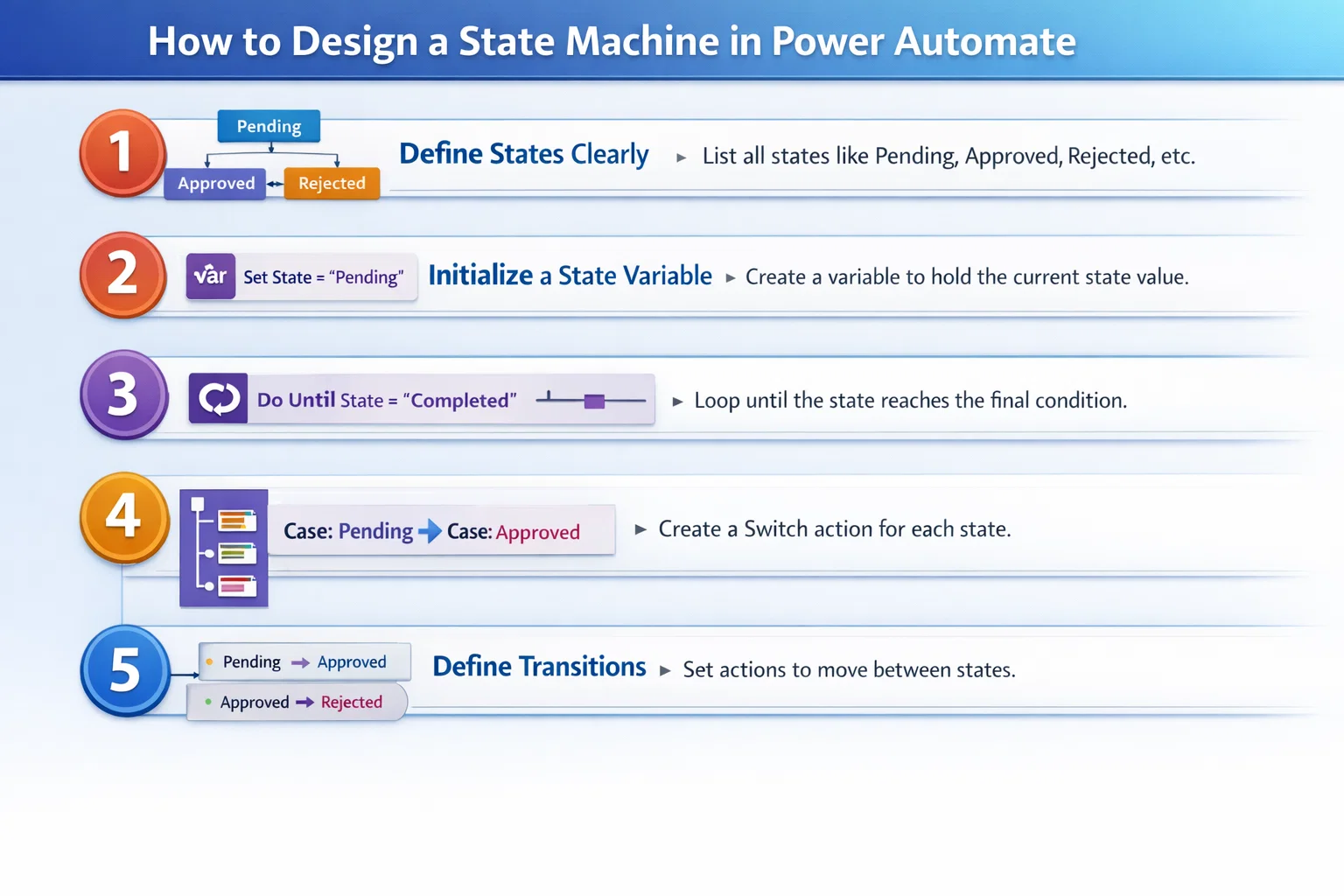
How to Design a State Machine in Power Automate
Follow this structured approach to build a reliable flow:
Step 1: Define States Clearly
Examples:
- New Request
- Under Review
- Approved
- Rejected
- Escalated
Step 2: Initialize a State Variable
Use a string variable like:
State = "New Request"
Step 3: Use a Do Until Loop
This ensures the process continues until a final state is reached.
Step 4: Add a Switch Case for Each State
Each case represents a stage in your workflow.
Step 5: Define Transitions
For example:
- If approved → move to “Approved”
- If rejected → move to “Rejected”
- If no response → escalate
Example: Approval Workflow Using State Machine
| State | Action Taken | Next State |
|---|---|---|
| New Request | Send approval email | Under Review |
| Under Review | Wait for response | Approved/Rejected |
| Approved | Notify stakeholders | Completed |
| Rejected | Send rejection notice | Completed |
| Escalated | Notify manager | Under Review |
👉 This structure ensures flexibility and handles delays or retries effectively.
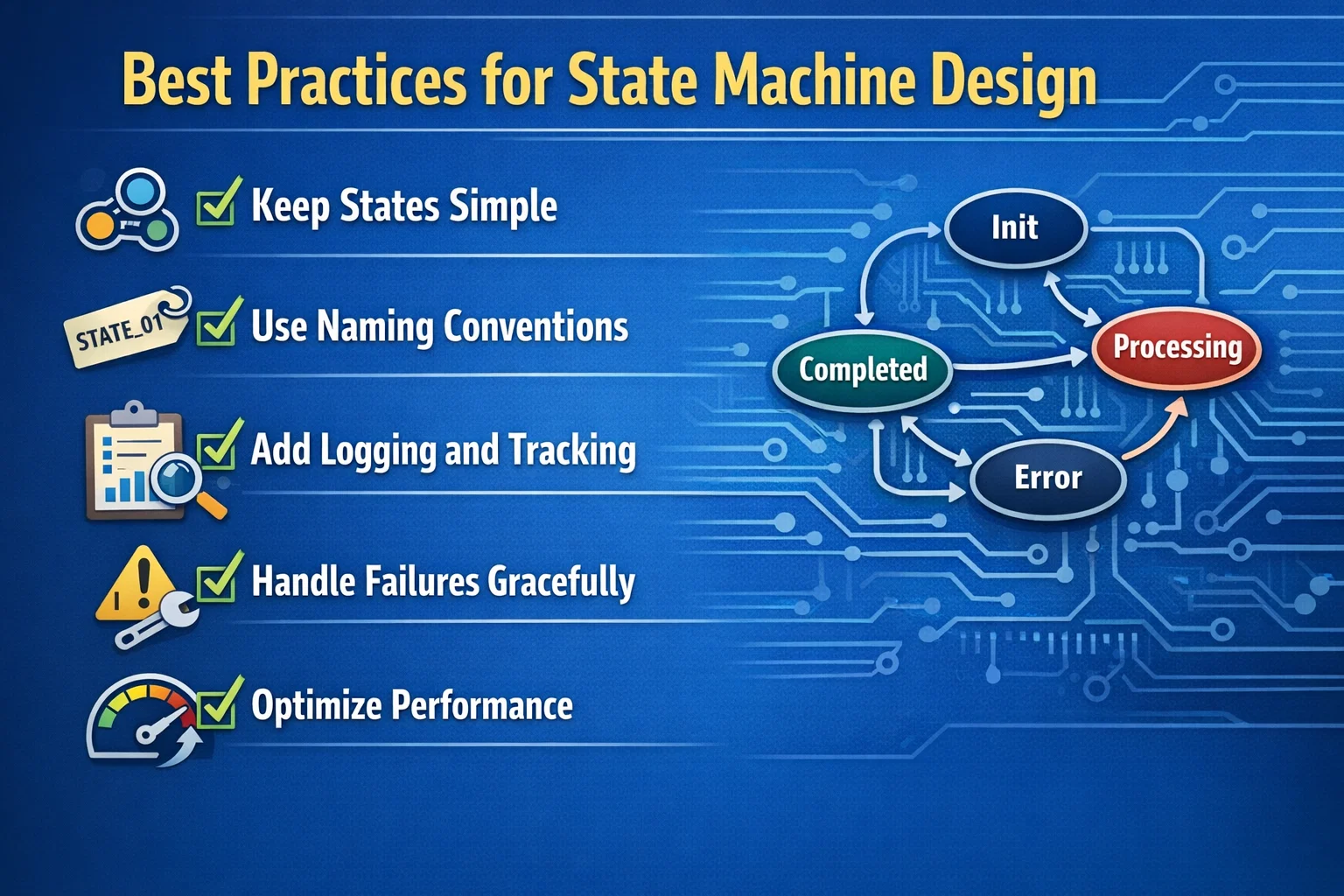
Best Practices for State Machine Design
To get the best results, follow these proven practices:
✔ Keep States Simple
Avoid overcomplicating states. Instead, keep them clear and meaningful.
✔ Use Naming Conventions
Consistent naming improves readability and maintenance.
✔ Add Logging and Tracking
Track state transitions for debugging and reporting.
✔ Handle Failures Gracefully
Always include retry logic and fallback states.
✔ Optimize Performance
Limit unnecessary loops to avoid flow timeouts.
Common Use Cases in Power Automate
State machines are especially useful in:
- 🔹 Multi-level approval workflows
- 🔹 CRM lead lifecycle management
- 🔹 Incident and ticket handling systems
- 🔹 Invoice processing automation
- 🔹 Compliance and audit workflows
Challenges and How to Overcome Them
Although powerful, state machines require careful planning.
Common Challenges:
- Complexity in large workflows
- Debugging multiple transitions
- Managing long-running flows
Solutions:
- Break flows into modular components
- Use Dataverse or SharePoint for state tracking
- Monitor flows with analytics tools
How Skysoft Connections Helps You Implement State Machines
At Skysoft Connections, we specialize in building scalable and intelligent automation solutions using:
- Microsoft Power Automate
- Power Apps
- Dynamics 365 CRM
- Power BI
Our Services Include:
- ✔ Custom workflow design using state machine architecture
- ✔ CRM automation for sales and operations
- ✔ Integration with enterprise systems
- ✔ Performance optimization and troubleshooting
- ✔ Real-time dashboards for process tracking
With over 40,000+ hours of delivery experience, our team ensures your workflows are not only automated—but also resilient and future-proof.
Final Thoughts
In today’s dynamic business environment, rigid workflows simply don’t work. Instead, you need systems that adapt, recover, and evolve.
That’s why state machines in Power Automate are essential. They allow you to design workflows that handle real-world complexity with ease.
Whether you’re managing approvals, CRM pipelines, or operational processes, adopting this pattern will significantly improve efficiency and reliability.
Read more : declarative vs imperative in power apps guide
FAQ’s
A standard flow is linear, while a state machine allows dynamic transitions between multiple states.
Yes, although it requires some planning. Starting with simple workflows is recommended.
Absolutely. In fact, it is ideal for complex enterprise-grade automation.
 is a software solution company that was established in 2016. Our quality services begin with experience and end with dedication. Our directors have more than 15 years of IT experience to handle various projects successfully. Our dedicated teams are available to help our clients streamline their business processes, enhance their customer support, automate their day-to-day tasks, and provide software solutions tailored to their specific needs. We are experts in Dynamics 365 and Power Platform services, whether you need Dynamics 365 implementation, customization, integration, data migration, training, or ongoing support.
Share This Story, Choose Your Platform!
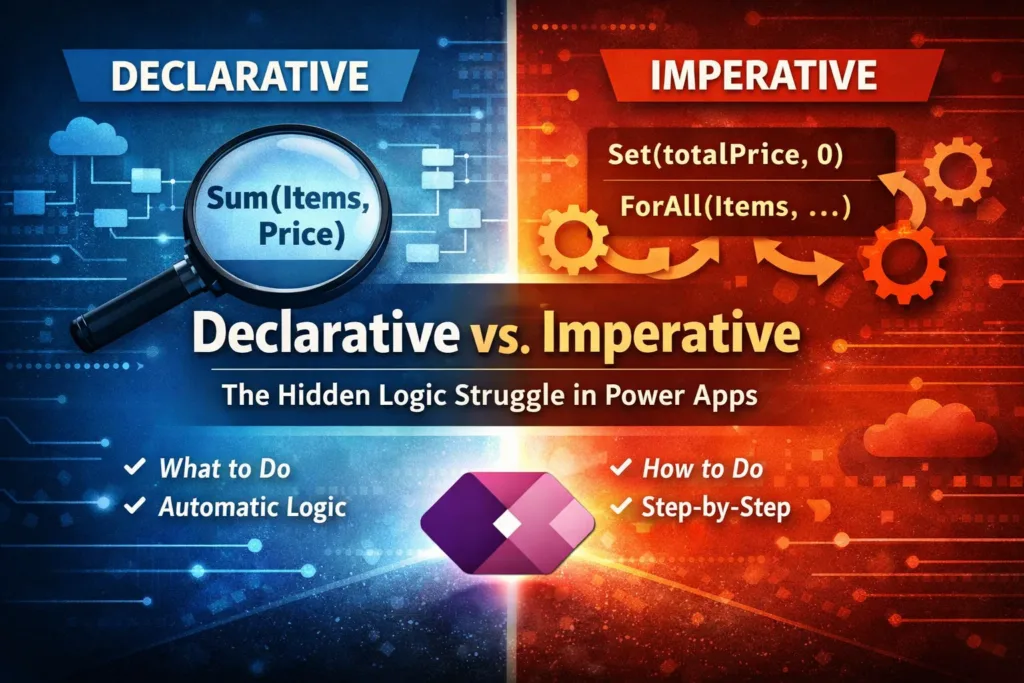 Declarative vs. Imperative: The Hidden Logic Struggle in Power Apps