Table of Content
When organizations build on Microsoft’s Power Platform and Dynamics 365, they often leverage multiple solutions to deliver business functionality. While this modular approach offers flexibility, it introduces a hidden complexity that can significantly impact Azure integrations: solution layering.
Solution layering occurs when multiple solutions modify the same component—whether it’s an entity, form, or workflow. While Power Platform manages these layers gracefully within the environment, the complications emerge when these layered components need to interact with Azure services through integrations.
Understanding Solution Layering
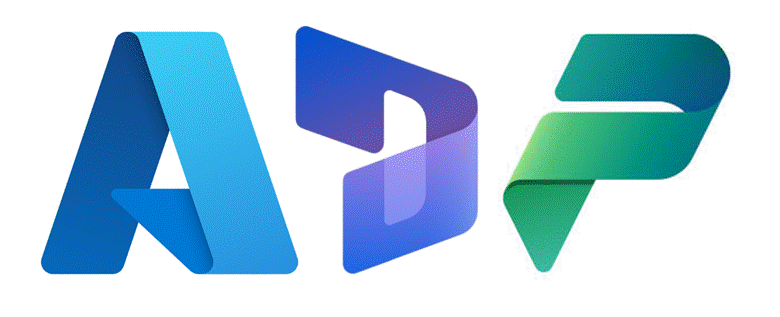
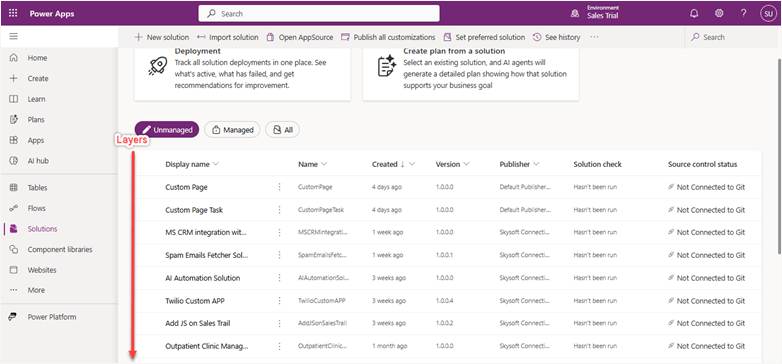
In Power Platform and Dynamics 365, solutions are containers for customizations. When you install multiple solutions that modify the same component, the platform creates layers rather than overwriting previous changes. The active layer—typically the most recently applied one—determines what users see and how the system behaves.
This layering system works well for maintaining customizations across solution updates, but it creates challenges when external systems like Azure need to understand or interact with these components.
Where Azure Integration Gets Complicated
Data Schema Mismatches
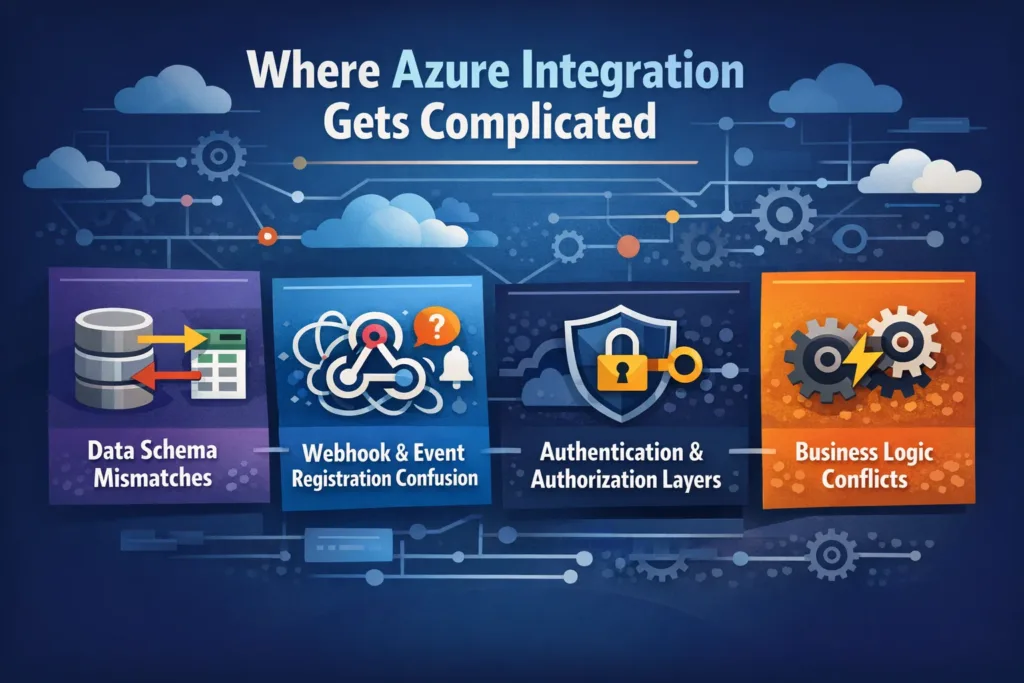
Azure services like Azure Data Factory, Azure Synapse, or custom Azure Functions often rely on understanding the data structure of Dynamics 365 entities. When solution layering modifies entity schemas, several issues arise. Different solutions might add or remove fields, change data types, or modify relationships. Azure integrations built against one layer’s schema may fail when another layer becomes active, and metadata retrieved through APIs might not reflect the active layer, causing synchronization errors.
Webhook and Event Registration Confusion
Azure Logic Apps and Azure Functions frequently use webhooks to respond to Dynamics 365 events. Solution layering complicates this because multiple solutions can register plugins or workflows on the same event, creating unpredictable execution orders. If one layer disables a field that another layer’s webhook depends on, integration failures occur. Azure services may receive duplicate or conflicting event data when multiple layers trigger similar events.
Authentication and Authorization Layers
When solutions implement different security models or service principal configurations, Azure integrations face authentication challenges. One solution might implement field-level security while another uses different permissions, and Azure service principals may have access granted by one solution but restricted by another layer.
Business Logic Conflicts
The most insidious complications arise from conflicting business logic across layers. An Azure integration might trigger a workflow that behaves differently depending on which solution layer is active. Custom actions or APIs defined in one solution layer might be overridden or extended by another, breaking Azure integration logic that depends on specific behavior.
Real-World Scenario
Consider a company using Dynamics 365 Sales with a custom industry solution overlay. They build an Azure Function to sync opportunities to an external ERP system. The base Dynamics 365 solution defines the Opportunity entity with standard fields. The industry solution adds custom fields and modifies the opportunity lifecycle. A third solution from their implementation partner adjusts workflows and adds regional compliance fields.
When the Azure Function queries opportunities, it must navigate this three-layer structure. If the industry solution updates and changes a field name the Azure Function depends on, the integration breaks—even though the field still exists in other layers. The Azure Function has no straightforward way to specify which solution layer it should interact with.
Strategies to Manage the Complexity
While you cannot eliminate solution layering, you can minimize its impact on Azure integrations.
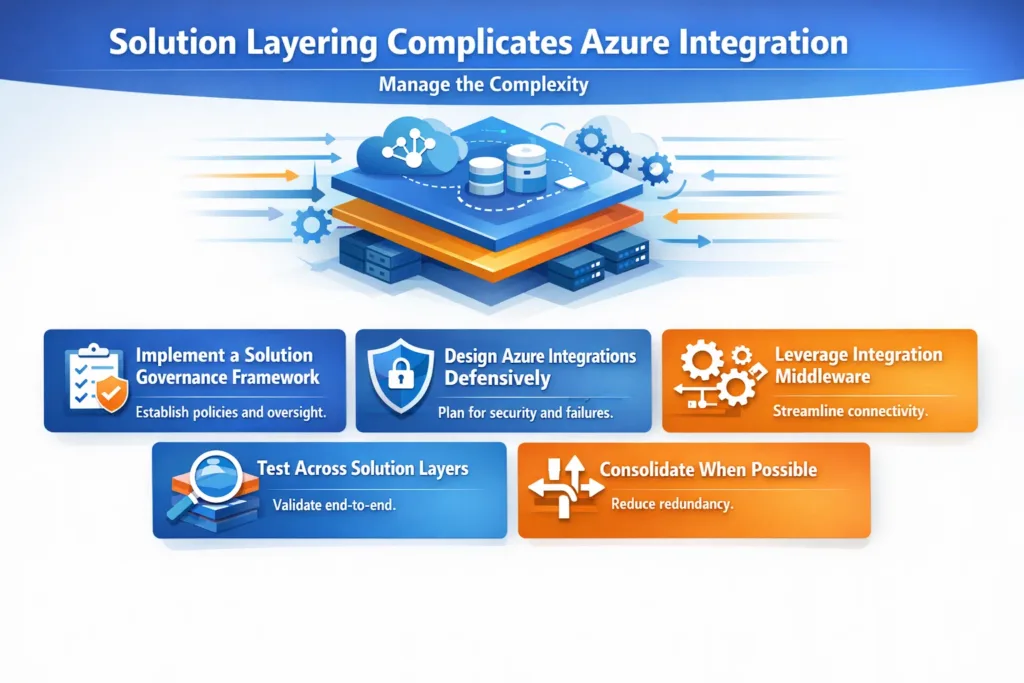
Implement a solution governance framework.
Document all solutions in your environment, their purpose, and components they modify. Establish a change control process requiring Azure integration impact analysis before solution updates. Maintain a solution dependency map showing which Azure services interact with which solutions.
Design Azure integrations defensively.
Build error handling that anticipates schema changes. Use Dataverse’s alternate keys rather than relying solely on GUIDs that might change across layers. Implement versioning in your Azure APIs and webhooks to handle multiple schema versions. Query metadata dynamically rather than hard-coding entity structures in Azure code.
Leverage integration middleware.
Consider placing an integration layer between Dynamics 365 and Azure that can absorb solution layer complexity. Azure API Management can provide transformation logic to reconcile different schema versions. A dedicated integration platform can maintain mappings between solution layers and Azure service expectations.
Test across solution layers.
When deploying new solutions or updates, test all Azure integrations in a sandbox environment first. Create automated integration tests that verify Azure services work correctly after solution layer changes. Monitor integration endpoints for failures that correlate with solution deployments.
Consolidate when possible.
If multiple solutions modify the same components for your Azure integrations, consider consolidating these customizations into a single managed solution. Work with vendors to understand their solution layering strategy and its potential impact on integrations.
The Path Forward
Solution layering is a powerful feature that enables the flexibility organizations need from Power Platform and Dynamics 365. However, it requires careful consideration when designing Azure integrations. The key is treating solution layers as a first-class architectural concern rather than an implementation detail.
By understanding how layers interact, designing integrations that accommodate change, and establishing governance processes, organizations can harness the benefits of both solution modularity and robust Azure integration. The complexity is manageable—it just requires intentional design and ongoing vigilance.
As Microsoft continues evolving the Power Platform and its integration capabilities, we may see better tools for managing solution layer complexity in integrations. Until then, awareness and proactive management remain the best defenses against integration complications introduced by solution layering.
Read more : advanced power fx functions for canvas apps guide
FAQ’s
Solution layering is when multiple solutions modify the same component, with the latest layer controlling system behavior.
Azure integrations rely on stable schemas and logic, which can change when different solution layers become active.
Yes, changes in fields, workflows, or security across layers can break Azure Functions, Logic Apps, or data syncs.
Use solution governance, test integrations before updates, design defensive integrations, and document dependencies.
 is a software solution company that was established in 2016. Our quality services begin with experience and end with dedication. Our directors have more than 15 years of IT experience to handle various projects successfully. Our dedicated teams are available to help our clients streamline their business processes, enhance their customer support, automate their day-to-day tasks, and provide software solutions tailored to their specific needs. We are experts in Dynamics 365 and Power Platform services, whether you need Dynamics 365 implementation, customization, integration, data migration, training, or ongoing support.