Table of Content
- What Is a Power Platform Copilot in Dynamics 365 Sales?
- Why Contextual Sales Guidance Matters
- How Power Platform Copilots Enhance Dynamics 365 Sales
- Embedding Copilots Using Microsoft Power Platform
- Dynamics 365 Sales with Copilot vs Traditional CRM
- Use Cases for Embedded Sales Copilots
- How Skysoft Connections Helps You Implement Copilot-Driven Sales
- Best Practices for Embedding Copilots in Sales
- Why Now Is the Right Time to Adopt AI-Powered Sales Guidance
- Final Thoughts
- FAQ’s
In today’s competitive sales environment, speed, context, and intelligence matter more than ever. Sales teams no longer want static dashboards or delayed reports. Instead, they need real-time, contextual sales guidance—right where they work. This is exactly where Power Platform Copilots embedded within Dynamics 365 Sales make a measurable difference.
In this guide, you’ll learn how embedding Copilots transforms sales productivity, improves decision-making, and drives revenue growth. We’ll also explore how Skysoft Connections helps organizations design, customize, and scale Copilot-driven sales experiences.
What Is a Power Platform Copilot in Dynamics 365 Sales?
A Power Platform Copilot is an AI-powered assistant built using Microsoft Power Platform and seamlessly embedded into Dynamics 365 Sales. Instead of searching through data or switching tools, sales reps can interact with Copilot using natural language.
For example, a sales rep can ask:
- “Which deals are most likely to close this month?”
- “Summarize this account’s last three interactions.”
- “Suggest next best actions for this opportunity.”
As a result, Copilot delivers context-aware guidance using CRM data, activity history, and predictive insights.
Why Contextual Sales Guidance Matters
Traditional CRM systems often store data but fail to guide action. However, contextual guidance changes that completely.
Key Benefits of Contextual Sales Guidance
- Improves sales rep focus and efficiency
- Reduces manual data analysis
- Enhances customer conversations
- Increases deal velocity and win rates
Moreover, when guidance appears inside Dynamics 365 Sales, adoption increases naturally—without extra training or tools.
How Power Platform Copilots Enhance Dynamics 365 Sales
Embedding Copilots into Dynamics 365 Sales unlocks advanced capabilities that go beyond automation.
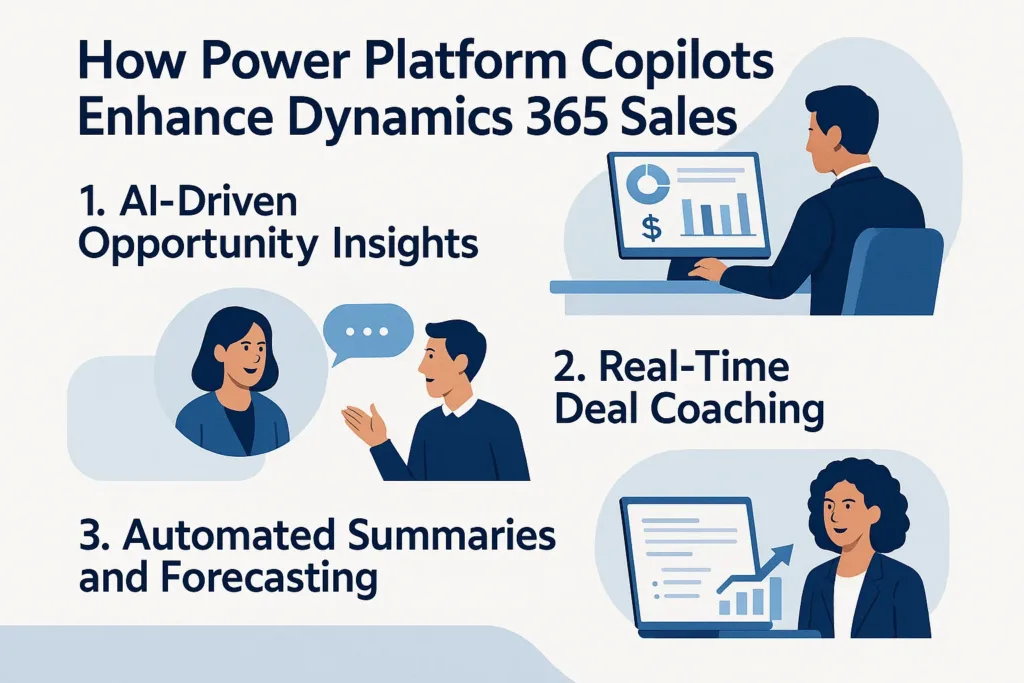
1. AI-Driven Opportunity Insights
Copilot analyzes historical data, pipeline trends, and customer behavior. Consequently, it highlights:
- High-risk deals
- Upsell and cross-sell opportunities
- Recommended next steps
2. Real-Time Deal Coaching
Instead of generic advice, Copilot offers deal-specific recommendations, such as:
- When to follow up
- Which product to propose
- How to personalize outreach
Therefore, sales reps act with confidence and clarity.
3. Automated Summaries and Forecasting
Copilot can instantly generate:
- Opportunity summaries
- Account overviews
- Sales forecasts
As a result, managers spend less time reviewing reports and more time coaching teams.
Embedding Copilots Using Microsoft Power Platform
Power Platform makes embedding Copilots flexible, secure, and scalable.
Tools Used to Build Sales Copilots
- Power Apps – Embed Copilot directly into sales forms and dashboards
- Power Automate – Trigger workflows based on Copilot insights
- Power BI – Visualize AI-driven sales insights
- Dataverse – Securely manage CRM and sales data
Together, these tools create a unified, intelligent sales experience.
Dynamics 365 Sales with Copilot vs Traditional CRM
| Feature | Traditional CRM | Dynamics 365 Sales + Copilot |
|---|---|---|
| Sales Guidance | Manual & reactive | AI-driven & proactive |
| Data Insights | Static reports | Real-time contextual insights |
| User Experience | Data entry focused | Action-oriented |
| Forecasting | Historical trends | Predictive analytics |
| Productivity | Tool switching required | Embedded intelligence |
Clearly, embedding Copilots turns CRM from a system of record into a system of action.
Use Cases for Embedded Sales Copilots
Power Platform Copilots support multiple sales scenarios.
Common Use Cases
- Lead qualification and scoring
- Deal risk assessment
- Personalized customer engagement
- Sales forecasting and pipeline reviews
- Manager coaching and performance tracking
Because Copilots adapt to your sales data, they continuously improve over time.
How Skysoft Connections Helps You Implement Copilot-Driven Sales
At Skysoft Connections, we specialize in building intelligent CRM solutions using Dynamics 365 and Microsoft Power Platform. With deep industry experience and a proven delivery record, we help businesses move from traditional CRM usage to AI-powered sales execution.
Our Dynamics 365 & Copilot Services
- Dynamics 365 Sales implementation and optimization
- Custom Power Platform Copilot development
- Power Apps and Power Automate customization
- Sales analytics with Power BI
- CRM integrations and data migrations
- Ongoing support and scalability planning
Additionally, our team ensures Copilots are aligned with your sales workflows—not generic AI tools.
Best Practices for Embedding Copilots in Sales
To maximize results, follow these best practices:
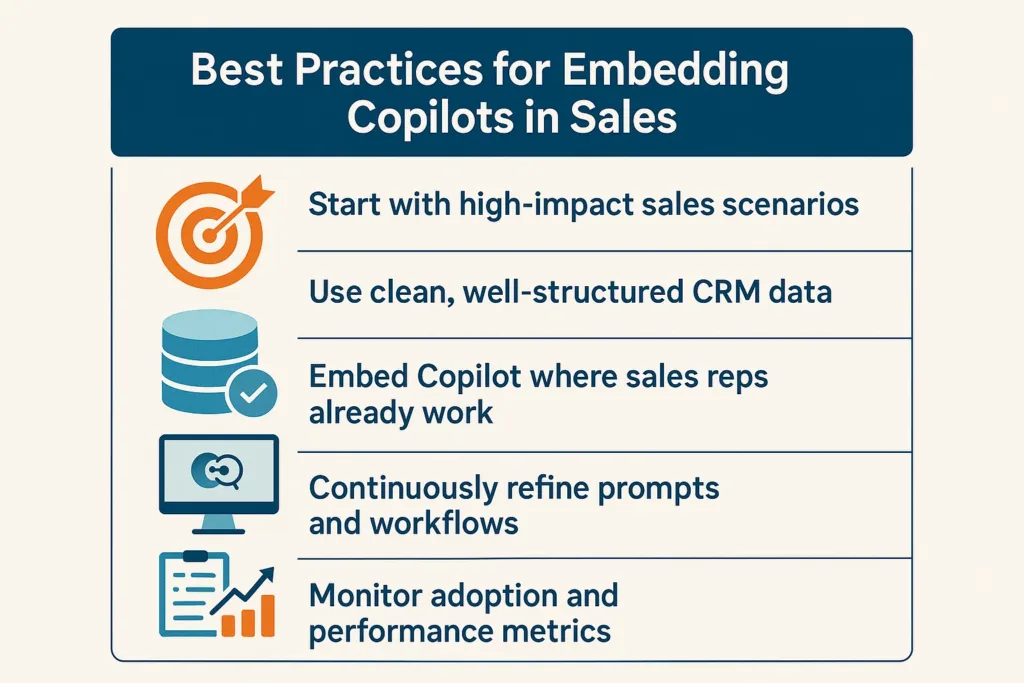
- Start with high-impact sales scenarios
- Use clean, well-structured CRM data
- Embed Copilot where sales reps already work
- Continuously refine prompts and workflows
- Monitor adoption and performance metrics
As a result, Copilot becomes a trusted sales assistant rather than a novelty feature.
Why Now Is the Right Time to Adopt AI-Powered Sales Guidance
AI-driven selling is no longer optional. Buyers expect personalized, informed conversations. Meanwhile, sales teams need speed and precision. Embedding Power Platform Copilots within Dynamics 365 Sales delivers both.
Therefore, organizations that act now gain a competitive edge—while others fall behind.
Final Thoughts
Embedding Power Platform Copilots for contextual sales guidance within Dynamics 365 Sales transforms how teams sell, forecast, and engage customers. By combining AI intelligence with real-time CRM data, businesses unlock smarter selling at scale.
If you’re ready to modernize your sales operations, Skysoft Connections is here to help you design, deploy, and scale Copilot-powered Dynamics 365 solutions—built for performance, growth, and long-term success.
Read more : ai chatbots vs copilot in d365 customer service guide
FAQ’s
A Power Platform Copilot is an AI-powered assistant embedded within Dynamics 365 Sales that provides real-time, context-aware insights, recommendations, and sales guidance using CRM data.
Copilot reduces manual work by summarizing opportunities, predicting deal outcomes, suggesting next best actions, and delivering insights directly inside the sales workflow.
Yes. Copilots can be customized using Power Apps, Power Automate, and Dataverse to match specific sales stages, industry requirements, and business goals.
Skysoft Connections designs, embeds, and optimizes custom Copilots within Dynamics 365 Sales, ensuring seamless integration, user adoption, and measurable sales performance improvements.
 is a software solution company that was established in 2016. Our quality services begin with experience and end with dedication. Our directors have more than 15 years of IT experience to handle various projects successfully. Our dedicated teams are available to help our clients streamline their business processes, enhance their customer support, automate their day-to-day tasks, and provide software solutions tailored to their specific needs. We are experts in Dynamics 365 and Power Platform services, whether you need Dynamics 365 implementation, customization, integration, data migration, training, or ongoing support.