Table of Content
- What Are Data Silos and Why Are They a Problem?
- Introducing Power Platform: The Integration Backbone
- How Power Platform Eliminates Silos
- Key Benefits of a Silo-Free Organization
- Real-World Use Case: Power Platform in Action
- Why Businesses Are Moving Toward the Microsoft Cloud
- How Sky Soft Connections Helps You Break Silos
- Best Practices for Eliminating Silos
- The Future: Connected, Intelligent Enterprises
- Conclusion
- FAQ’s
In today’s fast-paced digital environment, businesses can no longer afford disconnected systems and isolated data. Traditionally, organizations operated in silos—where departments, applications, and data lived independently. However, this fragmented approach slows down innovation, reduces visibility, and increases operational inefficiencies.
That’s where Microsoft Power Platform steps in. Acting as the connective layer across the Microsoft Cloud, it transforms how businesses build, automate, analyze, and integrate processes.
In this blog, we’ll explore how Power Platform eliminates silos, why it matters for modern enterprises, and how Sky Soft Connections helps organizations unlock its full potential.
What Are Data Silos and Why Are They a Problem?
Data silos occur when information is stored in separate systems that don’t communicate with each other. As a result:
- Teams work with incomplete or outdated data
- Decision-making becomes slower and less accurate
- Processes require manual intervention and duplication
- Customer experiences become inconsistent
Moreover, as organizations grow, these silos multiply. Therefore, businesses must shift toward a unified, connected ecosystem.
Introducing Power Platform: The Integration Backbone
The Microsoft Power Platform consists of four core tools:
- Power BI Data visualization and analytics
- Power Apps Low-code application development
- Power Automate Workflow automation
- Power Virtual Agents AI-powered chatbots
Together, these tools act as the “glue” that binds different services within the Microsoft ecosystem, including Azure, Dynamics 365, and Microsoft 365.
Why It Matters
Instead of replacing existing systems, Power Platform connects them. Consequently, organizations can:
- Break down operational silos
- Automate cross-department workflows
- Centralize data insights
- Improve collaboration across teams
How Power Platform Eliminates Silos
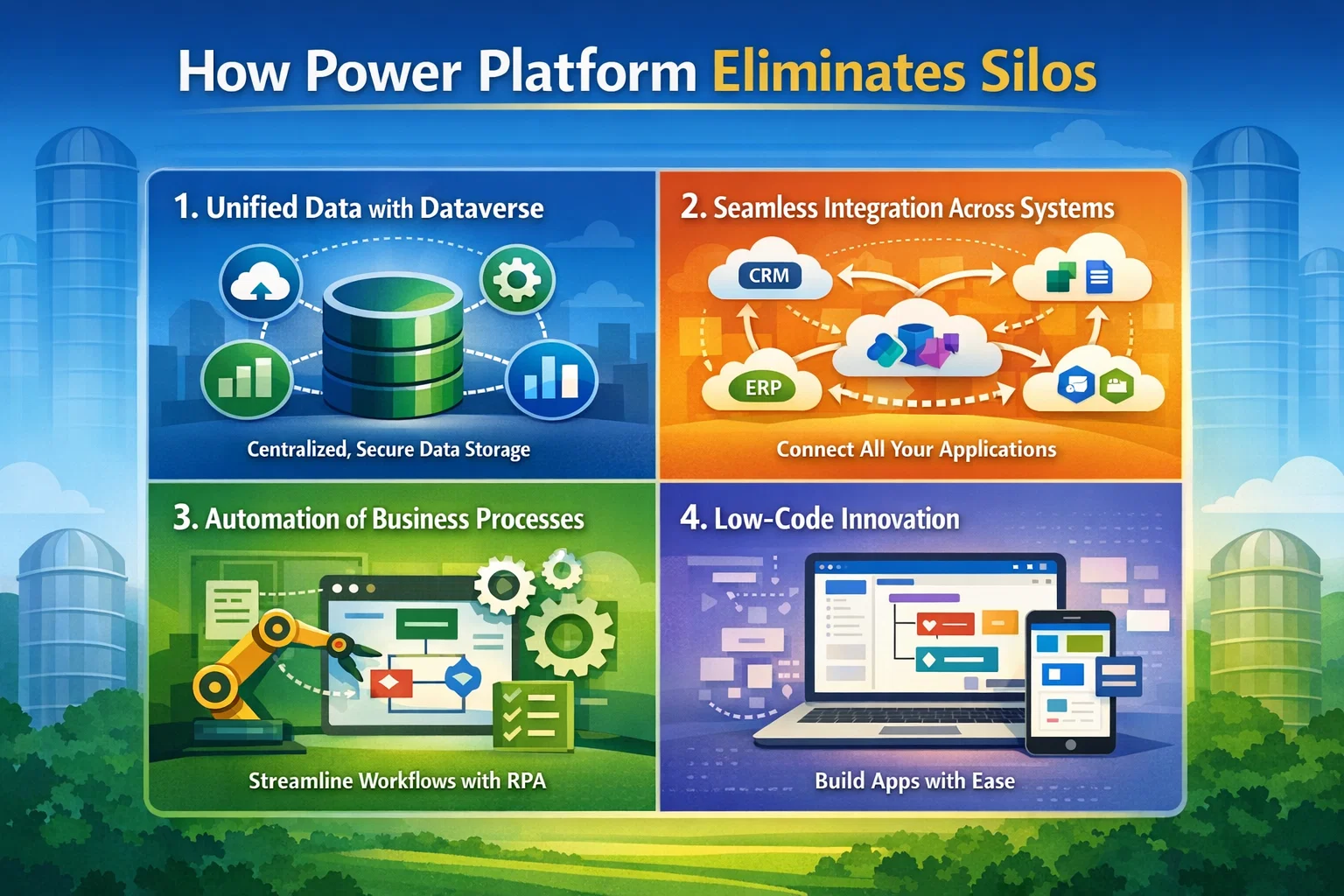
1. Unified Data with Dataverse
At the core of Power Platform is Microsoft Dataverse, which provides a centralized data layer.
- Ensures consistency across applications
- Enables real-time data sharing
- Reduces duplication and errors
As a result, all departments work from a single source of truth.
2. Seamless Integration Across Systems
Power Platform connects with:
- Microsoft tools (Excel, Teams, SharePoint)
- Third-party apps (Salesforce, Google services)
- Custom APIs and legacy systems
Therefore, businesses can integrate without heavy development costs.
3. Automation of Business Processes
Using Power Automate, organizations can:
- Automate approvals and notifications
- Sync data across systems
- Eliminate repetitive manual tasks
Consequently, productivity increases while operational costs decrease.
4. Low-Code Innovation
Power Apps enables non-developers to build applications quickly.
- Rapid deployment of internal tools
- Reduced dependency on IT teams
- Faster time-to-market
In addition, this democratizes innovation across the organization.
Key Benefits of a Silo-Free Organization
| Benefit | Impact on Business |
|---|---|
| Improved Collaboration | Teams share data and insights seamlessly |
| Faster Decision-Making | Real-time analytics and reporting |
| Increased Efficiency | Automated workflows reduce manual effort |
| Better Customer Experience | Unified view of customer interactions |
| Scalability | Easily integrate new tools and systems |
Real-World Use Case: Power Platform in Action
Consider an oil & gas company managing inspections, operations, and compliance:
- Inspection data is collected via Power Apps
- Workflows are automated using Power Automate
- Insights are visualized in Power BI
- Data is stored centrally in Dataverse
As a result, the company eliminates manual reporting, reduces delays, and ensures compliance in real time.
Why Businesses Are Moving Toward the Microsoft Cloud
The shift toward the Microsoft Cloud is driven by:
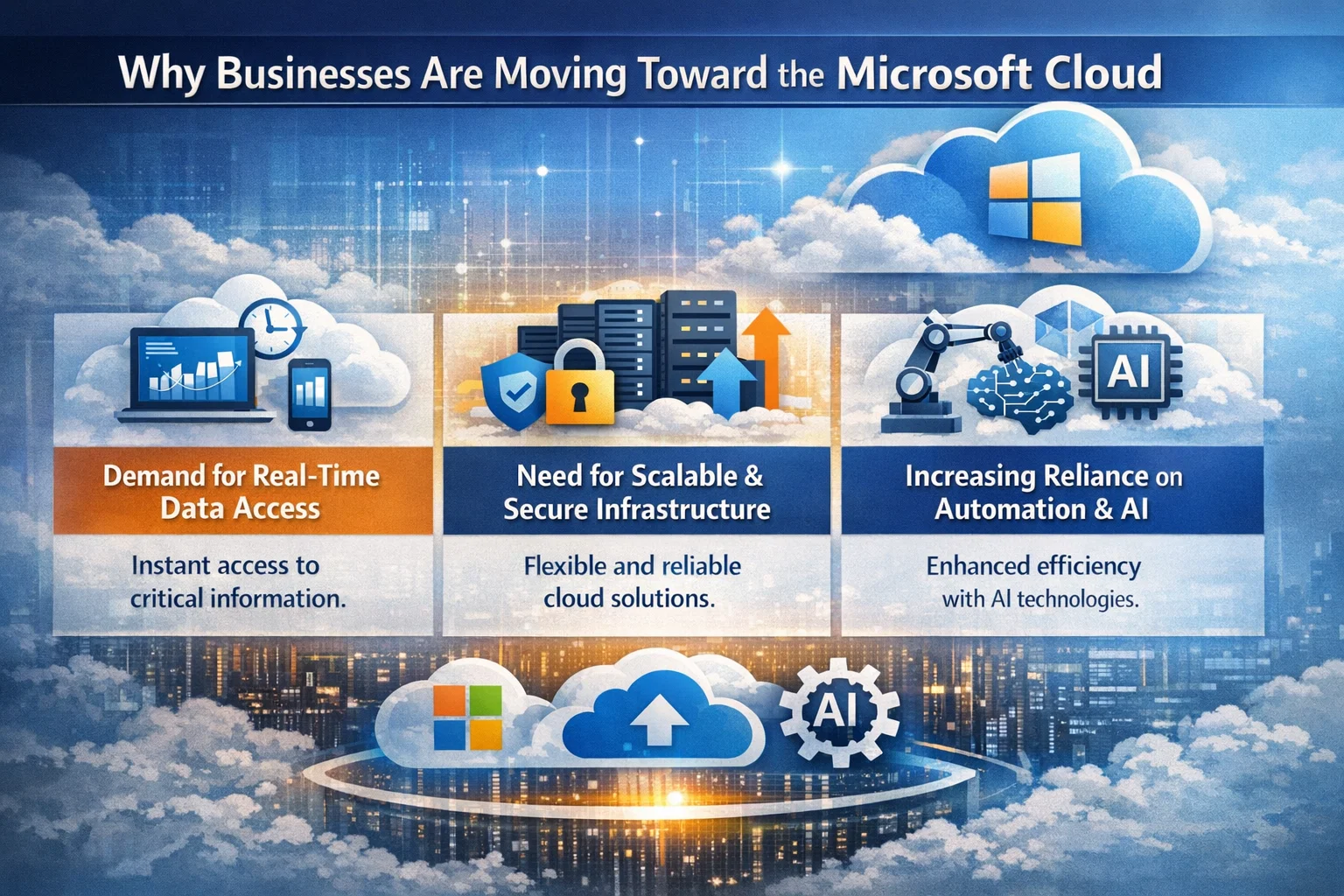
- Demand for real-time data access
- Need for scalable and secure infrastructure
- Increasing reliance on automation and AI
However, without a unifying layer, even cloud systems can become fragmented. That’s why Power Platform plays a critical role—it connects everything.
How Sky Soft Connections Helps You Break Silos
Implementing Power Platform effectively requires strategy, customization, and expertise. That’s where Sky Soft Connections comes in.
Our Services Include:
- Power Platform Consulting – Identify opportunities for automation and integration
- Custom Power Apps Development – Build tailored business applications
- Power Automate Workflows – Streamline complex processes
- Power BI Dashboards – Turn data into actionable insights
- Dynamics 365 Integration – Connect CRM with your business operations
- Data Migration & Integration – Ensure seamless data flow across systems
Moreover, our team ensures that your implementation aligns with your business goals, not just technical requirements.
Best Practices for Eliminating Silos
To maximize the benefits of Power Platform:
- Start with a clear data strategy
- Identify high-impact automation opportunities
- Involve both IT and business teams
- Focus on user adoption and training
- Continuously optimize workflows
By following these steps, organizations can achieve sustainable digital transformation.
The Future: Connected, Intelligent Enterprises
The era of isolated systems is ending. Businesses that embrace integration and automation will lead the market. Meanwhile, those stuck in silos risk falling behind.
Power Platform is not just a tool it’s a strategy for building a connected enterprise.
Conclusion
The “death of the silo” is not just a trend it’s a necessity. With Microsoft Power Platform acting as the glue of the Microsoft Cloud, organizations can unify their systems, empower their teams, and accelerate innovation.
And with the expertise of Sky Soft Connections, your business can transition from fragmented operations to a fully connected digital ecosystem.
Read more : state machines in power automate for workflows
FAQ’s
It is used to build apps, automate workflows, analyze data, and create chatbots—all with low-code tools.
It integrates systems and centralizes data using Dataverse, enabling seamless data sharing across departments.
 is a software solution company that was established in 2016. Our quality services begin with experience and end with dedication. Our directors have more than 15 years of IT experience to handle various projects successfully. Our dedicated teams are available to help our clients streamline their business processes, enhance their customer support, automate their day-to-day tasks, and provide software solutions tailored to their specific needs. We are experts in Dynamics 365 and Power Platform services, whether you need Dynamics 365 implementation, customization, integration, data migration, training, or ongoing support.