Table of Content
- Why Power BI Dashboards for Dynamics 365 Matter
- Key Components of Sales Analytics Dashboards
- Best Practices for Power BI Dashboards in Dynamics 365
- Common Mistakes to Avoid
- Advanced Features to Enhance Sales Analytics
- How Power BI and Dynamics 365 Work Together
- How Skysoft Connections Can Help
- Final Thoughts
- FAQ’s
In today’s data-driven business world, sales teams need more than raw numbers—they need actionable insights. That’s where Power BI dashboards for Dynamics 365 sales analytics come in. When used correctly, they transform your CRM data into clear, visual, and real-time intelligence that drives smarter decisions.
In this guide, you’ll learn best practices, strategies, and implementation tips to build powerful sales dashboards using Dynamics 365 and Power BI.
Why Power BI Dashboards for Dynamics 365 Matter
When organizations connect Dynamics 365 with Power BI, they unlock a centralized view of their entire sales pipeline. As a result, decision-makers can track performance, forecast revenue, and identify growth opportunities instantly.
Key benefits include:
- Real-time sales visibility
- Improved forecasting accuracy
- Better pipeline management
- Data-driven decision-making
- Enhanced team performance tracking
Since modern sales teams rely heavily on data, integrating Power BI dashboards ensures faster insights and better business outcomes.
Key Components of Sales Analytics Dashboards
To build a high-performing dashboard, you must include the right sales metrics. Therefore, focus on KPIs that directly impact revenue and growth.
Essential Sales Metrics to Track
| Metric | Description | Why It Matters |
|---|---|---|
| Revenue Growth | Monthly or quarterly revenue trends | Tracks business performance |
| Sales Pipeline Value | Total value of open opportunities | Helps forecast revenue |
| Conversion Rate | Lead-to-opportunity ratio | Measures sales efficiency |
| Average Deal Size | Value per closed deal | Shows profitability trends |
| Sales Cycle Length | Time taken to close deals | Identifies bottlenecks |
| Win/Loss Ratio | Closed deals vs lost deals | Improves sales strategies |
By visualizing these metrics in Power BI, organizations gain clarity and control over their sales operations.
Best Practices for Power BI Dashboards in Dynamics 365
To get the most value from your dashboards, it’s essential to follow proven best practices.
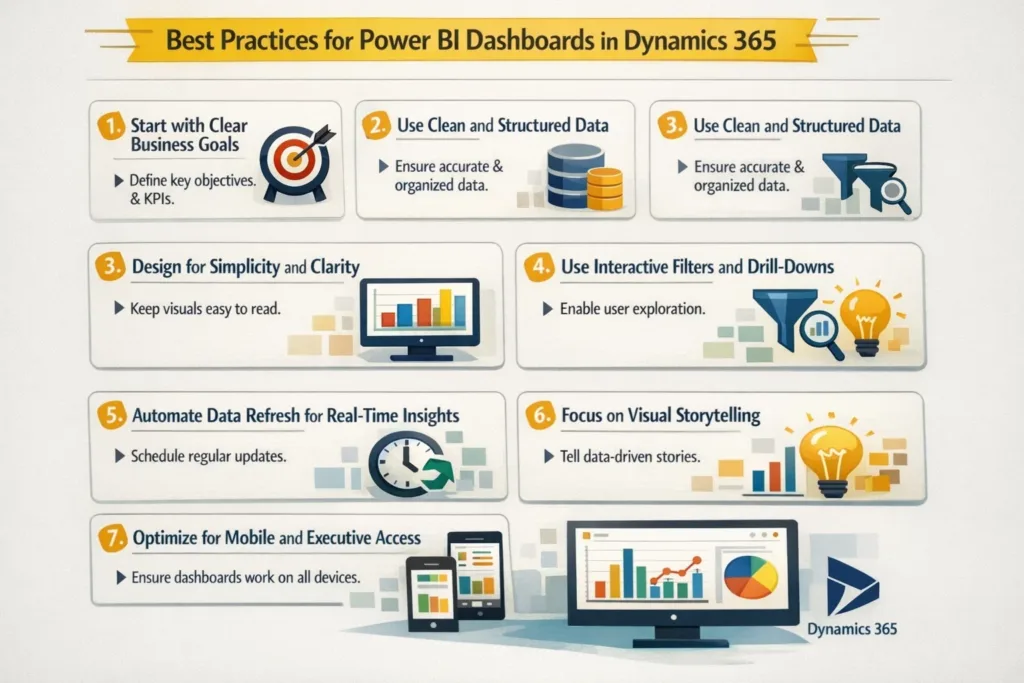
1. Start with Clear Business Goals
Before building any dashboard, define what you want to achieve. For example:
- Improve sales forecasting accuracy
- Track team performance
- Identify high-value opportunities
When goals are clear, your dashboards become more focused and effective.
2. Use Clean and Structured Data
Your dashboard is only as good as your data. Therefore:
- Ensure your Dynamics 365 data is standardized
- Remove duplicates and inconsistencies
- Maintain accurate lead and opportunity records
Clean data ensures reliable insights and better decisions.
3. Design for Simplicity and Clarity
A cluttered dashboard can confuse users. Instead:
- Use simple charts and graphs
- Limit the number of visuals per page
- Highlight key KPIs at the top
As a result, users can quickly understand the information without being overwhelmed.
4. Use Interactive Filters and Drill-Downs
Power BI allows users to explore data deeply. Therefore, include:
- Date filters (monthly, quarterly, yearly)
- Region-based segmentation
- Sales rep performance filters
These interactive features allow managers to analyze trends from multiple perspectives.
5. Automate Data Refresh for Real-Time Insights
One of the biggest advantages of integrating Power BI with Dynamics 365 is real-time data updates.
To ensure accuracy:
- Schedule automatic data refreshes
- Use live connections where possible
- Monitor data sync performance
This ensures your dashboard always reflects up-to-date sales performance.
6. Focus on Visual Storytelling
Instead of showing raw numbers, use visuals to tell a story.
For example:
- Use line charts for revenue trends
- Use funnel charts for sales pipeline
- Use bar charts for team performance
As a result, stakeholders can quickly understand insights and take action.
7. Optimize for Mobile and Executive Access
Sales leaders often need insights on the go. Therefore:
- Design dashboards for mobile view
- Highlight executive-level KPIs
- Provide summary pages for quick reviews
This ensures decision-makers have access to critical data anytime, anywhere.
Common Mistakes to Avoid
While building Power BI dashboards, many businesses make avoidable mistakes. Be sure to avoid the following:
- Overloading dashboards with too many visuals
- Using inconsistent data sources
- Ignoring user experience and navigation
- Not aligning dashboards with business goals
- Failing to update data regularly
By avoiding these issues, you ensure your dashboards remain effective and reliable.
Advanced Features to Enhance Sales Analytics
Once your basic dashboard is ready, you can enhance it further with advanced features:
Predictive Sales Analytics
Use AI-powered forecasting models to predict future revenue and identify sales trends.
Custom KPIs and Calculated Measures
Create custom metrics tailored to your business model and sales process.
Integration with External Data Sources
Combine CRM data with marketing, finance, or customer service data for a complete business view.
How Power BI and Dynamics 365 Work Together
The integration between Dynamics 365 and Power BI, powered by Microsoft, enables seamless data flow between systems.
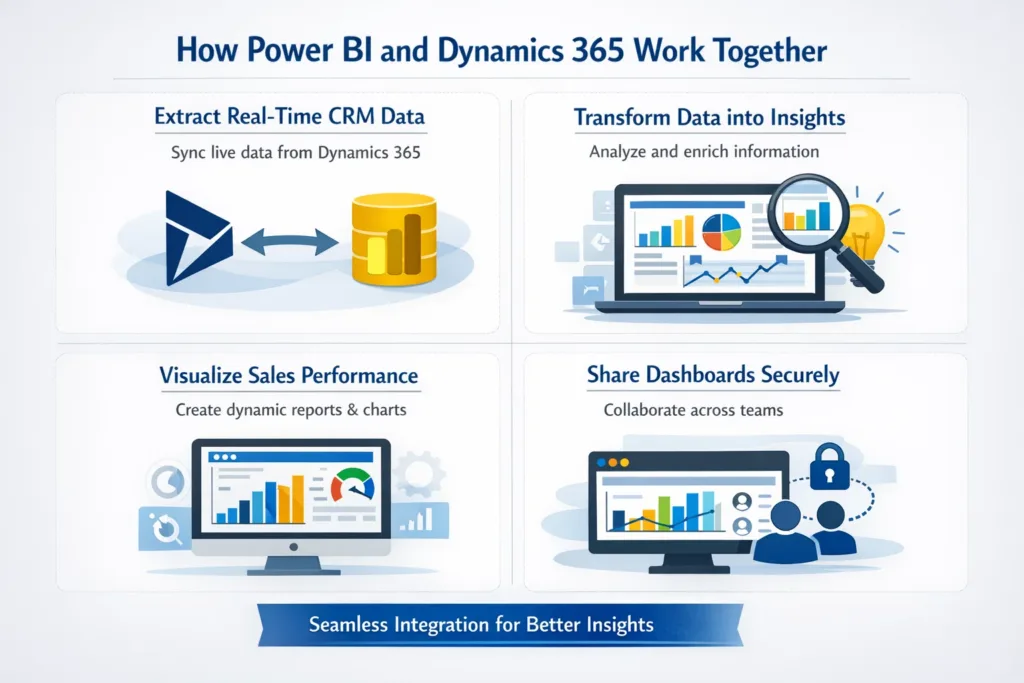
This allows businesses to:
- Extract real-time CRM data
- Transform data into meaningful insights
- Visualize sales performance dynamically
- Share dashboards across teams securely
As a result, organizations gain a single source of truth for sales analytics.
How Skysoft Connections Can Help
If you want to implement Power BI dashboards for Dynamics 365, working with experts can make a significant difference.
Skysoft Connections offers:
- Dynamics 365 customization and integration
- Power BI dashboard development
- Power Platform solutions (Power Apps, Power Automate)
- Data migration and reporting solutions
- Industry-specific CRM solutions for oil & gas and beyond
With their experience and proven track record, Skysoft Connections helps businesses turn data into strategic insights and improve sales performance.
Final Thoughts
Power BI dashboards for Dynamics 365 sales analytics are not just a reporting tool—they are a strategic asset for modern businesses.
By following the best practices in this guide, you can:
- Improve sales visibility
- Boost forecasting accuracy
- Empower your sales team
- Make faster, data-driven decisions
Ultimately, organizations that leverage data effectively gain a competitive edge in today’s market.
If you’re ready to transform your sales analytics with intelligent dashboards, now is the perfect time to invest in Power BI and Dynamics 365 integration.
Readmore : dynamics 365 plugin bypass strategy for performance fix
FAQ’s
Power BI transforms Dynamics 365 data into interactive dashboards, providing real-time insights for better sales decisions.
Yes! Power BI allows full customization of visuals, KPIs, and filters to match your team’s specific goals.
You can schedule automatic refreshes or use live connections to ensure dashboards always show the latest sales data.
Basic users can navigate and analyze dashboards easily, while experts can create advanced reports and predictive analytics for deeper insights.
 is a software solution company that was established in 2016. Our quality services begin with experience and end with dedication. Our directors have more than 15 years of IT experience to handle various projects successfully. Our dedicated teams are available to help our clients streamline their business processes, enhance their customer support, automate their day-to-day tasks, and provide software solutions tailored to their specific needs. We are experts in Dynamics 365 and Power Platform services, whether you need Dynamics 365 implementation, customization, integration, data migration, training, or ongoing support.