Table of Content
Power Automate is powerful, flexible, and easy to use. However, as flows grow in size and complexity, performance issues often appear. Flows become slower, harder to maintain, and more expensive to run. That’s exactly where expressions outperform actions and help you build faster, cleaner, and more scalable flows.
In this guide, we’ll explore why expressions are better than actions for Power Automate performance, how they improve flow optimization, and when you should use them. More importantly, we’ll share practical examples, best practices, and optimization tips you can apply immediately.
Why Power Automate Performance Matters
Power Automate performance directly impacts business productivity. Slow flows delay approvals, increase API calls, and consume unnecessary resources. As a result, organizations face:
- Longer execution times
- Higher run costs
- Flow throttling issues
- Complex maintenance
Therefore, optimizing Power Automate flows is not optional it’s essential.
Understanding Actions vs Expressions in Power Automate
Before optimizing, it’s important to understand the difference.
What Are Actions in Power Automate?
Actions are individual steps in a flow, such as:
- Compose
- Initialize Variable
- Set Variable
- Condition
- Apply to Each
While actions are user-friendly, each action adds execution overhead.
What Are Expressions in Power Automate?
Expressions are inline formulas written using Power Automate’s expression language. They allow you to:
- Manipulate data directly
- Avoid extra steps
- Reduce flow complexity
As a result, expressions execute faster and more efficiently.
Why Expressions Beat Actions for Flow Optimization
Expressions consistently outperform actions for several reasons.
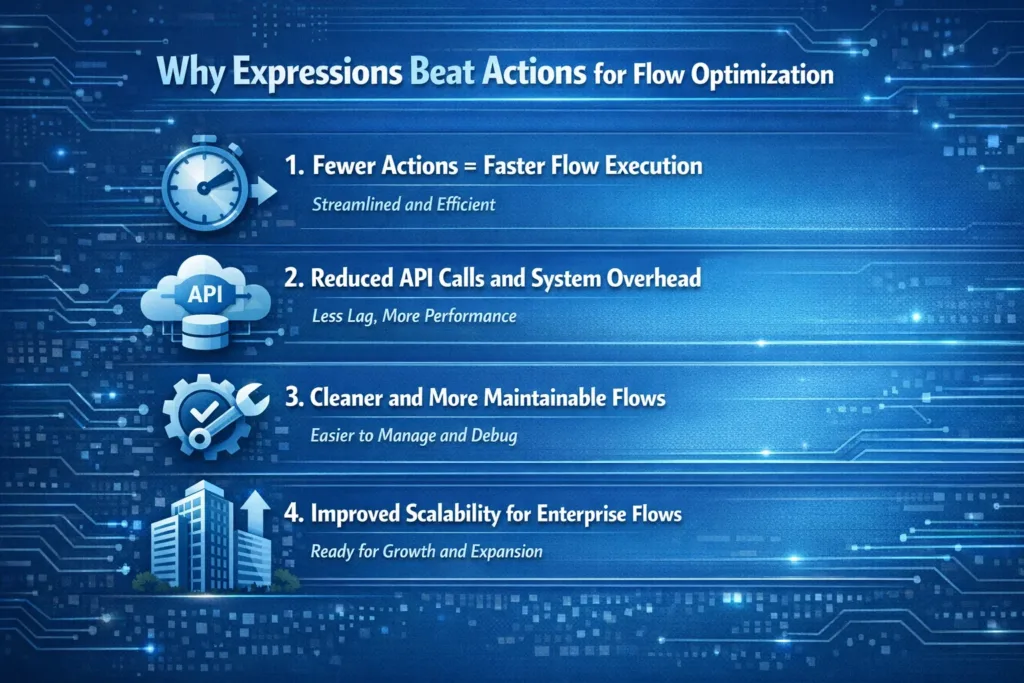
1. Fewer Actions = Faster Flow Execution
Each action introduces processing time. By replacing multiple actions with a single expression, flows execute more quickly.
For example:
Instead of using three Compose actions to format a string, you can do it in one expression.
2. Reduced API Calls and System Overhead
Actions often trigger additional backend operations. Expressions, on the other hand, are evaluated instantly within the same step.
Consequently, optimized flows consume fewer resources.
3. Cleaner and More Maintainable Flows
Expressions reduce visual clutter. When used correctly, flows become easier to read and troubleshoot.
However, this only works when expressions are written clearly and documented properly.
4. Improved Scalability for Enterprise Flows
Enterprise-level Power Automate solutions often run thousands of times per day. Using expressions helps ensure:
- Lower execution time
- Better handling of large datasets
- Reduced throttling risks
Actions vs Expressions: Performance Comparison
| Criteria | Actions | Expressions |
|---|---|---|
| Execution Speed | Slower | Faster |
| Flow Complexity | High | Low |
| Resource Usage | More | Less |
| Maintenance | Harder | Easier |
| Scalability | Limited | High |
Common Scenarios Where Expressions Outperform Actions
String Manipulation
Instead of multiple Compose actions, use expressions like:
concat(triggerOutputs()?['body/FirstName'], ' ', triggerOutputs()?['body/LastName'])
This approach is faster and cleaner.
Conditional Logic
Rather than using Condition actions, you can embed logic directly:
if(equals(status,'Approved'),'Yes','No')
As a result, the flow executes fewer steps.
Date Formatting
Use expressions instead of Compose actions:
formatDateTime(utcNow(),'yyyy-MM-dd')
This improves performance and readability.
Best Practices for Using Expressions in Power Automate
To maintain SEO readability and technical clarity, follow these best practices:
- Use expressions for simple logic and transformations
- Avoid overcomplicating expressions
- Add comments or naming conventions for clarity
- Combine expressions with actions when necessary
- Test performance before deploying
Most importantly, balance performance and maintainability.
When Actions Are Still Necessary
Although expressions are powerful, actions still have a role.
Use actions when:
- Calling external systems
- Handling complex branching logic
- Managing approvals or connectors
Therefore, the best approach is smart combination, not total replacement.
How Flow Optimization Impacts Business Automation
Optimized Power Automate flows lead to:
- Faster business processes
- Lower operational costs
- Improved user experience
- Better system reliability
As a result, organizations achieve higher ROI from Microsoft Power Platform investments.
Power Automate Performance Optimization Checklist
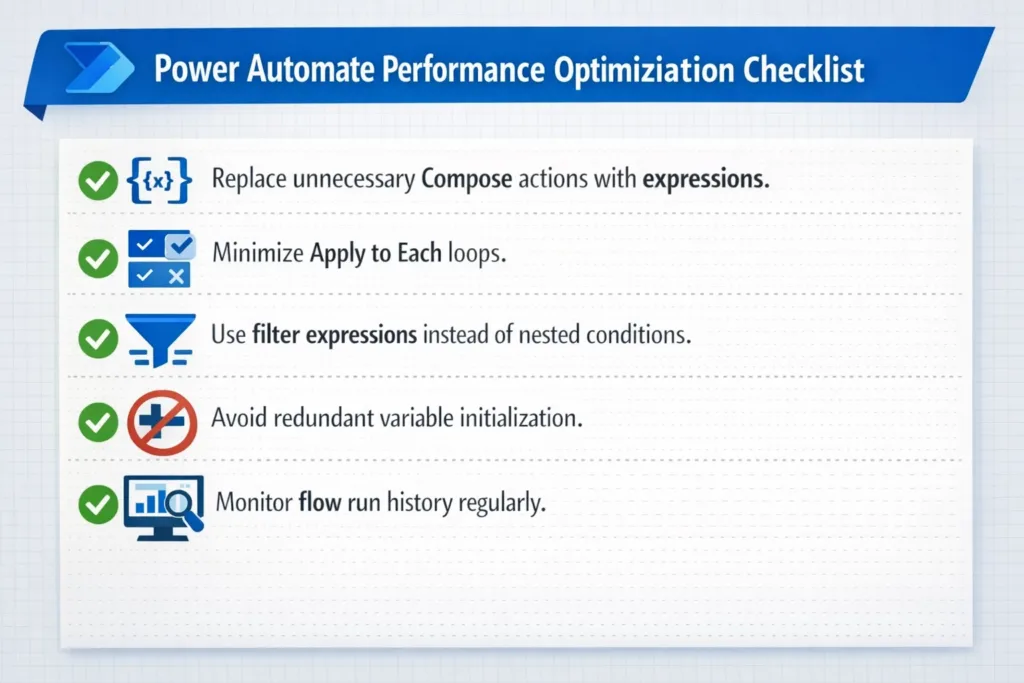
- Replace unnecessary Compose actions with expressions
- Minimize Apply to Each loops
- Use filter expressions instead of nested conditions
- Avoid redundant variable initialization
- Monitor flow run history regularly
Following this checklist ensures consistent performance improvements.
How SkySoft Connections Helps Optimize Power Automate Flows
At SkySoft Connections, we specialize in Power Automate performance optimization, Microsoft Power Platform consulting, and enterprise automation solutions. Our experts design scalable flows that balance performance, clarity, and long-term maintainability.
Whether you need:
- Flow performance tuning
- Complex expression optimization
- Power Platform architecture design
- End-to-end automation solutions
SkySoft Connections ensures your automation works faster, smarter, and more reliably.
Final Thoughts
Power Automate performance optimization starts with smart design choices. While actions are easy to use, expressions consistently deliver better speed, efficiency, and scalability. By using expressions strategically, you can build high-performing flows that scale with your business needs.
If you want expert guidance and enterprise-grade optimization, SkySoft Connections is here to help you unlock the full power of Microsoft Power Platform.
Read more : dynamics 365 erp model context protocol for ai assistants
FAQ’s
Yes. Expressions reduce the number of actions in a flow, which lowers execution time, minimizes system overhead, and improves overall performance.
Not necessarily. When written clearly and used appropriately, expressions make flows cleaner and easier to maintain by reducing unnecessary steps.
No. Expressions are ideal for data manipulation and logic, but actions are still required for connectors, approvals, and external system interactions.
Avoid overly complex expressions that reduce readability. In such cases, using actions can make the flow easier to understand and manage.
 is a software solution company that was established in 2016. Our quality services begin with experience and end with dedication. Our directors have more than 15 years of IT experience to handle various projects successfully. Our dedicated teams are available to help our clients streamline their business processes, enhance their customer support, automate their day-to-day tasks, and provide software solutions tailored to their specific needs. We are experts in Dynamics 365 and Power Platform services, whether you need Dynamics 365 implementation, customization, integration, data migration, training, or ongoing support.