
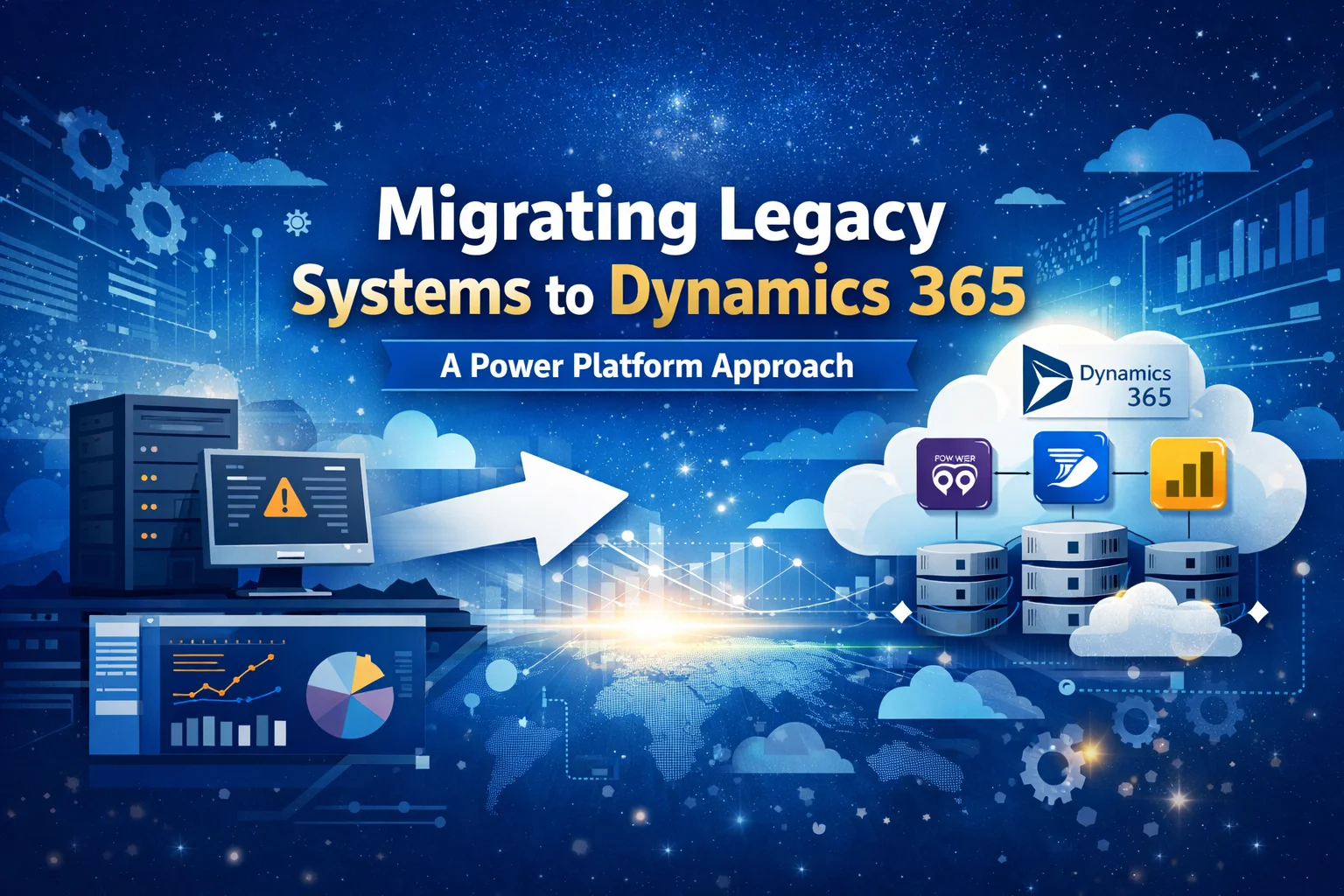
Digital transformation is no longer optional. Businesses relying on outdated systems often face inefficiencies, data silos, and limited scalability. Therefore, migrating legacy systems to Dynamics 365 with a Power Platform approach is one of the smartest strategic moves organizations can make today.
In this guide, you will learn how to successfully modernize your legacy infrastructure, improve workflows, and unlock real-time insights using Microsoft’s ecosystem.
Why Businesses Must Move Away from Legacy Systems
Legacy systems may still function, but they often limit growth and innovation. As a result, companies experience:
- Slow and manual workflows
- Limited integration capabilities
- Security vulnerabilities
- High maintenance costs
- Poor data visibility
However, when you migrate to Dynamics 365, you gain a modern, cloud-based environment that enhances efficiency and agility.
What is a Power Platform Approach?
A Power Platform approach means combining multiple Microsoft tools to create a unified, scalable solution. These tools include:
- Power Apps for custom application development
- Power Automate for workflow automation
- Power BI for analytics and reporting
- Dataverse for secure data storage
Consequently, businesses can modernize legacy systems while ensuring seamless automation and data integration.
Key Benefits of Migrating to Dynamics 365
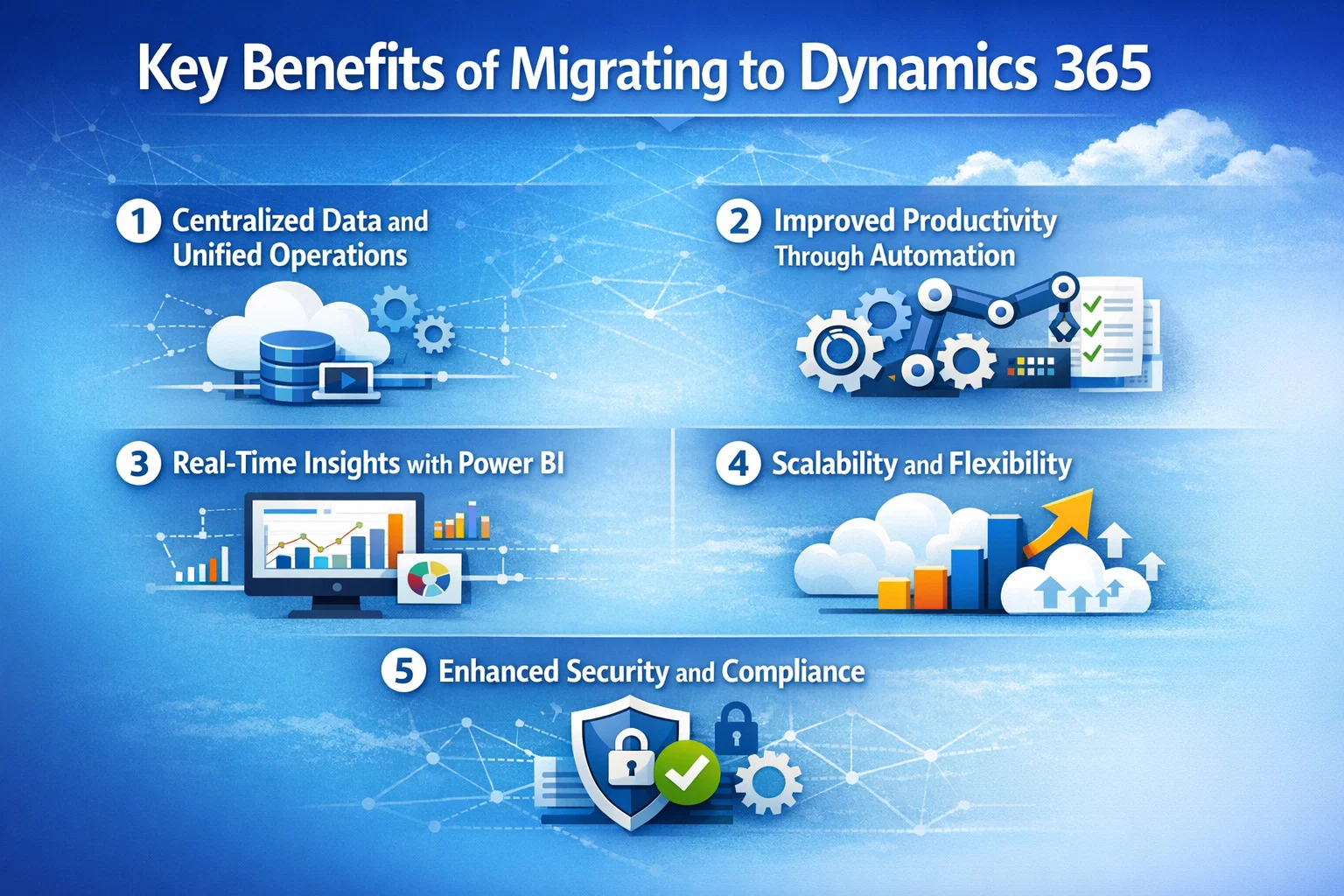
1. Centralized Data and Unified Operations
First of all, Dynamics 365 eliminates data silos by creating a single source of truth. This ensures consistent, reliable information across departments.
2. Improved Productivity Through Automation
With Power Automate, repetitive tasks are handled automatically. Therefore, your team can focus on strategic work instead of manual processes.
3. Real-Time Insights with Power BI
Furthermore, integrated dashboards provide real-time analytics, helping leaders make data-driven decisions quickly.
4. Scalability and Flexibility
Because Dynamics 365 is cloud-based, it scales with your business growth. You can add new features and users without system disruption.
5. Enhanced Security and Compliance
Microsoft’s cloud infrastructure ensures enterprise-level security and compliance standards, which legacy systems often lack.
Legacy System vs Dynamics 365 Comparison
| Feature | Legacy Systems | Dynamics 365 with Power Platform |
|---|---|---|
| Data Access | Fragmented and siloed | Centralized and unified |
| Automation | Minimal or manual | Advanced workflow automation |
| Reporting | Static reports | Real-time dashboards |
| Scalability | Limited | Highly scalable cloud environment |
| Integration | Difficult and costly | Seamless integrations |
| Security | Outdated protections | Enterprise-grade security |
Step-by-Step Migration Strategy
Migrating legacy systems requires a structured and strategic approach. Therefore, following a clear roadmap is essential.
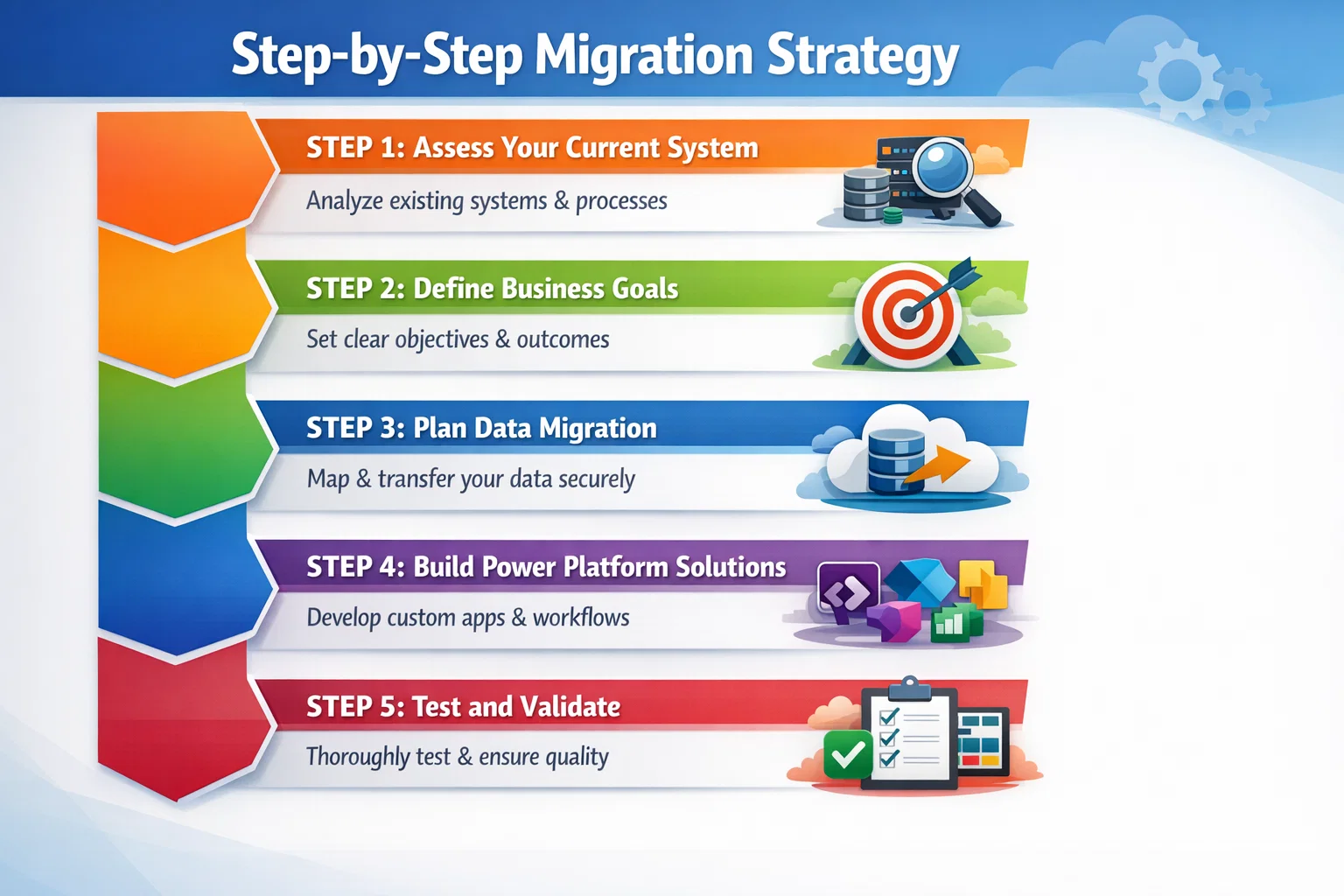
Step 1: Assess Your Current System
Start by identifying system limitations, data structures, and dependencies. This helps define your migration scope.
Step 2: Define Business Goals
Next, determine what you want to achieve—whether it is improved efficiency, better reporting, or automation.
Step 3: Plan Data Migration
Data is the backbone of your system. Therefore, ensure data cleansing, mapping, and validation before migration.
Step 4: Build Power Platform Solutions
At this stage, develop Power Apps, workflows, and dashboards that replace legacy functionalities.
Step 5: Test and Validate
Before deployment, test all modules to ensure performance, data accuracy, and workflow reliability.
Step 6: Deploy and Optimize
Finally, launch the system and continuously optimize based on user feedback and performance metrics.
Common Migration Challenges and How to Overcome Them
Even though migration delivers huge benefits, organizations often face certain challenges.
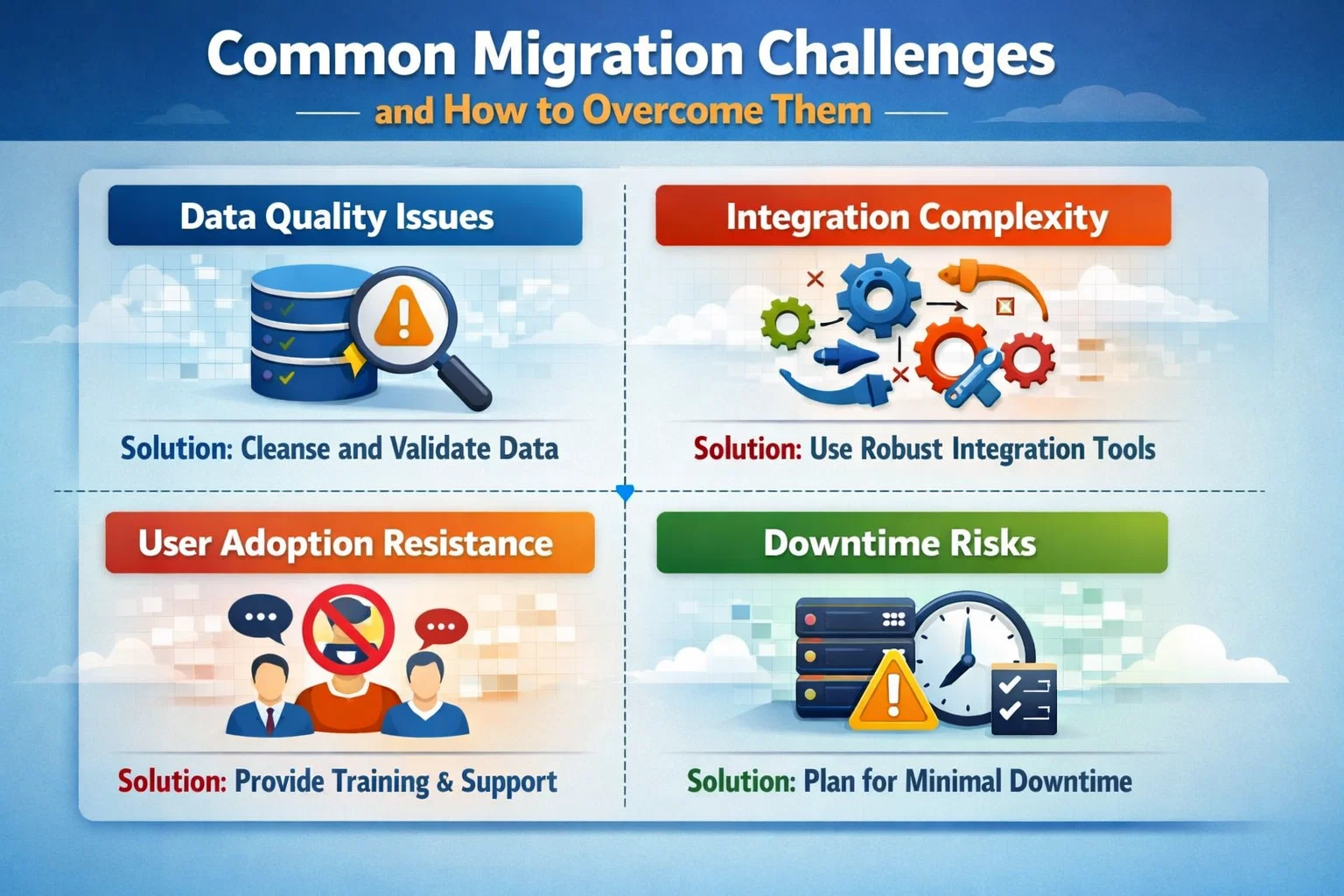
Data Quality Issues
Legacy systems often contain inconsistent or duplicate data. Therefore, data cleansing should be a priority before migration.
Integration Complexity
Older systems may lack APIs. However, Power Platform connectors and custom APIs help bridge integration gaps.
User Adoption Resistance
Employees may resist change. Consequently, training and onboarding programs are essential for a smooth transition.
Downtime Risks
To avoid operational disruptions, plan phased migration or hybrid deployment strategies.
Best Practices for a Successful Dynamics 365 Migration
To ensure long-term success, follow these proven best practices:
- Clearly define your migration roadmap
- Prioritize data quality and governance
- Use automation wherever possible
- Implement role-based security access
- Continuously monitor system performance
- Train staff on new tools and workflows
How Power Platform Enhances Dynamics 365 Migration
Power Platform plays a crucial role in modernizing legacy systems. For example:
- Power Apps replaces outdated front-end applications
- Power Automate digitizes manual workflows
- Power BI provides advanced analytics and dashboards
- Dataverse ensures secure and structured data storage
As a result, organizations achieve a fully integrated digital ecosystem.
Future-Proofing Your Business with Dynamics 365
Migrating to Dynamics 365 is not just a technology upgrade—it is a long-term investment in your business future. With continuous updates, AI capabilities, and cloud scalability, your organization stays competitive and agile.
Moreover, businesses that adopt digital transformation early gain a strong advantage in operational efficiency and customer experience.
Why Choose Skysoft Connections for Dynamics 365 Migration
At Skysoft Connections, we specialize in helping organizations seamlessly migrate legacy systems to Dynamics 365 using the Power Platform.
Our services include:
- Dynamics 365 implementation and customization
- Power Apps development
- Power Automate workflow automation
- Power BI dashboards and reporting
- Data migration and integration
- System architecture and consulting
With proven expertise and a track record of successful implementations, we ensure a smooth, secure, and scalable transformation for your business.
Final Thoughts
Migrating legacy systems to Dynamics 365 using a Power Platform approach is the key to improving efficiency, scalability, and decision-making. Although the process requires planning and expertise, the long-term benefits far outweigh the challenges.
Therefore, if you want to modernize your operations and stay ahead in today’s digital landscape, now is the perfect time to make the transition.
Read more : building scalable power apps with azure cosmos db integration
FAQ’s
The best approach is a phased migration using Power Platform tools like Power Apps, Power Automate, and Dataverse to ensure smooth data transfer and workflow automation.
Migration timelines depend on system complexity, data volume, and integrations. However, most projects range from a few weeks to several months.
Yes, in most cases Power Platform can replicate and enhance legacy features using custom apps, automated workflows, and advanced reporting tools.
Yes, Dynamics 365 offers enterprise-grade security, compliance, and role-based access controls to protect business-critical data.