Table of Content
- Why Load Testing Power Apps and Dynamics 365 Matters
- What Is Load Testing in the Dynamics Ecosystem?
- Why Use k6 for Power Apps Load Testing?
- Understanding Service Principal Authentication for Dataverse
- Architecture Overview: k6 + Dataverse + Power Apps
- Step-by-Step: Simulating High-Volume Power Apps Activity with k6
- Key Metrics to Monitor During Load Testing
- Best Practices for Load Testing Dynamics and Power Apps
- Common Challenges and How to Overcome Them
- When Should You Perform Load Testing?
- Why Load Testing Improves Business Confidence
- How Skysoft Connections Can Help
- Final Thoughts
- FAQ’s
As Power Apps and Dynamics 365 solutions scale across departments and regions, performance becomes a business-critical factor. A solution that works well for 50 users may fail under 5,000 concurrent sessions. Therefore, load testing Dynamics and Power Apps is no longer optional—it is essential.
In this guide, you’ll learn how to simulate high-volume Power Apps user activity using k6 and Service Principal authentication, ensuring your Dynamics 365 environment is ready for real-world demand. More importantly, we’ll focus on practical implementation, best practices, and enterprise-grade testing strategies.
Why Load Testing Power Apps and Dynamics 365 Matters
Power Apps often serve as front-line business applications. As a result, poor performance directly impacts productivity, adoption, and ROI.
Common Performance Risks Without Load Testing
- Slow form loads during peak hours
- API throttling from Dataverse
- Power Automate failures under load
- Authentication bottlenecks
- Unexpected downtime during rollouts
Because of this, organizations must test before scaling, not after failures occur.
What Is Load Testing in the Dynamics Ecosystem?
Load testing measures how your Dynamics 365 and Power Apps solution behaves under expected and peak user loads. Instead of guessing performance limits, you validate them.
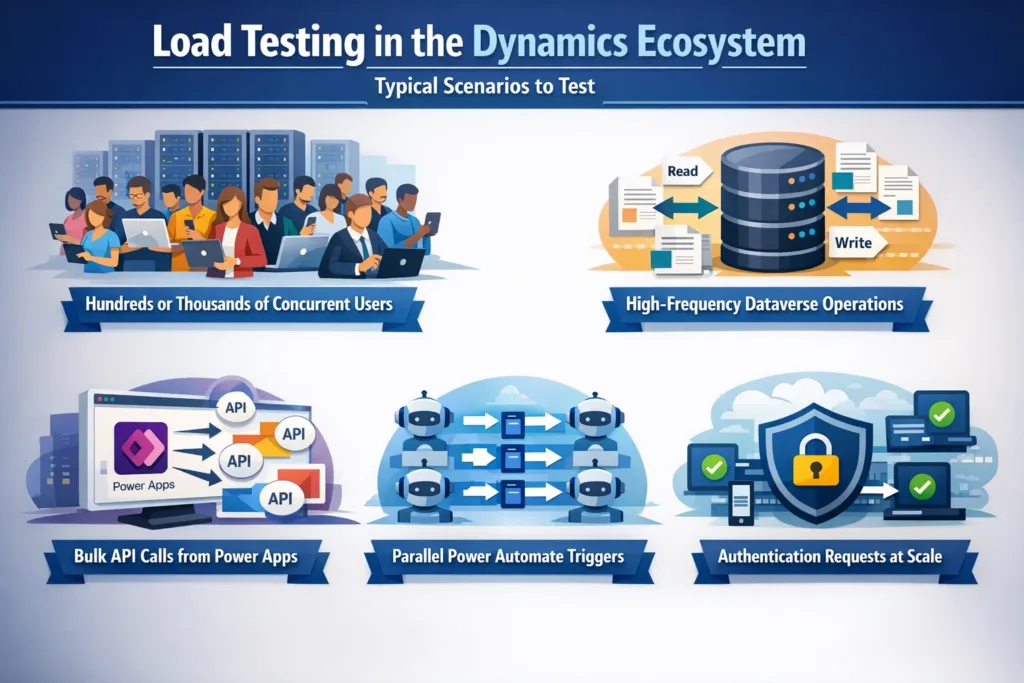
Typical Scenarios to Test
- Hundreds or thousands of concurrent app users
- High-frequency Dataverse read/write operations
- Bulk API calls from Power Apps
- Parallel Power Automate triggers
- Authentication requests at scale
Why Use k6 for Power Apps Load Testing?
k6 is an open-source, developer-friendly load testing tool designed for modern cloud applications. Because it uses JavaScript, it integrates easily with DevOps pipelines.
Benefits of k6 for Dynamics Load Testing
- Lightweight and fast execution
- Scriptable test scenarios
- CI/CD-friendly
- Scales to millions of requests
- Detailed performance metrics
Most importantly, k6 supports OAuth 2.0, making it ideal for Service Principal authentication with Dataverse.
Understanding Service Principal Authentication for Dataverse
To simulate thousands of users, using individual credentials is neither secure nor scalable. Instead, Service Principals (Azure AD app registrations) provide a secure and automated way to authenticate.
Why Service Principal Authentication Is Essential
- No interactive login required
- Secure, token-based access
- Suitable for automation and testing
- Recommended by Microsoft for non-user workloads
Architecture Overview: k6 + Dataverse + Power Apps
| k6 | Generates virtual user load |
| Azure AD | Issues OAuth tokens |
| Service Principal | Authenticates API requests |
| Dataverse Web API | Handles Power Apps data operations |
| Power Apps | Front-end consuming Dataverse |
This architecture allows you to simulate realistic backend activity without stressing UI browsers.
Step-by-Step: Simulating High-Volume Power Apps Activity with k6
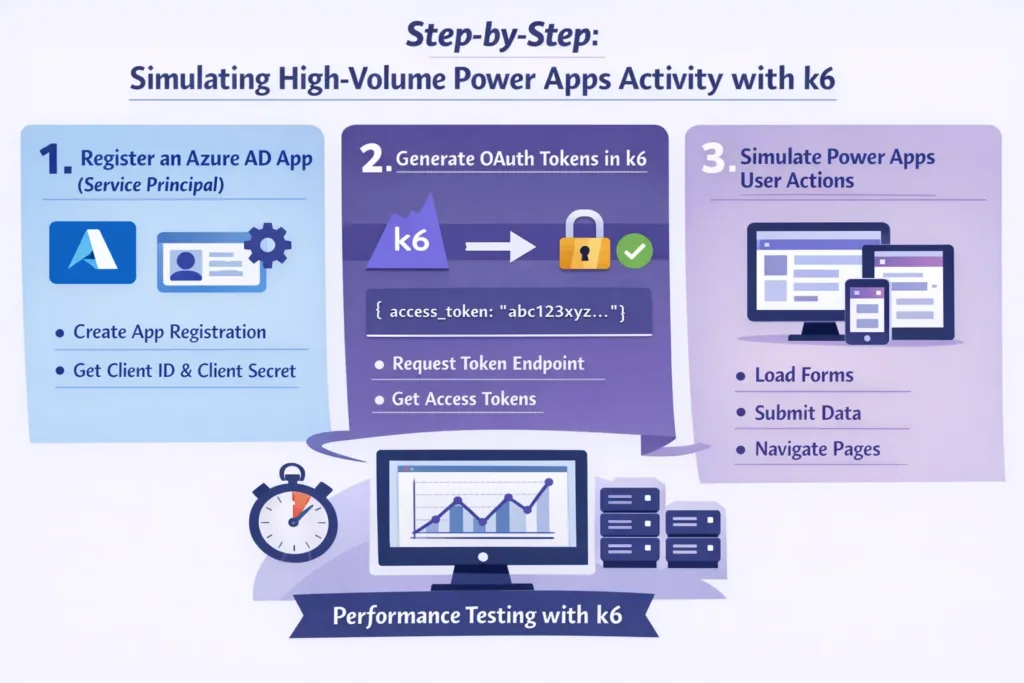
1. Register an Azure AD App (Service Principal)
First, create an app registration in Azure AD and grant it:
- Dataverse API permissions
- Application access (not delegated)
- Admin consent
This ensures secure access to Dynamics APIs.
2. Generate OAuth Tokens in k6
k6 can request access tokens using the client credentials flow.
Key Authentication Inputs
- Tenant ID
- Client ID
- Client Secret
- Dataverse resource URL
This token is then reused for all API calls during the test.
3. Simulate Power Apps User Actions
Rather than clicking UI elements, simulate backend behavior:
- Create records
- Update Dataverse rows
- Query large datasets
- Trigger Power Automate flows
This approach is faster, more accurate, and easier to scale.
Example Load Testing Scenarios
| Scenario | Description |
|---|---|
| Baseline Load | 100 concurrent users |
| Peak Load | 2,000+ virtual users |
| Stress Test | Gradual increase until failure |
| Spike Test | Sudden traffic surge |
| Endurance Test | Sustained load over hours |
Key Metrics to Monitor During Load Testing
While running k6 tests, always monitor:
- Response time (P95 / P99)
- Dataverse API throttling
- HTTP error rates
- Power Automate execution delays
- Authentication latency
Because numbers alone don’t tell the full story, correlate metrics with user experience.
Best Practices for Load Testing Dynamics and Power Apps
To achieve accurate and reliable results, follow these proven practices:
Recommended Best Practices
- Use production-like data volumes
- Separate test and production environments
- Warm up caches before testing
- Gradually increase load
- Monitor Azure and Dataverse limits
- Test Power Automate dependencies separately
Additionally, always document findings and retest after fixes.
Common Challenges and How to Overcome Them
| Challenge | Solution |
|---|---|
| API Throttling | Optimize queries, batch requests |
| Slow Authentication | Cache tokens efficiently |
| Power Automate Delays | Redesign flows for async processing |
| Dataverse Limits | Review Microsoft service limits |
| False Positives | Run multiple test iterations |
When Should You Perform Load Testing?
You should run load tests:
- Before major releases
- Before onboarding large user groups
- After architecture changes
- After Power Automate redesigns
- Before regional rollouts
In other words, test early and test often.
Why Load Testing Improves Business Confidence
Load testing is not just a technical task—it is a business risk mitigation strategy. When systems perform well under pressure, adoption increases and downtime decreases.
As a result:
- Users trust the application
- IT teams avoid emergency fixes
- Leadership gains confidence in scalability
How Skysoft Connections Can Help
At Skysoft Connections, we specialize in enterprise-grade Dynamics 365 and Power Platform solutions. Our team helps organizations design, optimize, and test scalable systems that perform reliably under real-world load.
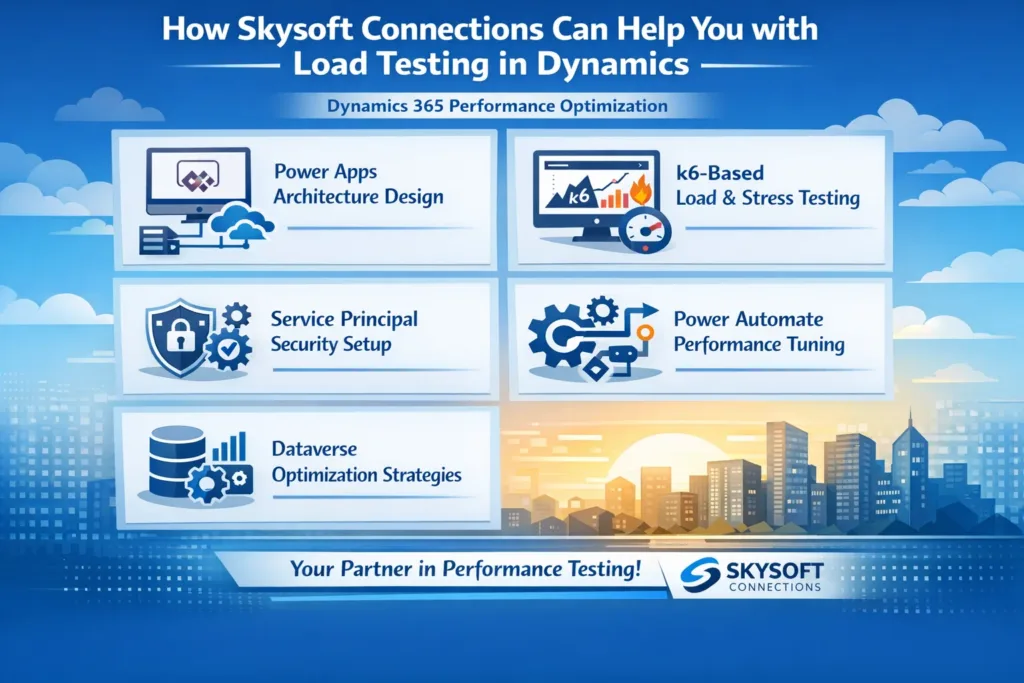
Our Power Platform Expertise Includes:
- Dynamics 365 performance optimization
- Power Apps architecture design
- k6-based load and stress testing
- Service Principal security setup
- Power Automate performance tuning
- Dataverse optimization strategies
With 40,000+ hours of successful project delivery and Top Rated Plus status, Skysoft Connections ensures your Power Apps and Dynamics solutions are secure, scalable, and production-ready.
Final Thoughts
Load testing Dynamics and Power Apps using k6 and Service Principal authentication is the smartest way to prepare for growth. By simulating high-volume user activity, you uncover risks early and deliver reliable digital experiences.
If performance matters—and it should—load testing must be part of your Power Platform strategy.
Read more : instrumenting power apps and dynamics 365 with insights
FAQ’s
Load testing for Power Apps and Dynamics 365 evaluates how applications perform under high user traffic and heavy data operations. It helps identify performance bottlenecks, API throttling, and scalability issues before deployment.
k6 is used because it is lightweight, scriptable, and supports OAuth 2.0 authentication. It allows teams to simulate thousands of concurrent users and test Dataverse APIs efficiently in CI/CD pipelines.
Service Principal authentication uses an Azure AD app registration to securely access Dataverse APIs without user interaction. It is ideal for automated and large-scale load testing scenarios.
Yes, load testing can reveal delays, failures, and throttling in Power Automate flows triggered by Power Apps, enabling teams to optimize workflows before real users are affected.
 is a software solution company that was established in 2016. Our quality services begin with experience and end with dedication. Our directors have more than 15 years of IT experience to handle various projects successfully. Our dedicated teams are available to help our clients streamline their business processes, enhance their customer support, automate their day-to-day tasks, and provide software solutions tailored to their specific needs. We are experts in Dynamics 365 and Power Platform services, whether you need Dynamics 365 implementation, customization, integration, data migration, training, or ongoing support.