Table of Content
Modern businesses rely heavily on Power Apps and Dynamics 365 to deliver scalable, data-driven solutions. However, building custom components is only half the journey. To truly succeed, organizations must monitor performance, detect issues early, and understand user behavior.
That’s where Application Insights comes in.
In this guide, you’ll learn how to instrument custom Power Apps and Dynamics 365 components with Application Insights, why it matters, and how Skysoft Connections helps organizations achieve reliable, insight-driven Microsoft solutions.
Why Instrumentation Matters in Power Apps and Dynamics 365
Custom Power Apps and Dynamics 365 solutions often support mission-critical business processes. Therefore, even minor performance issues can cause major disruptions.
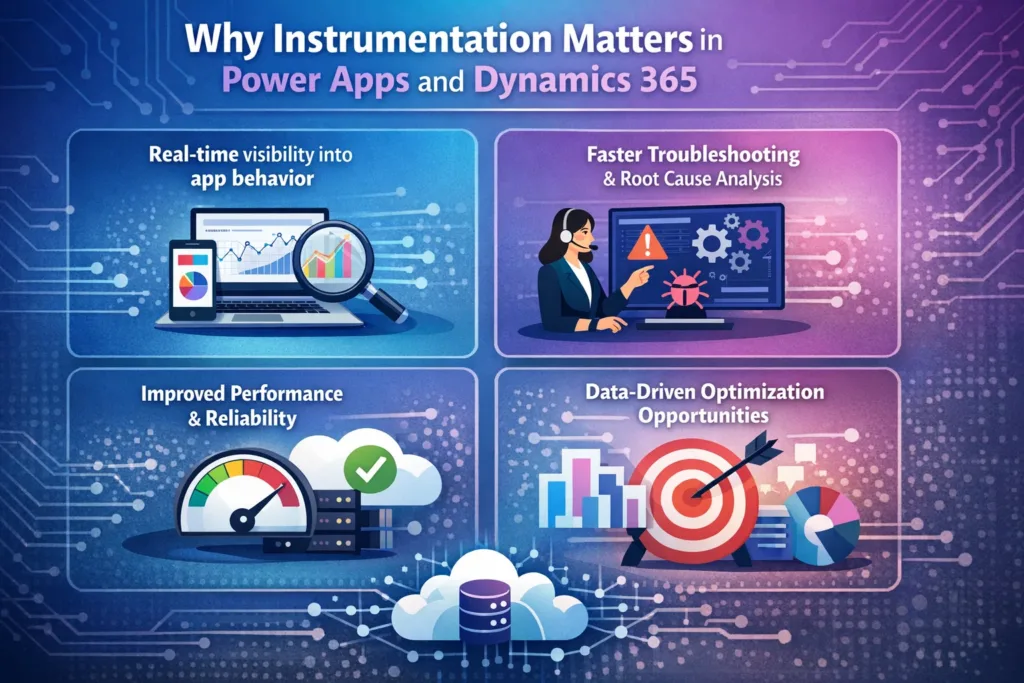
By instrumenting your applications, you gain:
- Real-time visibility into app behavior
- Faster troubleshooting and root cause analysis
- Improved performance and reliability
- Data-driven optimization opportunities
As a result, businesses can proactively manage applications instead of reacting to failures.
What Is Application Insights?
Application Insights is an Azure-based monitoring service that helps developers and IT teams track application performance, usage, and failures.
It allows you to:
- Monitor custom events and telemetry
- Track dependencies and API calls
- Capture exceptions automatically
- Analyze user behavior and session flow
Most importantly, it integrates seamlessly with Power Platform, Azure services, and Dynamics 365.
Key Use Cases for Application Insights in Power Platform
Application Insights supports multiple scenarios across Power Apps and Dynamics 365 environments.
Common Monitoring Scenarios
- Canvas and Model-Driven Apps performance tracking
- Custom PCF control diagnostics
- JavaScript and form event monitoring
- Plugin and custom workflow execution tracking
- API and Dataverse integration monitoring
Therefore, it becomes a central observability tool for the entire solution ecosystem.
Instrumenting Custom Power Apps with Application Insights
Although Power Apps does not natively expose full telemetry, you can still implement powerful monitoring with the right approach.
Methods to Instrument Power Apps
- Azure Functions as telemetry proxies
- Power Automate flows with logging
- Custom connectors sending telemetry
- JavaScript integration for Model-Driven Apps
Each method ensures that key events are logged and analyzed effectively.
Instrumenting Dynamics 365 Components
Dynamics 365 offers multiple extensibility points where Application Insights can be implemented efficiently.
Supported Components
- Plugins
- Custom workflow activities
- PCF (PowerApps Component Framework) controls
- JavaScript web resources
Let’s break this down further.
Instrumenting Plugins and Custom Workflow Activities
Plugins execute critical business logic. Therefore, tracking their behavior is essential.
Best Practices
- Log execution time and correlation IDs
- Capture exceptions with full context
- Track Dataverse dependency calls
- Monitor plugin depth and recursion
Benefits
- Faster debugging during production incidents
- Improved plugin performance tuning
- Reduced downtime
Instrumenting PCF Controls
PCF controls enhance user experience, but they also introduce client-side complexity.
You can track:
- Control load time
- User interactions
- API call failures
- Rendering issues
As a result, UI-related problems become easier to diagnose.
Instrumenting JavaScript in Model-Driven Apps
JavaScript web resources play a major role in custom forms.
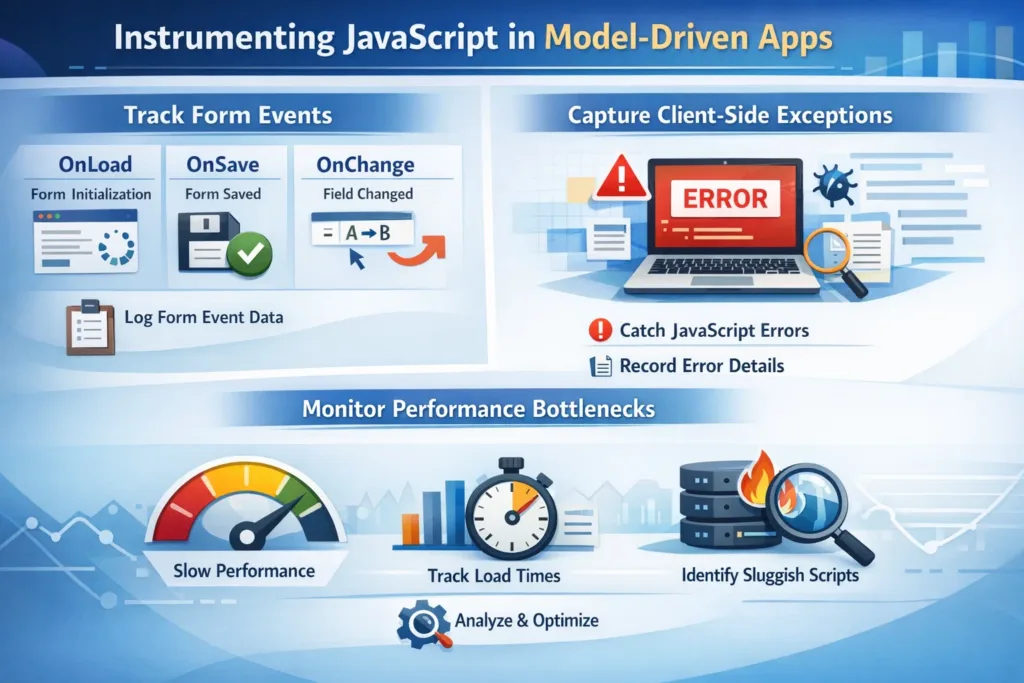
You can use Application Insights to:
- Track form events (onLoad, onSave, onChange)
- Capture client-side exceptions
- Monitor performance bottlenecks
Therefore, form-level insights become actionable rather than guesswork.
Telemetry Types You Should Track
Not all telemetry is equally valuable. To get meaningful insights, focus on the right data.
Recommended Telemetry Data
- Custom events
- Exceptions
- Performance metrics
- Dependency calls
- User session data
Telemetry Mapping Table
| Telemetry Type | Use Case | Business Value |
|---|---|---|
| Custom Events | Track user actions | UX optimization |
| Exceptions | Error detection | Faster resolution |
| Performance Metrics | Response time tracking | Better scalability |
| Dependencies | API monitoring | Integration reliability |
| User Sessions | Behavior analysis | Adoption insights |
Security and Compliance Considerations
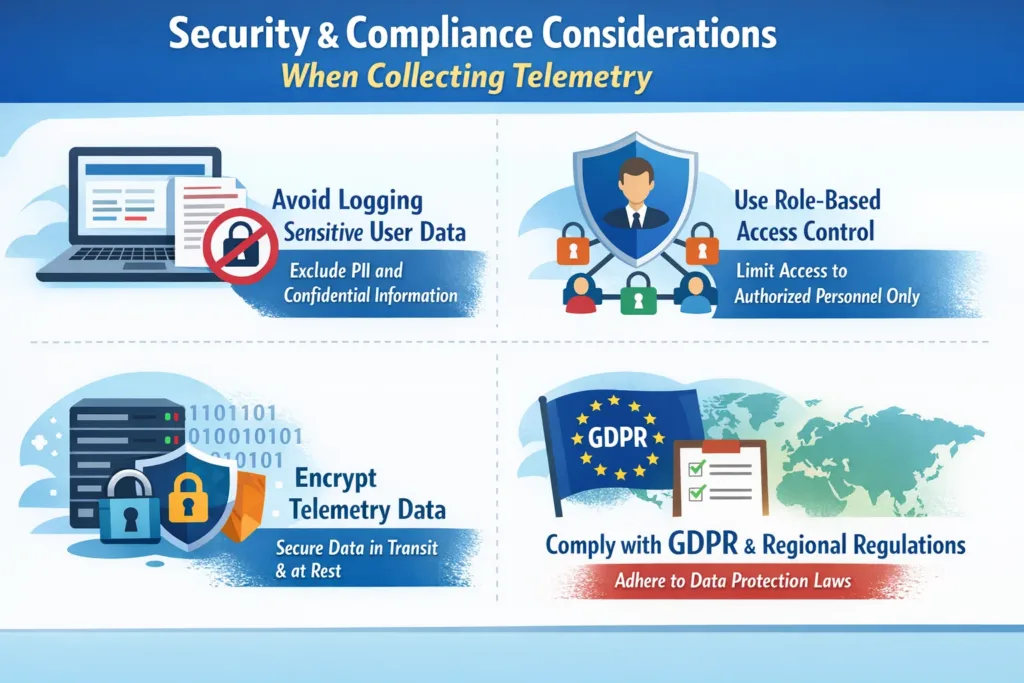
While collecting telemetry, security must remain a top priority.
Key Considerations
- Avoid logging sensitive user data
- Use role-based access control
- Encrypt telemetry data
- Comply with GDPR and regional regulations
Therefore, a secure instrumentation strategy protects both users and organizations.
How Skysoft Connections Helps
At Skysoft Connections, we specialize in instrumenting, optimizing, and monitoring Power Platform and Dynamics 365 solutions for enterprise and industry-specific use cases.
Our Expertise Includes
- Application Insights setup and configuration
- Custom telemetry strategy design
- Power Apps and Dynamics 365 performance optimization
- Secure logging and compliance alignment
- Ongoing monitoring and support
With over 40,000+ successful delivery hours, our team ensures that your applications remain stable, scalable, and insight-driven.
Business Benefits of Instrumentation with Skysoft Connections
By partnering with Skysoft Connections, businesses achieve:
- Reduced downtime and faster issue resolution
- Proactive performance monitoring
- Improved user experience
- Data-backed decision-making
- Long-term application scalability
As a result, organizations gain complete visibility into their Microsoft ecosystem.
Final Thoughts
Instrumenting Custom Power Apps and Dynamics 365 components with Application Insights is no longer optional. Instead, it has become a strategic necessity for modern, data-driven organizations.
When implemented correctly, telemetry transforms applications from black boxes into transparent, optimizable systems.
If you want to unlock the full potential of your Microsoft solutions, Skysoft Connections is ready to help you every step of the way.
Read more : zero downtime deployment in dataverse solutions power automate
FAQ’s
Application Insights helps monitor performance, track user behavior, and detect errors in custom Power Apps and Dynamics 365 components in real time.
Yes, Application Insights can track telemetry from custom plugins, workflow activities, PCF controls, and JavaScript components to improve reliability and debugging.
When implemented correctly, telemetry has minimal impact on performance while providing valuable insights for optimization and issue prevention.
Skysoft Connections designs and implements secure telemetry strategies, configures Application Insights, and optimizes Power Apps and Dynamics 365 for performance and scalability.
 is a software solution company that was established in 2016. Our quality services begin with experience and end with dedication. Our directors have more than 15 years of IT experience to handle various projects successfully. Our dedicated teams are available to help our clients streamline their business processes, enhance their customer support, automate their day-to-day tasks, and provide software solutions tailored to their specific needs. We are experts in Dynamics 365 and Power Platform services, whether you need Dynamics 365 implementation, customization, integration, data migration, training, or ongoing support.