Table of Content
- Introduction: Why the HTTP Action Matters More Than Ever
- Understanding the HTTP Action in Power Automate
- How the HTTP Action Works: The Core Components
- Advanced Techniques for API Calls in Power Automate
- Best Practices for Building Reliable HTTP Integrations
- Real-World Applications in Dynamics 365
- How Skysoft Connections Supports You
- FAQ’s
- Conclusion
Introduction: Why the HTTP Action Matters More Than Ever
In today’s connected systems, integration drives every business workflow. And when you use Power Automate, the HTTP action becomes your gateway to limitless Dynamics 365 extensions. It allows you to push data, retrieve information, automate processes, and build truly intelligent solutions.
Moreover, organizations are relying on automation to reduce repetitive tasks. Therefore, understanding how to work with advanced API calls is no longer optional—it’s essential. At Skysoft Connections, we see firsthand how teams unlock new capabilities by mastering this one action
Understanding the HTTP Action in Power Automate
The HTTP action in Power Automate lets you call external services using REST APIs. It is one of the most powerful connectors because it bridges:
- Dynamics 365
- Azure services
- Custom APIs
- Third-party applications
- On-premise systems
Why It’s Essential for Dynamics 365 Extensions
Dynamics 365 becomes significantly more flexible when paired with API-driven automation. In fact, you can:
- Trigger automations based on CRM events
- Create or update records dynamically
- Extend CRM without writing heavy code
- Integrate payment gateways, portals, CMS, ERPs, etc.
How the HTTP Action Works: The Core Components
Below is a simple breakdown of what each part of the HTTP action does:
| Component | Purpose |
|---|---|
| Method | Defines the type of action (GET, POST, PATCH, PUT, DELETE). |
| URI | Endpoint of the API being called. |
| Headers | Authentication + data format settings. |
| Body | Data you want to send in JSON format. |
| Queries | Additional filters or parameters. |
Understanding these elements ensures your API calls behave exactly as expected.
Advanced Techniques for API Calls in Power Automate
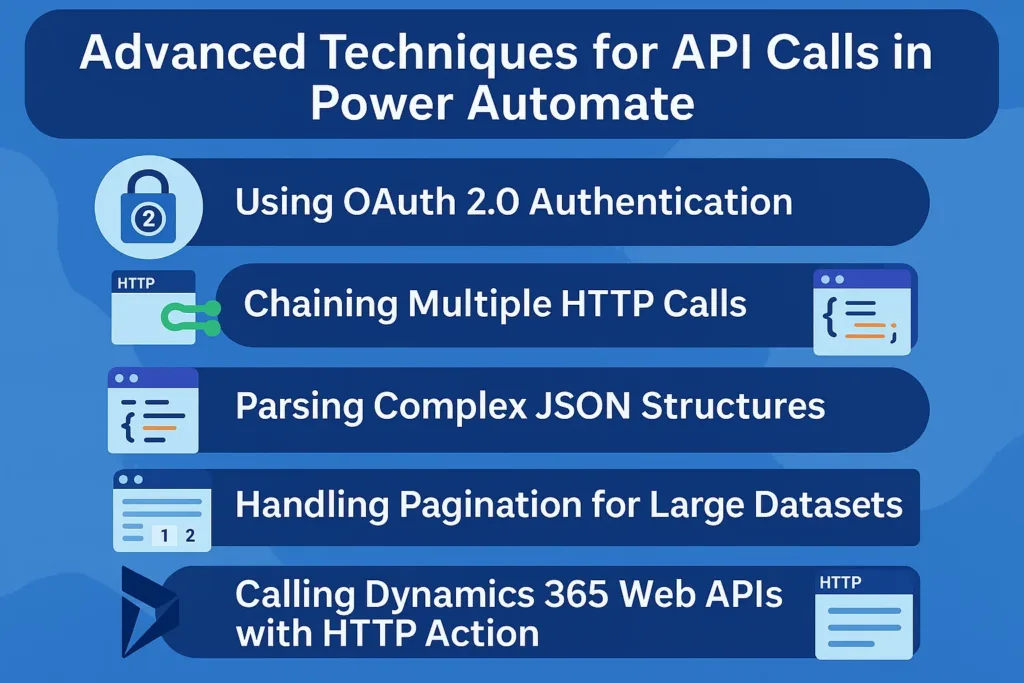
1. Using OAuth 2.0 Authentication
OAuth 2.0 remains the most secure way to connect to Dynamics 365 and Azure services. Although setting it up takes a bit of effort, the long-term benefits are huge.
Key Steps
- Register an app in Azure Active Directory
- Generate a client ID + secret
- Add API permissions (Dynamics 365, Graph, Custom APIs)
- Use an HTTP action to request your access token
Pro Tip:
Always store secrets in Azure Key Vault for improved security.
2. Chaining Multiple HTTP Calls
Often, one response becomes the next request’s input. Therefore, Power Automate’s dynamic content helps you pass:
- Tokens
- IDs
- Filters
- Processed data
Example Use Case
- Call API → Get Account Details
- Extract AccountID → Call Another API
- Insert in Dynamics 365 → Trigger Business Rule
This technique creates seamless, multi-step integrations.
3. Parsing Complex JSON Structures
The Parse JSON action is your best friend when responses become complicated. Rather than manually picking values, you can use:
- Auto-generated schemas
- Nested objects
- Arrays
- Conditional logic
Consequently, your flow becomes both cleaner and easier to maintain.
4. Handling Pagination for Large Datasets
When data grows, APIs often send results in pages. Therefore, you must loop until all data is retrieved.
Methods Include:
- Do Until loops
- Continuation tokens
- NextLink references
- OData queries
When implemented well, this ensures your Dynamics 365 records stay complete and accurate.
5. Calling Dynamics 365 Web APIs with HTTP Action
Sample Scenarios
- Create a Contact: Send a POST request
- Update Opportunity: Use PATCH
- Fetch Leads: Make GET requests with filters
- Delete Duplicate Records: Execute DELETE calls
Sample Structure
{
  "firstname": "David",
  "lastname": "Parker",
  "emailaddress1": "david@example.com"
}
Best Practices for Building Reliable HTTP Integrations
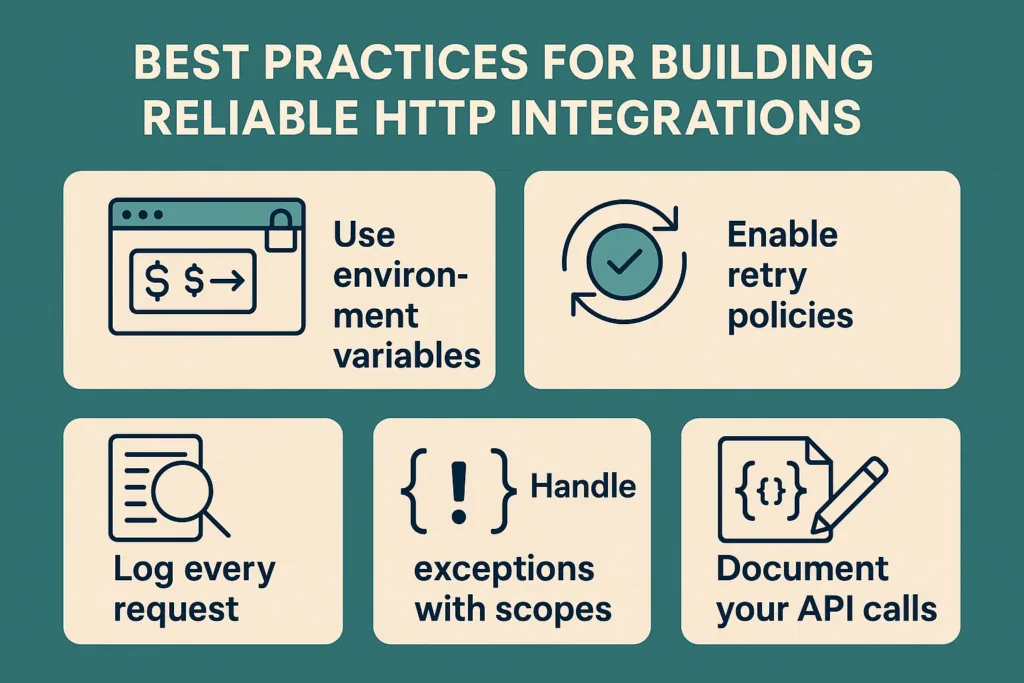
Use environment variables
This helps move flows easily between Dev, Test, and Production.
Enable retry policies
This avoids unnecessary flow failures.
Log every request
It keeps your debugging easy and your auditing organized.
Handle exceptions with scopes
Failed operations can trigger alerts or compensating logic.
Document your API calls
Your future self (and your team) will thank you.
Real-World Applications in Dynamics 365
Sales Automation
- Sync CRM contacts to marketing platforms
- Fetch product pricing from ERP systems
Customer Service
- Automatically create support cases
- Trigger notifications based on API responses
Operations
- Integrate third-party logistics
- Pull real-time inventory data

At Skysoft Connections, we frequently build such automations for global clients, ensuring each workflow aligns perfectly with business requirements.
How Skysoft Connections Supports You
As a Microsoft Power Platform and Dynamics 365 specialist team, Skysoft Connections provides:
Our Core Services
- Power Automate flow design & optimization
- Custom API development
- Dynamics 365 customization & extensions
- PowerApps & PCF components
- Azure integration services
- Automation strategy consulting
With 40,000+ work hours delivered and a Top Rated Plus Upwork profile, our expertise ensures your systems run smoothly and your integrations perform flawlessly.
Read more: dlp policies enterprise power platform governance
FAQ’s
Not necessarily. However, understanding JSON and REST API basics significantly improves flow quality.
Most HTTP actions require a premium Power Automate license.
Yes. You can chain HTTP actions to build complex multi-step integrations.
Use Azure AD authentication, store secrets in Key Vault, and avoid hardcoding credentials.
Conclusion
The HTTP action in Power Automate is the backbone of any advanced Dynamics 365 extension. When implemented correctly, it expands your CRM beyond its standard capabilities—making your workflows stronger, smarter, and more scalable.
And with the right partner, such as Skysoft Connections, you can turn every integration opportunity into measurable impact.
If you’re ready to upgrade your automation strategy, this masterclass is your starting point.
 is a software solution company that was established in 2016. Our quality services begin with experience and end with dedication. Our directors have more than 15 years of IT experience to handle various projects successfully. Our dedicated teams are available to help our clients streamline their business processes, enhance their customer support, automate their day-to-day tasks, and provide software solutions tailored to their specific needs. We are experts in Dynamics 365 and Power Platform services, whether you need Dynamics 365 implementation, customization, integration, data migration, training, or ongoing support.