
[fusion_builder_container type=”flex” hundred_percent=”no” equal_height_columns=”no” menu_anchor=”” hide_on_mobile=”small-visibility,medium-visibility,large-visibility” class=”” id=”” background_color=”” background_image=”” background_position=”center center” background_repeat=”no-repeat” fade=”no” background_parallax=”none” parallax_speed=”0.3″ video_mp4=”” video_webm=”” video_ogv=”” video_url=”” video_aspect_ratio=”16:9″ video_loop=”yes” video_mute=”yes” overlay_color=”” video_preview_image=”” border_color=”” border_style=”solid” padding_top=”” padding_bottom=”” padding_left=”” padding_right=””][fusion_builder_row][fusion_builder_column type=”1_1″ layout=”1_1″ background_position=”left top” background_color=”” border_color=”” border_style=”solid” border_position=”all” spacing=”yes” background_image=”” background_repeat=”no-repeat” padding_top=”” padding_right=”” padding_bottom=”” padding_left=”” margin_top=”0px” margin_bottom=”0px” class=”” id=”” animation_type=”” animation_speed=”0.3″ animation_direction=”left” hide_on_mobile=”small-visibility,medium-visibility,large-visibility” center_content=”no” last=”true” min_height=”” hover_type=”none” link=”” border_sizes_top=”” border_sizes_bottom=”” border_sizes_left=”” border_sizes_right=”” first=”true”][fusion_text]
Customer relationships are built on understanding. Every interaction—whether it’s a phone call, email, support ticket, or meeting—creates valuable insights. However, without a clear way to track these interactions, businesses risk losing context and missing opportunities. This is where Microsoft Dynamics 365 plays a vital role.
In this blog, we’ll explore how you can track customer interactions across the lifecycle in Dynamics 365, why it matters, and how industry-specific tools like InspectionsTrack Software extend these capabilities for the oil and gas sector.
Why Tracking Customer Interactions Matters
Customers expect personalized experiences. If your sales, marketing, and service teams don’t have a 360° view of each client, interactions may feel disconnected. Tracking the customer lifecycle ensures:
-
Consistency: Every team member has access to the same data.
-
Efficiency: No need to ask the customer to repeat information.
-
Insights: Discover patterns that guide better decision-making.
The Role of Dynamics 365 in Lifecycle Tracking
Dynamics 365 provides a unified platform where every interaction can be logged, tracked, and analyzed. It empowers teams to understand customer journeys from the first touchpoint to long-term service.
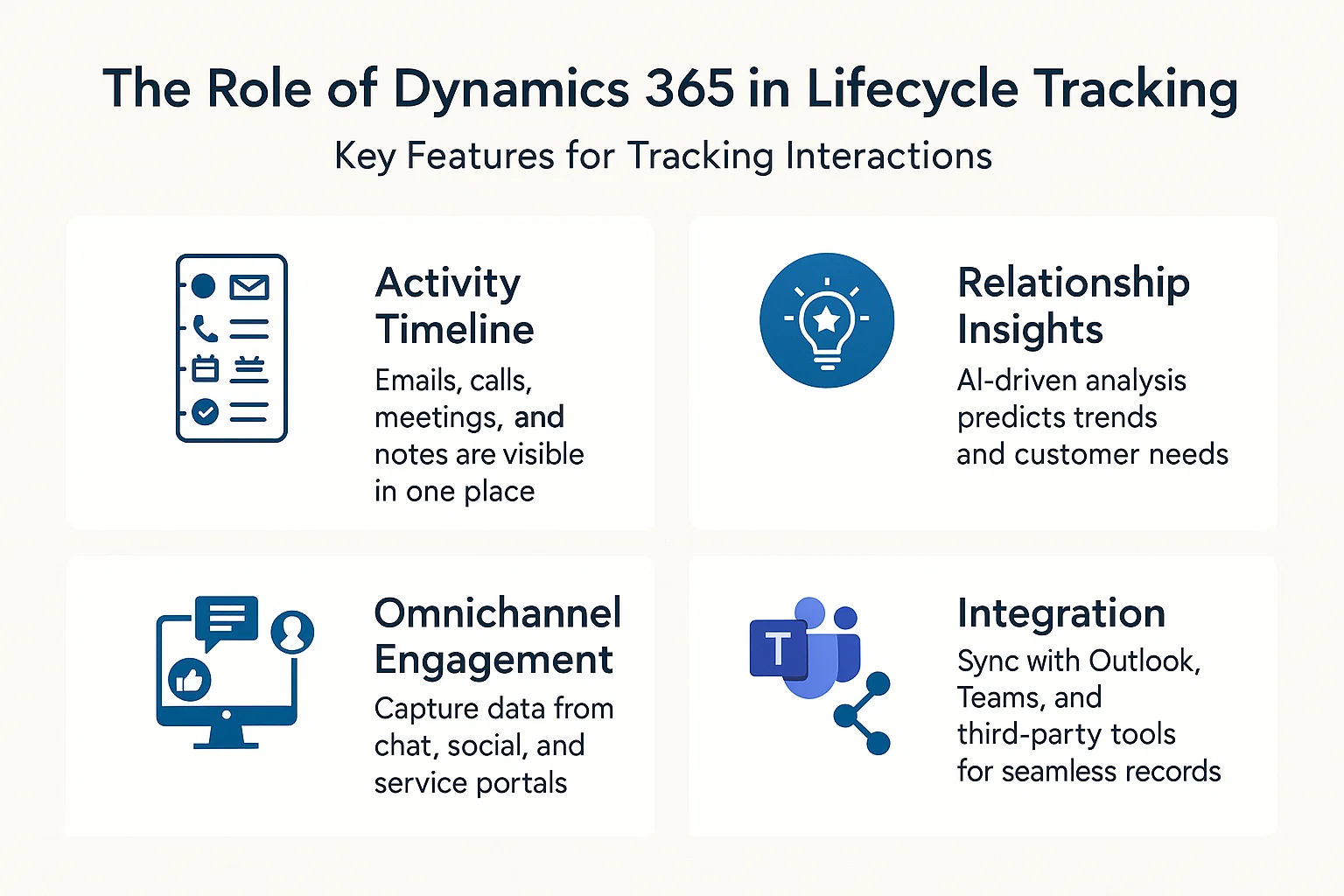
Key Features for Tracking Interactions
-
Activity Timeline: Emails, calls, meetings, and notes are visible in one place.
-
Relationship Insights: AI-driven analysis predicts trends and customer needs.
-
Omnichannel Engagement: Capture data from chat, social, and service portals.
-
Integration: Sync with Outlook, Teams, and third-party tools for seamless records.
Customer Lifecycle Stages in Dynamics 365
The customer lifecycle isn’t just about closing a deal—it covers every stage. Dynamics 365 provides tools for each step.
| Lifecycle Stage | What Happens | How Dynamics 365 Helps |
|---|---|---|
| Awareness | Customer discovers your business | Marketing campaigns tracked in Dynamics 365 |
| Consideration | Researching solutions | Lead scoring, nurturing workflows |
| Purchase | Customer buys product/service | Sales pipeline, opportunity tracking |
| Retention | Ongoing support and service | Case management, customer service insights |
| Advocacy | Customer promotes your brand | Loyalty programs, satisfaction surveys |
Practical Steps to Track Interactions
Here’s how you can start building a complete customer interaction map in Dynamics 365:
1. Centralize Data
Make sure all departments use Dynamics 365 as the single source of truth. This prevents siloed information.
2. Automate Touchpoints
Use Power Automate to log customer interactions automatically—such as when an email is received or a ticket is opened.
3. Leverage AI Insights
Dynamics 365 AI can analyze sentiment, highlight at-risk customers, and suggest next actions.
4. Use Reports & Dashboards
Build visual dashboards in Power BI to track performance metrics and interaction trends.
Industry Application: Oil and Gas
In industries like oil and gas, tracking interactions is not limited to customer engagement—it extends to operations and inspections. For example, InspectionsTrack Software integrates lifecycle tracking with operational workflows, ensuring companies can manage:
-
Asset inspections and reports
-
Compliance documentation
-
Job mobilization plans
-
Real-time communication with field teams
By connecting Dynamics 365 with InspectionsTrack, businesses in the oil and gas sector not only understand customer needs but also streamline operational excellence.
Best Practices for Success
To make the most of customer lifecycle tracking in Dynamics 365:
-
Train your team to log interactions consistently.
-
Customize fields to capture industry-specific data.
-
Integrate inspection tools like InspectionsTrack for industry compliance.
-
Review dashboards weekly to identify gaps or trends.
Final Thoughts
Tracking customer interactions across the lifecycle in Dynamics 365 helps businesses create consistent, personalized, and meaningful experiences. For industries like oil and gas, combining this with specialized tools such as InspectionsTrack Software ensures not only better customer relationships but also safer, compliant operations.
When every interaction is connected, customers feel valued, and businesses achieve growth.
Readmore : custom twilio dialer for dynamics 365 crm
FAQ’s
How does Dynamics 365 help track customer interactions?
Dynamics 365 centralizes all customer touchpoints—emails, calls, meetings, and support tickets—into one accessible timeline.
What stages of the customer lifecycle can be tracked in Dynamics 365?
You can track awareness, consideration, purchase, retention, and advocacy stages with built-in tools and workflows.
How does InspectionsTrack support oil and gas companies?
InspectionsTrack integrates with Dynamics 365 to manage asset inspections, compliance, and customer communication seamlessly.
[/fusion_text][/fusion_builder_column][/fusion_builder_row][/fusion_builder_container]