Table of Content
- Why CRM Systems Struggle After 1M+ Records
- Key CRM Scalability Challenges at 1M+ Records
- CRM Architecture Best Practices for 1M+ Records
- CRM Performance Optimization Checklist
- How Skysoft Connections Builds Scalable CRM Systems
- Final Thoughts
- FAQ’s
Customer Relationship Management (CRM) systems are designed to handle growing customer data, sales activities, and operational workflows. However, once your CRM database crosses 1 million records, performance problems often begin to surface. Pages load slowly, searches become inefficient, and integrations may fail under heavy load.
So, what actually breaks first when a CRM scales to 1M+ records? More importantly, how can organizations design a CRM architecture that handles massive datasets efficiently?
This guide explains the most common scalability issues in large CRM systems and the best strategies to design high-performance CRM architectures.
Why CRM Systems Struggle After 1M+ Records
Most CRM platforms work smoothly during early stages. However, as customer interactions grow, the database expands rapidly. Eventually, the architecture that once worked well becomes inefficient.
Several components start to struggle:
- Database queries
- Search indexing
- Reporting engines
- Integration APIs
- User interface performance
As a result, users experience delays in dashboards, reports, and record retrieval. Therefore, scalable CRM architecture becomes essential for high-volume data environments.
Key CRM Scalability Challenges at 1M+ Records
The following table highlights the most common issues that appear when CRM systems handle millions of records.
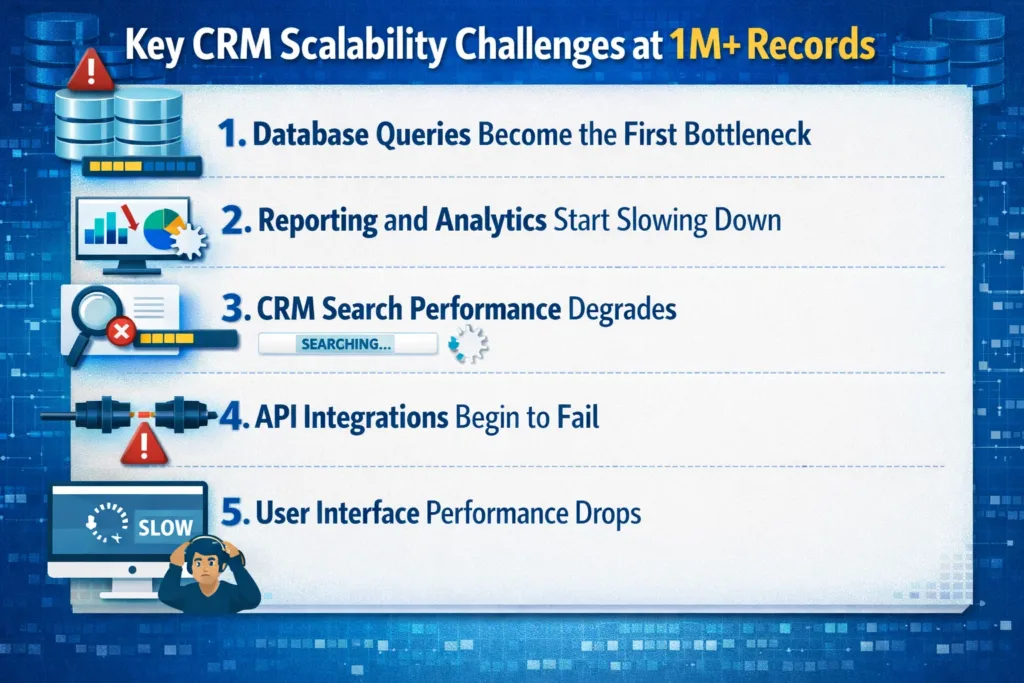
| System Component | What Breaks First | Impact on Business |
|---|---|---|
| Database Queries | Slow joins and unindexed fields | Delayed record loading |
| Reporting Engine | Large dataset processing | Reports take minutes instead of seconds |
| Search Function | Inefficient indexing | Slow customer lookup |
| API Integrations | High request volume | Integration failures |
| UI Performance | Heavy data rendering | Poor user experience |
Although each issue may seem minor initially, they can collectively reduce CRM productivity significantly.
1. Database Queries Become the First Bottleneck
In most cases, database performance breaks first.
Large CRM systems often rely on relational databases that must process complex joins across multiple tables. When datasets grow beyond a million records, poorly optimized queries become extremely slow.
Common Causes
- Missing database indexes
- Large table joins
- Poor data relationships
- Unoptimized queries
Optimization Strategies
To improve performance:
- Implement proper indexing on frequently searched fields
- Use query optimization techniques
- Apply database partitioning
- Archive inactive records
Consequently, the CRM database becomes more efficient and capable of handling large volumes of data.
2. Reporting and Analytics Start Slowing Down
Next, the reporting engine begins to struggle. CRM reports often combine multiple data sources such as leads, contacts, opportunities, and activities.
When millions of records are involved, real-time report generation becomes computationally expensive.
Why Reporting Fails First in Large CRM Systems
- Reports scan large datasets
- Aggregation queries consume heavy resources
- Dashboards refresh too frequently
Solutions
Organizations can solve this by:
- Creating pre-aggregated reporting tables
- Using data warehousing solutions
- Implementing Power BI or analytics tools
As a result, analytics workloads move away from the transactional CRM database.
3. CRM Search Performance Degrades
Users expect instant search results when looking for customers, deals, or support cases. However, without proper indexing, search queries may scan entire datasets.
Therefore, search becomes significantly slower once the CRM crosses the million-record threshold.
Best Practices for CRM Search Optimization
- Implement full-text search indexing
- Use Elasticsearch or Azure Cognitive Search
- Optimize lookup fields
- Limit unnecessary search filters
Consequently, CRM users can retrieve customer records instantly, even in large databases.
4. API Integrations Begin to Fail
Modern CRM systems integrate with marketing platforms, ERP systems, support tools, and analytics services. However, once the system scales, API request volume increases dramatically.
This often results in:
- API throttling
- Timeout errors
- Integration delays
Preventing Integration Bottlenecks
Organizations should implement:
- API caching
- Queue-based processing
- Middleware architecture
- Event-driven integration models
These approaches reduce the load on the CRM while maintaining reliable data synchronization.
5. User Interface Performance Drops
Another issue appears in the CRM user interface. When dashboards attempt to display large datasets, rendering becomes slow.
Users may experience:
- Delayed dashboards
- Slow record loading
- Lag in activity timelines
Although this may seem like a front-end issue, it usually originates from backend queries and API responses.
UI Performance Improvements
- Use lazy loading
- Limit records per view
- Implement pagination
- Cache frequently accessed data
As a result, CRM dashboards remain responsive even with large data volumes.
CRM Architecture Best Practices for 1M+ Records
To design a scalable CRM system, businesses must adopt a performance-first architecture.
Below are essential design principles:
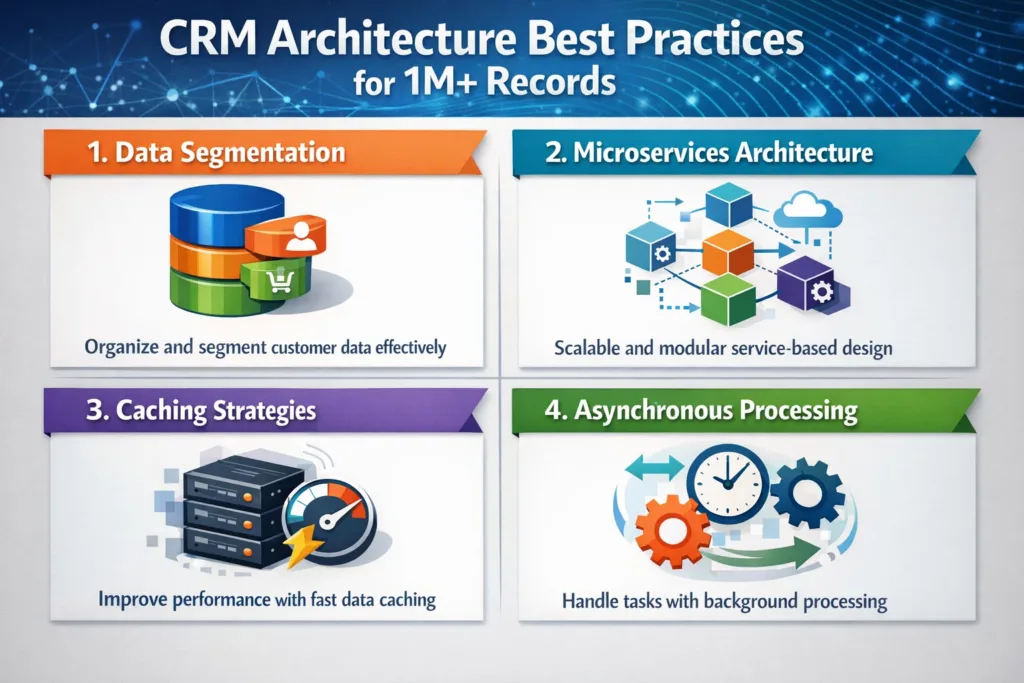
1. Data Segmentation
Divide large datasets into manageable segments such as:
- Active customers
- Archived records
- Historical activities
This approach significantly reduces query complexity.
2. Microservices Architecture
Instead of relying on a monolithic CRM structure, organizations should separate services such as:
- Customer data service
- Reporting service
- Integration service
- Analytics service
This improves scalability and system resilience.
3. Caching Strategies
Caching reduces database load significantly.
Common caching methods include:
- Redis caching
- Memory caching
- Query result caching
Consequently, repeated queries are served instantly without database hits.
4. Asynchronous Processing
Heavy processes such as report generation, integrations, and bulk updates should run asynchronously.
Examples include:
- Message queues
- Background job processing
- Event-driven automation
Therefore, CRM performance remains stable even during high workloads.
CRM Performance Optimization Checklist
Here is a quick checklist to ensure your CRM system handles millions of records efficiently:
✔ Optimize database indexing
✔ Implement search indexing
✔ Separate analytics workloads
✔ Use middleware for integrations
✔ Introduce caching layers
✔ Archive inactive records
✔ Limit dashboard queries
Following these practices ensures long-term CRM stability and scalability.
How Skysoft Connections Builds Scalable CRM Systems
Designing CRM platforms that support millions of records requires deep technical expertise. Businesses need scalable architecture, efficient integrations, and optimized data management.
At Skysoft Connections, we specialize in building high-performance CRM solutions using Microsoft Dynamics 365, Power Platform, and custom .NET architectures.
Our CRM services include:
- Microsoft Dynamics 365 customization
- PowerApps and Power Automate solutions
- High-volume CRM database optimization
- Custom .NET middleware development
- CRM integrations and data migrations
- Advanced reporting with Power BI
With extensive experience in enterprise CRM systems, our team ensures that your CRM platform remains fast, scalable, and reliable even with millions of records.
Final Thoughts
Scaling a CRM system beyond 1 million records introduces serious performance challenges. Database queries, reporting engines, search functions, integrations, and user interfaces can all become bottlenecks if the architecture is not designed properly.
However, by implementing optimized database structures, scalable architecture, caching strategies, and asynchronous processing, organizations can build CRM systems that perform efficiently at scale.
If your CRM is slowing down due to growing data, it may be time to redesign the architecture for scalability and performance.
Read more : high velocity sequence in dynamics 365 setup guide
FAQ’s
Modern CRM systems can handle millions of records, but performance depends on database optimization, architecture design, and indexing strategies.
Database query performance is usually the first bottleneck, especially when queries lack proper indexing.
Performance can be improved by optimizing indexes, implementing caching, using data warehouses for analytics, and adopting scalable architecture.
 is a software solution company that was established in 2016. Our quality services begin with experience and end with dedication. Our directors have more than 15 years of IT experience to handle various projects successfully. Our dedicated teams are available to help our clients streamline their business processes, enhance their customer support, automate their day-to-day tasks, and provide software solutions tailored to their specific needs. We are experts in Dynamics 365 and Power Platform services, whether you need Dynamics 365 implementation, customization, integration, data migration, training, or ongoing support.