Table of Content
- What Are Dataverse Security Roles?
- Why Proper Access Control Matters in Dataverse
- Understanding the Core Components of Dataverse Security
- Dataverse Access Levels Explained
- How Dataverse Security Roles Work Together
- Step-by-Step: Setting Up Dataverse Security Roles
- Best Practices for Dataverse Security Roles
- Common Mistakes to Avoid
- How Skysoft Connections Helps You Secure Dataverse
- Benefits of Proper Dataverse Security Configuration
- Final Thoughts
- FAQ’s
In today’s data-driven organizations, controlling who can access, edit, and share data is not just important—it is essential. Dataverse security roles form the backbone of access control within Microsoft’s Power Platform ecosystem. However, many businesses struggle to configure them correctly, which can lead to data leaks, compliance risks, and operational inefficiencies.
In this expert guide, we will explain Dataverse security roles, how they work, and how you can set up proper access control using best practices. Additionally, we will show how Skysoft Connections can help you implement a secure and scalable Dataverse environment.
What Are Dataverse Security Roles?
Dataverse security roles are collections of permissions that define what users can see and do within your Dataverse environment. These roles control access to:
- Tables (entities)
- Records (rows)
- Columns (fields)
- System features and apps
In simple terms, security roles ensure the right people access the right data at the right time.
Why Proper Access Control Matters in Dataverse
Proper access control is not just about security. Instead, it directly impacts:
- Data integrity
- Compliance with regulations
- Operational efficiency
- User productivity
Therefore, setting up Dataverse security roles correctly helps prevent unauthorized access while enabling smooth workflows.
Understanding the Core Components of Dataverse Security
Before configuring roles, it is important to understand the key components.
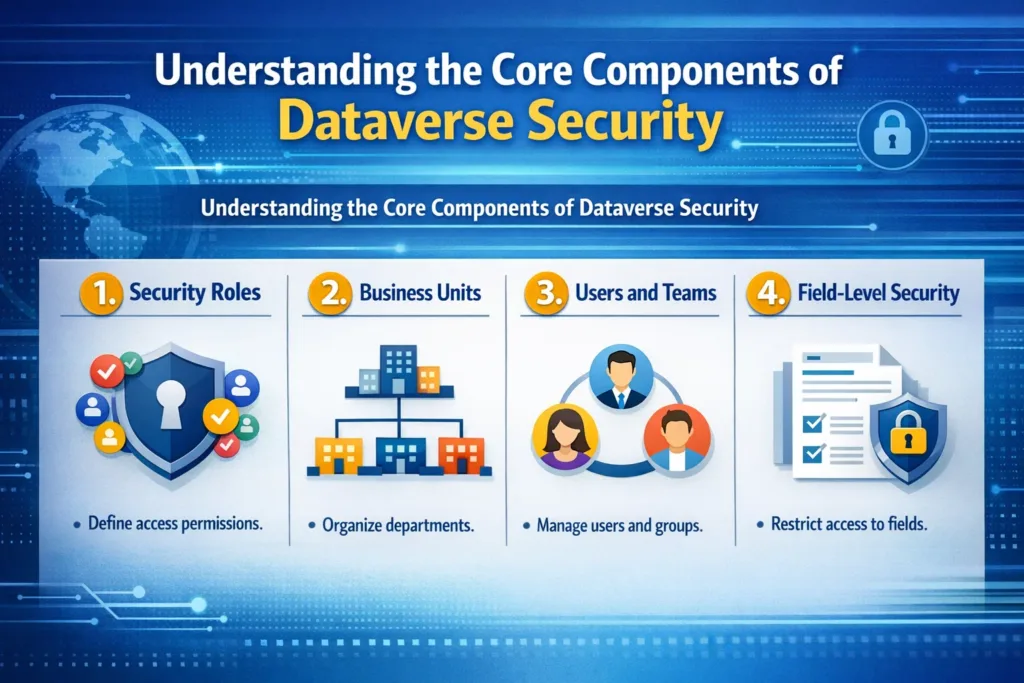
1. Security Roles
These define permissions such as Create, Read, Write, Delete, Append, Assign, and Share.
2. Business Units
They define data boundaries across departments or regions.
3. Users and Teams
Users can be assigned roles individually or through teams.
4. Field-Level Security
Controls access to specific columns within a table.
Dataverse Access Levels Explained
Each permission in Dataverse comes with an access level. These levels determine how far a user’s permission extends.
| Access Level | Description | Example Use Case |
|---|---|---|
| User (Basic) | Access to own records only | Sales reps managing their own leads |
| Business Unit | Access to records within their department | HR team accessing employee data |
| Parent: Child BU | Access across parent and child business units | Regional managers |
| Organization | Full access across the entire environment | System admins |
How Dataverse Security Roles Work Together
Dataverse uses a layered security model, meaning access is determined by combining multiple elements:
- Security role permissions
- Business unit hierarchy
- Record ownership
- Team membership
As a result, users may gain access through multiple paths, which makes planning roles critical.
Step-by-Step: Setting Up Dataverse Security Roles
Now let’s walk through the process of setting up proper access control.
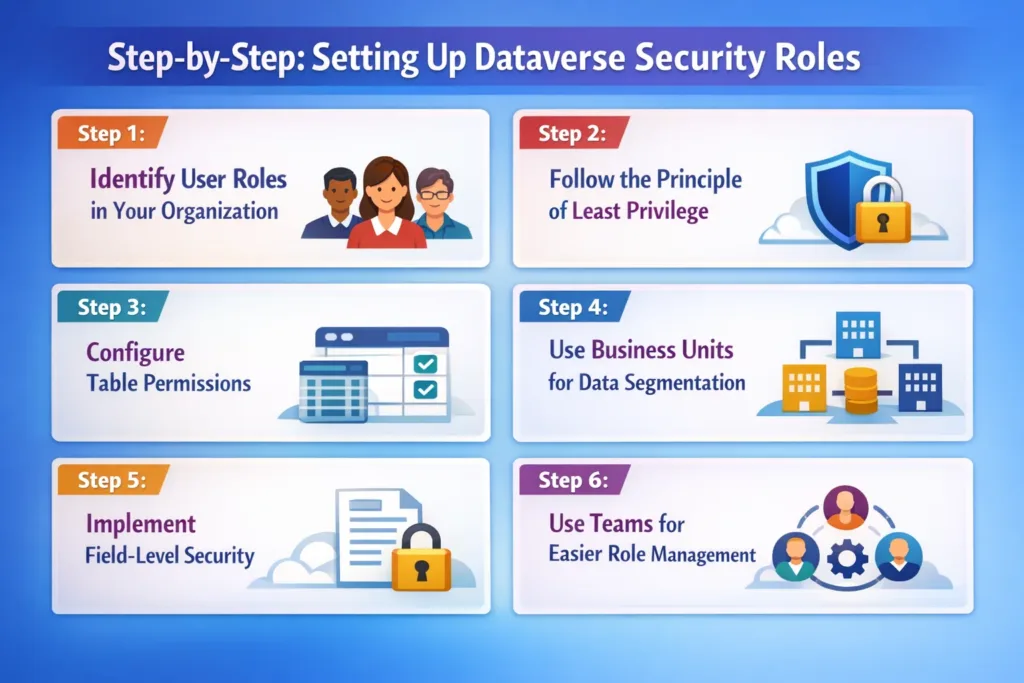
Step 1: Identify User Roles in Your Organization
First, define user types such as:
- Sales representatives
- Managers
- Administrators
- Finance teams
This helps you map real-world roles to system roles.
Step 2: Follow the Principle of Least Privilege
Always start with minimum permissions, and then gradually add access where required.
For example:
- Sales reps → Read & Write only their own records
- Managers → Read team records
- Admins → Full control
Step 3: Configure Table Permissions
Each table should have carefully defined permissions:
- Create
- Read
- Write
- Delete
- Append
- Assign
- Share
Be cautious with Delete and Share permissions, as these can cause data risks.
Step 4: Use Business Units for Data Segmentation
If your company has departments or regions, use business units to:
- Separate data ownership
- Control visibility
- Restrict cross-team access
Step 5: Implement Field-Level Security
For sensitive data such as:
- Salary details
- Financial records
- Personal data
Use field-level security to restrict access at the column level.
Step 6: Use Teams for Easier Role Management
Instead of assigning roles individually:
- Create Teams
- Assign roles to teams
- Add users to teams
This approach improves scalability and simplifies management.
Best Practices for Dataverse Security Roles
To ensure a secure and scalable system, follow these proven best practices:
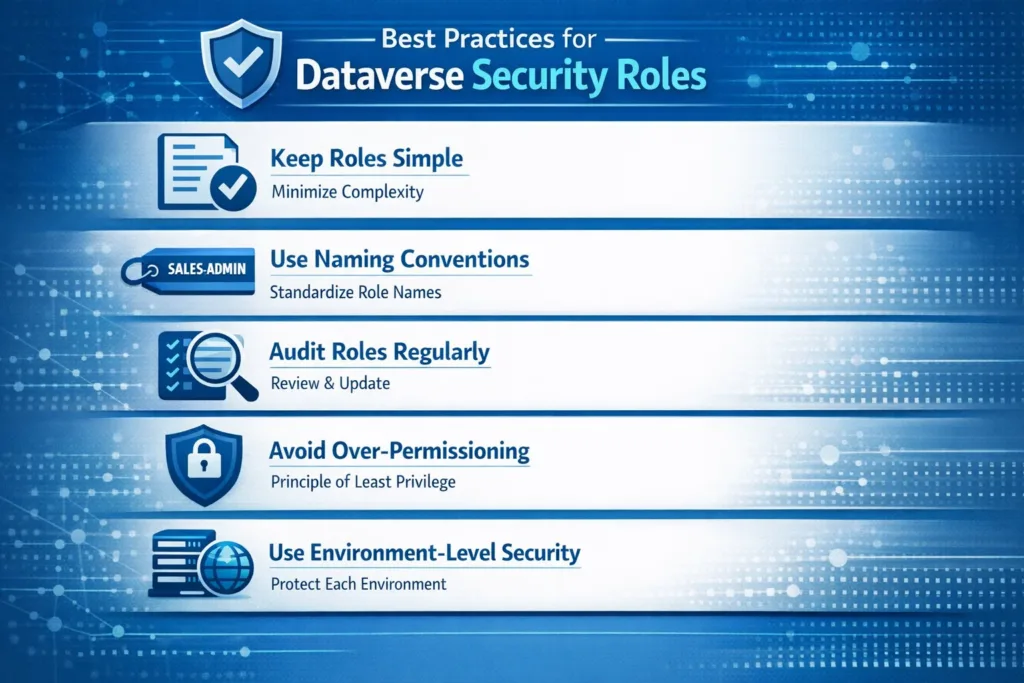
✔ Keep Roles Simple
Avoid creating too many complex roles.
✔ Use Naming Conventions
For example:
- Sales_ReadOnly
- Finance_Manager
- HR_Admin
✔ Audit Roles Regularly
Review permissions quarterly to ensure compliance.
✔ Avoid Over-Permissioning
Too many privileges can expose your system to risks.
✔ Use Environment-Level Security
Separate Dev, Test, and Production environments.
Common Mistakes to Avoid
Even experienced teams make these mistakes:
- Giving Organization-level access unnecessarily
- Assigning roles directly instead of using teams
- Not testing roles before deployment
- Ignoring field-level security
- Overlapping business units incorrectly
Therefore, testing your security model before going live is essential.
How Skysoft Connections Helps You Secure Dataverse
Setting up Dataverse security correctly can be complex. That is why Skysoft Connections provides expert Microsoft Power Platform and Dynamics CRM services.
With Skysoft Connections, you get:
- ✔ Custom Dataverse security architecture
- ✔ Role-based access control implementation
- ✔ Business unit hierarchy design
- ✔ Power Platform governance strategy
- ✔ Ongoing support and optimization
Whether you are implementing a new CRM or improving an existing system, our team ensures secure, compliant, and efficient access control.
Benefits of Proper Dataverse Security Configuration
When done correctly, Dataverse security roles provide:
- Better data protection
- Improved compliance
- Faster user workflows
- Reduced operational risks
- Scalable system growth
As a result, your organization can operate confidently with a secure data environment.
Final Thoughts
Dataverse security roles are more than just permissions—they are the foundation of your entire data governance strategy. Therefore, designing them carefully is essential for both security and productivity.
By following best practices, implementing structured roles, and using the right tools, you can build a secure, scalable, and efficient Dataverse system.
If you need expert guidance, Skysoft Connections is here to help you design and implement a powerful access control strategy tailored to your business needs.
Read more : logic apps vs power automate choose right tool
FAQ’s
They control user access to data, tables, and system features within Dataverse.
A user can have multiple roles, and their permissions are combined.
Use teams instead of assigning roles directly to individual users.
Yes, Dataverse supports field-level security for sensitive columns.
 is a software solution company that was established in 2016. Our quality services begin with experience and end with dedication. Our directors have more than 15 years of IT experience to handle various projects successfully. Our dedicated teams are available to help our clients streamline their business processes, enhance their customer support, automate their day-to-day tasks, and provide software solutions tailored to their specific needs. We are experts in Dynamics 365 and Power Platform services, whether you need Dynamics 365 implementation, customization, integration, data migration, training, or ongoing support.