
Managing data retention in Dynamics 365 is more than just ticking compliance boxes—it’s about ensuring your business has secure, structured, and accessible data at all times. Whether you’re handling sensitive customer details, financial records, or operational data, implementing the right retention policies is critical.
In this blog, we’ll explore:
- What data retention policies mean in Dynamics 365
- The tools available to enforce them
- A real-world scenario that shows how companies put these into practice
- How Sky Soft Connection helps organizations build robust data retention strategies
Why Data Retention Matters in Dynamics 365
Every organization working with Dynamics 365 accumulates large volumes of data over time. Without a proper retention strategy, businesses risk:
- Non-compliance with regulations such as GDPR or HIPAA
- High storage costs from unused or outdated data
- Reduced system performance due to data overload
- Difficulty in audits and reporting
Therefore, a strong data retention framework helps balance compliance, performance, and cost-effectiveness.
Understanding Data Retention Policies in Dynamics 365
Data retention policies define how long data is kept, where it is stored, and when it should be deleted or archived. Dynamics 365 offers flexibility to configure retention rules that align with your industry standards and organizational requirements.
Key Components of Retention Policies
- Data Classification: Identify which data is critical, sensitive, or temporary.
- Retention Duration: Decide how long each type of record should be retained.
- Disposal Actions: Determine whether data should be archived, anonymized, or deleted.
Tools for Data Retention in Dynamics 365
Microsoft provides several tools and features that help implement and enforce retention strategies effectively:
| Tool/Feature | Purpose |
|---|---|
| Microsoft Purview Compliance | Create retention labels, policies, and rules for Dynamics 365 data. |
| Audit Logs | Track user activity and changes for accountability and compliance checks. |
| Data Export Services | Move data to external storage systems for archiving or long-term retention. |
| Power Automate Flows | Automate archiving or deletion workflows based on retention timelines. |
| Azure Storage Integration | Store historical or archived data securely outside the Dynamics system. |
Step-by-Step: Implementing Data Retention in Dynamics 365
Here’s a simple process you can follow:
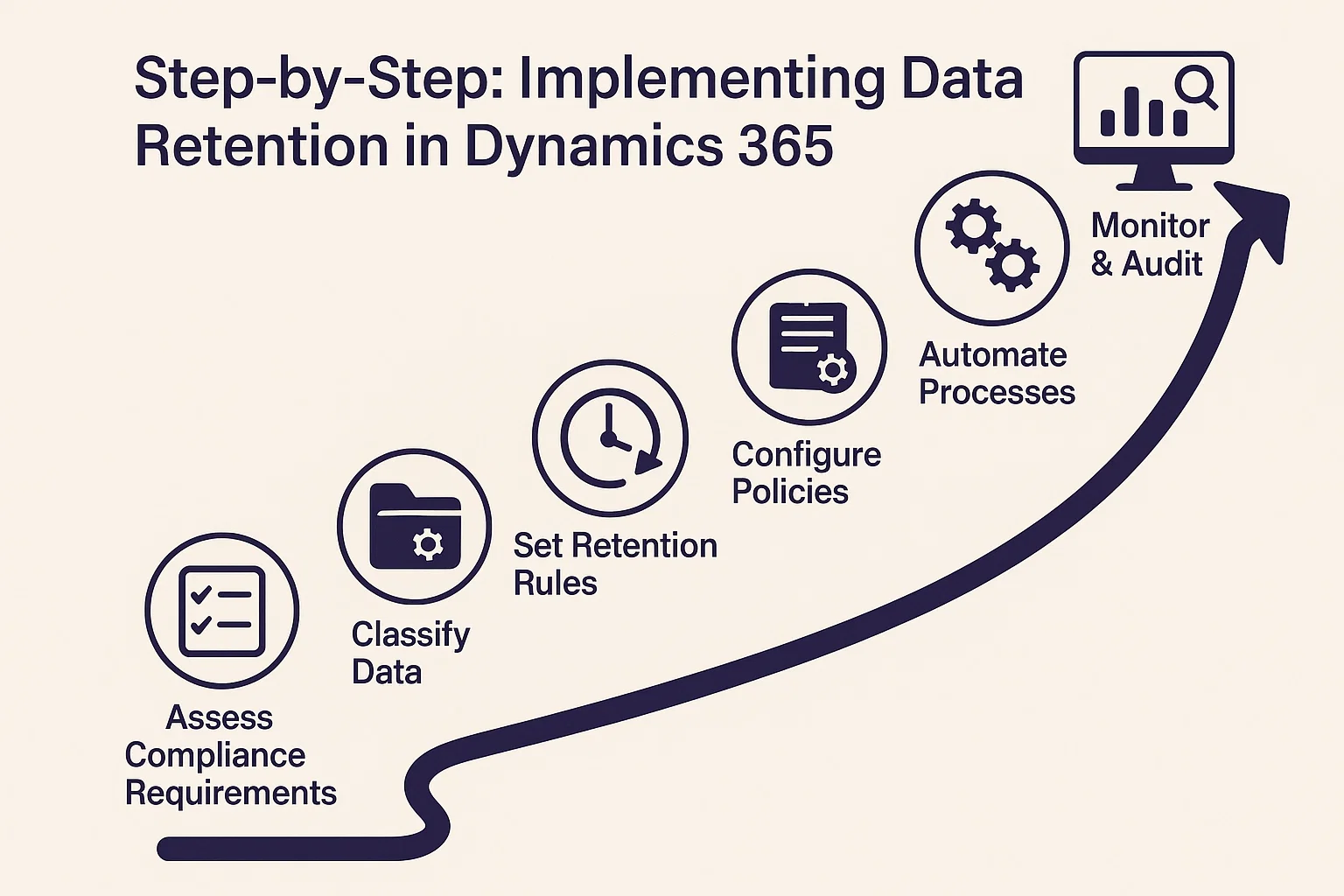
- Assess Compliance Requirements
- Review GDPR, HIPAA, or local data protection laws.
- Classify Data
- Identify data types (customer, financial, operational, temporary).
- Set Retention Rules
- Define retention periods and actions for each category.
- Configure Policies
- Use Microsoft Purview or Dynamics 365 settings to apply rules.
- Automate Processes
- Leverage Power Automate to streamline archiving and deletion.
- Monitor & Audit
- Regularly check logs and ensure policies remain effective.
Real-World Scenario: A Financial Services Firm
A financial services firm using Dynamics 365 faced challenges with growing data storage costs and compliance with GDPR. By implementing retention policies, they:
- Classified customer financial data to be stored for 7 years (as per regulation).
- Archived inactive customer records after 2 years.
- Automated deletion of temporary workflow data every 90 days.
As a result, the company improved system performance, reduced costs, and passed compliance audits without issues.
How Sky Soft Connection Can Help
At Sky Soft Connection, we specialize in helping organizations optimize their Dynamics 365 data management. Our services include:
- Custom retention policy setup tailored to industry requirements
- Integration with Microsoft Purview and Azure for compliance and security
- Automation workflows using Power Automate for smarter data lifecycle management
- Real-time reporting and dashboards for monitoring retention effectiveness
With 40,000+ hours of experience and a 100% success rate on Upwork, our experts ensure your business stays compliant, efficient, and future-ready.
Best Practices for Data Retention in Dynamics 365
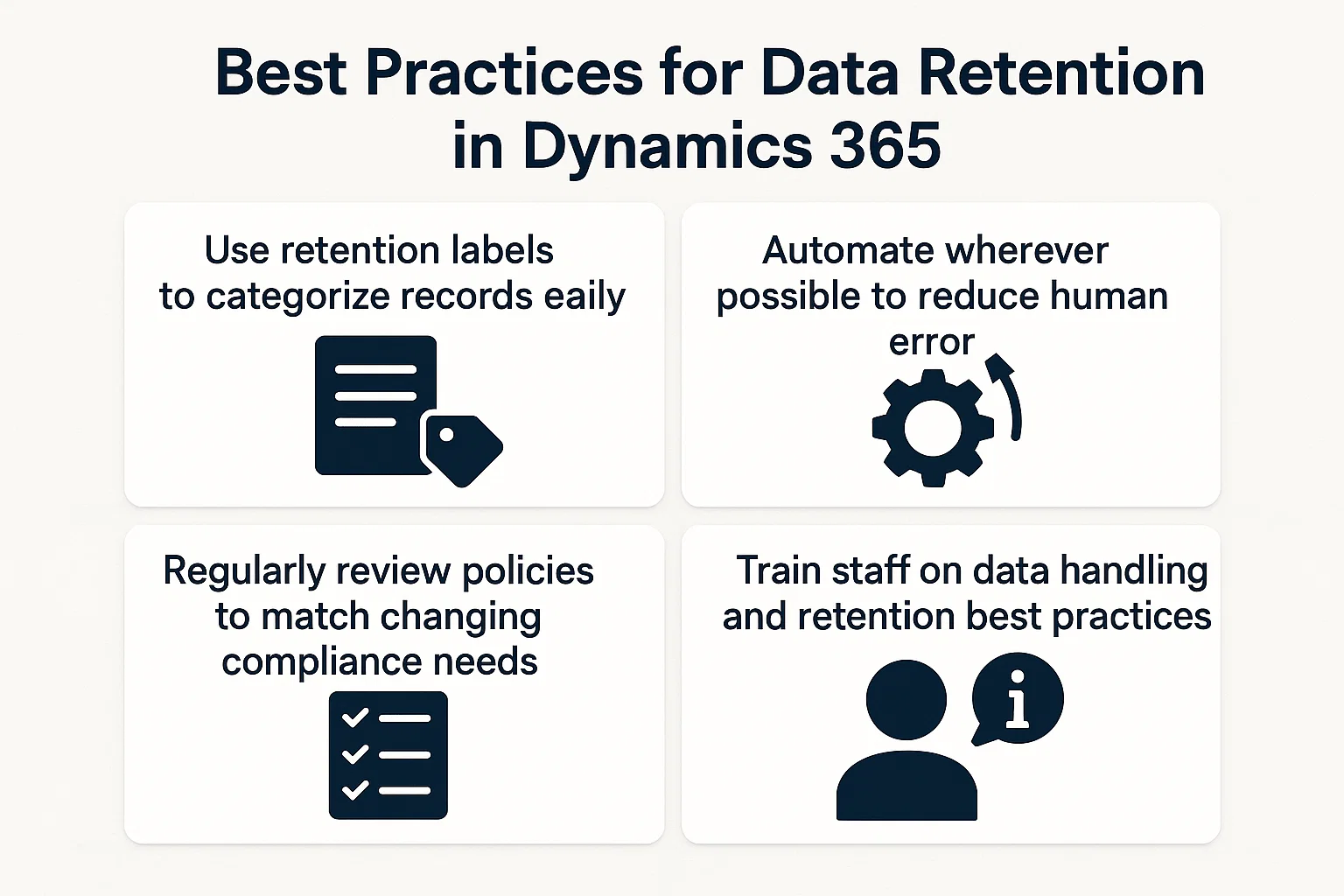
- Use retention labels to categorize records easily
- Automate wherever possible to reduce human error
- Regularly review policies to match changing compliance needs
- Train staff on data handling and retention best practices
secure dynamics 365 compliance configuration
Conclusion
Data retention in Dynamics 365 is not just about storage—it’s about compliance, cost control, and operational efficiency. By leveraging built-in tools, following a structured process, and partnering with experts like Sky Soft Connection, organizations can transform data retention into a strategic advantage.
Read more : dynamics 365 iot predict equipment failures with telemetry data
FAQ’s
Yes, using retention policies and automation tools like Power Automate, data can be deleted or archived after predefined timelines.
Not mandatory, but Purview offers advanced compliance and policy management features that simplify retention strategies.
At least once a year or whenever new regulations or business requirements emerge.