
Businesses today demand more flexibility and smarter workflows from their applications. Model-Driven Power Apps already provide a structured way to build data-centric apps, but with the addition of Copilot Studio, customization reaches a whole new level.
In this blog, we’ll explore how Copilot Studio enhances Model-Driven Power Apps, and how Skysoft Connections helps organizations tailor these solutions to fit their unique business needs.
Why Choose Model-Driven Power Apps?
Model-Driven Apps in Microsoft Power Platform focus on data-driven design. Instead of building everything from scratch, businesses can:
- Create apps quickly using Dataverse as the foundation.
- Benefit from built-in forms, views, and dashboards.
- Ensure scalability across departments and industries.
However, to make these apps truly effective, customization is key—and that’s where Copilot Studio comes in.
What is Copilot Studio?
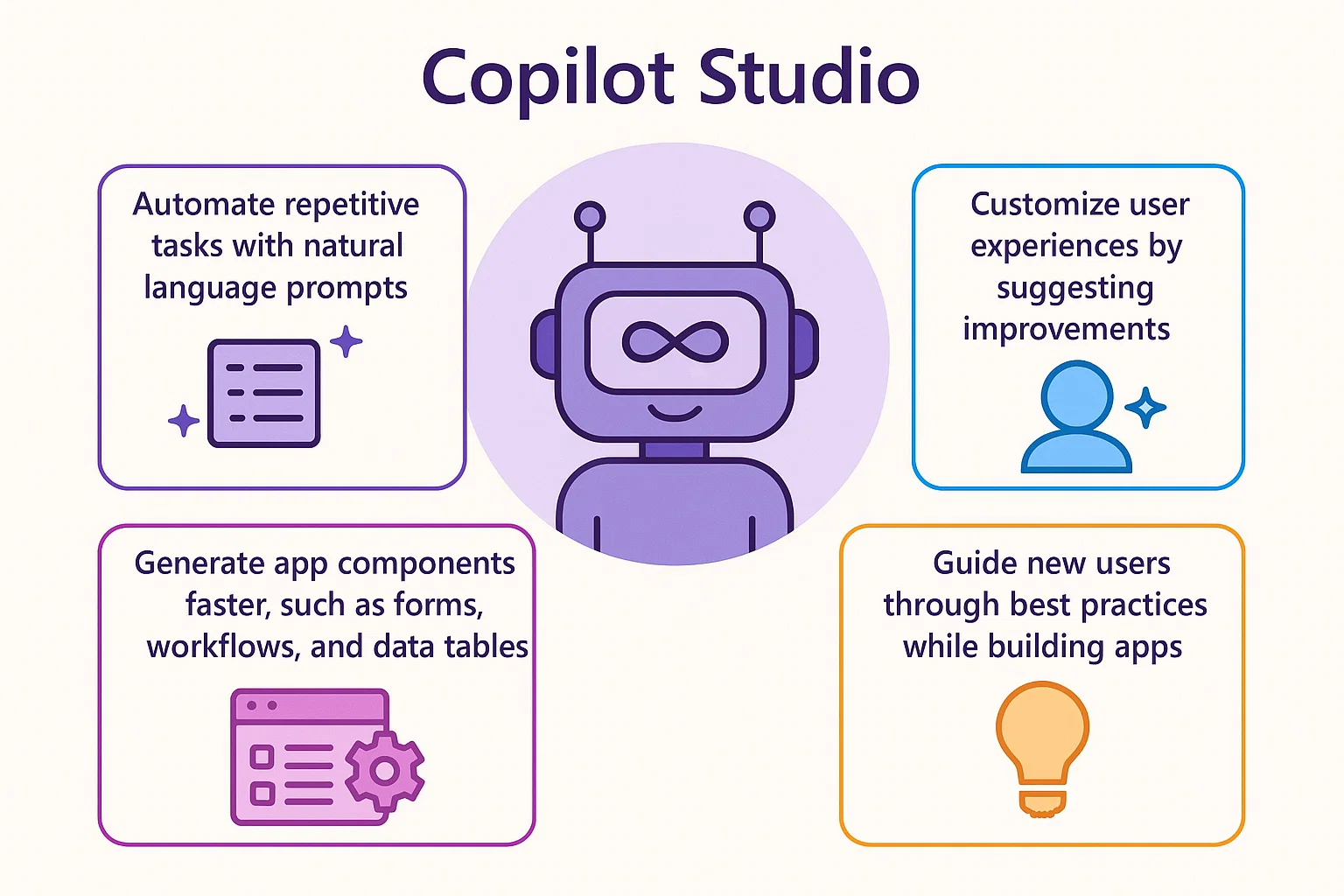
Copilot Studio is Microsoft’s AI-powered assistant designed to enhance app development. It empowers users to:
- Automate repetitive tasks with natural language prompts.
- Generate app components faster, such as forms, workflows, and data tables.
- Customize user experiences by suggesting improvements.
- Guide new users through best practices while building apps.
In short, Copilot Studio transforms how organizations approach app development by blending AI with low-code customization.
Read more : what are the key features of dynamic crm with copilot
Customizing Model-Driven Apps with Copilot Studio
Here’s how businesses can take advantage of Copilot Studio in Model-Driven apps:
| Customization Area | How Copilot Studio Helps |
|---|---|
| Data Modeling | Suggests tables, columns, and relationships based on business needs. |
| Form Design | Creates intuitive forms with pre-filled layouts. |
| Process Automation | Automates workflows using natural language inputs. |
| User Experience | Recommends views and dashboards tailored to roles. |
| Integration | Simplifies connections with Dynamics 365, Teams, or third-party tools. |
With these capabilities, businesses reduce development time while ensuring apps remain user-friendly and compliant with organizational goals.
How Skysoft Connections Adds Value
While Copilot Studio makes customization easier, organizations still need expert guidance to align apps with business strategy, security, and compliance. That’s where Skysoft Connections comes in.
Our services include:
✅ End-to-End Power Apps Development – From data modeling to app deployment.
✅ AI-Driven Customization – Leveraging Copilot Studio to speed up workflows.
✅ Seamless Integration – Connecting apps with Dynamics 365, SharePoint, and other platforms.
✅ Training & Support – Empowering teams to manage and scale apps effectively.
✅ Industry-Specific Solutions – Tailored apps for finance, retail, manufacturing, and oil & gas.
By combining Copilot Studio’s AI capabilities with Skysoft’s expertise, businesses get solutions that are not only smart but also future-ready.
Final Thoughts
Model-Driven Power Apps with Copilot Studio unlock a smarter way to customize business applications. AI-driven assistance reduces complexity, accelerates development, and ensures that apps meet evolving business demands.
With Skysoft Connections, organizations can confidently implement, customize, and scale their Power Apps ecosystem—turning data-driven ideas into powerful business outcomes.
Read more : secure dynamics 365 compliance configuration
FAQ’s
Model-Driven Power Apps are data-centric applications built on Microsoft Dataverse, offering structured forms, views, and dashboards
Copilot Studio uses AI to suggest data models, automate workflows, design forms, and simplify app customization with natural language prompts.
Skysoft Connections provides end-to-end Power Apps development, Copilot-driven customization, integrations, and ongoing training and support.