
Building apps at the enterprise level often comes with one recurring challenge: scalability with consistency. When multiple teams are working on different apps, ensuring a unified design and functionality can feel like a never-ending battle.
This is where Component Libraries in Power Apps become the game-changer. They enable organizations to standardize components, streamline development, and ensure reusability across projects. In this blog, we’ll explore what Component Libraries are, why they matter, and how they can help your enterprise scale more effectively—with the right support from experts like Skysoft Connections.
What Are Component Libraries in Power Apps?
A Component Library in Power Apps is essentially a centralized collection of reusable UI and functional components. Think of it as your organization’s personal toolkit that developers and citizen creators can use across multiple apps without having to reinvent the wheel.
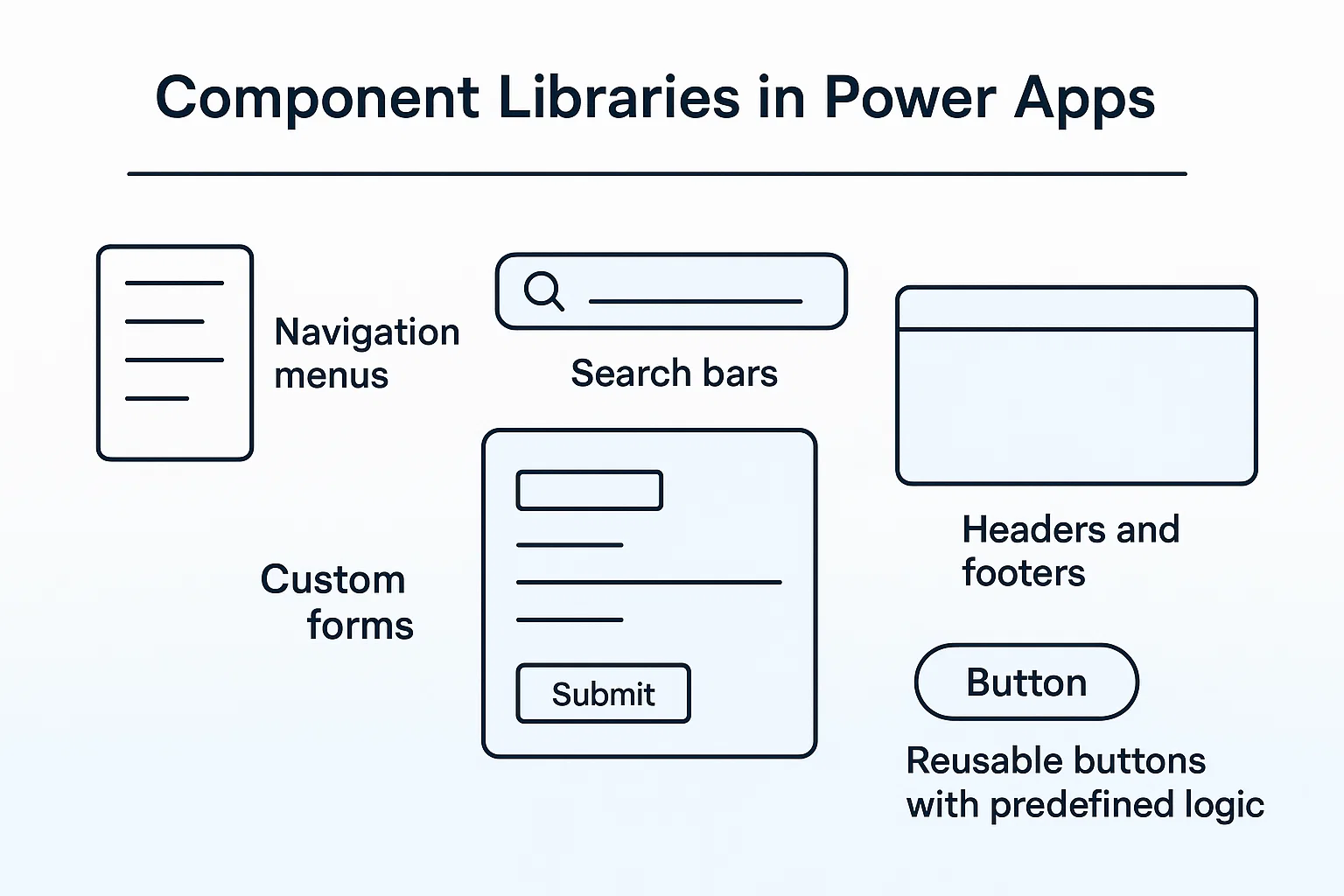
Examples of components include:
- Navigation menus
- Search bars
- Custom forms
- Headers and footers
- Reusable buttons with predefined logic
By storing these components in a shared library, you ensure every app built within your ecosystem stays consistent, efficient, and easy to maintain.
Why Enterprises Need Component Libraries
Without component libraries, every new app risks becoming a silo with its own design and logic. This leads to wasted time, higher costs, and inconsistent user experiences.
Here are the key benefits of using Component Libraries in Power Apps:
| Challenge | Without Component Libraries | With Component Libraries |
|---|---|---|
| Development Time | Teams rebuild the same elements repeatedly | Faster development using pre-built components |
| Consistency | Different apps look and feel disjointed | Unified design and logic across all apps |
| Maintenance | Updates must be applied individually | Update once, apply everywhere instantly |
| Scalability | Difficult to manage multiple apps | Scales easily with standardized components |
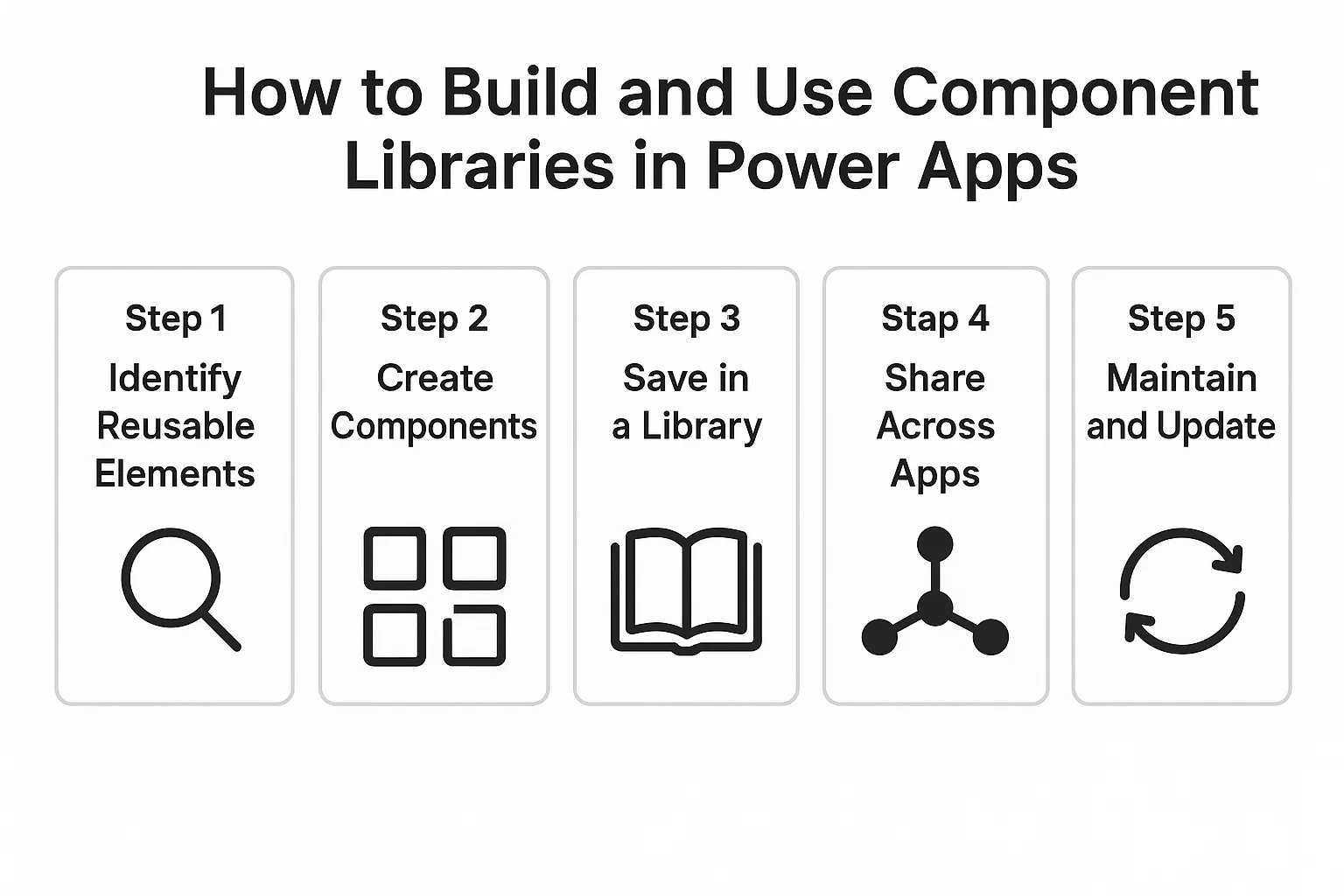
How to Build and Use Component Libraries in Power Apps
Creating a Component Library is straightforward if you follow a systematic approach.
Step 1: Identify Reusable Elements
List down the UI and logic that multiple apps require—navigation bars, input forms, and alerts are common starting points.
Step 2: Create Components
In Power Apps Studio, design your components and set up properties so they can be customized by different teams.
Step 3: Save in a Library
Publish your components to a shared Component Library that all team members can access.
Step 4: Share Across Apps
Import the library into other Power Apps projects. Once integrated, the same components can be reused without rebuilding.
Step 5: Maintain and Update
When you update a component in the library, the changes flow across all apps automatically. This step is where enterprises save enormous time and cost.
Best Practices for Enterprise-Scale Reusability
To maximize the value of Component Libraries, enterprises should:
- Standardize naming conventions to avoid confusion.
- Document component usage so teams know how and when to apply them.
- Use version control to track updates and manage changes.
- Train developers and citizen users on reusability best practices.
- Combine libraries with governance policies to maintain quality.
The Role of Skysoft Connections
At Skysoft Connections, we specialize in helping enterprises unlock the full potential of Microsoft Power Platform. Our team assists organizations in:
- Designing and implementing enterprise-ready Component Libraries
- Training teams on best practices for reusability and scalability
- Integrating Power Apps with Dynamics 365, Power BI, and Power Automate
- Ensuring governance, compliance, and long-term support
With over 40,000 hours of project experience, we understand the challenges of enterprise app development—and we know how to solve them with smart, reusable solutions.
Read more : 5 patterns for reliable power automate flows
Final Thoughts
Component Libraries in Power Apps aren’t just a developer convenience; they’re a strategic tool for enterprises that want to scale fast, stay consistent, and cut costs. By centralizing and reusing components, companies can future-proof their app ecosystem while boosting productivity.
When paired with the right expertise from Skysoft Connections, enterprises gain the confidence to deploy apps faster, ensure design consistency, and achieve enterprise-scale reusability.