Table of Content
- What is Azure Logic Apps?
- What is Power Automate?
- When Should You Use Azure Logic Apps?
- Best Scenarios for Logic Apps
- When Should You Use Power Automate?
- Best Scenarios for Power Automate
- Step-by-Step: Choosing the Right Platform
- Real-World Use Case Comparison
- Example 1: Employee Leave Approval
- Example 2: Oil & Gas Inspection Data Processing
- Can You Use Both Together?
- Common Mistakes to Avoid
- How Skysoft Connections Can Help
- Final Thoughts
- Need Help Choosing the Right Platform?
- FAQ’s
Modern businesses depend on automation to streamline workflows, reduce manual effort, and connect multiple systems. However, choosing the right automation tool is critical for performance, scalability, and cost efficiency. Two of the most powerful workflow automation platforms from Microsoft are Azure Logic Apps and Power Automate.
Although both tools automate processes, they are designed for different use cases. Therefore, understanding their differences will help you select the right platform for your business needs.
In this complete guide, you will learn:
- The core differences between Azure Logic Apps and Power Automate
- When to use each platform
- Real-world use cases and step-by-step scenarios
- Cost, scalability, and integration comparisons
- How Skysoft Connections can help you implement both effectively
What is Azure Logic Apps?
Azure Logic Apps is a cloud-based integration platform designed for developers and IT professionals. It enables you to build automated workflows that integrate apps, data, services, and systems across enterprises.
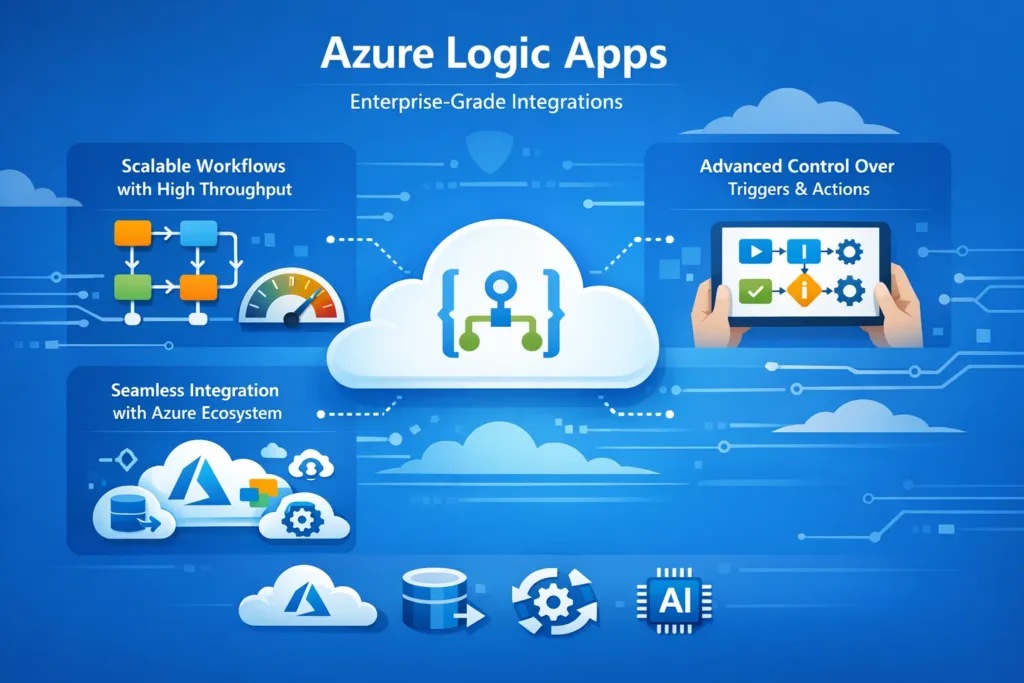
Key Characteristics
- Enterprise-grade integrations
- Scalable workflows with high throughput
- Advanced control over triggers and actions
- Seamless integration with Azure ecosystem
Typical Use Cases
- System-to-system integration
- API orchestration
- Large-scale data processing
- Backend automation for enterprise applications
What is Power Automate?
Power Automate is a low-code automation platform designed for business users and citizen developers. It allows you to create workflows without deep technical expertise.
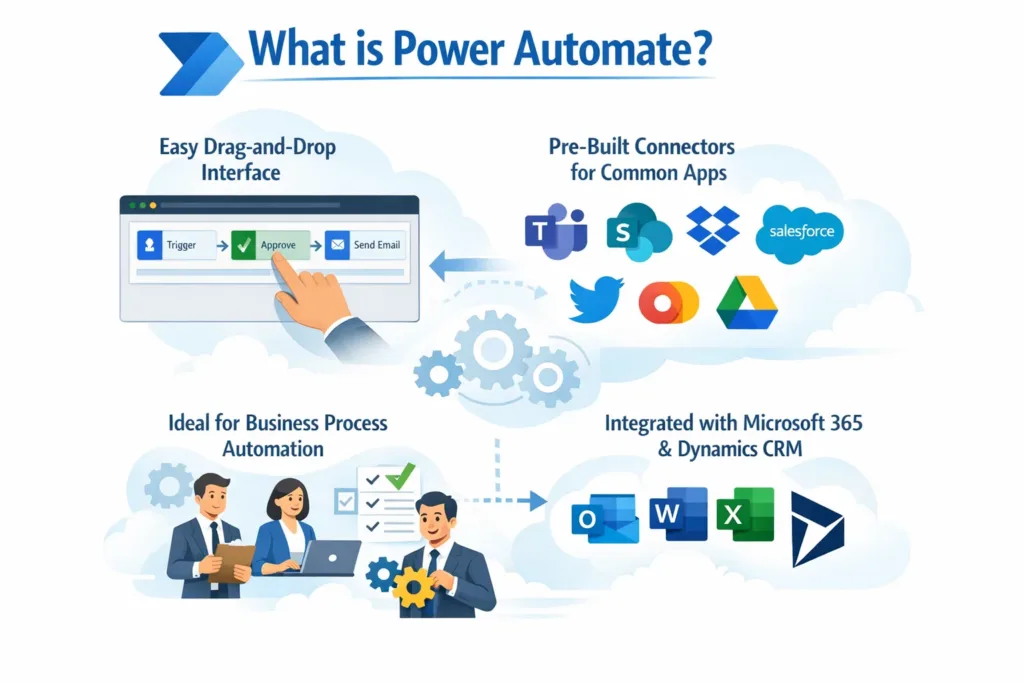
Key Characteristics
- Easy drag-and-drop interface
- Pre-built connectors for common apps
- Ideal for business process automation
- Integrated with Microsoft 365 and Dynamics CRM
Typical Use Cases
- Email automation
- Approval workflows
- Notifications and alerts
- Data synchronization between apps
Azure Logic Apps vs Power Automate: Key Differences
To make an informed decision, let’s compare both platforms side-by-side.
| Feature | Azure Logic Apps | Power Automate |
|---|---|---|
| Target Users | Developers & IT Teams | Business Users |
| Complexity | High (technical) | Low (user-friendly) |
| Scalability | Enterprise-level | Limited for large systems |
| Pricing Model | Pay-per-use | Per user / per flow |
| Performance | High throughput | Moderate |
| Integrations | Azure services & APIs | Office 365, Dynamics, SaaS apps |
| Customization | Advanced (code-based) | Limited (low-code) |
| Ideal For | Backend automation | Business workflows |
When Should You Use Azure Logic Apps?
You should choose Azure Logic Apps when you need high-performance, scalable, and complex integrations.
Best Scenarios for Logic Apps
1. Enterprise System Integration
If your organization needs to connect ERP, CRM, databases, and APIs, Logic Apps is ideal.
2. High-Volume Data Processing
When handling thousands of transactions per minute, Logic Apps ensures reliability and performance.
3. Advanced Workflow Orchestration
If workflows involve conditional logic, loops, and error handling, Logic Apps offers full control.
4. Azure-Based Architecture
If your infrastructure already runs on Azure, Logic Apps integrates seamlessly.
When Should You Use Power Automate?
Power Automate is the right choice for business-level automation and everyday workflows.
Best Scenarios for Power Automate
1. Approval Workflows
Automate approvals for HR, finance, and operations.
2. Task Automation
Automatically send reminders, notifications, and follow-ups.
3. CRM and Office Integration
Integrate with Dynamics CRM, Outlook, SharePoint, and Teams.
4. Citizen Developer Solutions
Enable non-technical staff to build and manage workflows.
Step-by-Step: Choosing the Right Platform
Follow this decision-making process to choose the right solution:
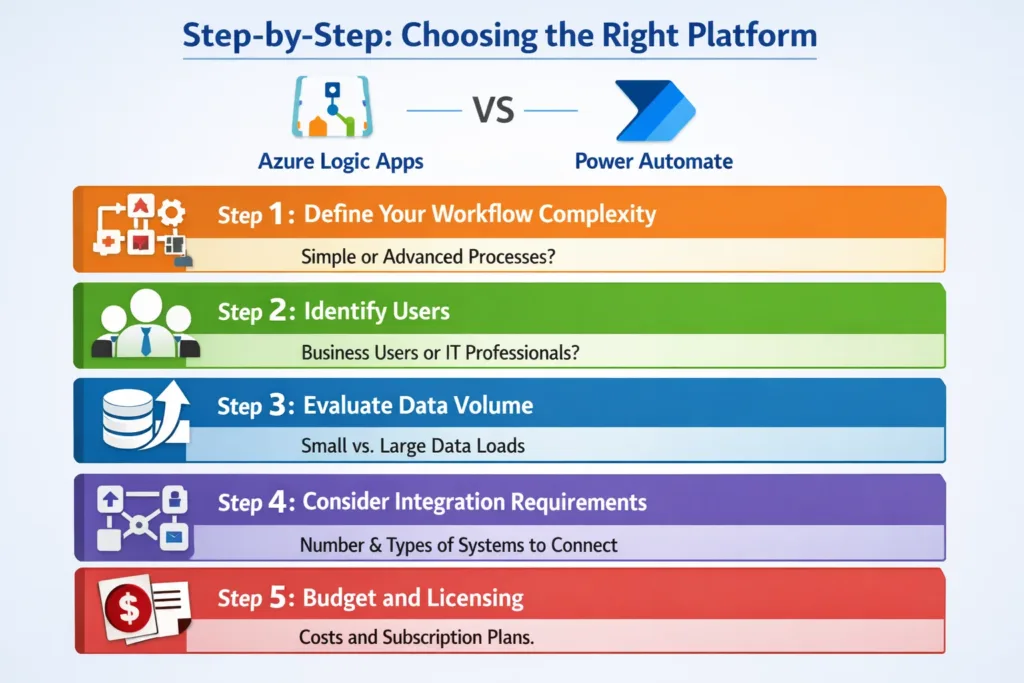
Step 1: Define Your Workflow Complexity
- Simple → Power Automate
- Complex → Azure Logic Apps
Step 2: Identify Users
- Business users → Power Automate
- Developers/IT → Logic Apps
Step 3: Evaluate Data Volume
- Low to moderate → Power Automate
- High-scale processing → Logic Apps
Step 4: Consider Integration Requirements
- Standard SaaS tools → Power Automate
- APIs , databases, backend systems → Logic Apps
Step 5: Budget and Licensing
- Subscription-based → Power Automate
- Consumption-based → Logic Apps
Real-World Use Case Comparison
Example 1: Employee Leave Approval
Recommended Tool: Power Automate
- Employee submits request
- Manager receives approval email
- HR system updates automatically
Example 2: Oil & Gas Inspection Data Processing
Recommended Tool: Azure Logic Apps
- Inspection system sends data
- Logic Apps processes large datasets
- Reports generated and stored in cloud
Can You Use Both Together?
Yes and in many cases, you should.
Power Automate and Azure Logic Apps complement each other.
Hybrid Approach Example
- Power Automate handles user-level workflows
- Logic Apps handles backend integrations
This hybrid model ensures efficiency and scalability.
Common Mistakes to Avoid
- ❌ Using Power Automate for enterprise-level integrations
- ❌ Using Logic Apps for simple email workflows
- ❌ Ignoring cost implications of high-volume workflows
- ❌ Not planning governance and security
How Skysoft Connections Can Help
At Skysoft Connections, we specialize in Microsoft Power Platform and Azure automation solutions tailored for your business.
Our Services Include
- Power Automate workflow design and deployment
- Azure Logic Apps enterprise integrations
- Dynamics CRM automation
- API integrations and data migration
- Power BI reporting and dashboards
Why Choose Skysoft Connections?
- 40,000+ hours of successful project delivery
- Certified Microsoft experts
- Industry experience in oil & gas, enterprise, and SMEs
- Scalable and secure automation solutions
We ensure you choose the right platform for the right use case, saving both time and cost.
Final Thoughts
Both Azure Logic Apps and Power Automate are powerful tools. However, the right choice depends on your business needs.
Quick Summary
- Choose Power Automate for business workflows
- Choose Azure Logic Apps for enterprise integrations
- Use both together for complete automation architecture
By understanding the differences and applying them correctly, you can build a future-ready automation strategy.
Need Help Choosing the Right Platform?
If you are unsure whether to use Azure Logic Apps or Power Automate, Skysoft Connections can guide you with a free consultation and solution roadmap tailored to your business. Let us help you automate smarter, faster, and better.
Read more : dynamics 365 data extraction guide 2026
FAQ’s
Yes! Power Automate is great for business-level workflows, while Logic Apps handles complex, backend integrations. Using both together can optimize your automation strategy.
Azure Logic Apps is designed for enterprise-scale workflows and can handle large datasets efficiently, unlike Power Automate which is better for smaller-scale tasks.
No. Power Automate is low-code and user-friendly, allowing business users to build workflows without deep technical knowledge.
Not necessarily. Logic Apps uses a consumption-based pricing model, while Power Automate is subscription-based. Costs depend on workflow complexity and usage.
 is a software solution company that was established in 2016. Our quality services begin with experience and end with dedication. Our directors have more than 15 years of IT experience to handle various projects successfully. Our dedicated teams are available to help our clients streamline their business processes, enhance their customer support, automate their day-to-day tasks, and provide software solutions tailored to their specific needs. We are experts in Dynamics 365 and Power Platform services, whether you need Dynamics 365 implementation, customization, integration, data migration, training, or ongoing support.