
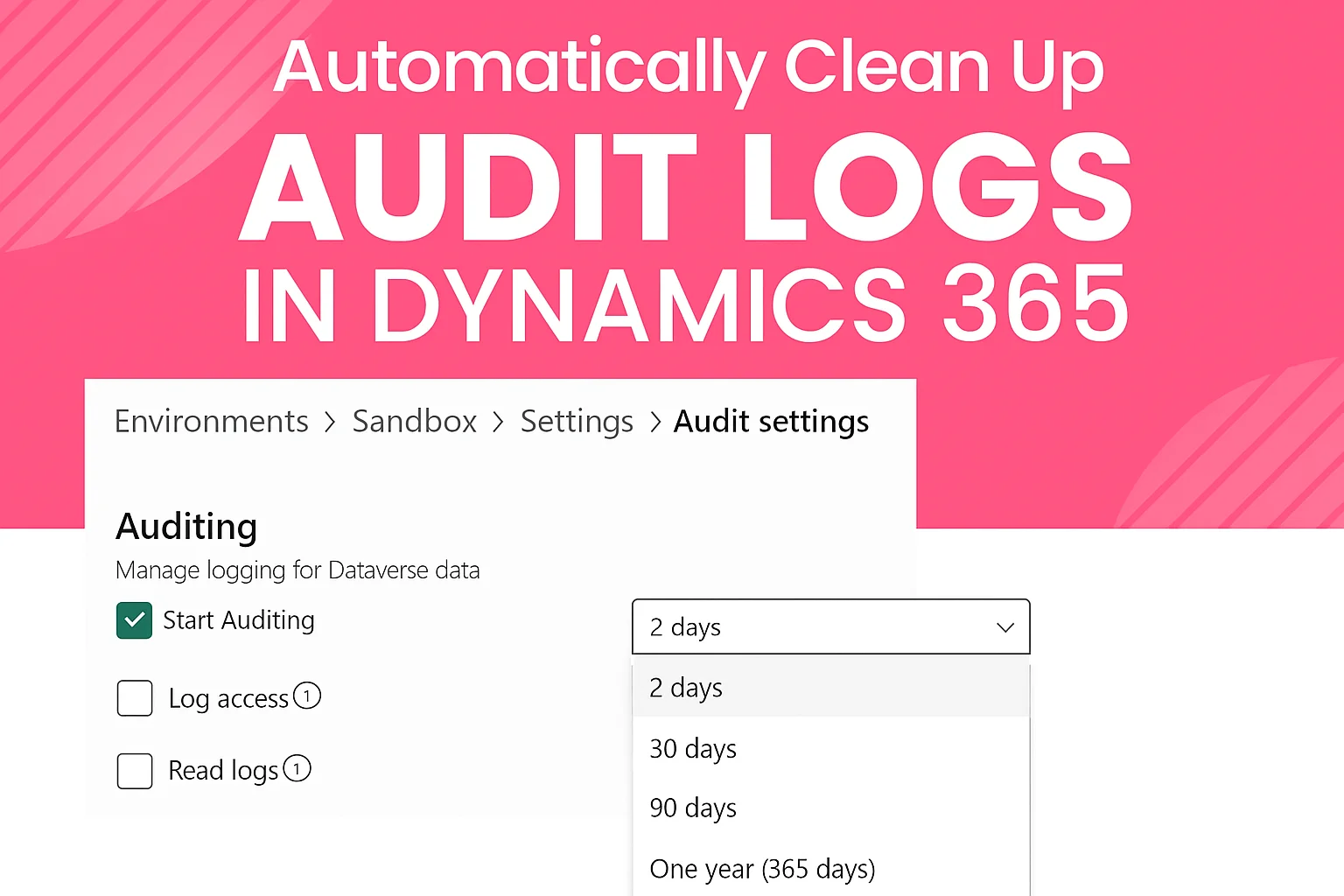
Audit logs in Dynamics 365 (Dataverse) are extremely useful for tracking changes, but they can grow very fast — especially for high-volume entities like Opportunity and Lead. If left unchecked, audit history can consume a lot of storage and even slow down the system.
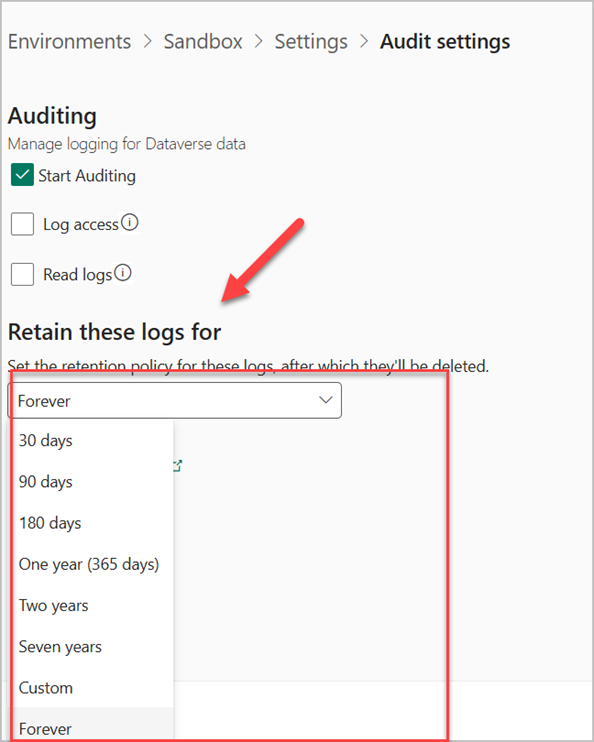
Dataverse does have a built-in “Audit Retention Policy,” but it only lets you delete audits in large chunks (30 days, 90 days, 1 year, etc.). There’s no out-of-the-box way to automatically delete audit records that are just a couple of days old, or to target only specific entities.
That’s why we built a simple, fully automated solution that runs every day and removes audit history older than 2 days — only for the entities we care about.
The Solution: A Scheduled process Power Automate + Custom Action
Below are the architecture details:
- A recurring Power Automate Cloud Flow scheduled to run once per day.
- The flow calls a Custom Action (as unbound action).
- The Custom Action triggers a registered Plugin.
- The Plugin creates a Bulk Delete Job that finds and deletes audit records filtered as older than 2 days for specific entities (Opportunity and Lead) only.
This approach is completely supported by Microsoft, runs asynchronously, and has almost zero performance impact on users.
Step-by-Step Code (C# Plugin)
public void Execute(IServiceProvider serviceProvider)

{

    var context = (IPluginExecutionContext)serviceProvider.GetService(typeof(IPluginExecutionContext));

    var factory = (IOrganizationServiceFactory)serviceProvider.GetService(typeof(IOrganizationServiceFactory));

    var service = factory.CreateOrganizationService(context.UserId);

    var tracing = (ITracingService)serviceProvider.GetService(typeof(ITracingService));
1. Build the query to find audits older than 2 days for Opportunity or Lead
var query = new QueryExpression("audit")
    {
        ColumnSet = new ColumnSet("auditid"), // we only need the ID
        Criteria = new FilterExpression(LogicalOperator.And)
        {
            Conditions =
            {
                new ConditionExpression("createdon", ConditionOperator.OlderThanXDays, 2)
            },
            FilterOperator = LogicalOperator.And,
            Filters =
            {
                new FilterExpression(LogicalOperator.Or)
                {
                    Conditions =
                    {
                        new ConditionExpression("objecttypecode", ConditionOperator.Equal, "opportunity"),
                        new ConditionExpression("objecttypecode", ConditionOperator.Equal, "lead")
                    }
                }
            }
        }
    };
2. Create the Bulk Delete Job
var bulkDeleteRequest = new BulkDeleteRequest

    {

        JobName = "Daily Cleanup: Audit History Older Than 2 Days (Opportunity & Lead)",

        QuerySet = new QueryExpression[] { query },

        StartDateTime = DateTime.UtcNow.AddMinutes(5), // start in 5 minutes

        SendEmailNotification = false,

        RecurrencePattern = "" // one-time job; we create a new one every day

    };

    service.Execute(bulkDeleteRequest);

    tracing.Trace("Bulk Delete Job for old audit records submitted successfully.");

}
Why This Approach Rocks
- Fully automated — no manual work.
- Uses Microsoft’s recommended Bulk Delete system job (very efficient and safe).
- Zero impact on end users.
- Targets only the entities you want (easy to add Account, Contact, etc.).
- Easy to maintain or extend (just change the query).
- Runs off-peak if you schedule it at night.
Result
We went from large number of unnecessary audit data for Leads and Opportunities to keeping only the last 48 hours — instantly reclaiming storage and keeping the environment fast and healthy.
If you’re struggling with audit bloat in Dynamics 365 / Power Platform, give this pattern a try. It’s simple, reliable, and 100% supported.
Readmore: javascript on app onload in dynamics 365 model driven apps
FAQ’s
No — Dataverse only supports fixed retention periods (30, 90 days, etc.). It can’t auto-delete logs older than 1–2 days without a custom solution.
Yes. It uses officially supported components: Power Automate, Custom Actions, Plugins, and the Bulk Delete Job.
No. The cleanup runs asynchronously and off-peak, so it doesn’t interrupt or slow down users.
Absolutely. Just update the query to include any additional entities like Account, Contact, or custom tables.