
In today’s fast-paced business world, manual document creation is no longer efficient. Organizations need a streamlined way to generate quotes, invoices, contracts, and reports directly from their CRM. That’s where Automated Document Generation in Dynamics 365 comes in. By leveraging Power Automate and Word Templates, businesses can reduce time, minimize errors, and improve consistency across all documents.
At Sky Soft Connections, we help organizations unlock the true potential of Microsoft Dynamics 365 by designing document automation strategies that align with their workflows.
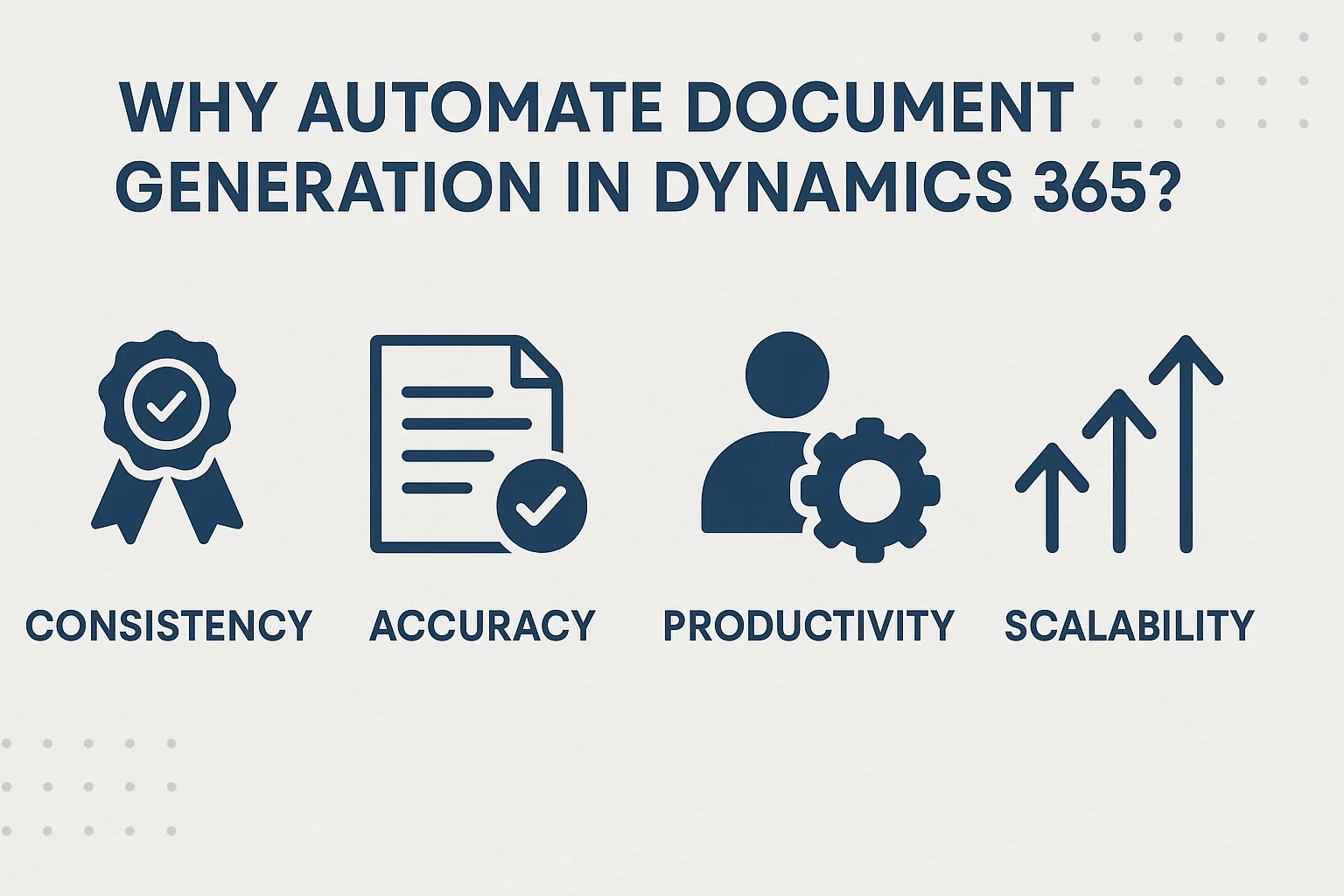
Why Automate Document Generation in Dynamics 365?
Automating document creation offers a range of benefits that go beyond saving time:
- Consistency – All documents follow a standard template, reducing compliance risks.
- Accuracy – Data flows directly from Dynamics 365 records, eliminating human error.
- Productivity – Teams focus on high-value tasks rather than repetitive paperwork.
- Scalability – Whether you generate 10 or 10,000 documents, automation handles it seamlessly.
Power Automate + Word Templates: A Winning Combination
Microsoft provides two powerful tools to transform document management:
1. Word Templates
Word Templates allow you to create branded, structured, and reusable templates in Dynamics 365. These can be used for:
- Quotes and proposals
- Invoices and receipts
- Service agreements
- Performance reports
2. Power Automate
Power Automate acts as the automation engine. It:
- Pulls real-time data from Dynamics 365
- Fills Word Templates automatically
- Routes documents for approvals or signatures
- Sends final versions via email or uploads them to SharePoint
When combined, these tools ensure every document is accurate, timely, and professional.
Step-by-Step: How Automated Document Generation Works
Here’s a simplified workflow:
| Step | Action | Result |
|---|---|---|
| 1 | Define a Word Template | A branded document with placeholders is ready |
| 2 | Create a Power Automate flow | Triggers when a record is created or updated |
| 3 | Map Dynamics 365 fields | Data is automatically inserted into the template |
| 4 | Save or distribute document | Auto-sent to clients or stored in SharePoint |
This setup can be adapted for sales teams, HR, finance, and operations.
Practical Use Cases for Businesses
Automated document generation serves multiple departments . Some real-world applications include:
- Sales Teams – Auto-generate sales proposals and quotes from opportunities.
- Finance Teams – Automatically create and send invoices.
- HR Departments – Generate employment contracts and onboarding documents.
- Operations – Standardize reporting for audits and compliance.
Sky Soft Connections tailors these processes to fit your workflows.
Why Choose Sky Soft Connections?
At Sky Soft Connections, we specialize in Dynamics 365 customization, Power Platform solutions, and document automation. Our team ensures that your document workflows are:
- Fully automated – Save hours per week on repetitive tasks.
- Error-free – Pull data directly from CRM fields with no manual entry.
- Scalable – Designed to handle growing business demands.
- Secure – With proper access controls and compliance in mind.
We’ve successfully delivered solutions for businesses across finance, manufacturing, and retail, ensuring faster turnaround and happier teams.
Final Thoughts
Automating document generation with Dynamics 365, Power Automate, and Word Templates is no longer optional—it’s essential for businesses that want to stay competitive. By implementing a smart automation strategy, you can cut down inefficiencies, enhance compliance, and deliver a consistent experience for your clients.
At Sky Soft Connections, we help organizations design and implement end-to-end document automation workflows. Whether you’re looking to automate sales proposals, HR contracts, or finance invoices, our experts can build a solution that fits your business needs.
Read more : automating data migration with power automate
FAQ’s
Yes.You can tailor Word Templates for sales, finance, HR, or any other department with unique requirements.
No. Power Automate offers a low-code approach, but expert help ensures smoother and more scalable workflows.
When set up properly, the system generates and stores documents within secure Microsoft environments like SharePoint or OneDrive